Yestoki





What is Toki?
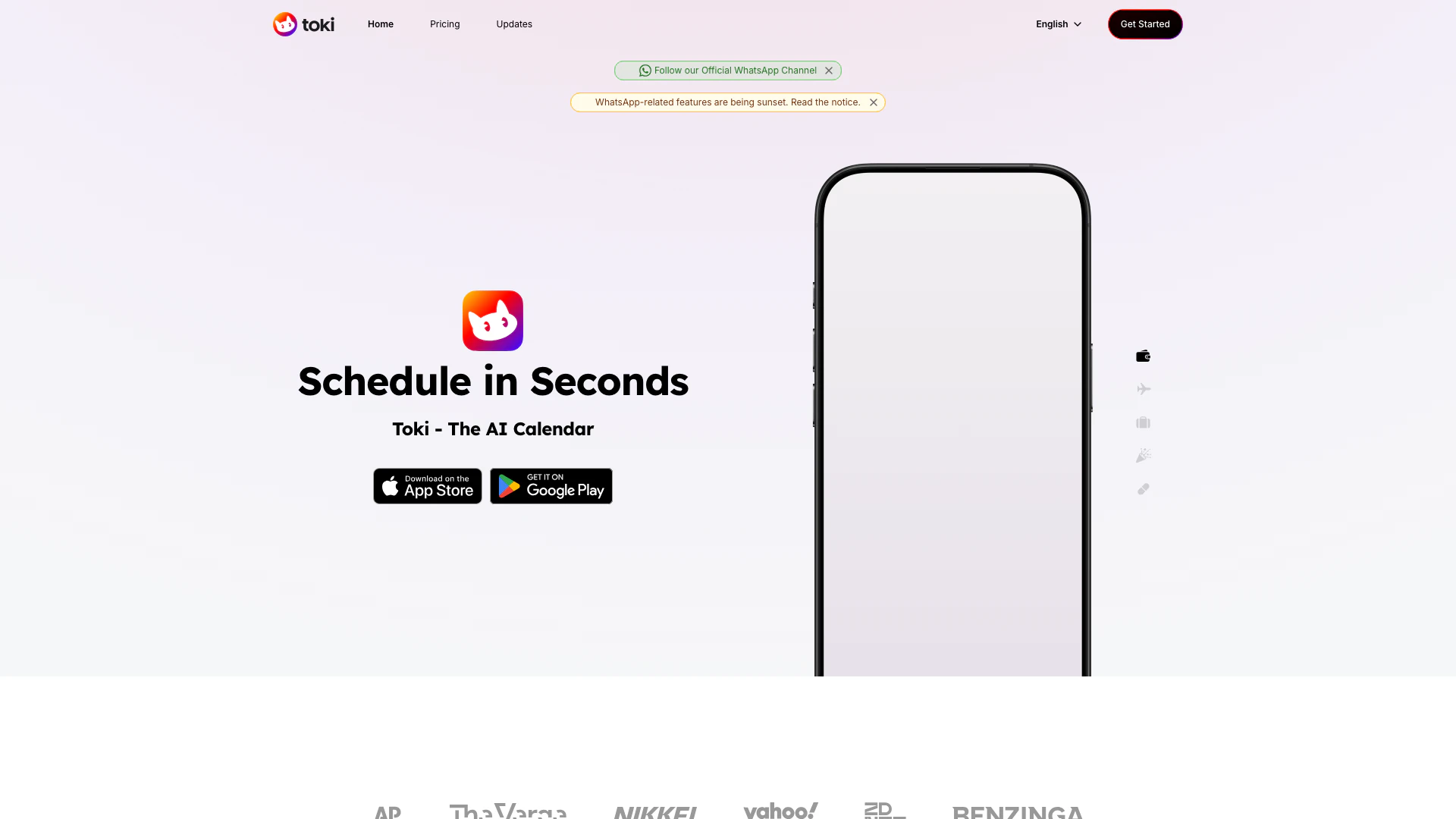
Toki is a powerful AI calendar assistant designed to manage your schedule with the speed and efficiency of artificial intelligence. This innovative tool allows users to organize their time seamlessly through various communication methods, including voice commands, text messages, and even images. Whether you are using the Toki app directly or interacting via popular messaging platforms like WhatsApp, Toki simplifies the process of scheduling and managing appointments. Additionally, Toki integrates effortlessly with major calendar services such as Google Calendar, Apple Calendar, and Outlook, making it a centralized hub for all your scheduling needs.
How to use Toki?
- Download the Toki app from the App Store or Google Play.
- Create an account or log in using your existing credentials.
- Sync Toki with your preferred calendar service (Google Calendar, Apple Calendar, or Outlook).
- Start managing your calendar by sending voice commands, text messages, or images to Toki through the app or WhatsApp.
- Set reminders, schedule events, and receive alerts to ensure you never miss an important appointment.
What are the main features of Toki?
- AI-Powered Scheduling: Toki utilizes advanced AI technology to manage your calendar efficiently.
- Multi-Platform Support: Interact with Toki through its dedicated app or popular messaging platforms like WhatsApp.
- Voice, Text, and Image Inputs: Plan your schedule using voice commands, text messages, or even images like screenshots.
- Calendar Sync: Seamlessly sync with Google Calendar, Apple Calendar, and Outlook for comprehensive schedule management.
- Call Alerts: Receive call notifications to ensure you never miss important events.
Who is Toki for?
Toki is designed for anyone looking to enhance their time management skills, including busy professionals, students, and entrepreneurs. It is particularly beneficial for individuals who juggle multiple appointments and tasks across various calendar platforms. Whether you are a tech-savvy user who prefers using apps or someone who communicates primarily through messaging apps, Toki caters to diverse user needs by offering flexible interaction methods.
What are the use cases of Toki?
- Business Professionals: Use Toki to schedule meetings, set reminders, and manage appointments efficiently while on the go.
- Students: Organize class schedules, assignment deadlines, and study sessions using voice commands or text inputs.
- Event Planners: Coordinate events by managing multiple calendars and sending reminders to attendees.
Product Images



Yestoki Pros and Cons
Pros
- AI-Powered Calendar Management: Toki utilizes advanced AI technology to manage your calendar efficiently, allowing for quick scheduling and reminders.
- Multi-Platform Integration: Easily syncs with Google Calendar, Apple Calendar, and Outlook, providing a centralized hub for all your scheduling needs.
- Flexible Input Methods: Users can interact with Toki using voice, text, or images, making it versatile for different communication preferences.
Cons
No cons data detected for this tool
Yestoki Pricing
Free
Start scheduling, for free. 14 events per week, Unlimited notifications on Toki App, 2 connected Google/Apple calendars, Free forever!
Plus
Perfect for daily use. 50 events per week, Unlimited notifications, 15 connected Google/Apple calendars, Cancel anytime.
Super
Schedule like a pro. 280 events per week, Unlimited notifications, 25 connected Google/Apple calendars, Cancel anytime.
For the latest pricing, please visit this link: https://yestoki.com/pricing
Prices are subject to change. Please visit the official website for the most up-to-date pricing information.
Yestoki Reviews
I have long extolled the virtues of text messaging as a productivity tool. This is a really clever (and surprisingly powerful) version of that: an AI assistant that communicates through text messages, that can set reminders, make calendar events, and more. I’ve been using it for one-off reminders all week, and it works great.
This is one of the best task management and time management AI tools out there. This cool AI tool called Toki is super useful. Using Toki, you can organize your day with ease. You can ask follow-up questions to your own reminders, change and delete them, and do a lot more.
I have been using Toki with Whatsapp and @googlecalendar to manage my agenda and that is pretty nice. It's everything that the Google assistant should be able to do, but doesn't.
For more reviews, visit this link: https://yestoki.com/#testimonials