

Notion 1771246560178





What is Notion AI?
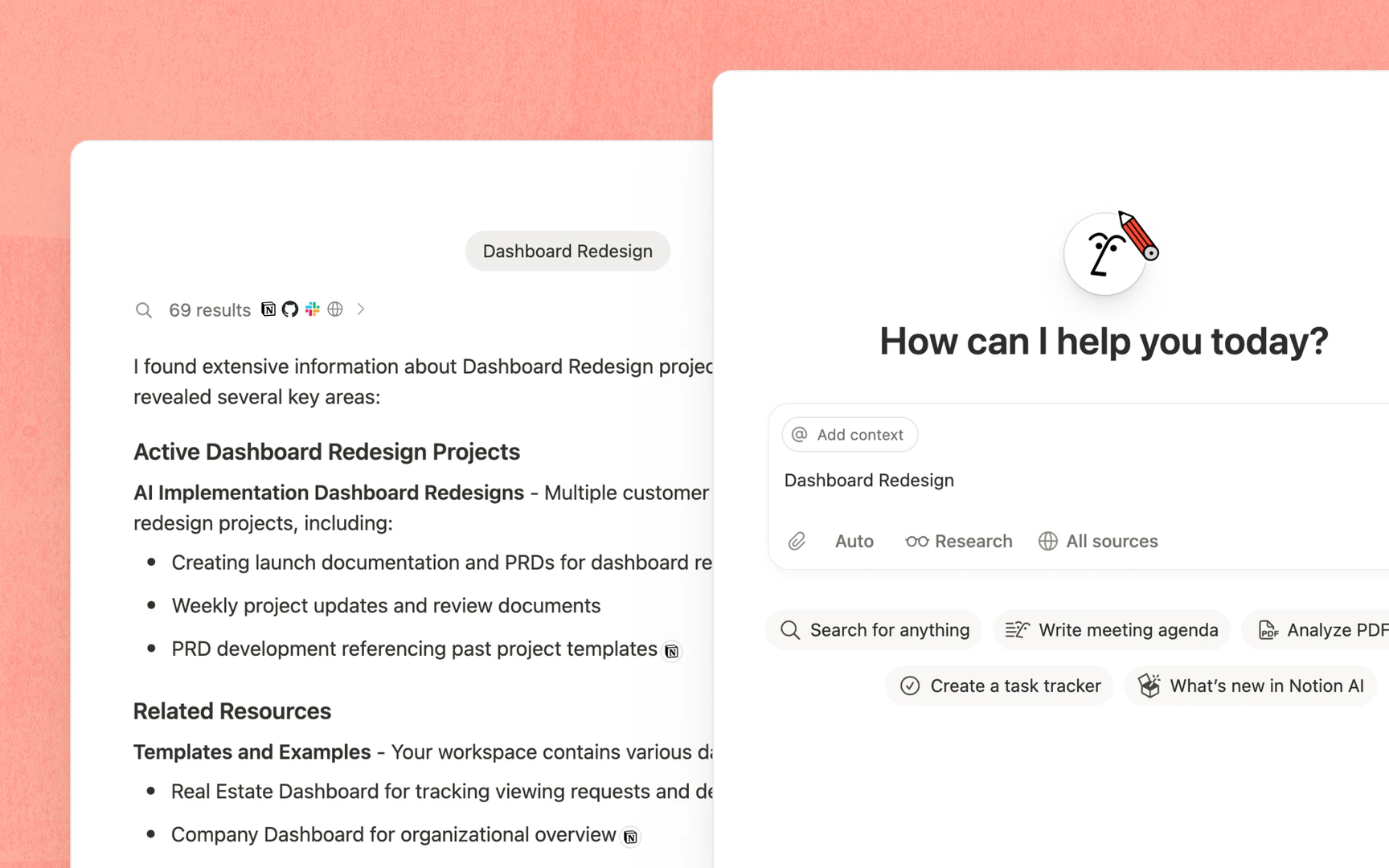
Notion AI is an all-in-one tool designed to enhance productivity by integrating AI capabilities directly within the Notion workspace. It allows users to search, generate, analyze, and communicate seamlessly, serving as a built-in teammate that works alongside you. With features like Custom Agents, AI Meeting Notes, and Enterprise Search, Notion AI automates repetitive tasks, captures important meeting details, and enables quick access to information across connected applications, all within the Notion environment.
How to use Notion AI?
- Set Up Your Workspace: Start by creating a Notion account and setting up your workspace with relevant pages and databases.
- Access AI Features: Navigate to the AI tools section within Notion to explore features like AI Meeting Notes, Custom Agents, and Enterprise Search.
- Utilize Custom Agents: Configure Custom Agents to automate tasks by setting triggers or schedules, allowing the AI to handle repetitive work.
- Capture Meeting Notes: Use the AI Meeting Notes feature during meetings to automatically transcribe and summarize discussions.
- Search Across Applications: Leverage the Enterprise Search function to find information quickly across your Notion workspace and connected apps.
What are the main features of Notion AI?
- Custom Agents: Automate repetitive tasks and workflows tailored to your team's needs.
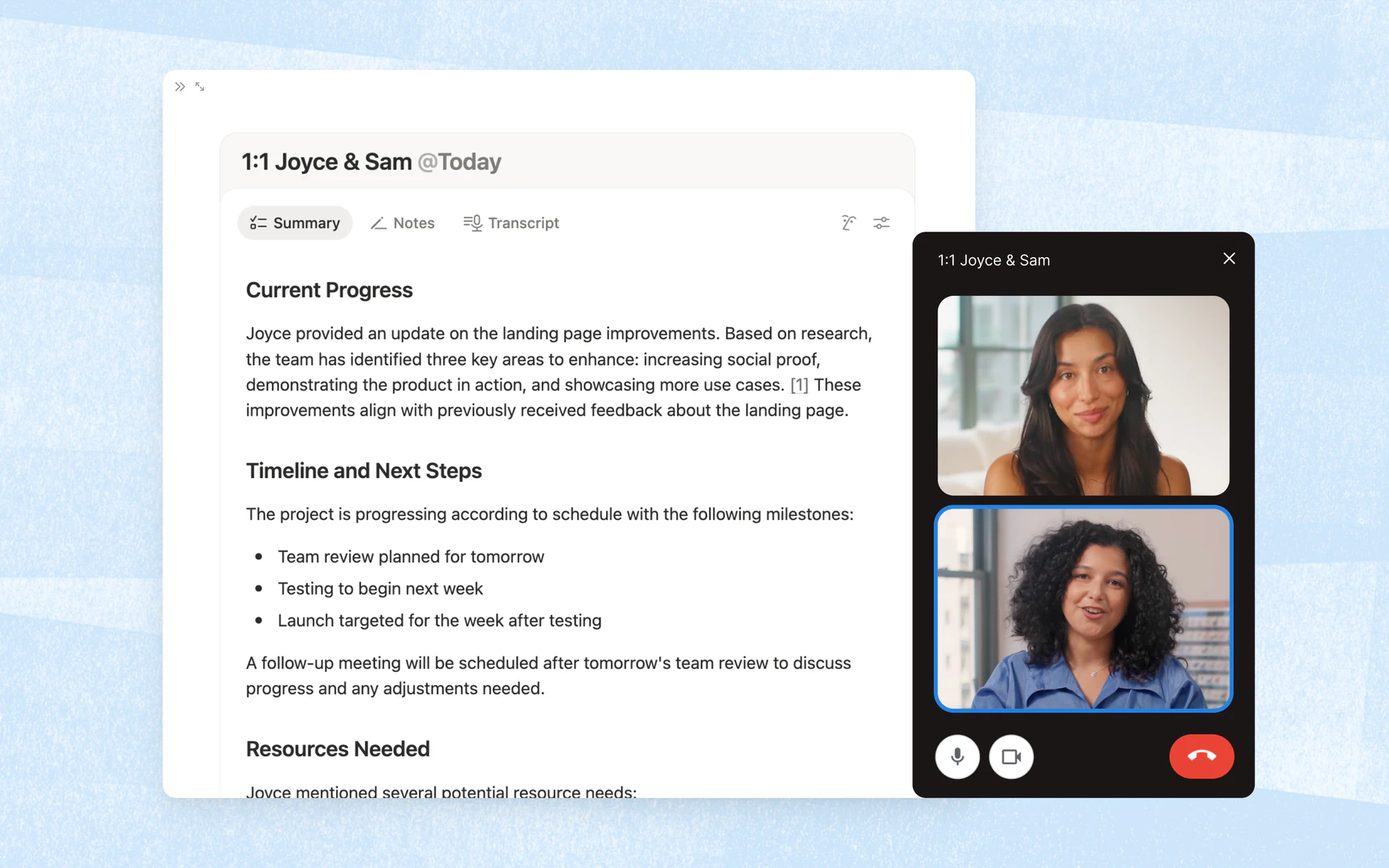
- AI Meeting Notes: Automatically transcribe and summarize meetings for easy reference.
- Enterprise Search: Quickly find information across Notion and connected apps like Slack and Google Drive.
- Research Mode: Generate detailed reports and summaries on various topics.
- Writing Assistance: Improve your writing or create drafts directly within Notion pages using AI.
Who is Notion AI for?
Notion AI is designed for teams and individuals seeking to enhance their productivity and streamline their workflows. It is particularly beneficial for businesses of all sizes, from startups to enterprises, as it facilitates collaboration, project management, and efficient task handling. Professionals in fields such as marketing, IT, education, and design can leverage Notion AI to automate routine tasks, manage projects, and improve communication within their teams.
What are the use cases of Notion AI?
- Onboarding New Employees: Streamline the onboarding process by utilizing Notion AI to create personalized onboarding documents and checklists.
- Automating Weekly Reporting: Use Custom Agents to generate and distribute weekly performance reports automatically.
- Meeting Management: Capture and summarize meeting discussions using AI Meeting Notes to ensure all team members are informed of key points and action items.
Product Images




Notion 1771246560178 Pros and Cons
Pros
- Comprehensive AI Features: Notion AI offers a wide range of features including document generation, meeting notes automation, and enterprise search, all integrated within the Notion workspace.
- Custom Agents for Automation: Custom Agents can automate repetitive tasks, allowing teams to focus on more strategic work while the AI handles routine processes.
- Seamless Integration with Other Tools: Notion AI integrates with various applications like Slack and Google Drive, enabling users to search and manage information across platforms effortlessly.
Cons
No cons data detected for this tool
Notion 1771246560178 Pricing
Enterprise
Custom pricing for organizations to operate with scalability, control, and security. Everything in Business, and includes zero data retention with LLM providers, user provisioning (SCIM), advanced security & controls, audit log, customer success manager, and advanced integrations.
Plus
For small teams and professionals to work together. Everything in Free, and includes trial AI capabilities, remove Notion branding from public forms, customize your top header, choose a light or dark theme, add a custom favicon, and integrate with Google Analytics, visualize data from databases in different ways, unlimited collaborative blocks, and basic integrations.
Business
For growing businesses to streamline teamwork. Everything in Plus, and includes Notion Agent, AI Meeting Notes, Enterprise Search, SAML SSO, granular database permissions, verify any page, private teamspaces, domain verification, and premium integrations.
For the latest pricing, please visit this link: https://www.notion.so/product/ai
Prices are subject to change. Please visit the official website for the most up-to-date pricing information.
Analytics of Notion 1771246560178
Notion 1771246560178 Website Traffic Analysis
Visits Over Time
Traffic Sources
Nov 2025 - Jan 2026 Worldwide Desktop Only
- Direct: 81.45%
- Search: 10.98%
- Referrals: 7.05%
- Social: 0.30%
- Paid Referrals: 0.18%
- Mail: 0.03%
Top Keywords
| Keyword | Volume | CPC | Estimated Value |
|---|---|---|---|
| notion | 6.81M | $1.70 | $479380.00 |
| notion login | 202.05K | $0.91 | $160190.00 |
| notion ログイン | 24.70K | $1.38 | $18170.00 |
| notion.so | 20.25K | $0.00 | $18810.00 |
| notion log in | 14.81K | $0.91 | $8690.00 |
Notion 1771246560178 Reviews
If it’s something that’s repetitive, we have a Notion Agent for it.
All our teams, docs, and workflows are in Notion, and it’s listening to Slack. When your agents have full context across the company, that’s what makes them useful.
For more reviews, visit this link: https://www.notion.so/product/ai#customer-stories




Notion 1771246560178 Social Listening
Notion Training: The Basics
Welcome to Notion! This video ...
Notion Tutorial for Beginners
In this step-by-step tutorial ...
Notion Tutorial - Full Course ...
All Access Pass: https://www.s...
Unlock to view 90 social media results.