

Smartcalendars




What is Smart Calendars?
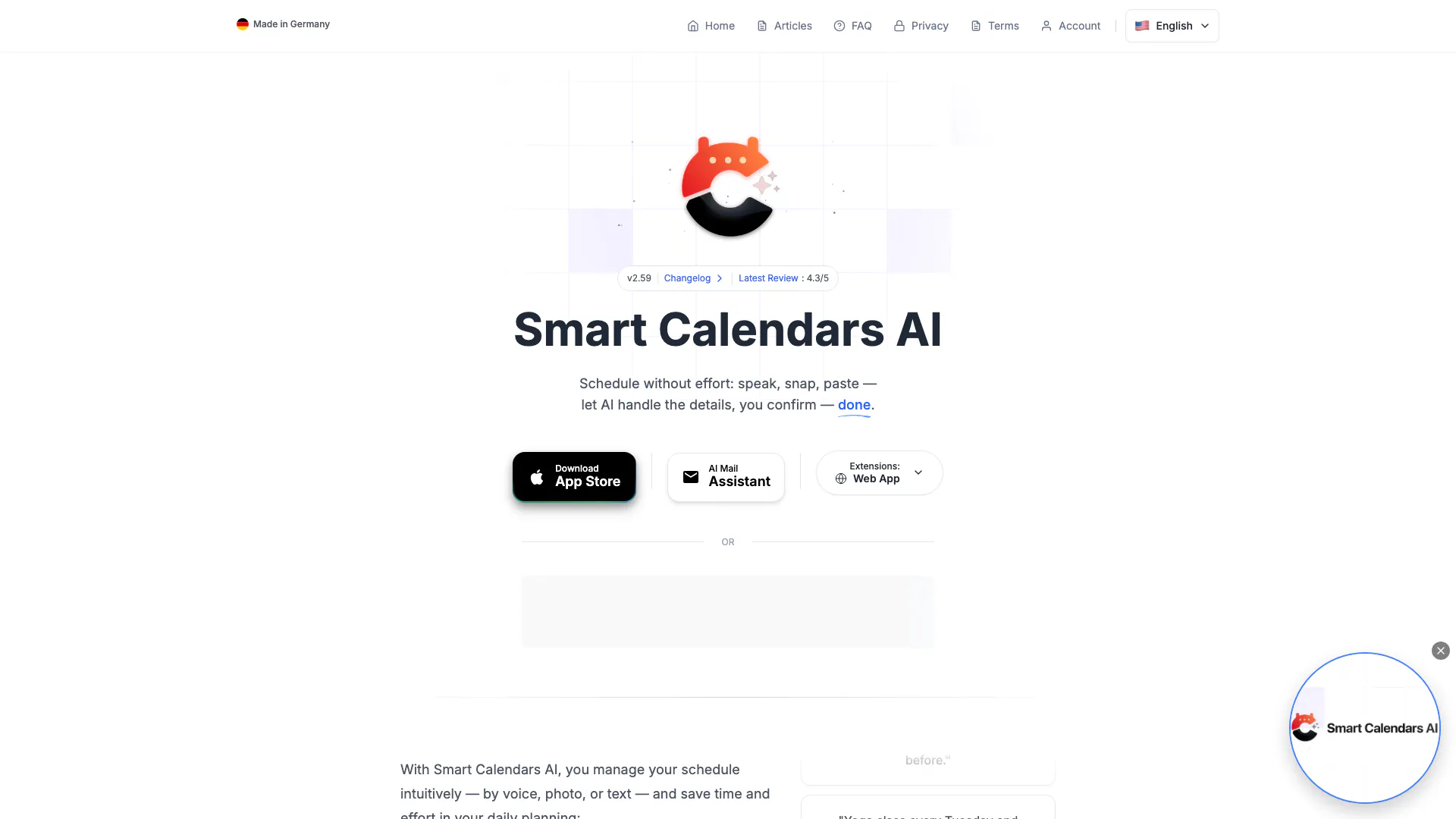
Smart Calendars is an innovative AI-powered scheduling tool designed to simplify event management. It allows users to manage their schedules intuitively using voice commands, photos, or text inputs. This tool automates the creation, modification, and deletion of calendar events and reminders, making scheduling effortless and efficient. Built with advanced AI capabilities, Smart Calendars understands natural language and can extract information from various sources, such as emails and images, to streamline the planning process.
How to use Smart Calendars?
- Download and Install: Start by downloading the Smart Calendars app from the App Store or accessing the web version on your browser.
- Set Up Your Account: Create an account or log in using your existing credentials. Integrate with your preferred calendar platforms such as Apple Calendar, Google Calendar, or Outlook.
- Manage Your Schedule: Use voice commands to add events by speaking naturally, take photos of invitations to create calendar entries, or paste text from emails to generate reminders.
- Customize Reminders: Set alerts for your events, and customize recurrence rules to manage repetitive tasks effortlessly.
- Share Events: Quickly share your events via URLs or QR codes with friends or colleagues, ensuring everyone stays informed.
What are the main features of Smart Calendars?
- Voice to Calendar: Create events and reminders using natural voice commands.
- Photo to Calendar: Snap photos of tickets, invitations, or posters to automatically generate calendar entries.
- Email Integration: Automatically create events from email invitations and confirmations.
- Task Management: Manage tasks, reminders, and events in one unified interface.
- Multi-Calendar Support: Integrates seamlessly with Apple Calendar, Google Calendar, and Microsoft Outlook.
- Intelligent Automation: The AI assistant handles recurring events, alerts, and time zone adjustments.
Who is Smart Calendars for?
Smart Calendars is designed for busy professionals, students, and anyone looking to streamline their scheduling process. It is ideal for individuals who juggle multiple commitments, such as meetings, appointments, and personal tasks. The intuitive interface and AI capabilities make it suitable for users who prefer managing their schedules through voice commands or visual inputs. Additionally, it benefits those who need to coordinate events with others, thanks to its easy sharing features.
What are the use cases of Smart Calendars?
- Event Planning: Quickly create and share events like meetings, parties, or gatherings using voice commands or photos of invitations.
- Task Reminders: Set up reminders for recurring tasks such as bill payments, weekly meetings, or personal goals like exercise sessions.
- Travel Management: Use the tool to manage travel itineraries, including flight reminders and packing alerts, ensuring a smooth travel experience.
Product Images

Smartcalendars Video

Smartcalendars Pros and Cons
Pros
- Intuitive Event Management: Manage your schedule effortlessly using voice, photo, or text inputs, allowing for quick event creation and modification.
- Multilingual Support: Supports over 80 languages, making it accessible to a diverse user base.
- Integration with Popular Calendars: Seamlessly integrates with Apple Calendar, Google Calendar, and Microsoft Outlook for streamlined scheduling.
Cons
No cons data detected for this tool
Smartcalendars Pricing
Free Plan
Your smart AI calendar app for effortless organisation and intelligent time management. The AI-powered calendar planner that boosts productivity with automated scheduling and smart calendar features!
For the latest pricing, please visit this link: https://www.smartcalendars.ai/en/
Prices are subject to change. Please visit the official website for the most up-to-date pricing information.
Analytics of Smartcalendars
Smartcalendars Website Traffic Analysis
Visits Over Time
Traffic Sources
Oct 2025 - Dec 2025 Worldwide Desktop Only
- Direct: 68.40%
- Search: 14.83%
- Referrals: 7.41%
- Social: 7.33%
- Paid Referrals: 1.41%
- Mail: 0.25%
Top Keywords
| Keyword | Volume | CPC | Estimated Value |
|---|---|---|---|
| smart calendar | 5.39K | $1.03 | $0.00 |
| copy an email from inbox to a calendar with powermate | 1.41K | $0.00 | $0.00 |
| find multiple appointments on webpage extension to add to calendar | 180 | $0.00 | $60.00 |
| intelligenten ki-kalendersnycer | 100 | $0.00 | $90.00 |
| smart calendars ai | 80 | $0.00 | $80.00 |





