Crammer Save Time Using A - Chrome Extension





What is Crammer: Save time using AI?
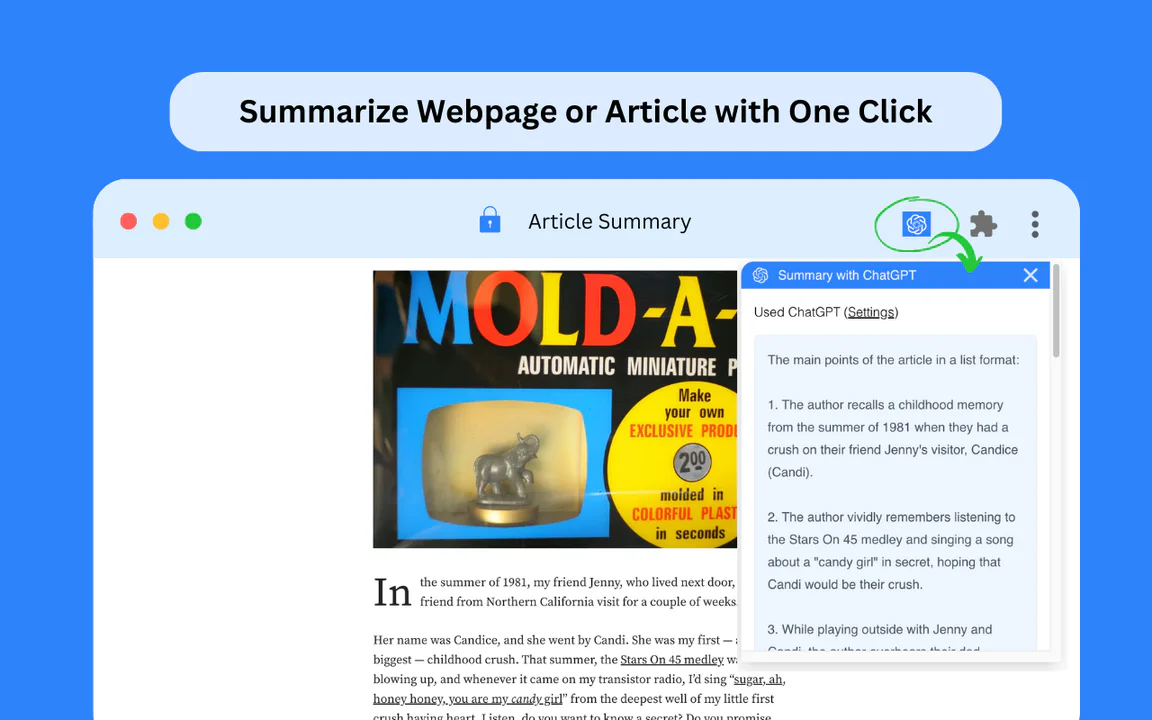
Crammer: Save time using AI is a productivity-enhancing browser extension designed to streamline the process of information gathering and content creation. This tool leverages artificial intelligence to assist users in quickly summarizing large volumes of text, extracting key insights, and generating concise notes. By automating tedious tasks, Crammer empowers individuals and teams to focus on more strategic activities, thereby increasing overall efficiency and effectiveness in both personal and professional settings.
How to use Crammer: Save time using AI?
- Install the Crammer extension from the Chrome Web Store by visiting the provided link.
- Once installed, click on the Crammer icon in your browser toolbar to activate the extension.
- Navigate to the webpage or document containing the text you wish to summarize or analyze.
- Highlight the relevant text you want to work with.
- Click on the Crammer icon again and select the desired action, such as summarizing or extracting key points.
- Review the generated content and make any necessary edits or adjustments to fit your needs.
What are the main functions of Crammer: Save time using AI?
- AI-powered text summarization for quick insights.
- Key point extraction from lengthy documents.
- User-friendly interface for seamless operation.
- Compatibility with various web pages and document types.
- Customizable settings for tailored summarization styles.
Who is Crammer: Save time using AI suitable for?
Crammer: Save time using AI is particularly suitable for students, researchers, and professionals who frequently engage with large amounts of text. It benefits those who need to quickly grasp essential information from articles, reports, or academic papers. Additionally, content creators and marketers can utilize this tool to enhance their productivity by efficiently gathering and synthesizing information for their projects.
What are the use cases for Crammer: Save time using AI?
- Summarizing academic articles to prepare for class discussions or exams.
- Extracting key insights from market research reports for strategic planning.
- Compiling notes from lengthy online resources for content creation or presentations.