

Nexa




What is nexa?
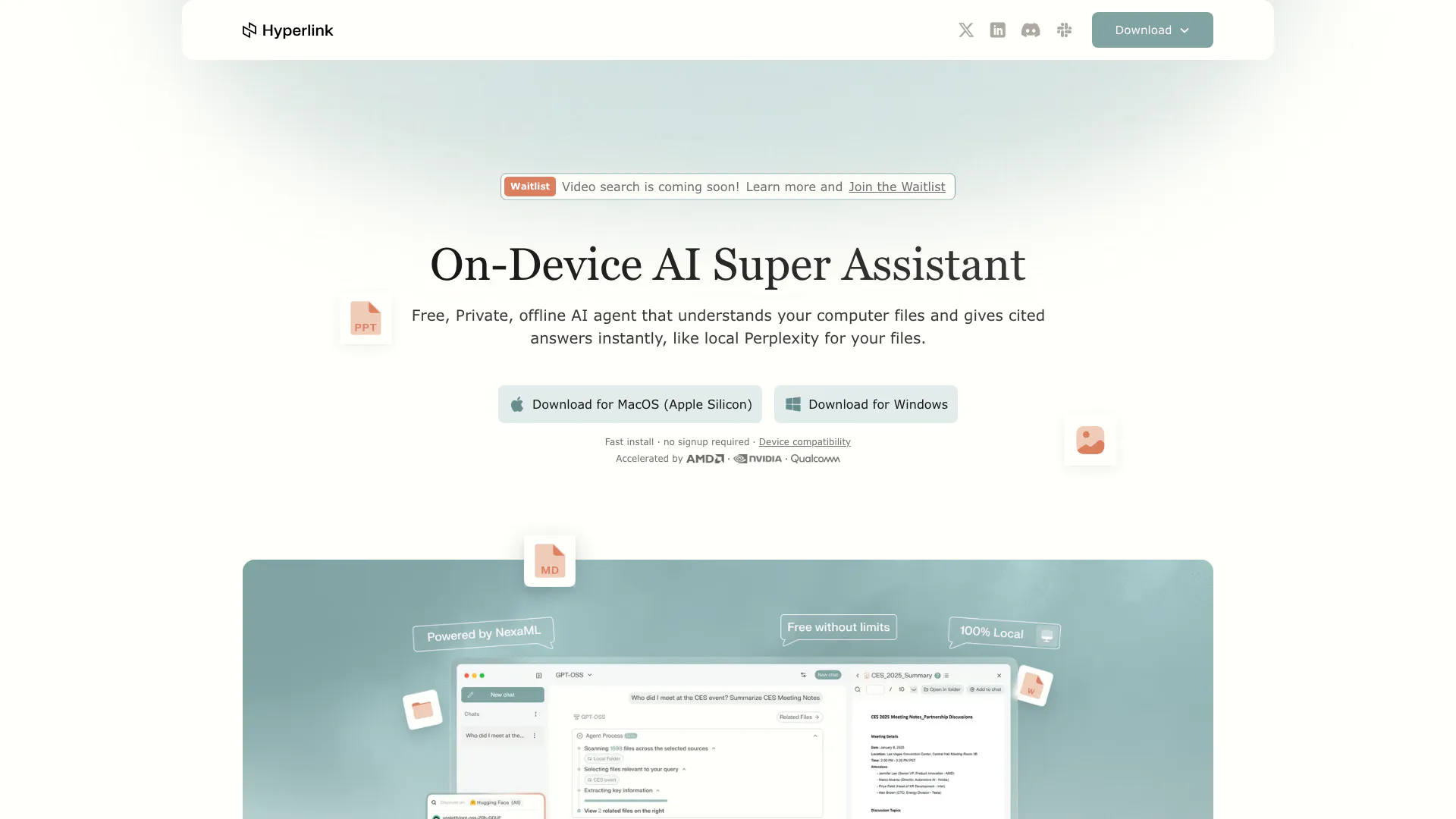
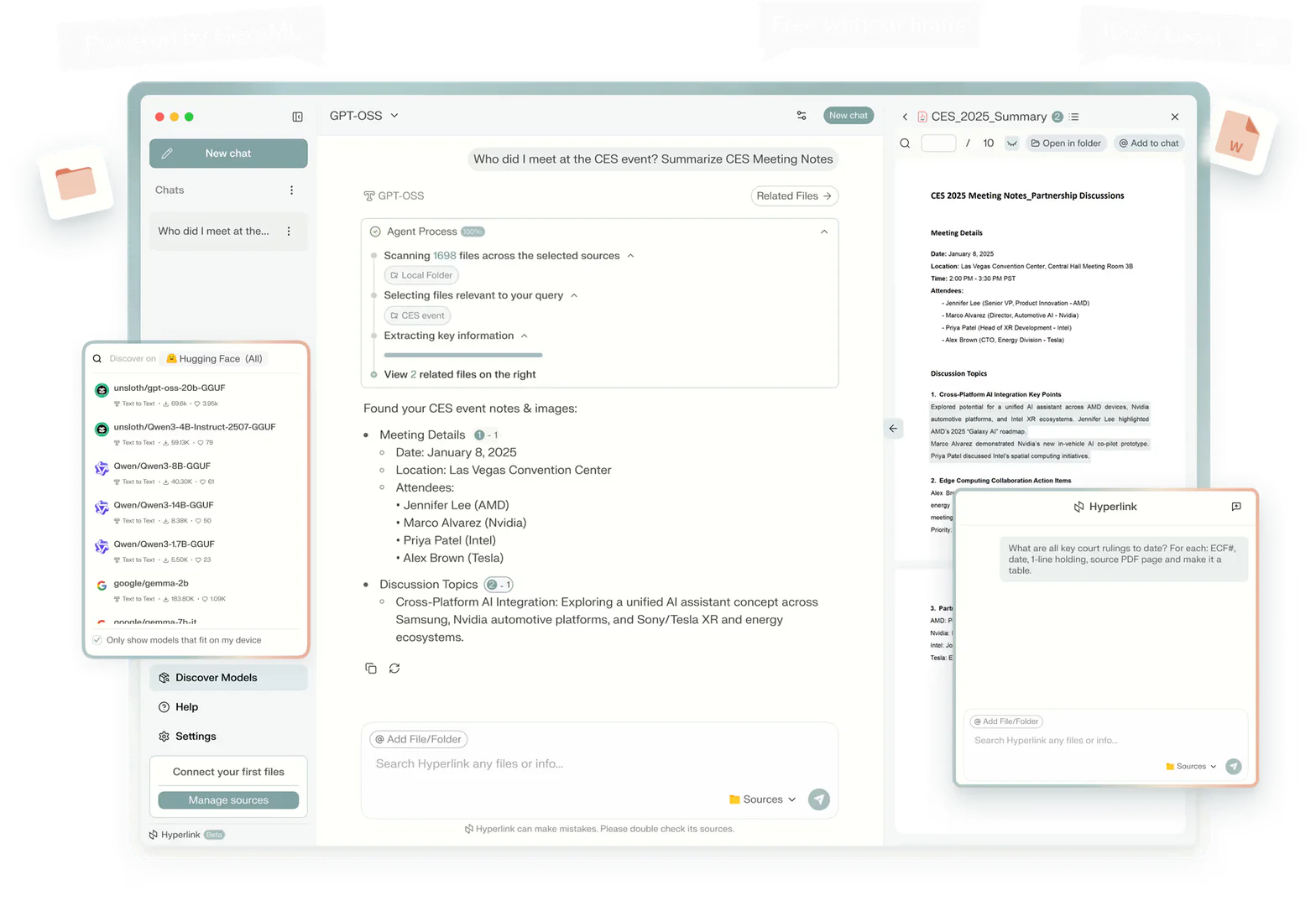
Nexa is a free, private, offline AI agent designed to understand your computer files and provide cited answers instantly, similar to a local version of Perplexity tailored for your personal documents. This innovative tool operates entirely on your device, ensuring that your data remains secure and private while allowing you to interact with your files using natural language queries. With its ability to index and analyze vast amounts of information quickly, Nexa serves as a powerful assistant for users seeking to extract insights from their personal data.
How to use nexa?
- Download and install Nexa from the official website for your operating system (Windows or MacOS).
- Launch the application and connect your local folders where your files are stored.
- Allow Nexa to index your files, which may take a few moments depending on the volume of data.
- Use the natural language interface to ask questions or request information from your files, and receive cited answers almost instantly.
What are the main features of nexa?
- Local and Offline Operation: Nexa runs entirely on your device, ensuring privacy and security for your data.
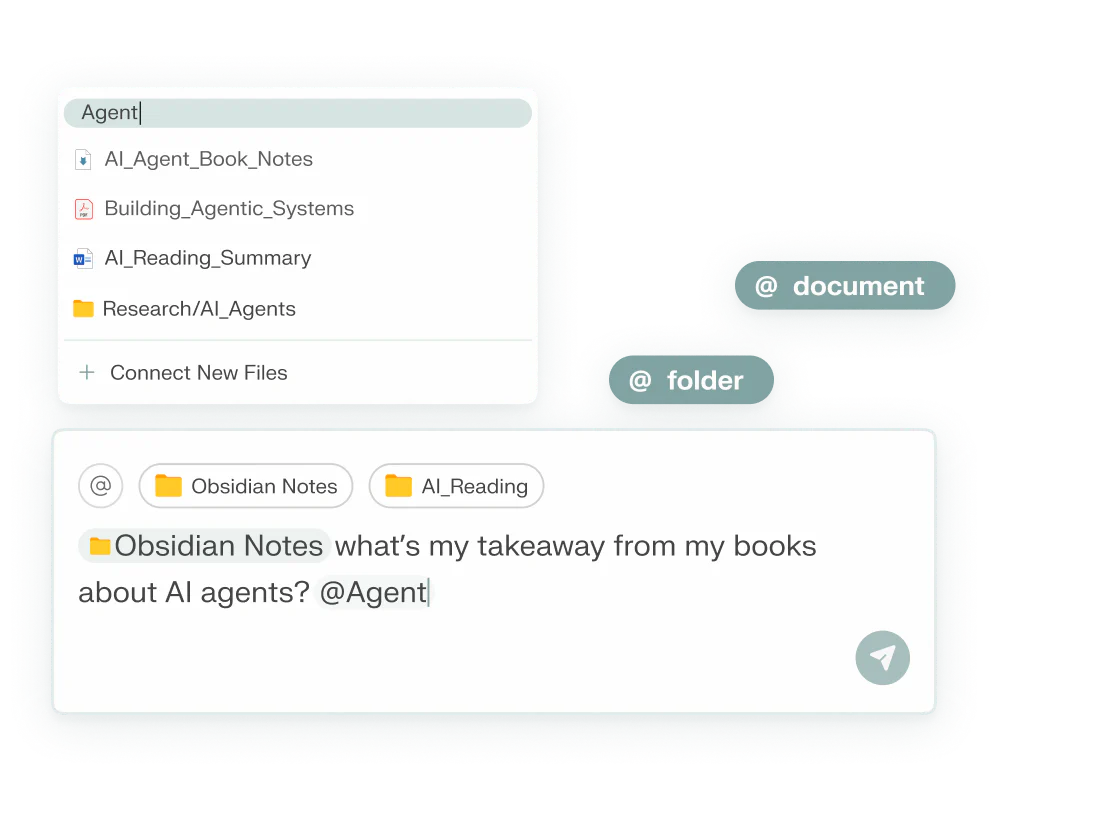
- Natural Language Processing: Users can interact with Nexa using everyday language to retrieve information.
- Cited Answers: Provides answers with references to the original files, enhancing trust in the information provided.
- Unlimited File Context: Sync and search across thousands of documents without any limitations.
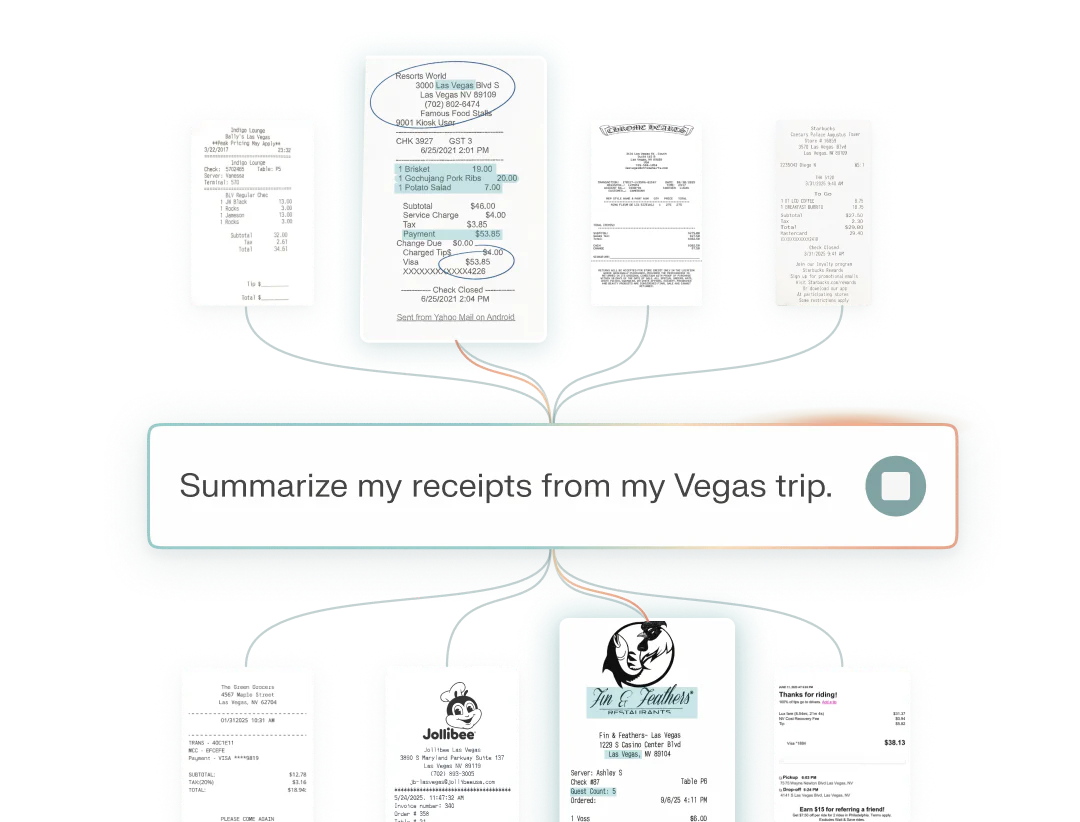
- Visual Knowledge Extraction: Converts visual data like charts and images into actionable insights.
Who is nexa for?
Nexa is ideal for professionals, researchers, students, and anyone who regularly interacts with large volumes of documents and files. Its offline and privacy-focused design makes it particularly suitable for users who are concerned about data security and prefer to keep their information on local devices. Additionally, it caters to those who value efficiency in information retrieval and require a reliable assistant to help them extract meaningful insights from their personal or work-related data.
What are the use cases of nexa?
- Preparing for Meetings: Gather and organize client information and talking points from various documents for effective meeting preparation.
- Tracking Projects: Search through project contracts and legal agreements to extract critical deadlines and dependencies.
- Research and Study: Compile and summarize notes and lectures to facilitate studying and revisiting key concepts for exams.
Product Images




Nexa Video

Nexa Pros and Cons
Pros
- 100% Private and Offline: Hyperlink operates entirely on your device, ensuring that your files and data remain private and secure without any cloud dependency.
- Instant Cited Answers: The AI agent provides immediate responses to queries based on your local files, similar to a personal search engine.
- Unlimited File Context: Users can sync and search through thousands of documents without any file size limitations, enhancing productivity.
Cons
No cons data detected for this tool
Analytics of Nexa
Nexa Website Traffic Analysis
Visits Over Time
Traffic Sources
Oct 2025 - Dec 2025 Worldwide Desktop Only
- Direct: 45.58%
- Social: 23.14%
- Search: 16.42%
- Referrals: 12.62%
- Paid Referrals: 2.05%
- Mail: 0.12%
Nexa Reviews
I love this item. It runs true to size and I love that the neutral collars match many different sets.
I've been messing around with this tool for a few months now, and honestly, none of the other local AI tools I've tried even come close in terms of being simple and easy to use. It’s not some complicated rocket science that a non-developer can’t figure out.
I loaded 15 of the latest AI research papers into Hyperlink, connected a local model...it pulled insights across all of them... The best part? 100% offline & private (never leaves my laptop) - Unlimited file context (no caps) - Dead-simple setup, faster than anything else I’ve tried.
For more reviews, visit this link: https://hyperlink.nexa.ai/#trusted-by-the-community






Nexa Social Listening
AI-Assisted Video Search with ...
File searching on PCs has been...
Nexa AI: Create Local AI Chatb...
# 🤖 Build a Private AI Chatbo...
Turbo Shine Nexa Review 2026: ...
If you wanna give it try you c...
Unlock to view 18 social media results.