

Motionexcel





What is motionexcel?
MotionExcel is an AI-powered spreadsheet editor designed to enhance productivity and streamline data analysis. This innovative tool leverages advanced AI technologies to allow users to analyze data faster, create better reports, and work more efficiently within their spreadsheets. With MotionExcel, users can harness the power of AI to automate complex tasks, generate insights, and visualize data seamlessly.
How to use motionexcel?
- Visit the MotionExcel website and access the spreadsheet editor without needing to log in.
- Start by uploading your data or creating a new spreadsheet.
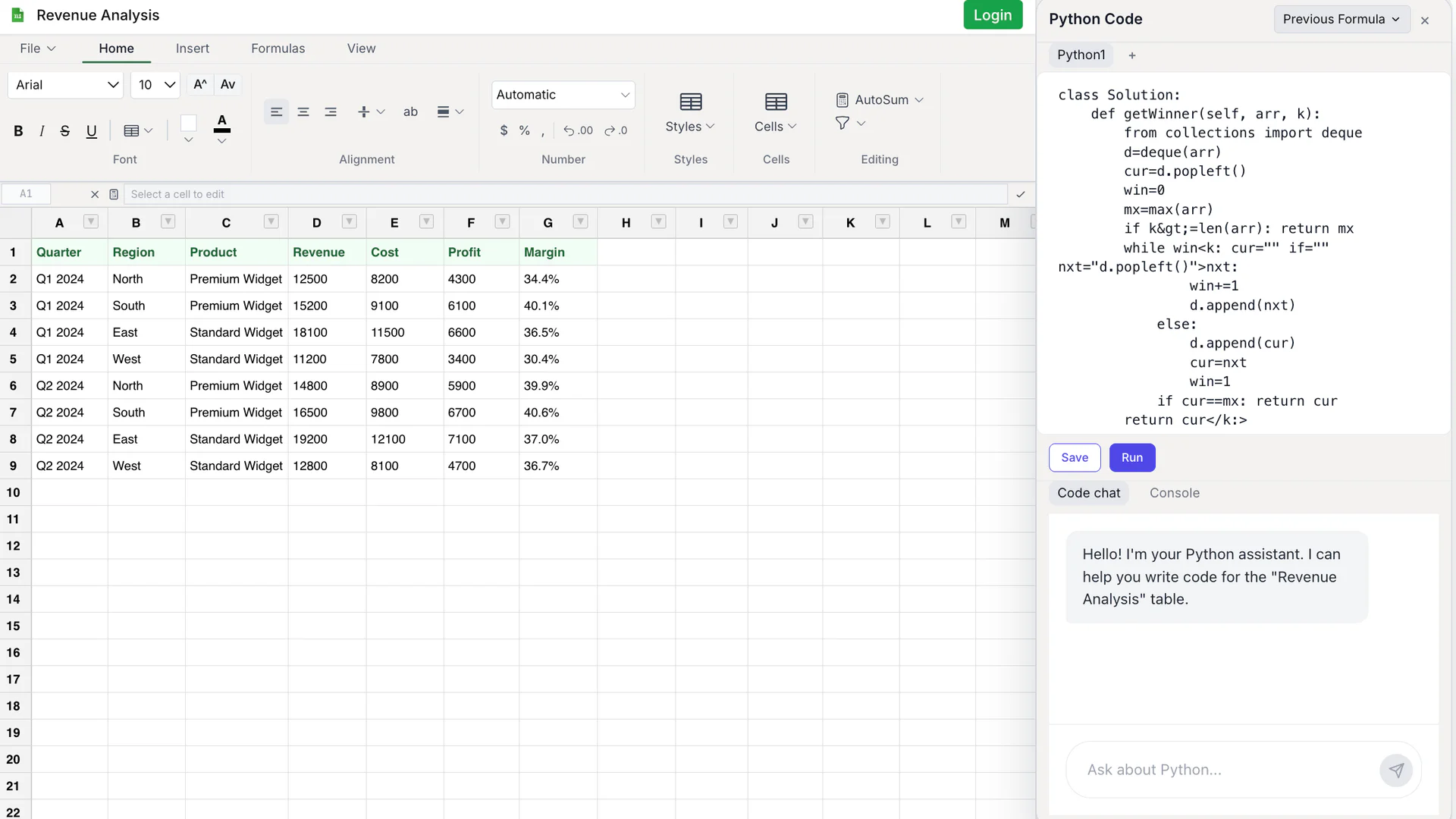
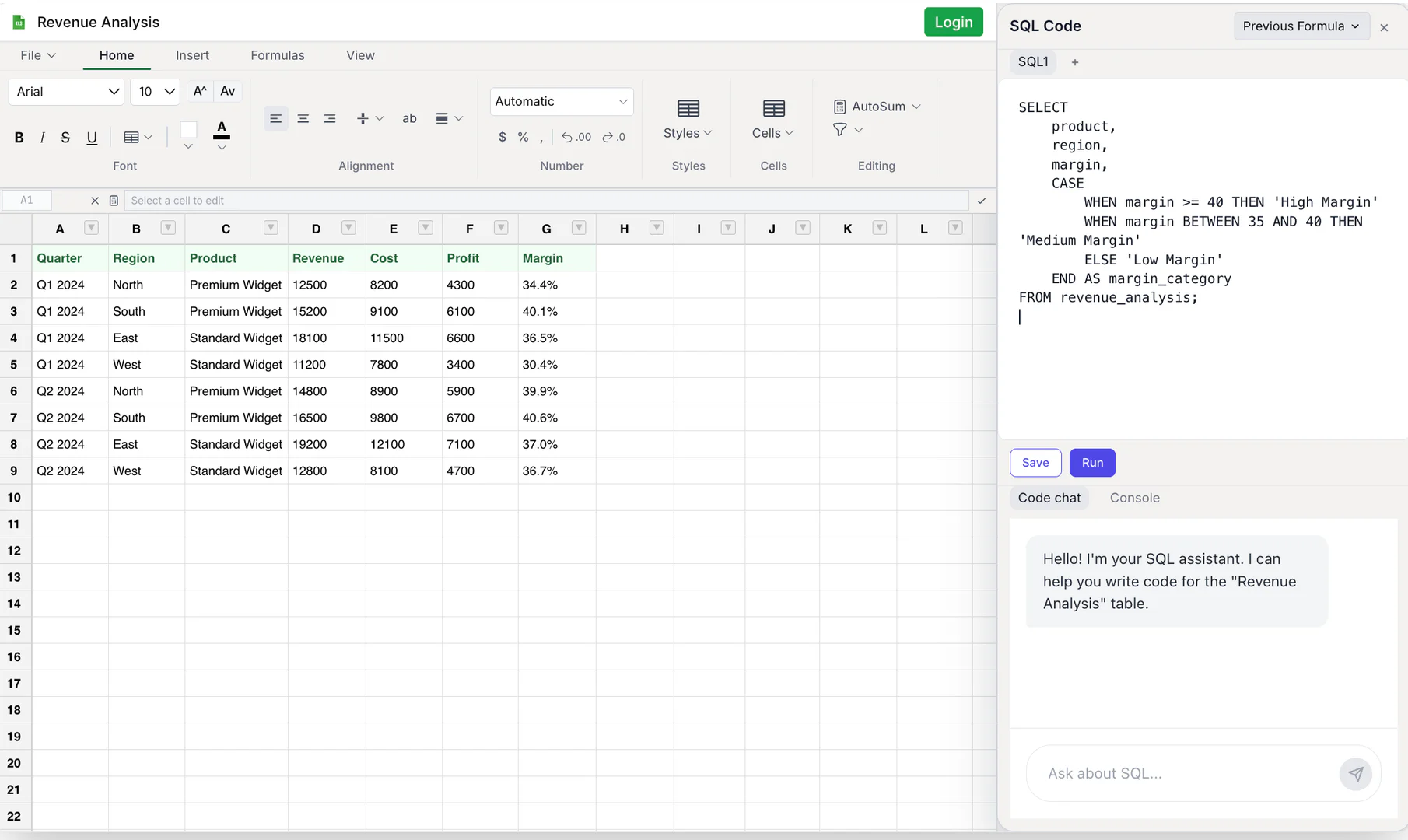
- Utilize the AI agents to analyze your data, generate insights, and create visualizations. You can also run SQL queries and Python scripts directly in the editor.
What are the main features of motionexcel?
- AI-powered data analysis for automated insights and recommendations.
- Integrated SQL and Python editors for executing queries and scripts.
- Interactive dashboards that provide real-time visualizations of your data.
- Built-in Data Scientist Agent that runs machine learning models for advanced forecasting.
Who is motionexcel for?
MotionExcel is designed for professionals, analysts, and data scientists who need to handle large datasets and perform complex analyses. It is ideal for businesses looking to enhance their data workflows, improve reporting accuracy, and leverage AI to gain insights from their data. Whether you're in finance, marketing, or operations, MotionExcel provides the tools necessary to make data-driven decisions.
What are the use cases of motionexcel?
- Financial analysis to forecast revenue and expenses using advanced modeling.
- Market research to analyze consumer data and identify trends.
- Operational reporting to create dashboards that visualize key performance indicators.
Product Images
Motionexcel Pros and Cons
Pros
- AI-Powered Data Analysis: Advanced AI agents automatically analyze data, identify patterns, and provide actionable insights tailored to user needs.
- SQL & Python Integration: Execute SQL queries and Python scripts directly within spreadsheets, enabling complex data transformations and advanced analytics.
- Interactive Dashboards & Visualizations: Create dynamic dashboards that visualize data in real-time, helping stakeholders understand key metrics at a glance.
Cons
No cons data detected for this tool




