

Affint





What is Affint?
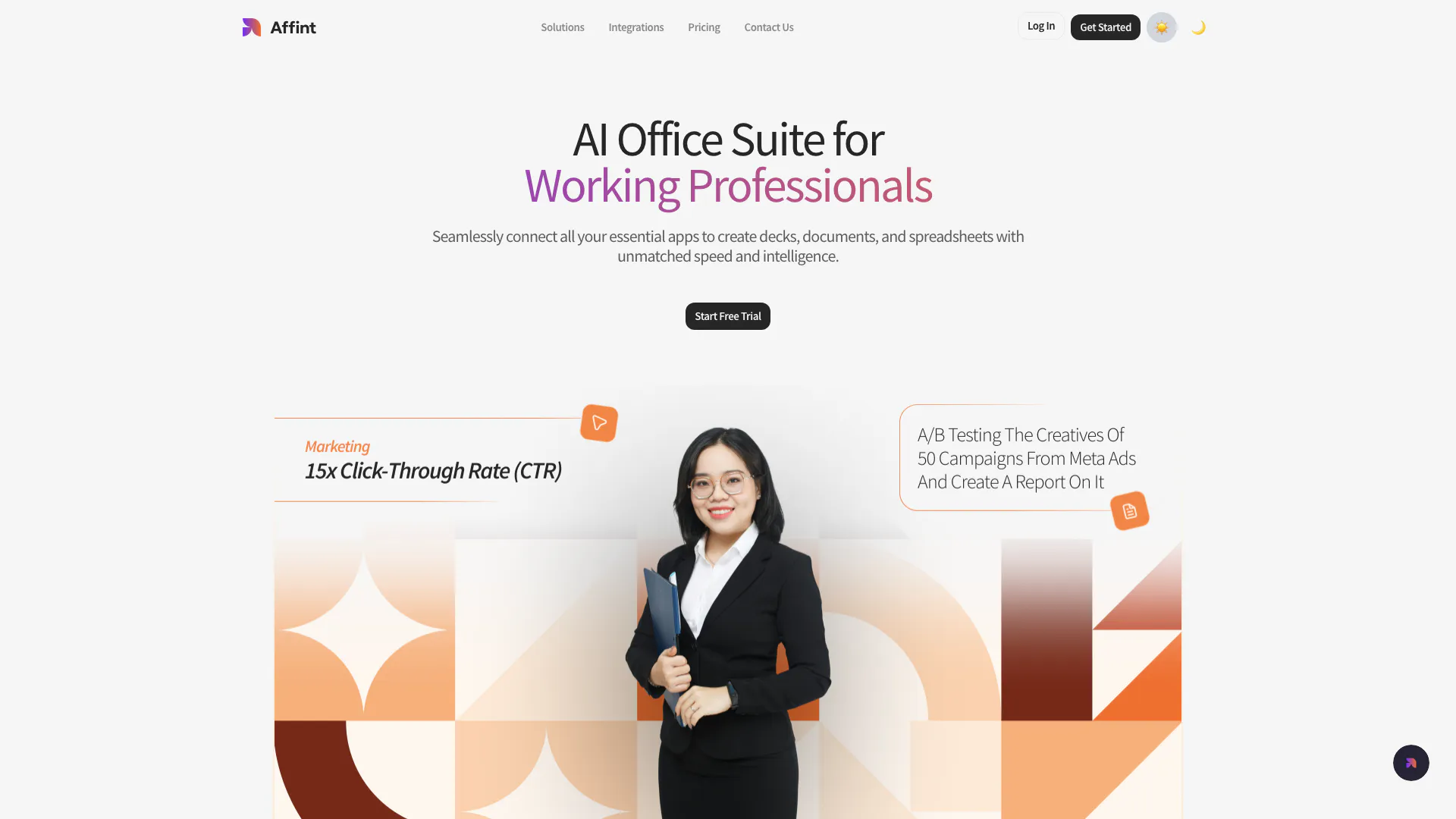
Affint is an innovative AI Office Suite designed to transform scattered information into cohesive slides, reports, and documents. By leveraging artificial intelligence, Affint empowers teams and working professionals to create impactful presentations, detailed documents, and robust spreadsheets with remarkable speed and efficiency. This tool is particularly beneficial for enhancing productivity, allowing users to focus on their core tasks rather than the tedious aspects of document creation. With features that integrate seamlessly with various business applications, Affint provides a unified workspace that enhances collaboration and streamlines workflows.
How to use Affint?
- Sign up for a free trial on the Affint website to create your account.
- Integrate your essential business applications within the Affint platform to centralize your data.
- Choose the type of document you want to create (presentation, report, or spreadsheet).
- Use the AI-powered tools to input your data and let Affint generate the content automatically.
- Customize your documents with images, tables, and branding elements to ensure a polished look.
- Share your completed documents instantly with secure links or collaborate in real-time with your team.
What are the main features of Affint?
- AI-Powered Content Creation: Automatically generates reports, presentations, and spreadsheets based on your prompts.
- Integrated Workspace: Connects with various business applications to gather and merge data seamlessly.
- Smart Workflow Automation: Automates routine tasks such as scheduling meetings and summarizing events.
- Effortless Collaboration: Allows real-time sharing and collaboration on documents, decks, and sheets.
- Flexible Design Tools: Provides options to add images, icons, and tables for professional-looking outputs.
- Consistent Branding: Automatically applies your brand's colors, fonts, and logo across all projects.
Who is Affint for?
Affint is designed for teams and working professionals who require efficient document creation and collaboration tools. It is particularly useful for marketing, product, and sales teams that need to produce presentations and reports quickly. With its AI-driven features, Affint caters to individuals and organizations looking to streamline their workflows and enhance productivity through seamless integration of their essential business applications.
What are the use cases of Affint?
- Creating Presentations: Quickly generate professional slide decks for meetings or pitches using AI-generated content.
- Automating Reports: Produce detailed reports from collected data, saving time on research and formatting.
- Collaborative Document Editing: Enable teams to work together on documents in real-time, enhancing communication and efficiency.
Affint Pros and Cons
Pros
- AI-Powered Content Creation: Affint utilizes AI to generate presentations, reports, and documents quickly, saving teams significant time and effort.
- Seamless Integration: Easily connect with various business applications, allowing for streamlined workflows and data management without switching tools.
- Automated Workflow Management: Affint automates routine tasks such as scheduling and summarizing, enhancing productivity and ensuring no tasks are overlooked.
Cons
No cons data detected for this tool
Affint Pricing
Free
14-day free trial with 250 Credits, connect with 50+ Integrations, create up to 4 projects at a time, and 2 Workspaces.
Basic
Best Value plan at $20 per month, billed monthly. Includes adding branding, 2500 Credits, AI Editing Mode, connect with 50+ Integrations, create up to 6 projects at a time, remove watermark, workflows, and 5 Workspaces.
Pro
Pro plan at $200 per month, billed monthly. Includes adding branding, 25000 Credits, AI Editing Mode, connect with 50+ Integrations, create up to 12 projects at a time, remove watermark, workflows, and 10 Workspaces.
Enterprise
Custom plan. Talk to Sales for details. Includes private hosting, adding branding, custom AI models, custom integrations, SSO, and SLAs.
For the latest pricing, please visit this link: https://affint.ai/pricing
Prices are subject to change. Please visit the official website for the most up-to-date pricing information.
Affint Reviews
I've recently been using Affint to create slide decks and I'm really impressed with the results. It's AI powered so it automatically creates slide decks for you with no effort needed...
Affint has completely transformed how I prepare presentations. It's fast, accurate, and the design output is stunning. A lifesaver!
I was skeptical at first, but Affint's AI really delivers. It understands my topic and builds out clean, professional slides effortlessly.
For more reviews, visit this link: https://affint.ai/#reviews





