

Cosy




What is Cosy?
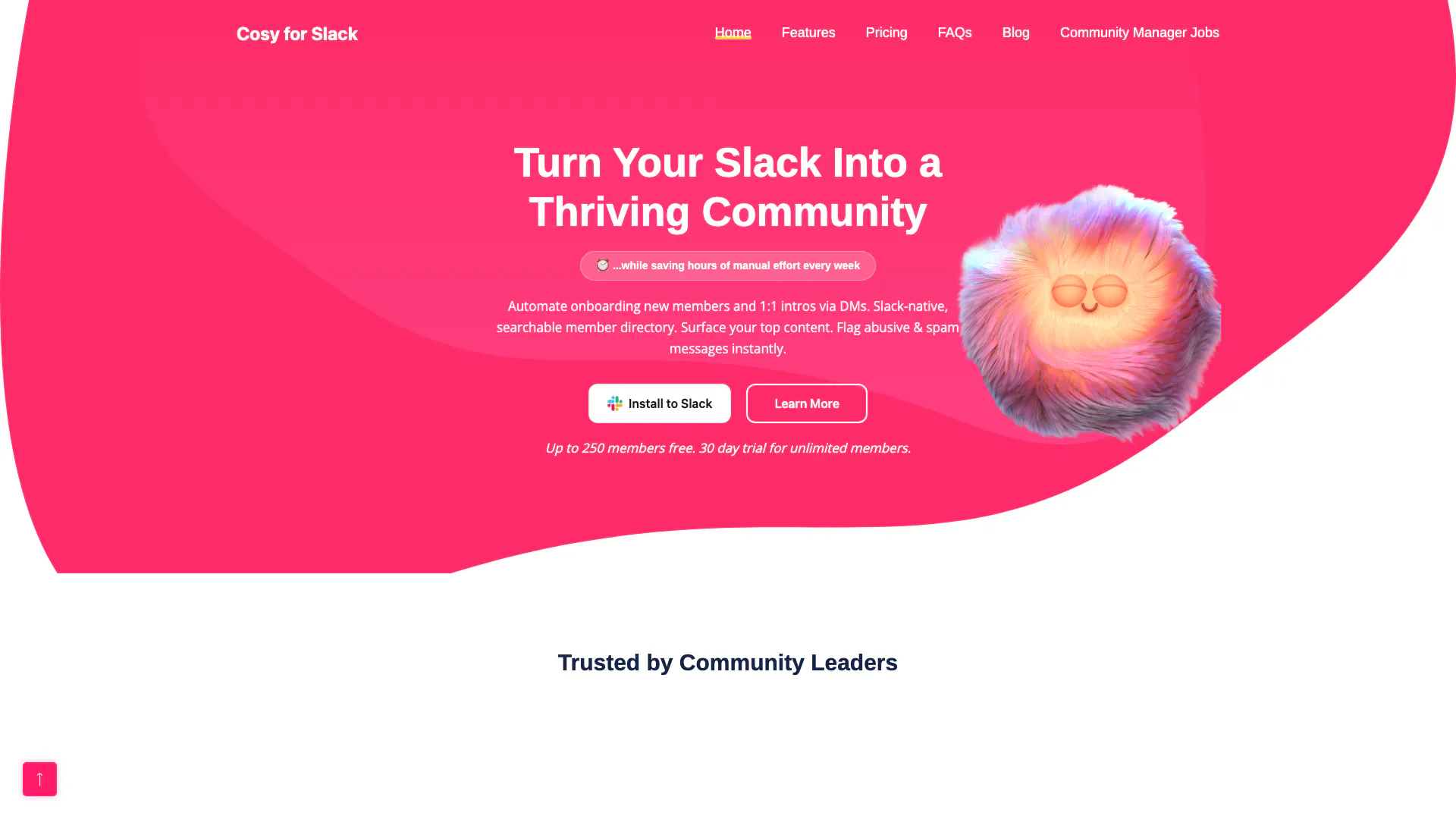
Cosy is an innovative tool designed to enhance and automate community management within Slack. It provides a comprehensive solution for onboarding new members, facilitating introductions, highlighting important content, and detecting spam. By integrating seamlessly with Slack, Cosy allows community managers to save significant time on repetitive tasks while fostering a vibrant and engaged community. With features like a searchable member directory and automated messaging, Cosy aims to transform your Slack workspace into a thriving community hub.
How to use Cosy?
- Add to Slack: Visit the Cosy website and click on 'Add to Slack' to install the tool in your workspace.
- Authorize Permissions: Grant Cosy the necessary permissions to operate within your Slack environment.
- Configure Features: Follow the guided setup to configure your onboarding messages, member introductions, and other automation settings.
- Engage Your Community: Start using Cosy to automate member onboarding, facilitate introductions, and surface engaging content effortlessly.
What are the main features of Cosy?
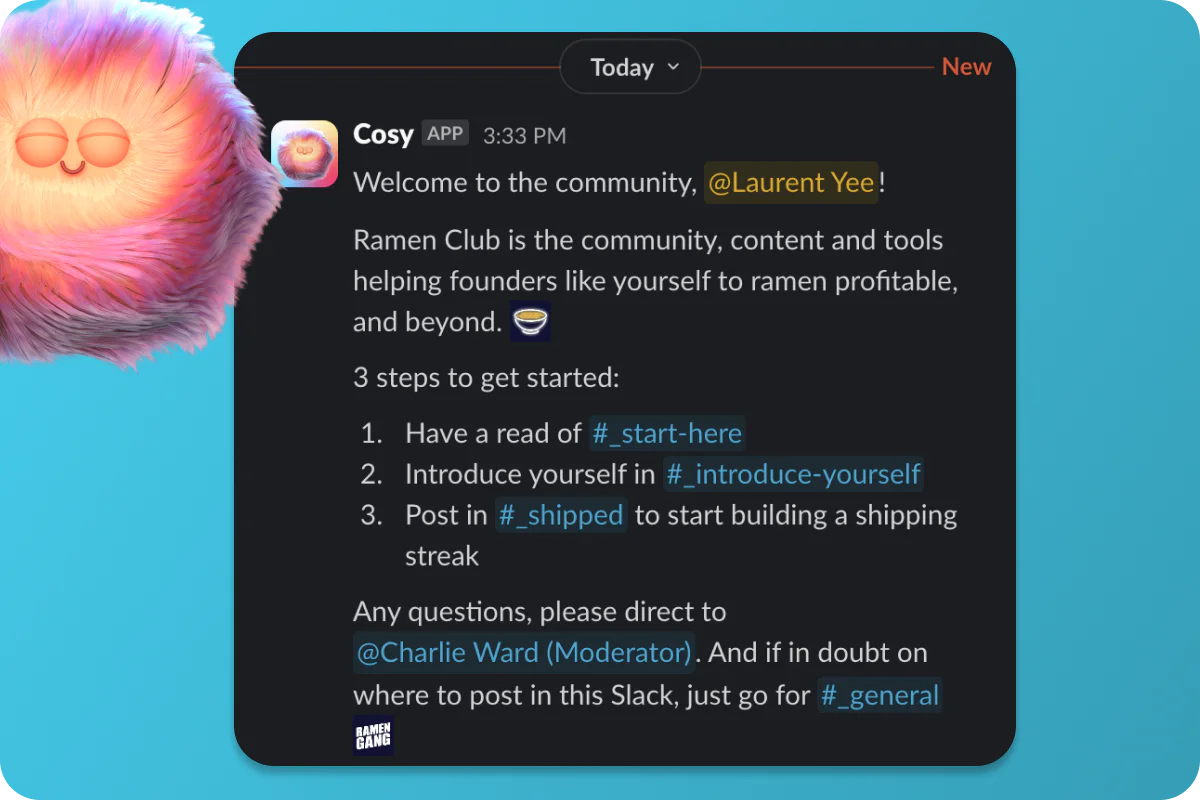
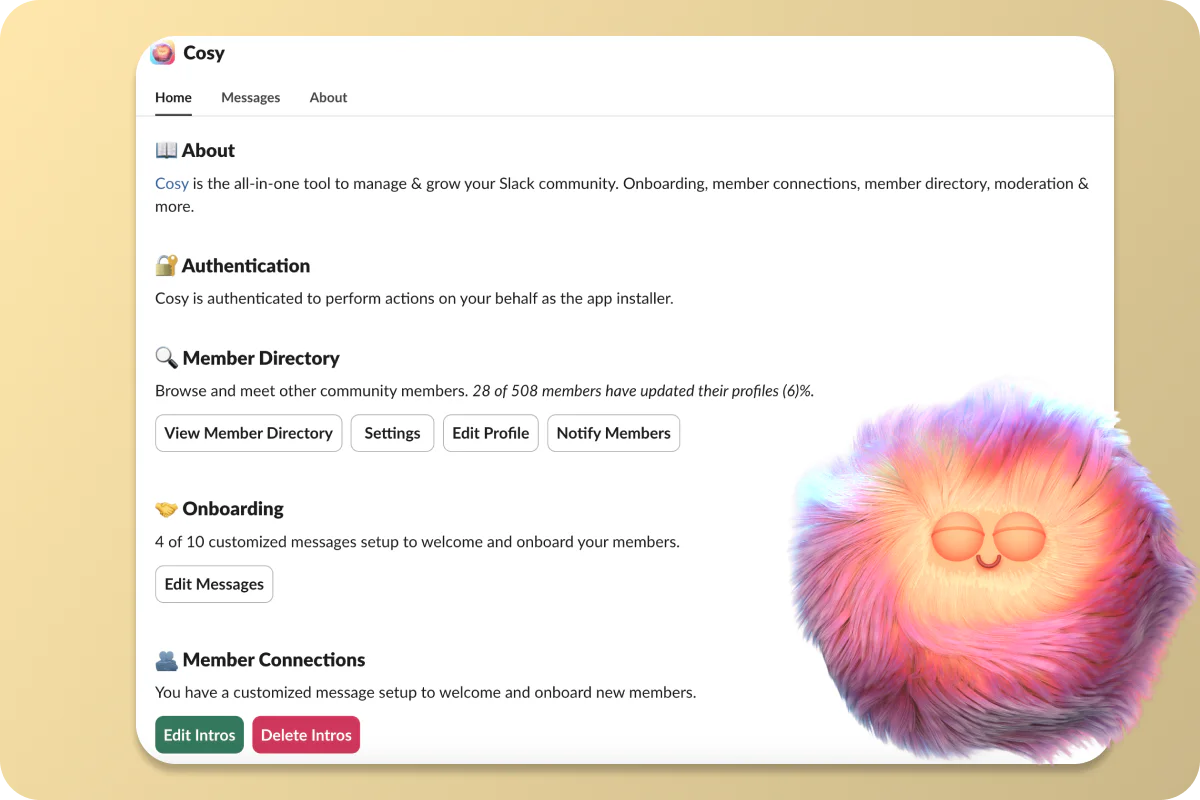
- Automated Onboarding: Create and automate personalized welcome messages for new members.
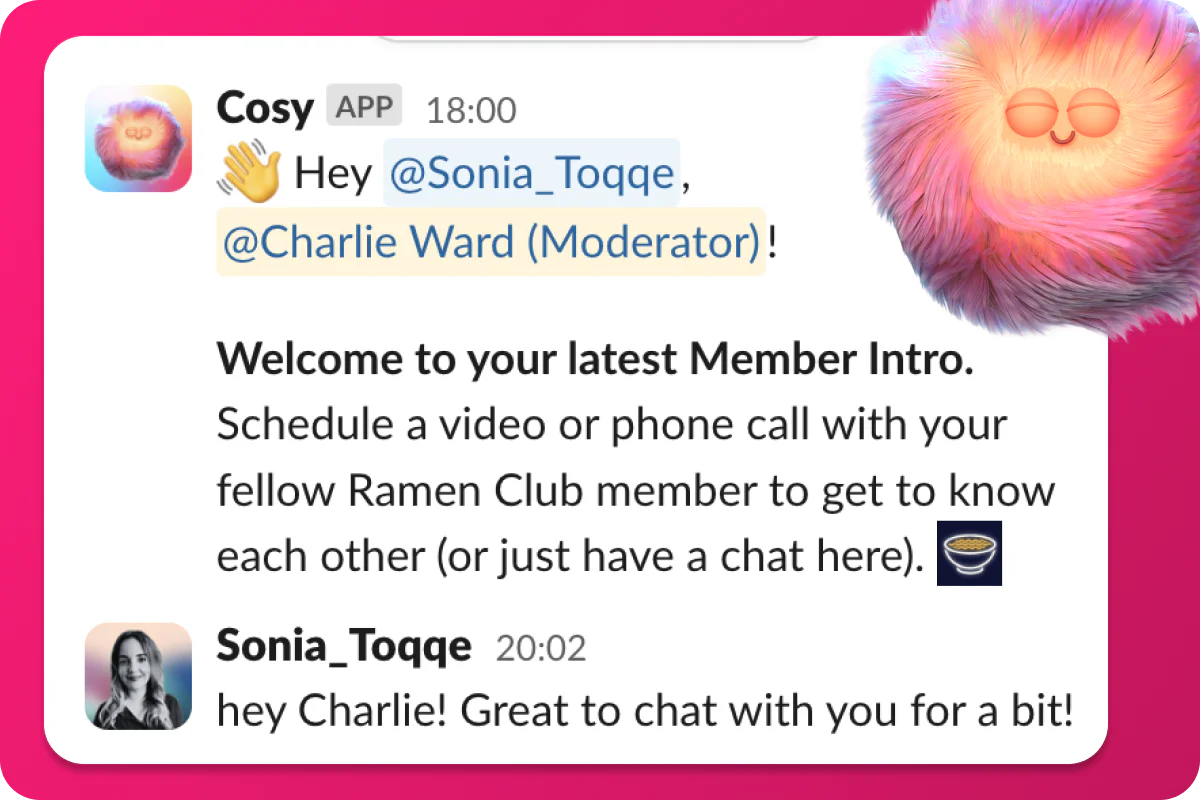
- Member Introductions: Automatically introduce community members to each other to foster connections.
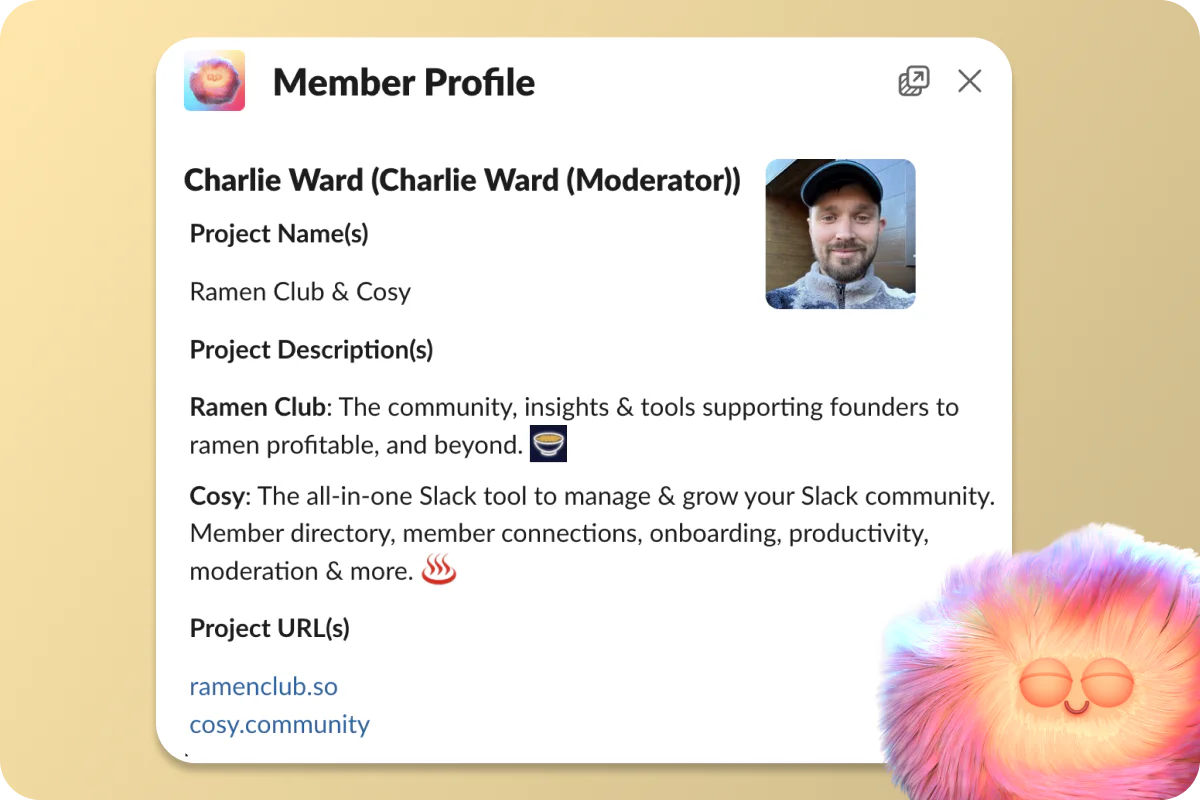
- Searchable Member Directory: Maintain a directory of members that is easily accessible within Slack.
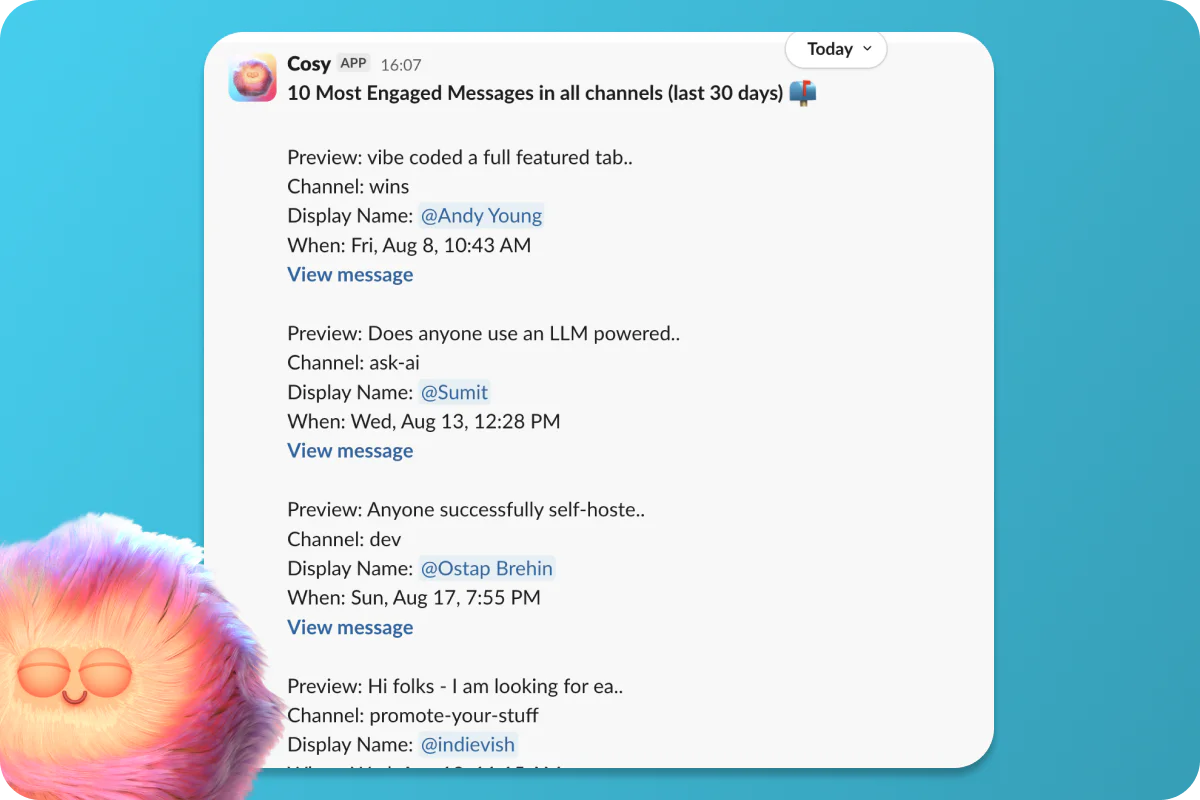
- Content Highlights: Quickly surface the top engaging posts in your community using slash commands.
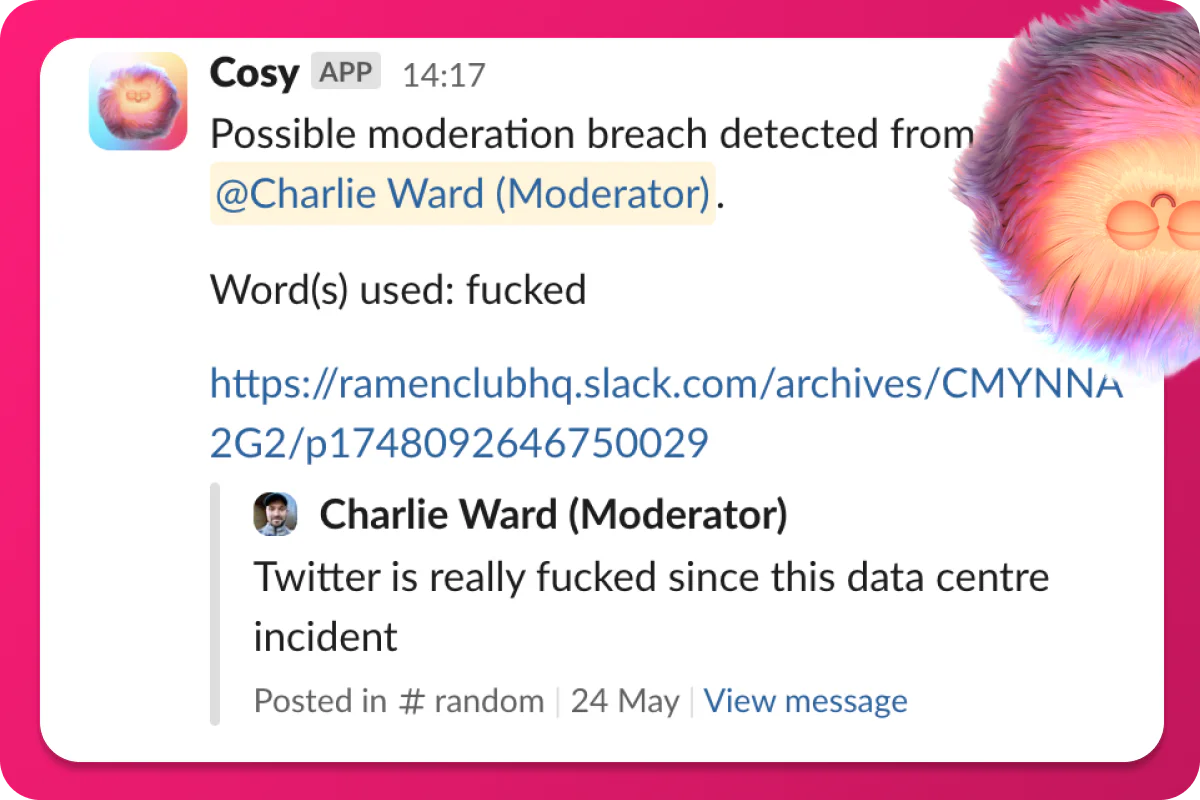
- Moderation Tools: Detect spam and abusive messages to maintain a safe community environment.
- Slack Integration: All features are integrated within Slack, eliminating the need for external platforms.
Who is Cosy for?
Cosy is designed for community managers, founders, and operators who utilize Slack to build and manage their communities. It is particularly beneficial for those who spend significant time on manual community tasks and seek to streamline their processes. Ideal for small to medium-sized communities, Cosy caters to users who want to enhance engagement, automate repetitive tasks, and create a welcoming environment for their members.
What are the use cases of Cosy?
- Onboarding New Members: Automatically welcome new members with personalized messages, ensuring they feel valued from the start.
- Enhancing Member Engagement: Facilitate introductions among members to encourage networking and community interaction.
- Content Management: Use content highlights to promote the most engaging posts, helping to keep the community informed and active.
- Spam Detection: Quickly identify and manage spam or abusive messages, maintaining a positive community atmosphere.
Product Images

Cosy Pros and Cons
Pros
- Automated Onboarding: Cosy automates the onboarding process for new members, saving time and ensuring no one is missed during welcome messages.
- Member Directory: Provides a searchable member directory within Slack, allowing members to easily find and connect with each other.
- Content Highlights: Instantly surfaces the top engaging posts in the community, making it easy to share valuable content.
Cons
No cons data detected for this tool
Cosy Pricing
Cosy: Free
Full access to Cosy with up to 250 community members.
Cosy: Pro
Full access to Cosy with unlimited community members, plus more. 30 day free trial, no credit card required. 100% money-back guarantee.
For the latest pricing, please visit this link: https://cosy.community/#pricing
Prices are subject to change. Please visit the official website for the most up-to-date pricing information.





