
Flownoteai
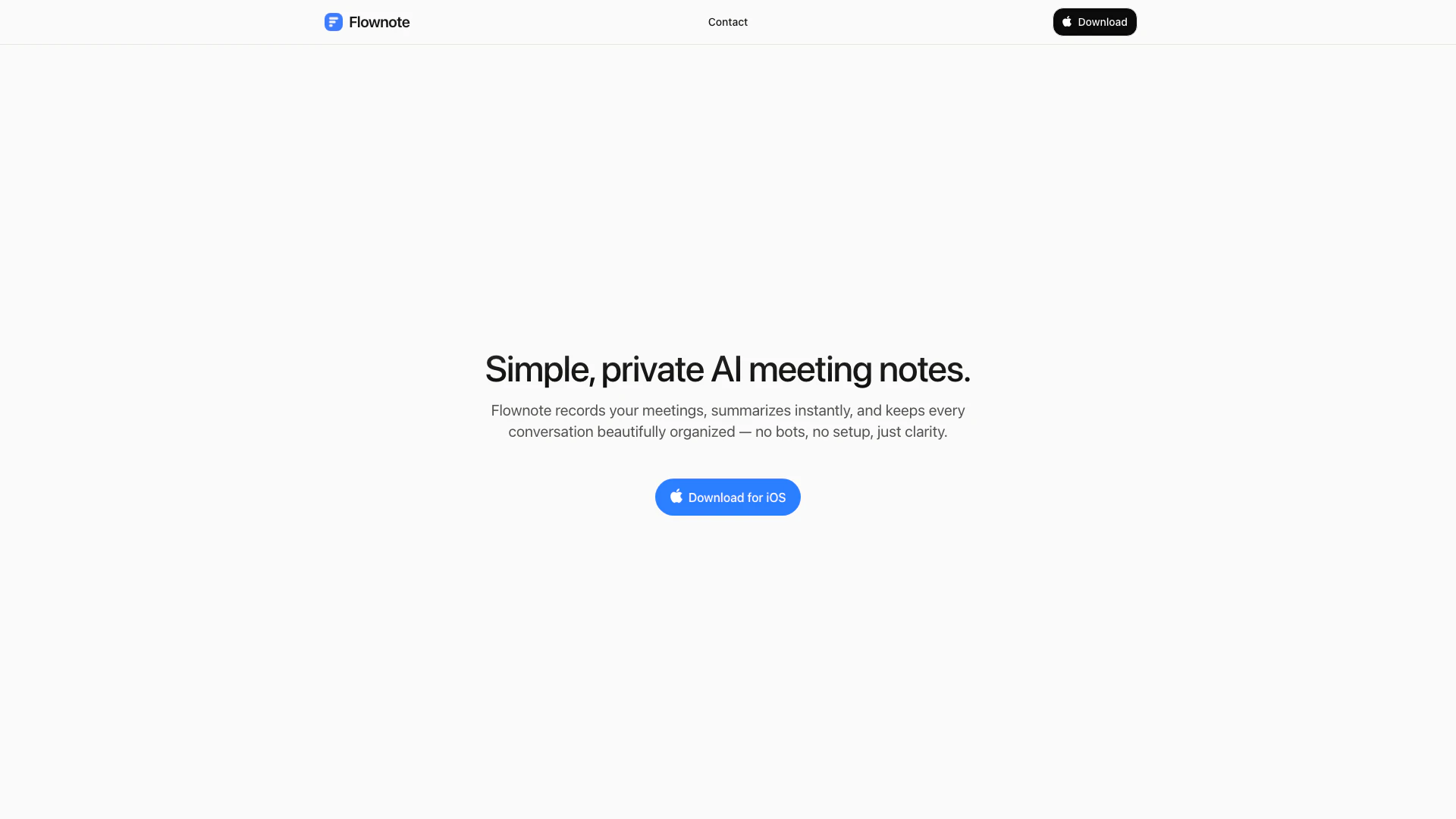





What is Flownoteai?
Flownoteai is an innovative tool designed to enhance meeting productivity by recording conversations and providing instant summaries. It eliminates the need for cumbersome setup and automation, allowing users to focus on the discussion at hand. Flownoteai organizes every conversation neatly, ensuring that important details are easily accessible and well-structured. This tool is perfect for professionals seeking clarity and efficiency in their meetings.
How to use Flownoteai?
- Download the Flownoteai app from the App Store for iOS devices.
- Open the app and start a new meeting recording[1] by tapping the 'Record' button.
- Once the meeting is finished, stop the recording, and Flownoteai will automatically generate a summary of the conversation.
- Review the organized notes[2] and summaries to ensure all key points and action items are captured.
What are the main features of Flownoteai?
- Instant meeting recording and transcription
- Automatic summarization of discussions
- Organized storage of conversation notes
- User-friendly interface[3] with no setup[4] required
- Focus on privacy[5] and simplicity
Who is Flownoteai for?
Flownoteai is designed for professionals, teams, and organizations that conduct meetings regularly and seek an efficient way to document discussions. It is ideal for project managers, executives, and anyone who values clarity and organization in their meeting notes. This tool is especially beneficial for those who prefer a straightforward solution without the complexity of bots or extensive setup.
What are the use cases of Flownoteai?
- Recording team meetings to ensure all discussions are documented and summarized for future reference.
- Summarizing client calls to capture essential points and action items without manual note-taking.
- Organizing brainstorming sessions to keep track of ideas and decisions made during discussions.
Flownoteai Pros and Cons
Pros
- Instant Meeting Summaries: Flownote provides instant summaries of meetings, allowing users to quickly review key points without sifting through lengthy recordings.
- User-Friendly Experience: The tool is designed for simplicity, requiring no setup or bots, making it accessible for users of all technical levels.
- Organized Conversations: Flownote keeps all conversations beautifully organized, ensuring that users can easily find and reference past discussions.
Cons
No cons data detected for this tool