

Wrike





What is Wrike?
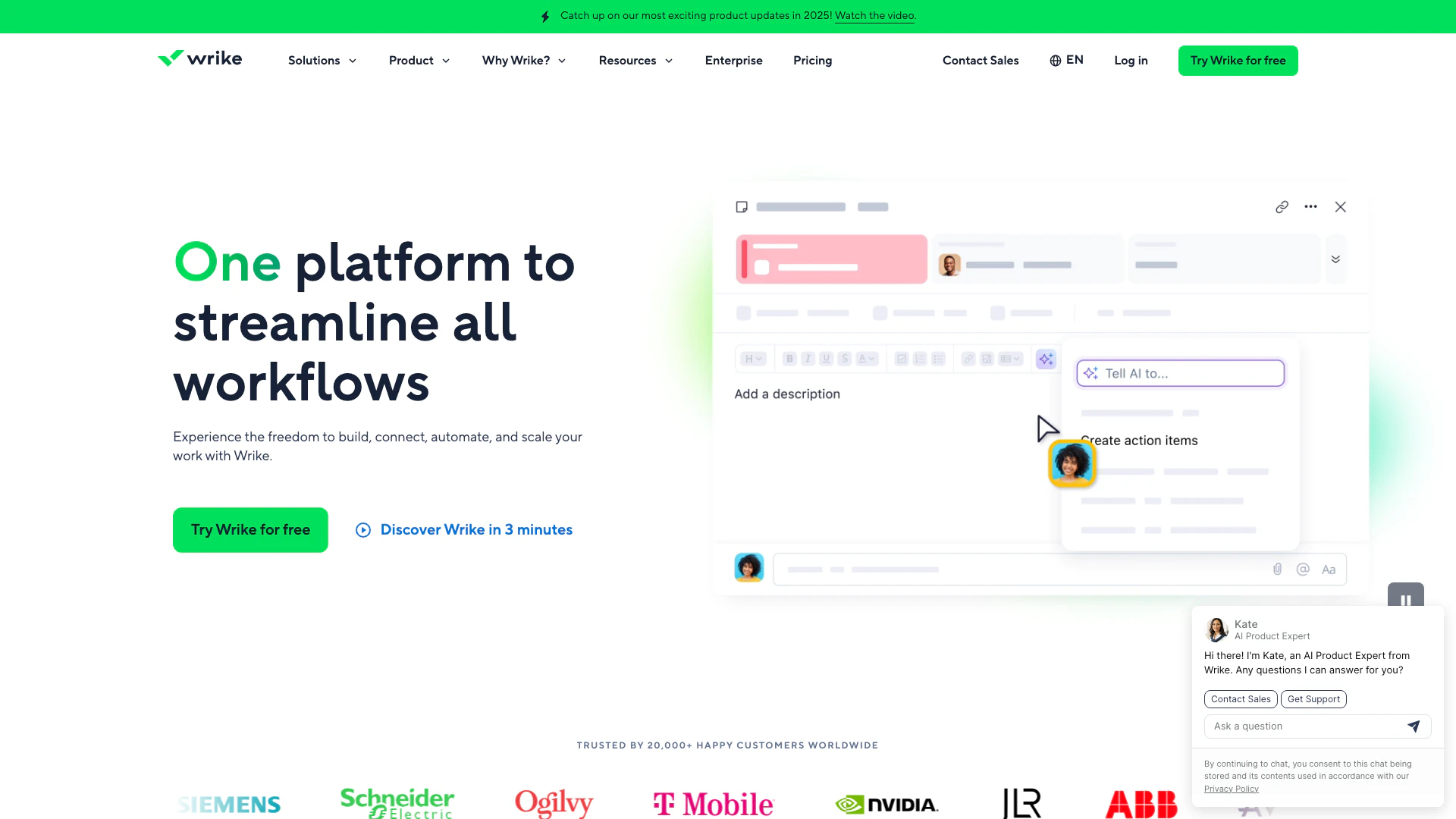
Wrike is a powerful work management[1] platform designed to help teams build, connect, and scale their workflows seamlessly. With a focus on providing 360° visibility[2] and facilitating collaboration[3], Wrike empowers organizations to streamline their operations, enhance productivity, and adapt to changing demands. By integrating various tools and features, Wrike allows teams to manage projects, allocate resources, and track progress efficiently, making it an ideal solution for businesses looking to optimize their workflows.
How to use Wrike?
- Sign Up: Visit the Wrike website and create an account. Choose a plan that suits your team's needs.
- Set Up Your Workspace: Customize your workspace by adding teams, projects, and tasks. Utilize prebuilt templates for faster setup.
- Invite Team Members: Add your team members to Wrike, assigning them roles and permissions to manage workflows effectively.
- Create and Assign Tasks: Use the task management[4] features to create tasks, set deadlines, and assign them to team members.
- Collaborate: Utilize Wrike's collaboration tools, such as comments, file sharing, and real-time updates, to keep everyone aligned.
- Monitor Progress: Use dashboards[5] and reporting features to track project progress and make data-driven decisions.
What are the main features of Wrike?
- Task Management: Create, assign, and track tasks with ease.
- Dashboards: Visualize project data for informed decision-making.
- Gantt Charts: Plan and schedule projects interactively.
- Automation: Set up automated workflows to streamline processes.
- Proofing: Collaborate on creative assets with built-in proofing tools.
- Integrations: Connect with various apps to centralize your work.
Who is Wrike for?
Wrike is designed for teams of all sizes across various industries, including marketing, product development, IT, and professional services. It is particularly beneficial for organizations seeking to enhance collaboration, streamline workflows, and improve project visibility. Whether you are a small startup or a large enterprise, Wrike can be tailored to meet the specific needs of your team, making it an ideal choice for any organization aiming to optimize its work processes.
What are the use cases of Wrike?
- Project Management: Manage complex projects from initiation to completion, ensuring all tasks are tracked and deadlines met.
- Marketing Campaigns: Streamline marketing efforts by coordinating teams, managing creative assets, and tracking campaign performance.
- Product Development: Enhance collaboration among product teams, enabling faster ideation, development, and delivery of products.
Product Images





Wrike Pros and Cons
Pros
- Comprehensive Workflow Management: Wrike offers a robust platform for building, connecting, and scaling workflows, providing 360° visibility and seamless collaboration across teams.
- Advanced Analytics and Reporting: The platform features AI-driven analytics and customizable dashboards that empower users to make data-driven decisions and track project progress effectively.
- Flexible Integration Options: Wrike supports a wide range of integrations with popular tools like Slack, Google Workspace, and Microsoft Teams, allowing for streamlined workflows and enhanced productivity.
Cons
No cons data detected for this tool
Wrike Pricing
Free
Essential task management with web, desktop, and mobile apps. Project & task management, board view, table view, and active task limitations apply.
Team
Intelligent project management for 2-15 users. Includes AI Essentials, shareable dashboards, and interactive Gantt charts.
Business
Customizable platform to manage your workflows for 5-200 users. Includes AI Elite features, resource and capacity planning, and standard integrations.
Apex
Powering human and AI-led enterprise workflows for 5 to unlimited users. Includes AI Elite features, unlimited whiteboards, and Wrike Datahub.
For the latest pricing, please visit this link: https://www.wrike.com/price/
Prices are subject to change. Please visit the official website for the most up-to-date pricing information.
Analytics of Wrike
Wrike Website Traffic Analysis
Visits Over Time
Traffic Sources
Oct 2025 - Dec 2025 Worldwide Desktop Only
- Direct: 72.59%
- Search: 22.59%
- Referrals: 3.84%
- Paid Referrals: 0.64%
- Social: 0.31%
- Mail: 0.03%
Top Keywords
| Keyword | Volume | CPC | Estimated Value |
|---|---|---|---|
| clickup | 1.25M | $1.73 | $6210.00 |
| asana | 801.97K | $3.53 | $5630.00 |
| monday | 448.25K | $2.23 | $2710.00 |
| wrike | 52.57K | $22.89 | $29570.00 |
| wrikewrike | 4.24K | $24.97 | $2420.00 |
Wrike Reviews
Wrike became our tool of excellency for the team.
The most powerful work management platform I’ve seen out there.
Now we have a single source of the truth, and it’s made us a lot stronger.
For more reviews, visit this link: https://www.wrike.com/#customer-stories






Wrike Social Listening
Wrike Lightspeed - The fastest...
Wrike, the pioneer of work man...
Using Wrike Automations
Discover Wrike’s Automation - ...
What is Wrike | Wrike Demo & O...
Discover the power of Wrike, a...
Unlock to view 64 social media results.