

Workmate
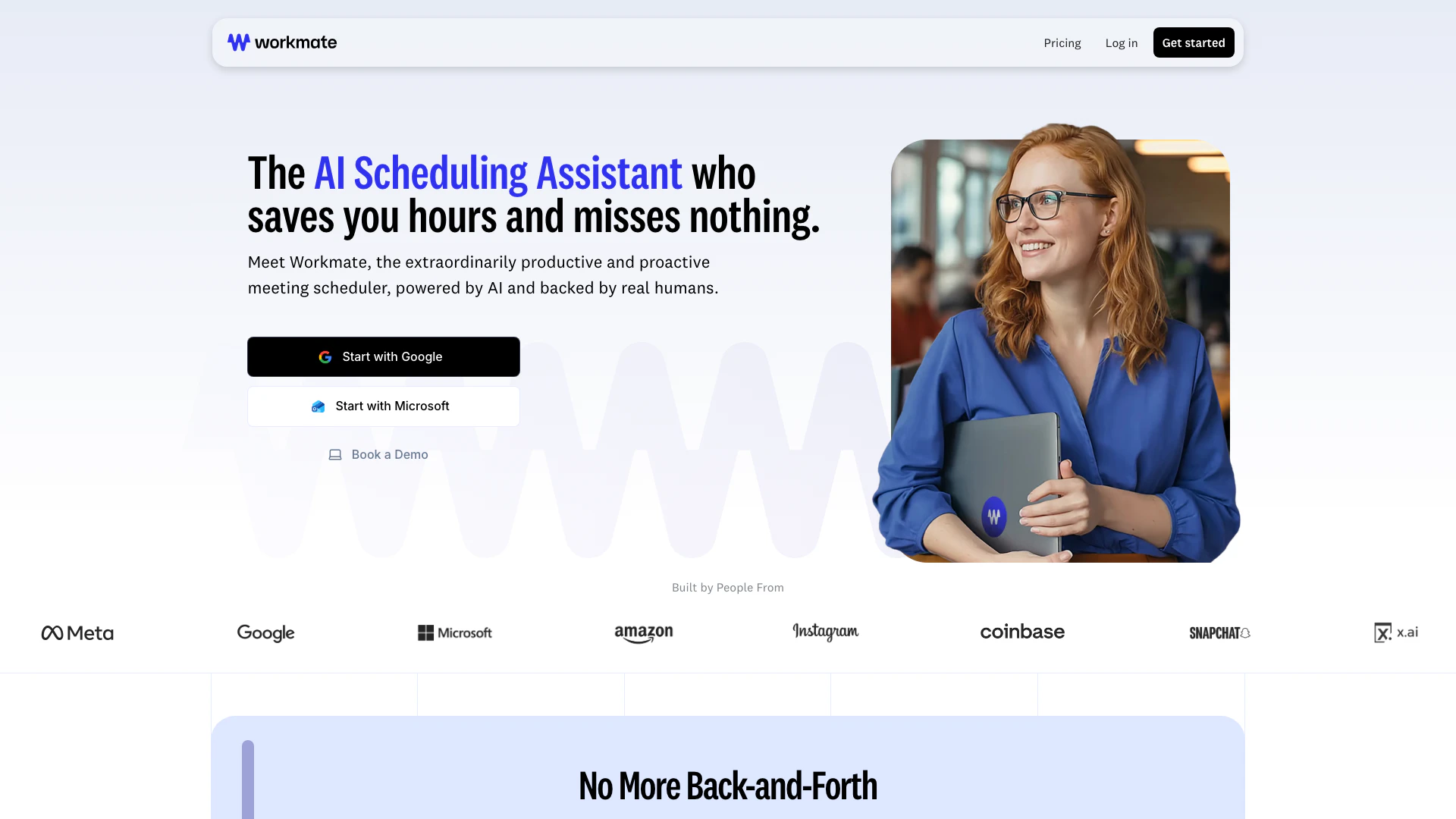





What is Workmate?
Workmate is an AI-powered[1] meeting scheduler[2] designed to enhance productivity[3] and streamline the scheduling process. It combines artificial intelligence with human oversight[8] to ensure that scheduling tasks are handled efficiently and accurately. Workmate aims to save users valuable time by automating the scheduling of meetings, managing conflicts, and following up with participants. With its proactive features, Workmate eliminates the hassle of back-and-forth emails, allowing users to focus on their core tasks.
How to use Workmate?
- Sign up for a Workmate account on their website.
- Connect your calendar applications such as Google or Microsoft Outlook[6].
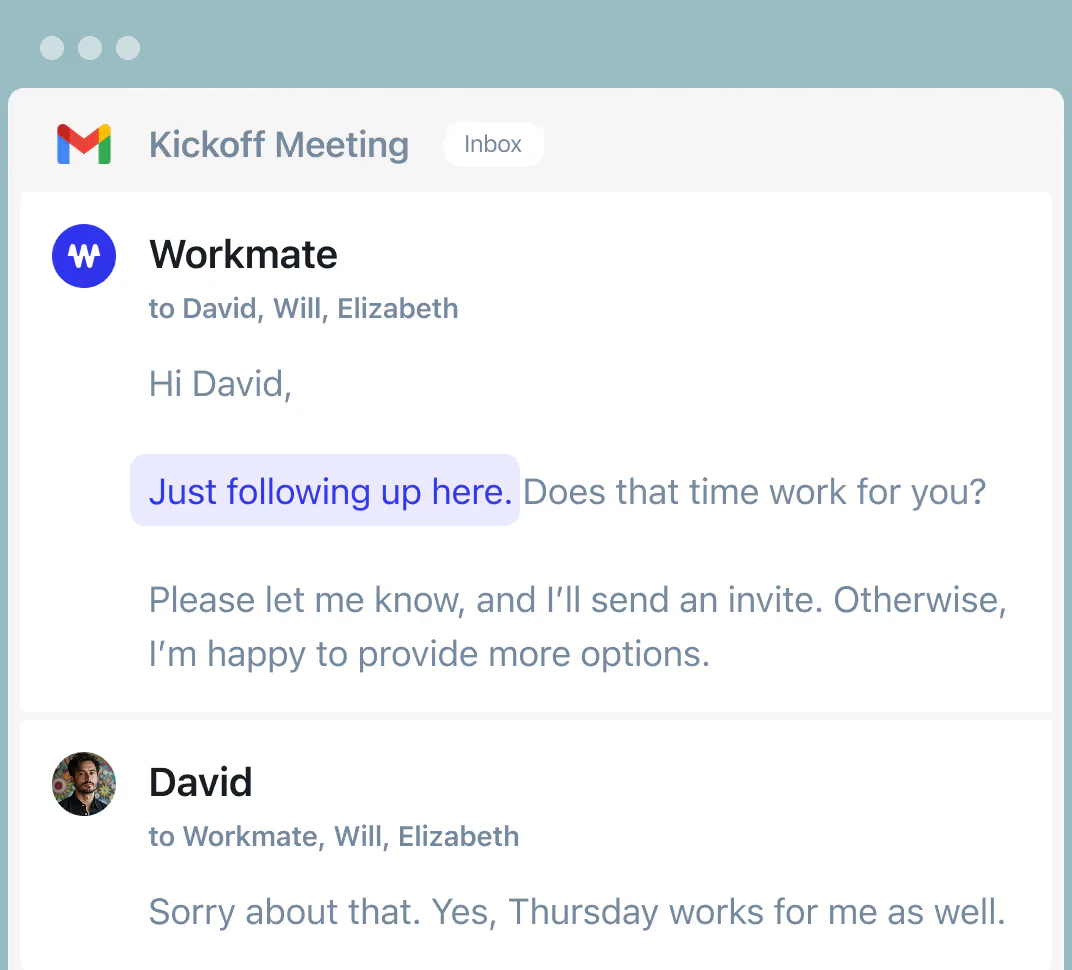
- CC Workmate in any scheduling email or conversation to let it handle the meeting arrangements.
- Customize your Workmate's name and email address if desired.
- Allow Workmate to automatically follow up with participants and manage any scheduling conflicts.
What are the main features of Workmate?
- AI-powered scheduling to automate meeting arrangements.
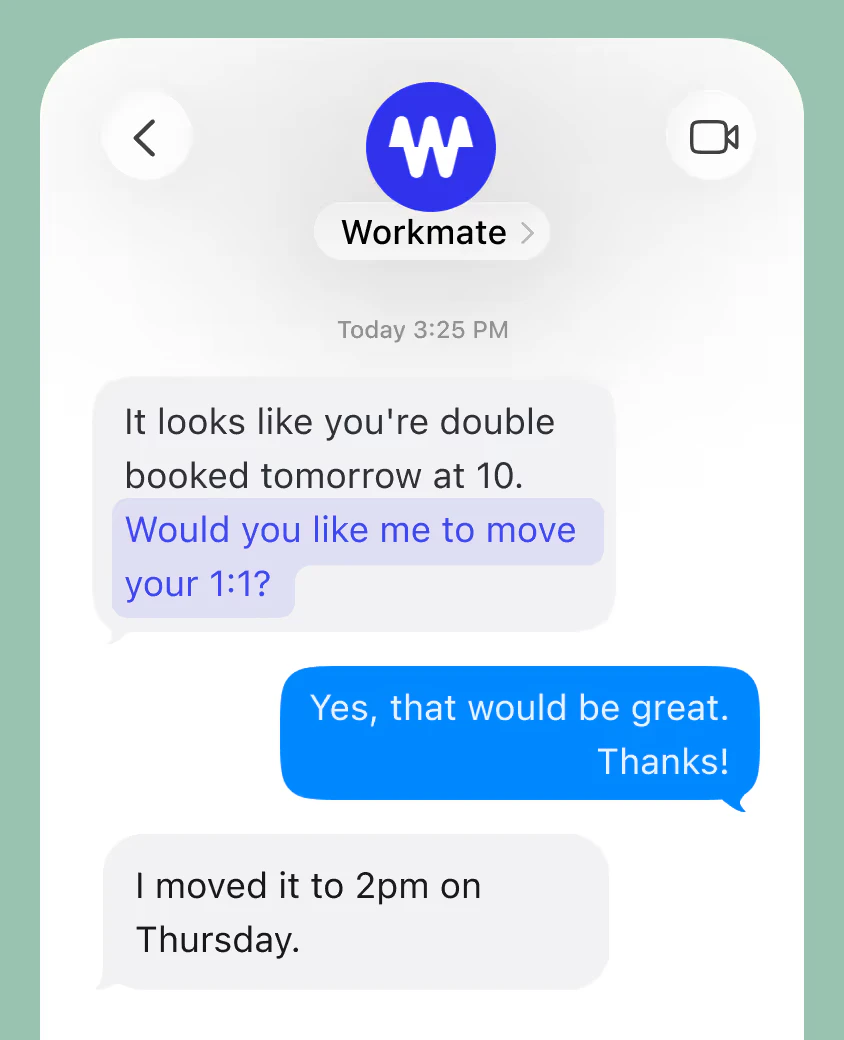
- Proactive conflict management[4] with instant notifications.
- Automatic follow-ups[5] for unresponsive participants.
- Customizable assistant[7] name and email address for a personal touch.
- Integration with popular calendar apps like Google and Microsoft.
- 24/7 support from human scheduling experts.
Who is Workmate for?
Workmate is designed for professionals, teams, and organizations that require efficient scheduling solutions. It is particularly beneficial for busy executives, team leaders, and administrative personnel who manage multiple calendars and meetings. Additionally, businesses looking to streamline their scheduling process and reduce time spent on administrative tasks will find Workmate to be an invaluable tool.
What are the use cases of Workmate?
- Scheduling client meetings without the hassle of back-and-forth emails.
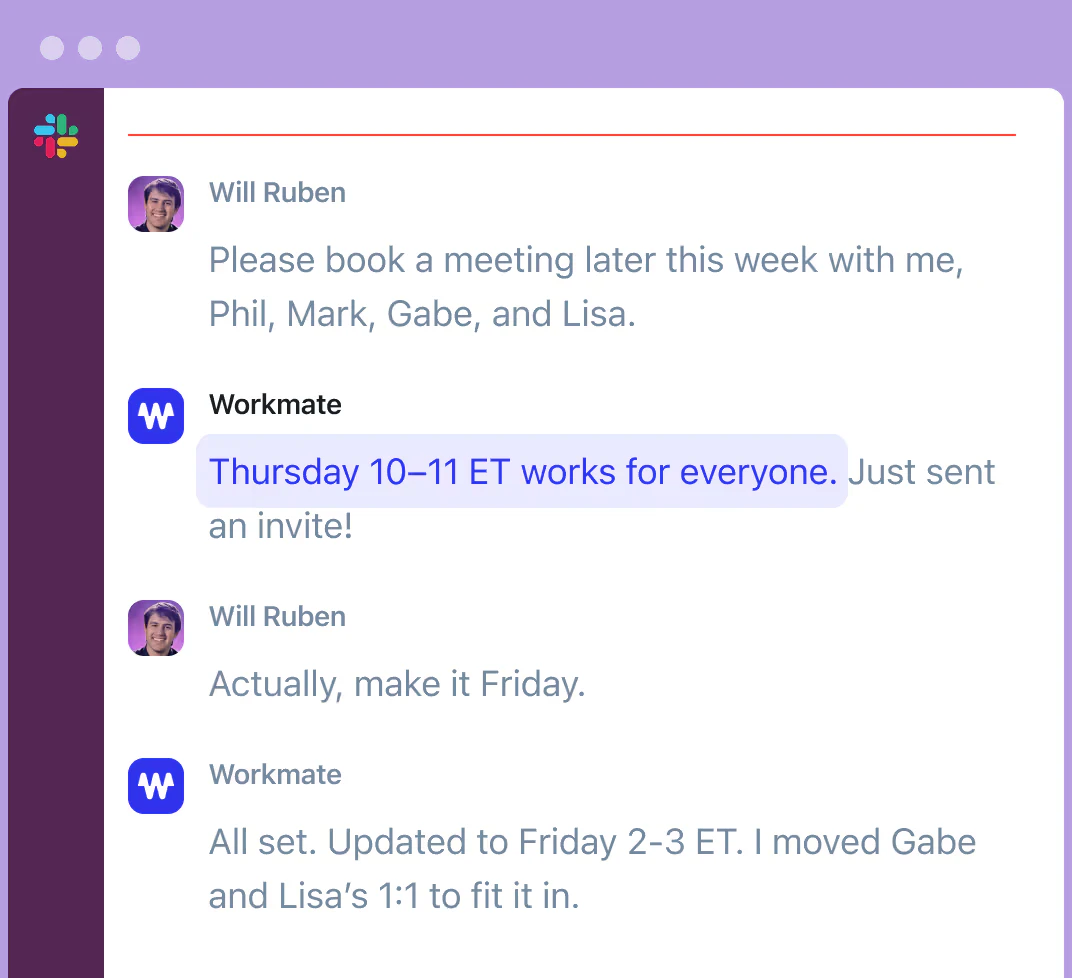
- Managing team calendars to avoid scheduling conflicts and ensure availability.
- Automating follow-ups with clients or team members who haven't responded to meeting requests.
Product Images





Workmate Pros and Cons
Pros
- AI-Powered Scheduling: Workmate utilizes AI technology to automate meeting scheduling, saving users significant time and effort.
- Human Support: Backed by real humans, Workmate ensures reliable scheduling assistance and follow-ups, enhancing user confidence.
- Integration with Popular Tools: Seamlessly integrates with Google, Microsoft, Slack, and SMS, allowing users to manage scheduling within their existing workflows.
Cons
No cons data detected for this tool
Workmate Pricing
Enterprise
Vet and hire Workmate to handle scheduling for multiple teams in your organization. Everything in Premium, plus security and legal reviews, more SSO options to automatically organize your organization into multiple teams, and dedicated account support.
Pro
Unlimited scheduling requests powered by AI and our team of experienced EAs. Everything in Free, plus unlimited scheduling requests, unlimited calendars and colleagues on your team for instant scheduling, faster, more personalized responses, and unlimited team members for instant scheduling, eliminating back-and-forth email threads.
Premium
Fully white-labeled with dedicated support from a Lead Assistant during business hours. Everything in Pro, plus email address on your domain, completely unbranded with customizable name, dedicated US-based Lead Assistant, and early access to the latest features.
For the latest pricing, please visit this link: https://www.workmate.com/plans-pricing
Prices are subject to change. Please visit the official website for the most up-to-date pricing information.
Analytics of Workmate
Workmate Website Traffic Analysis
Visits Over Time
Traffic Sources
Nov 2025 - Jan 2026 Worldwide Desktop Only
- Direct: 49.61%
- Search: 26.87%
- Social: 15.85%
- Referrals: 6.13%
- Paid Referrals: 1.43%
- Mail: 0.10%
Top Keywords
| Keyword | Volume | CPC | Estimated Value |
|---|---|---|---|
| workmate | 3.77K | $0.47 | $220.00 |
| workmate labs inc. | 200 | $0.00 | $190.00 |
| how to coordinate meetings tool | 170 | $0.00 | $160.00 |
| workmate ai | 130 | $0.00 | $40.00 |
| workmate fundraising | 100 | $0.00 | $60.00 |
Workmate Reviews
It's everything I wanted and more. Everything has freaking changed in my life for the better!
The most important benefit is the peace of mind that things are going to get scheduled and I didn't have to think about it.
I never have to touch my mail or my calendar. You guys have done like a really good job.
For more reviews, visit this link: https://www.workmate.com/#reviews




