Usebubbles





What is Usebubbles?
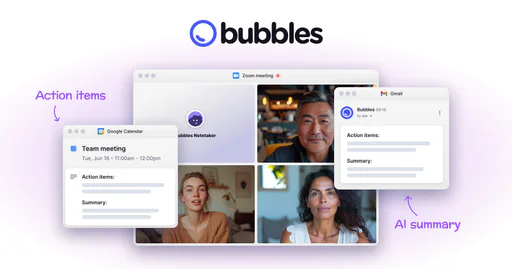
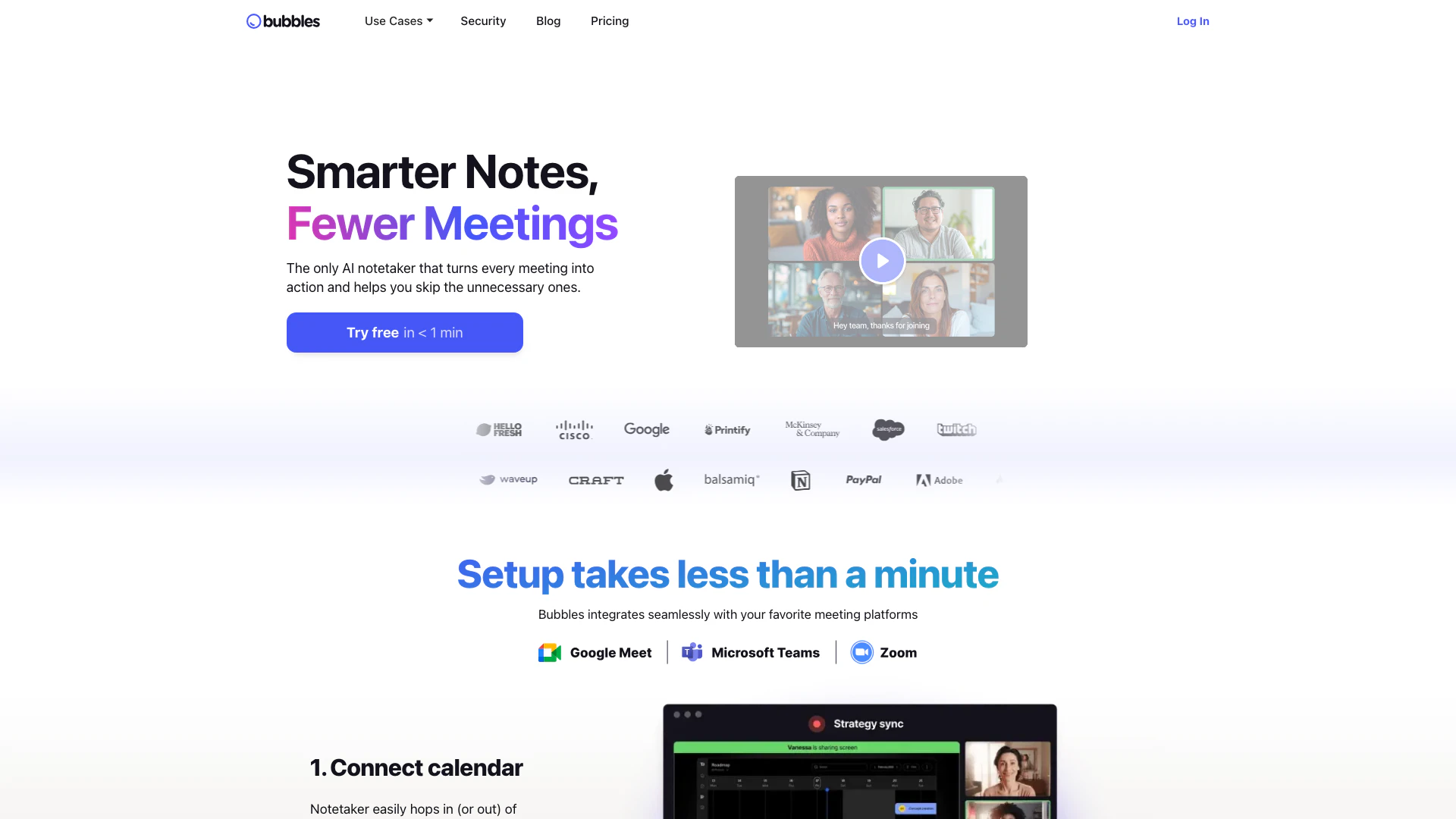
Usebubbles is an innovative AI-driven meeting tool designed to enhance productivity by automating note-taking and summarizing meetings. It allows users to record meetings seamlessly, generate actionable items, and create concise summaries, enabling teams to focus on discussions rather than manual note-taking. The platform also supports video conversations[5] and screen recording[3], making it a versatile solution for modern workplaces. By integrating with popular meeting platforms, Usebubbles aims to transform how teams communicate and collaborate, ensuring that every meeting is purposeful and productive.
How to use Usebubbles?
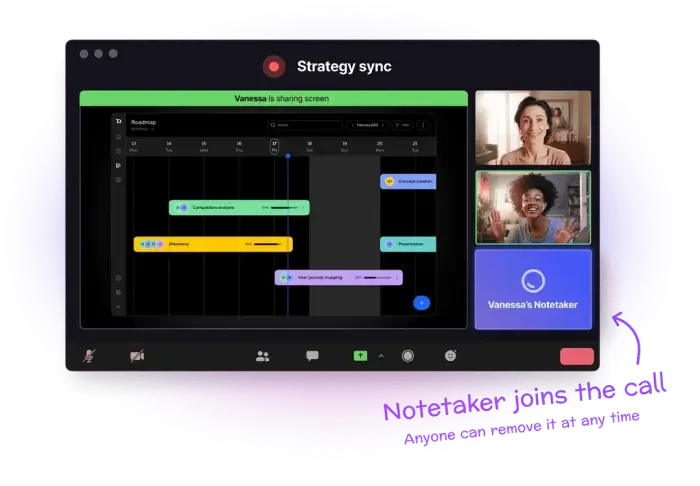
- Connect Your Calendar: Integrate Usebubbles with your preferred calendar to allow the AI notetaker to join your meetings automatically.
- Record Meetings: During the meeting, Usebubbles will record audio and video, transcribing conversations in real-time.
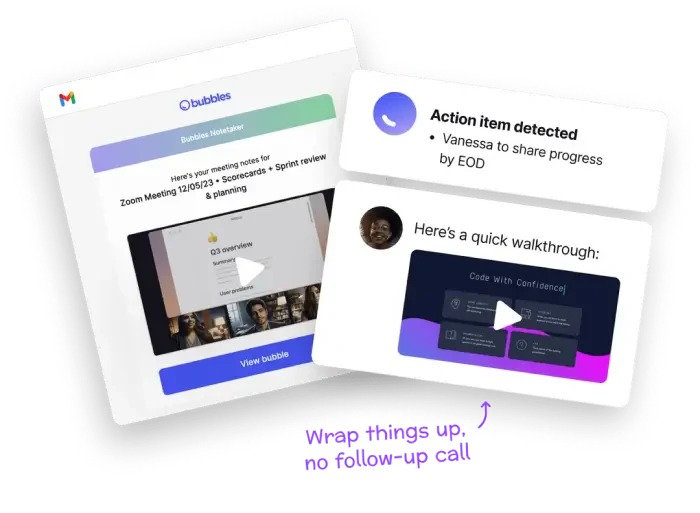
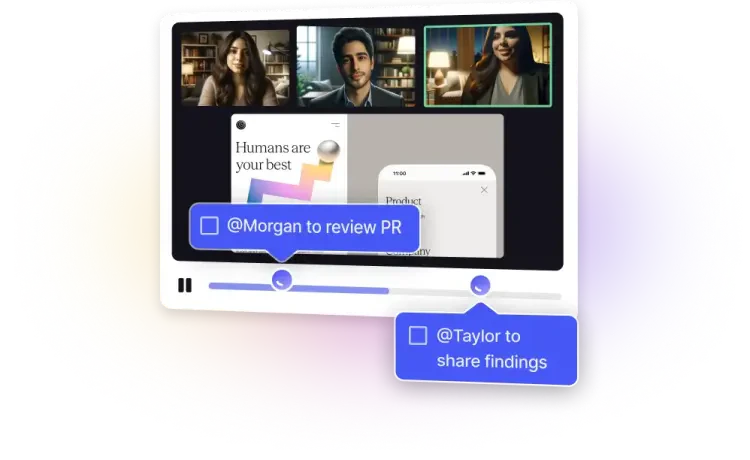
- Get Summaries and Action Items: After the meeting, Usebubbles generates a summary and lists actionable items for participants, helping to ensure that everyone knows their next steps.
What are the main features of Usebubbles?
- Automated Note-Taking[1]: Capture meeting notes automatically without manual input.
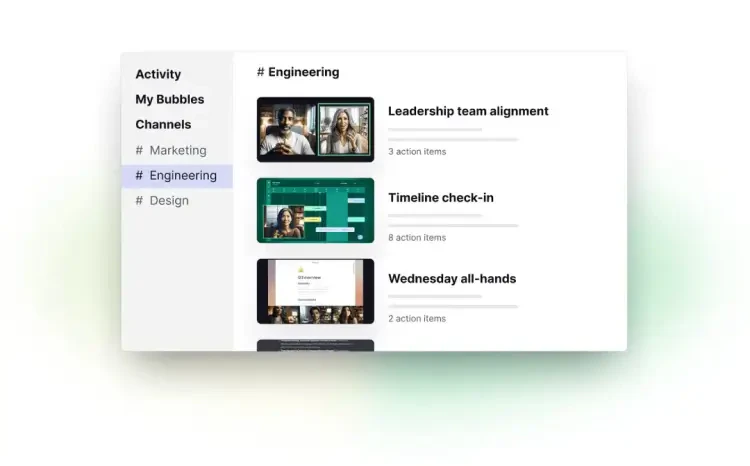
- AI-Generated Action Items[2]: Receive instant summaries and actionable tasks after each meeting.
- Screen Recording: Record your screen alongside video conversations for comprehensive documentation.
- Integration with Meeting Platforms: Seamlessly connects with tools like Zoom, Google Meet, and Microsoft Teams.
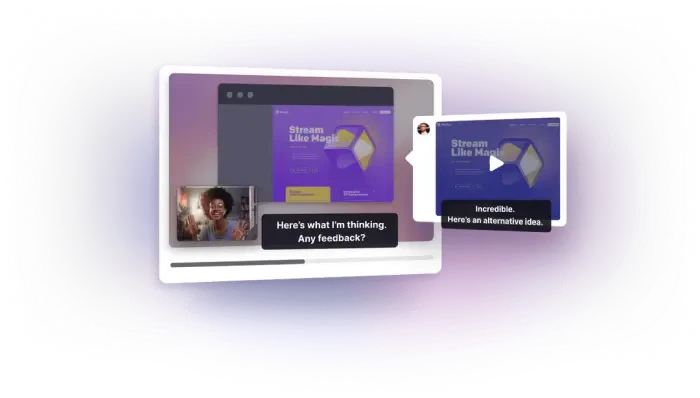
- Rich Commenting: Allow participants to provide feedback on recorded meetings asynchronously.
Who is Usebubbles for?
Usebubbles is designed for professionals across various industries who seek to enhance their meeting productivity[4]. This includes marketers, designers, managers, and remote teams who need effective communication tools. It caters to those who often participate in virtual meetings and require a streamlined process for note-taking and action tracking[6]. Whether you are a project manager coordinating tasks or a marketer conducting client meetings, Usebubbles provides the tools necessary to maintain focus and clarity in discussions.
What are the use cases of Usebubbles?
- Marketing Campaign Meetings: Capture key insights and action items from brainstorming sessions to ensure all team members are aligned.
- Design Reviews: Record feedback sessions on design prototypes, allowing designers to revisit discussions without missing details.
- Client Consultations: Use screen recording to document client meetings, providing a reference for follow-up actions and decisions.
Product Images
Usebubbles Pros and Cons
Pros
- Automated Note-Taking: Usebubbles offers automated note-taking, allowing users to focus on discussions while the tool captures important points and action items.
- AI-Powered Summaries: The tool provides AI-generated summaries and action items after meetings, ensuring that participants have clear next steps.
- Seamless Integration: Usebubbles integrates easily with popular meeting platforms like Zoom, Microsoft Teams, and Google Meet, enhancing workflow efficiency.
Cons
No cons data detected for this tool
Usebubbles Pricing
Basic
Record & Share Includes: - 30 mins per recording length - 5 meeting recordings per week - Unlimited screen recordings - Bubbles lock after 2 weeks - AI summaries and action items - Notetaker joins all meetings - All invitees receive recordings - 2 channels
Pro Teams
Collaboration & Access Control Everything in Basic, plus: - Unlimited recording length - Unlimited meeting recordings - Bubbles never get locked - AI transcripts - Choose which meetings Notetaker joins - Choose who receives recordings - Customize Notetaker name and branding - Unlimited channels - Discounted pricing for teams of 3+
Pro Personal
Ideal for Freelancers Everything in Pro Teams: - Get started as an individual or duo - Automatically transition to discounted Pro Teams pricing for all members if your team grows to 3+
For the latest pricing, please visit this link: https://www.usebubbles.com/pricing
Prices are subject to change. Please visit the official website for the most up-to-date pricing information.
Usebubbles Reviews
Once you use it, it’s hard to go back. - Shaan Puri, Senior Director of Product at Twitch
Bubbles re-defines async work. I use Bubbles Notetaker and core product on top of all project management / productivity platforms to streamline meetings (and to have less of them) and supercharge my team's async work. - Aaron Cort, VP of Operations at ClickUp
One thing that stands out for me with this tool is ... you can comment on it with your peers and others to further the discussion! It's super helpful and takes a lot less time than having to get on yet ANOTHER call. - Jason Egan, Product Hunt reviewer
For more reviews, visit this link: https://www.usebubbles.com/#reviews