

Theresanaiforthat




What is ProjectAssistant?
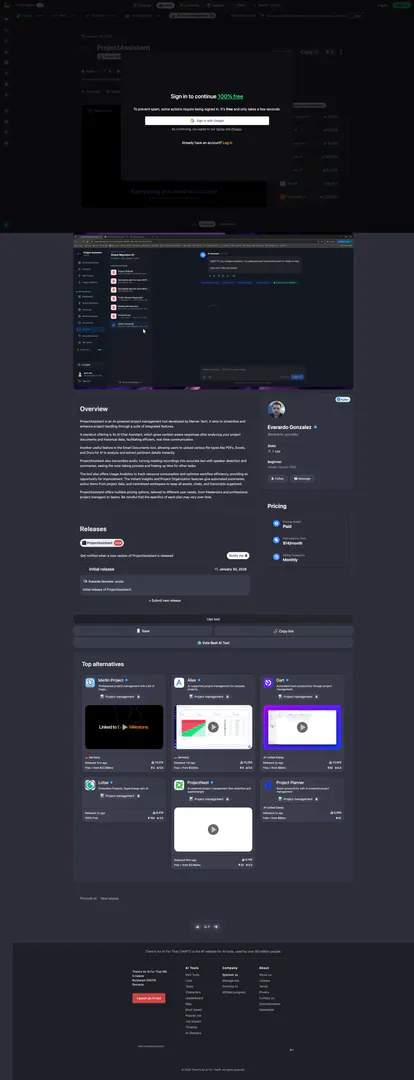
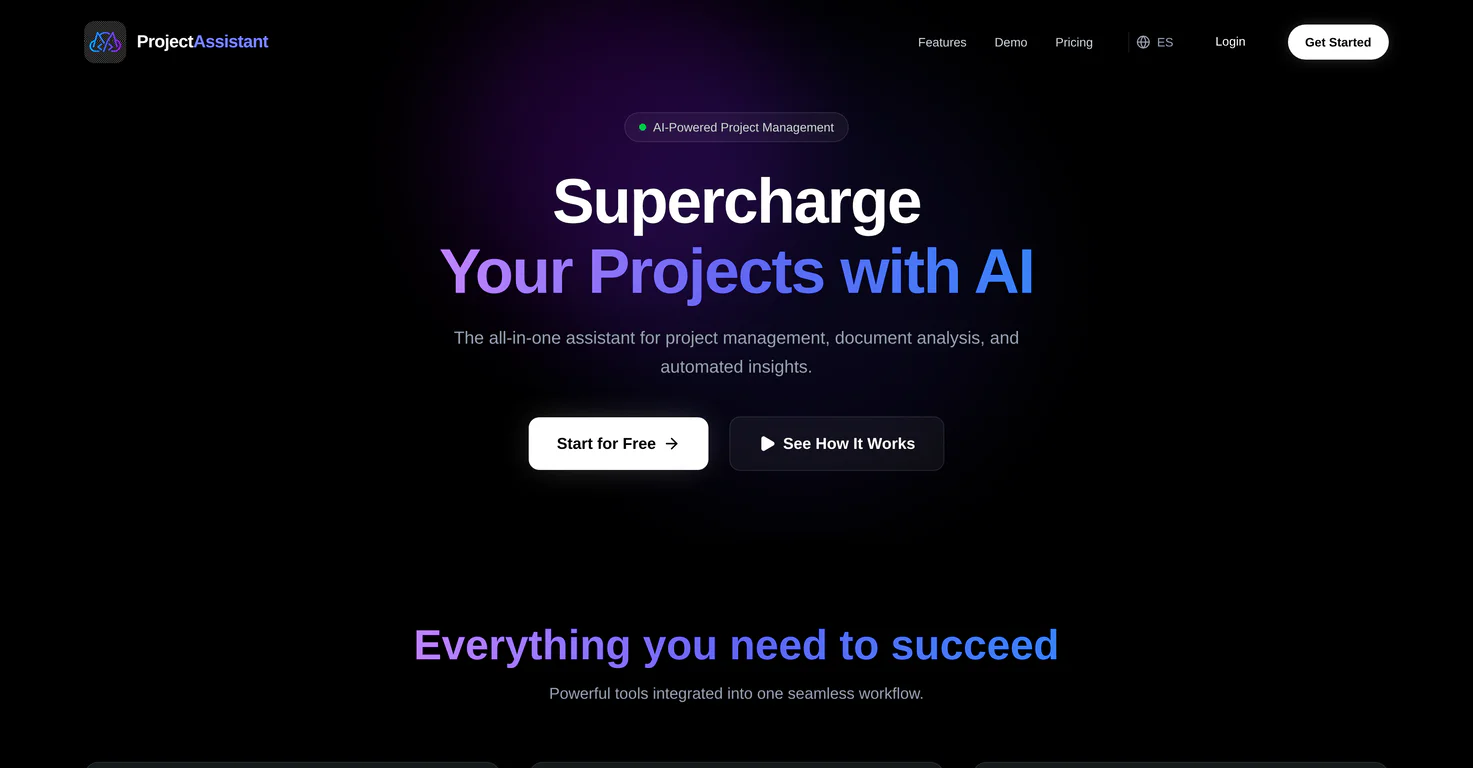
ProjectAssistant is an AI-powered[1] project management[2] tool developed by Marver Tech, designed to streamline and enhance project handling through a comprehensive suite of integrated features. This innovative tool leverages advanced artificial intelligence to improve communication and efficiency within project teams. A key feature is the AI Chat Assistant[3], which provides context-aware responses after analyzing project documents and historical data, facilitating real-time communication. ProjectAssistant also includes tools for smart document analysis[4], audio transcription[5] of meetings, and usage analytics, making it a versatile solution for project management needs.
How to use ProjectAssistant?
- Sign Up: Visit the ProjectAssistant website and create an account to access the tool.
- Upload Documents: Utilize the smart document feature to upload various file types such as PDFs, Excel spreadsheets, and Word documents for analysis.
- Engage with AI Chat Assistant: Use the AI Chat Assistant to ask questions about your project, and receive context-aware responses based on your uploaded documents.
- Transcribe Meetings: Record meetings and use the audio transcription feature to convert speech into text, complete with speaker detection and summaries.
- Analyze Usage: Access usage analytics to track resource consumption and optimize your workflow for better efficiency.
What are the main features of ProjectAssistant?
- AI Chat Assistant: Provides context-aware responses to enhance communication and decision-making.
- Smart Document Analysis: Analyzes uploaded documents (PDFs, Excels, Docs) to extract key insights.
- Audio Transcription: Converts meeting recordings into text with speaker detection and summaries.
- Usage Analytics: Tracks resource consumption to optimize workflow efficiency.
- Instant Insights: Generates automated summaries and action items from project data.
- Project Organization: Centralizes all project assets, chats, and transcripts for easy access and collaboration.
Who is ProjectAssistant for?
ProjectAssistant is tailored for a diverse range of users, including freelancers looking for efficient project management solutions, professional project managers who need advanced tools to handle complex projects, and teams within organizations that require seamless collaboration and communication. Its features cater to those managing small to large-scale projects, making it suitable for various industries that value productivity and organization.
What are the use cases of ProjectAssistant?
- Freelance Project Management: Freelancers can use ProjectAssistant to manage multiple client projects efficiently, utilizing its smart document analysis and AI chat features.
- Team Collaboration: Teams can leverage the centralized workspace to share documents, chat transcripts, and meeting notes, ensuring everyone is aligned on project goals.
- Meeting Documentation: The audio transcription feature can be used to record and summarize meetings, making it easier for teams to reference discussions and action items.
Product Images


Theresanaiforthat Pros and Cons
Pros
- Context-aware AI Chat Assistant: The AI Chat Assistant provides context-aware responses by analyzing project documents and historical data, facilitating efficient communication.
- Smart Document Analysis: Users can upload various file types like PDFs and Excels for the AI to analyze and extract relevant insights instantly.
- Audio Transcription with Summaries: The tool transcribes meeting recordings into text with speaker detection and generates summaries, enhancing note-taking efficiency.
Cons
No cons data detected for this tool
Theresanaiforthat Pricing
Team Plan
Ideal for organizations with multiple users. Offers extensive support for collaboration and project management.
For the latest pricing, please visit this link: https://theresanaiforthat.com/ai/projectassistant/#pricing-options
Prices are subject to change. Please visit the official website for the most up-to-date pricing information.
Analytics of Theresanaiforthat
Theresanaiforthat Website Traffic Analysis
Visits Over Time
Traffic Sources
Oct 2025 - Dec 2025 Worldwide Desktop Only
- Search: 45.56%
- Direct: 40.34%
- Referrals: 11.30%
- Paid Referrals: 1.61%
- Social: 1.14%
- Mail: 0.05%
Top Keywords
| Keyword | Volume | CPC | Estimated Value |
|---|---|---|---|
| kirkify | 135.51K | $0.00 | $19540.00 |
| there is an ai for that | 29.76K | $0.69 | $24890.00 |
| there's an ai for that | 21.52K | $0.76 | $18410.00 |
| theresanaiforthat | 20.88K | $0.20 | $17340.00 |
| taaft | 12.54K | $2.06 | $8990.00 |





Theresanaiforthat Social Listening
Trae AI:免费编程神器来了!集成顶级大模型,开发者必备...
【Trae AI 免费下载】▶ https://tinyur...
Discover New AI Tools with "Th...
in this step-by-step video tut...
Theresanaiforthat Platform Rev...
Theresanaiforthat Platform Rev...
Unlock to view 12 social media results.