Tabbitbrowser
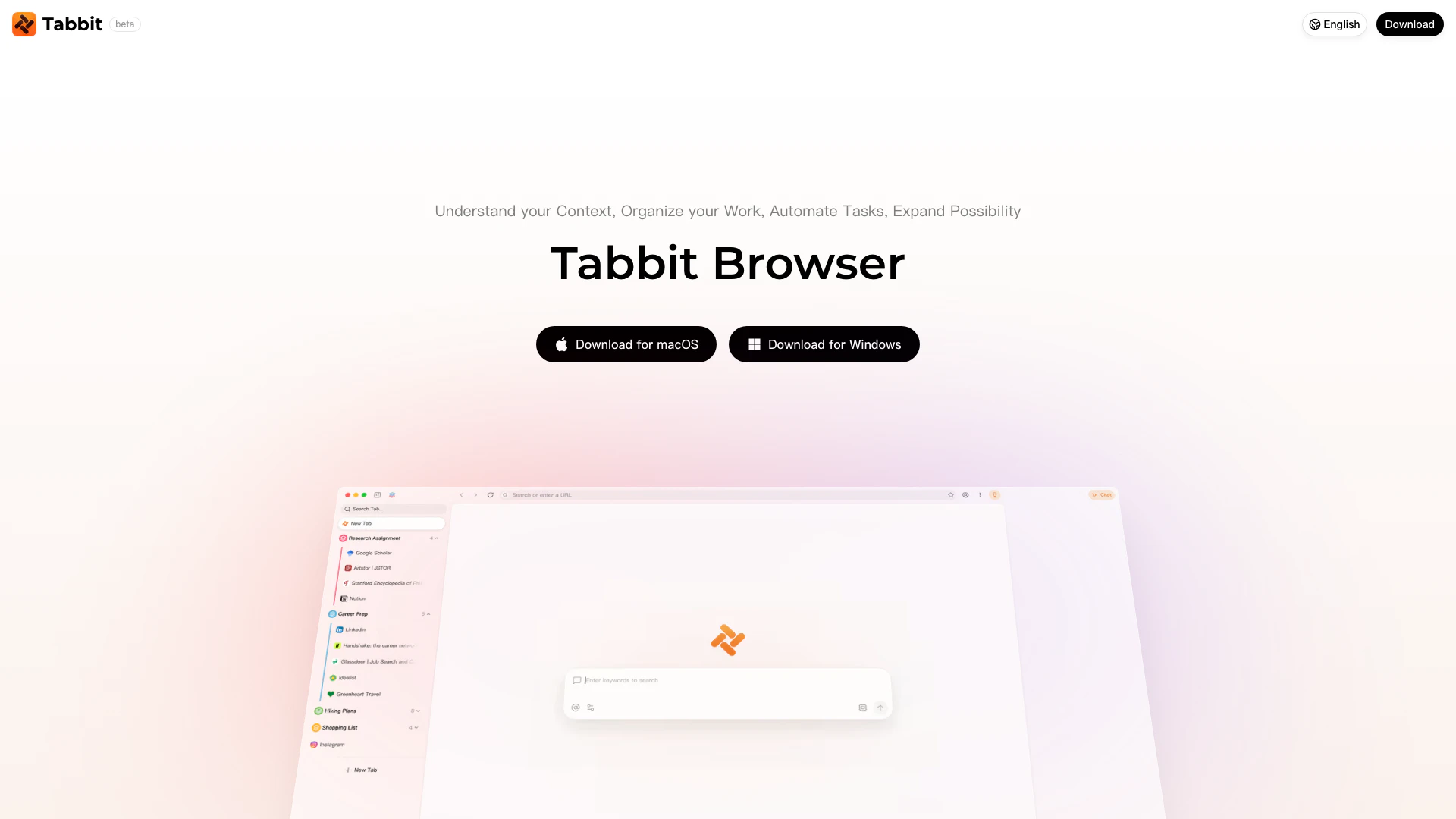





What is Tabbitbrowser?
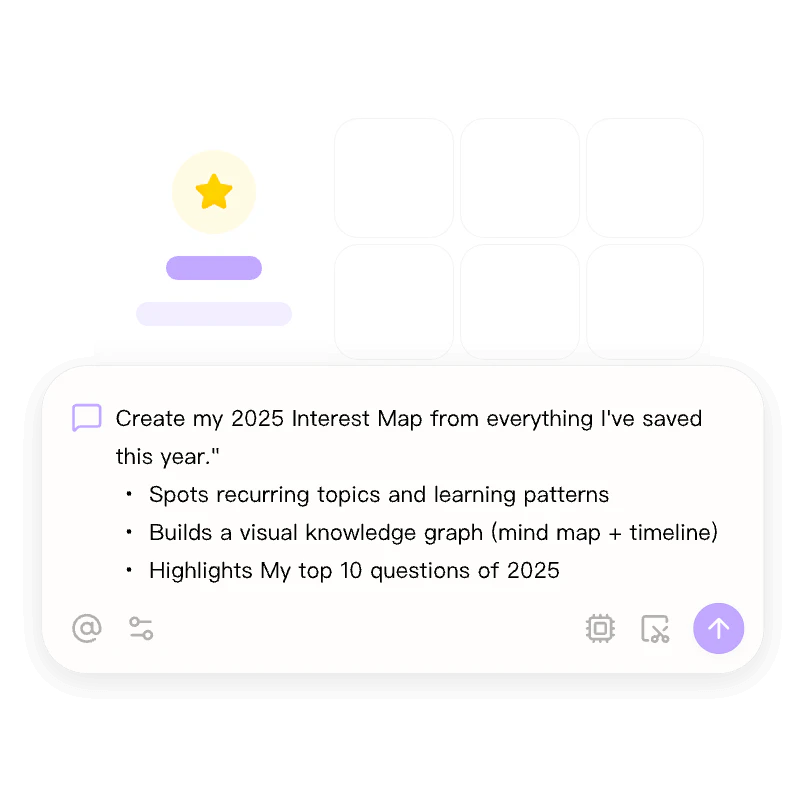
Tabbitbrowser is an AI-native web browser designed to enhance user experience by understanding context and automating tasks. It allows users to interact with web pages through chat, create custom skills[3], and manage tabs efficiently. Supporting advanced AI models like GPT-5.2 and Gemini-3.1-Pro, Tabbitbrowser aims to streamline browsing, making it not just a tool for accessing information but a smart assistant that organizes, automates, and enhances productivity. With a free download available for both macOS and Windows, Tabbitbrowser is positioned as a versatile solution for anyone looking to optimize their online activities.
How to use Tabbitbrowser?
- Download and Install: Visit the official website and download Tabbitbrowser for your operating system (macOS or Windows). Follow the installation instructions provided.
- Set Up Your Environment: Launch the browser and configure your preferences, including selecting your preferred AI model for enhanced browsing capabilities.
- Utilize Features: Start browsing and use the chat feature to ask questions about the content on the page. You can also automate tasks using the Agent feature, create custom Skills for repetitive actions, and organize your tabs into groups for better management.
What are the main features of Tabbitbrowser?
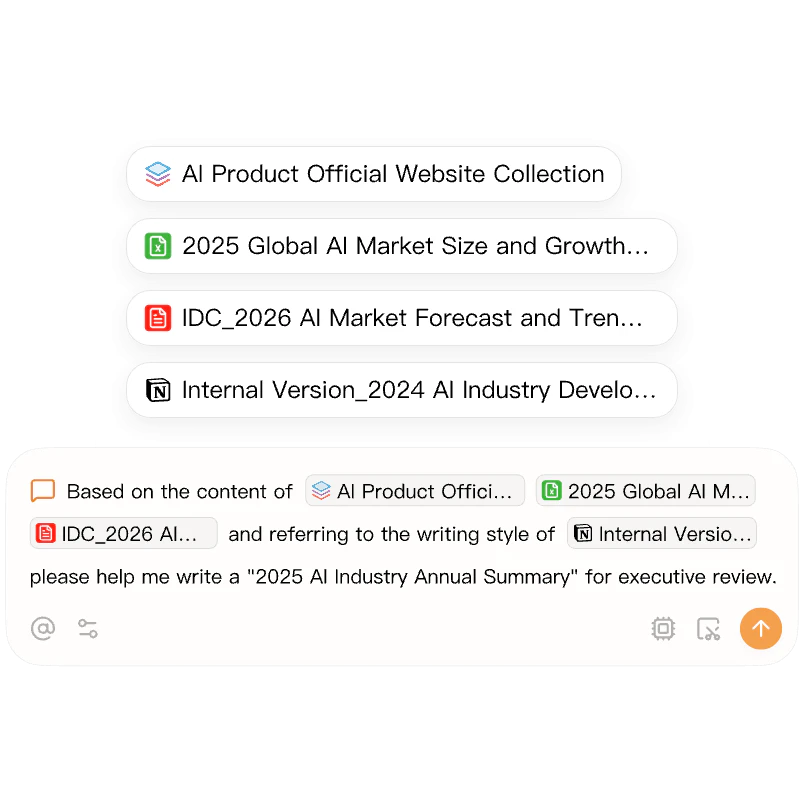
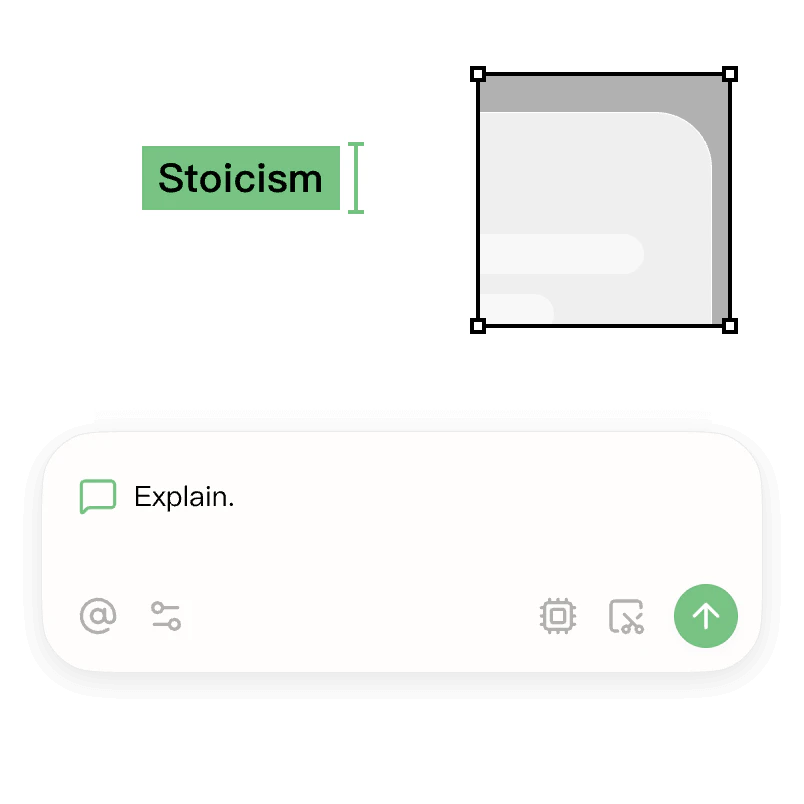
- AI Context Understanding[1]: Tabbitbrowser can understand the context of your browsing, allowing for tailored interactions with web pages.
- Task Automation[2]: With the Agent feature, users can automate repetitive tasks and workflows, improving efficiency.
- Custom Skills Creation: Users can create one-click Skills for frequently used prompts, saving time on repetitive actions.
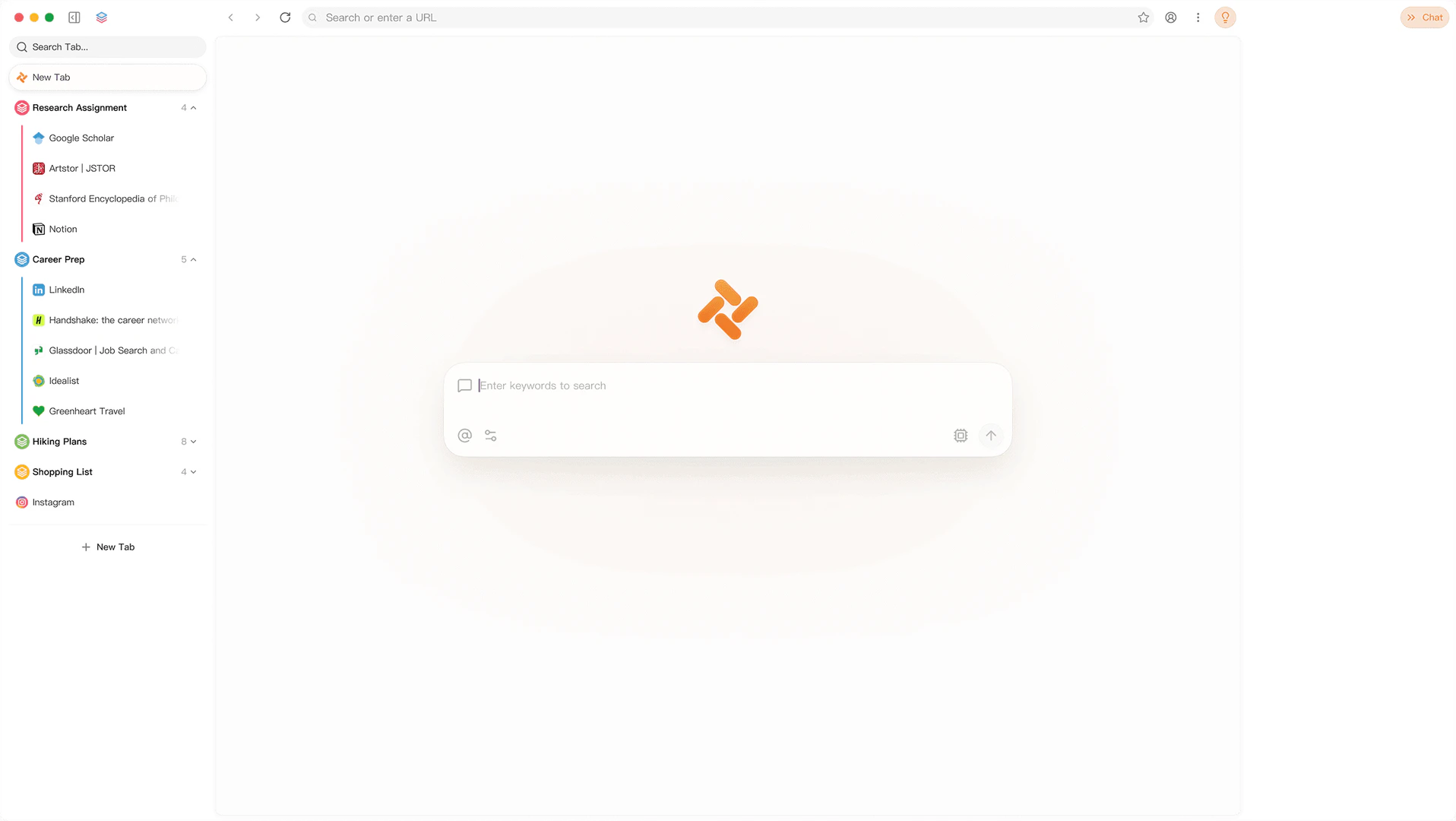
- Organized Tab Management[4]: The browser groups related tabs in a vertical sidebar, helping users maintain a clean workspace.
- Support for Multiple AI Models: Users can switch between advanced AI models such as GPT-5.2 and Gemini-3.1-Pro to enhance their browsing experience.
Who is Tabbitbrowser for?
Tabbitbrowser is designed for a wide range of users, including professionals, researchers, students, and anyone who frequently interacts with online content. It is particularly beneficial for those who need to manage multiple tabs, automate tasks, or require assistance in understanding complex information. The browser's AI capabilities make it ideal for tech enthusiasts and data analysts looking for efficient ways to process and analyze information.
What are the use cases of Tabbitbrowser?
- Research and Data Analysis: Users can utilize Tabbitbrowser to read and analyze academic papers, with the AI helping to clarify complex sections.
- Content Creation: Content creators can automate tasks such as gathering information and managing subscriptions, allowing them to focus on writing and creativity.
- Project Management: Project managers can use Tabbitbrowser to review historical documents and extract insights relevant to current projects, facilitating better decision-making.
Product Images
Tabbitbrowser Pros and Cons
Pros
- AI-Native Context Understanding: Tabbit is designed to understand user context, allowing for more relevant interactions and tailored responses while browsing.
- Task Automation with Agent: The built-in Agent automates tasks, enabling users to focus on other activities while it processes information in the background.
- Support for Multiple AI Models: Tabbit supports various advanced AI models, including GPT-5.2 and others, providing users with flexibility in choosing the best model for their needs.
- Effortless Tab Organization: The browser features a clean vertical sidebar that organizes tabs and related pages, enhancing user focus and reducing clutter.
Cons
No cons data detected for this tool
Tabbitbrowser Reviews
Tabbit's Agent background processing solves the problem where other products make you sit and watch the window—really inefficient. With Tabbit, you can hand off the task, do other things, and come back to check the results. True parallel work.
What I love most is this—while I'm browsing Twitter, the sidebar shows actually useful and relevant content. My focused time truly matters.
Found it—this case is really nice. Perfectly understood my question and processed content from 20 sub-documents into a table, one by one.
For more reviews, visit this link: https://www.tabbitbrowser.com/#testimonials