

Twitter-color Created with Sketch. Amazon-color Created with Sketch. Facebook-color Created with Sketch. github [#142] Created with Sketch. meta_fill Pinterest-color Created with Sketch. ProductHunt-color Created with Sketch. Spotify-color Created with Sketch. Threads Logo Streamline Icon: https://streamlinehq.com Yelp-color Created with Sketch. Youtube-color Created with Sketch.
TopAIToolsTopAITools
  • Free Tools
  • Category
  • Leaderboard
  • Deals
  • Submit
EN
TopAIToolsTopAITools
TopAI

TopAITools

TopAITools, The Best Top AI Tools

AI Glossary|English简体中文繁體中文한국어日本語PortuguêsEspañolDeutschFrançaisTiếng Việt|Map

© 2026 TopAITools. All rights reserved.

About

  • Privacy Policy
  • Terms of use

Contact Us

business@topaitoolsreview.com
Home
AI Spreadsheet Tools
Snapsheet
Last updated: May 21, 2026
Snapsheet logo

Snapsheet

Get deal
5.0|0 Comments|0 Saved
Introduction:
Effortlessly transform documents into spreadsheets with SnapSheet's AI.
Launch Date:
April 5, 2025
Monthly Visits:
--
Inputs:
Tabular
Outputs:
Tabular
Website
💼Work
AI Spreadsheet Tools27AI Spreadsheet Automation Tools29AI Document Processing Tools88
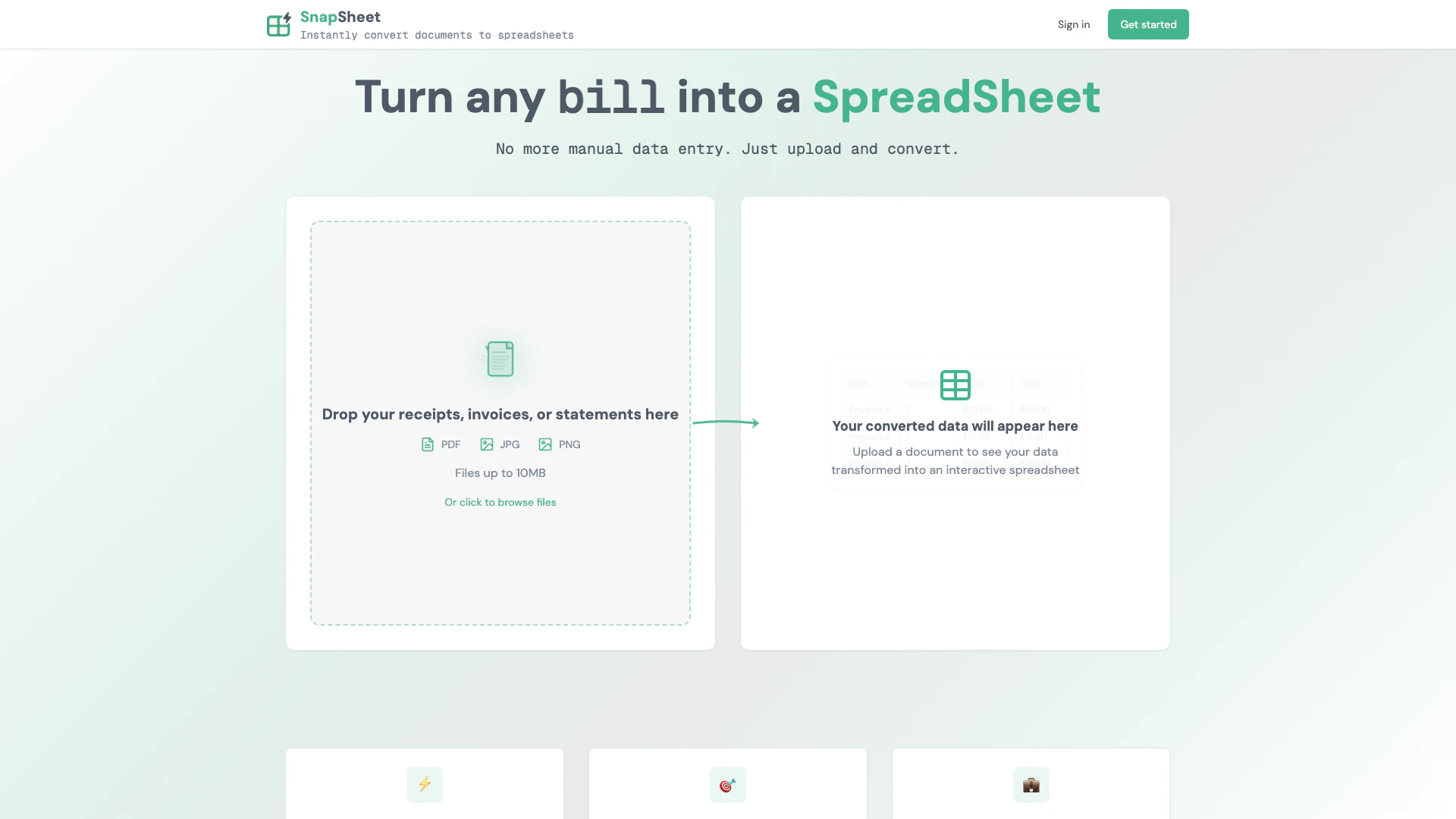
Snapsheet website screenshot showing Effortlessly transform documents into sp... interface and features
Use tool
Update this tool
Gmail Gpt logo

Gmail Gpt

GPT for Gmail™ | AI Email Assistant | Gemini - Google Workspace Marketplace

Figma logo

Figma

Automate layer renaming in Figma for better organization.

Openai Codex logo

Openai Codex

OpenAI Codex enhances coding efficiency with AI-driven task support.

Plus Ai For Google Slides logo

Plus Ai For Google Slides

Stop creating slides and docs the old way. Make work easier with the best AI tools for Google Slides™ and Google Docs™.

Deepseek V4 logo

Deepseek V4

Explore cutting-edge AI models with Deepseek.

Snapsheet Overview

What is Snapsheet?

Snapsheet is an innovative AI-powered[1] tool designed to convert receipts, invoices, and documents into spreadsheets within seconds. This tool leverages advanced artificial intelligence technology to streamline the data entry process, making it easier for users to manage their financial documents efficiently. By automating the conversion of various document types into structured spreadsheet formats, Snapsheet enhances productivity and reduces manual errors, positioning itself as an essential tool for individuals and businesses looking to simplify their financial workflows.


How to use Snapsheet?

  1. Visit the Snapsheet website at http://snapsheet.xyz/ and create an account or log in. 2. Upload your receipts, invoices, or documents using the upload feature on the dashboard. 3. Select the desired format for the output spreadsheet and initiate the conversion process. 4. Once the conversion is complete, download the spreadsheet file to your device for further use.

What are the main features of Snapsheet?

  • AI-Powered Document Conversion[2]: Quickly transforms receipts, invoices, and other documents into spreadsheets.
  • Multi-Format Support[3]: Supports various document types for seamless conversion.
  • User-Friendly Interface[4]: Designed for easy navigation and efficient use.
  • Fast Processing: Converts documents in seconds, saving users valuable time.
  • Secure Data Handling: Ensures user data is handled with the utmost security and privacy.

Who is Snapsheet for?

Snapsheet is ideal for small business owners, accountants, and freelancers who frequently deal with financial documents. It is also beneficial for individuals who want to organize their receipts and invoices without the hassle of manual data entry. This tool is perfect for anyone looking to enhance their productivity and accuracy in financial record-keeping.


What are the use cases of Snapsheet?

  1. Small businesses can use Snapsheet to quickly convert receipts and invoices into spreadsheets for accounting purposes.
  2. Freelancers can streamline their expense tracking by converting various financial documents into organized spreadsheets.
  3. Individuals looking to manage their personal finances can utilize Snapsheet to keep track of receipts and expenses efficiently.

Snapsheet Pros and Cons

Pros

  • AI-Powered Conversion: SnapSheet utilizes advanced AI technology to quickly convert receipts, invoices, and documents into spreadsheets, enhancing efficiency.
  • Time-Saving Solution: The tool allows users to convert documents in seconds, significantly reducing manual data entry time.
  • User-Friendly Interface: Designed for ease of use, SnapSheet provides a straightforward interface that simplifies the document conversion process.

Cons

No cons data detected for this tool

Snapsheet Pricing

Start FREE

Contact Us

3 conversions/month • Any file size • No strings attached. No credit card required • Sign up and start converting instantly.

Starter

$6/month

$6/month, 300 credits, Approx. 150 small files, Approx. 30 large files, Invoice & receipt processing, Bank statement conversion, CSV & Excel downloads, Google Sheets export.

Pro

$19/month

$19/month, 1000 credits, Approx. 500 small files, Approx. 100 large files, Invoice & receipt processing, Bank statement conversion, CSV & Excel downloads, Google Sheets export.

For the latest pricing, please visit this link: http://snapsheet.xyz/pricing

Prices are subject to change. Please visit the official website for the most up-to-date pricing information.

Snapsheet Compare

Tool NameIntroductionPricing
Type
RatingLaunch DateLearn more
Steamship logo
Steamship
Build, scale, and monitor AI Agents.
Free
💼Work
September 13, 1996
Get deal
Free Blocks logo
Free Blocks
Free Calendar Sharing | Free Blocks
Free
💼Work
September 2, 2022
Get deal
Ecommerce Prompt Generator logo
Ecommerce Promp...
2Mn+ readymade ChatGPT prompt ideas built by prompt engineers, using insights from eCommerce experts - that really work!
Free
💼Work🎨Creativity
February 6, 2023
Get deal

Info current as of post date. Offers and availability may vary by location and are subject to change.

Snapsheet Launch embeds

Use website badges to drive support from your community for your TopAITools Review. They're easy to embed on your homepage or footer.

FEATURED ONTopaitoolsreview.com

Snapsheet Alternatives

Box screenshot

Box

Box AI enhances enterprise productivity with intelligent content management and automation.

Website
Free
💼Work🎨Creativity
Operations & ManagementAI Workflow AutomationAI Productivity ToolsAI Information Management Tools
  • Operations & Management
  • AI Workflow Automation
  • AI Productivity Tools
  • AI Information Management Tools
Use tool
72.1M
Direct78.81%
Search12.88%
Referrals6.47%
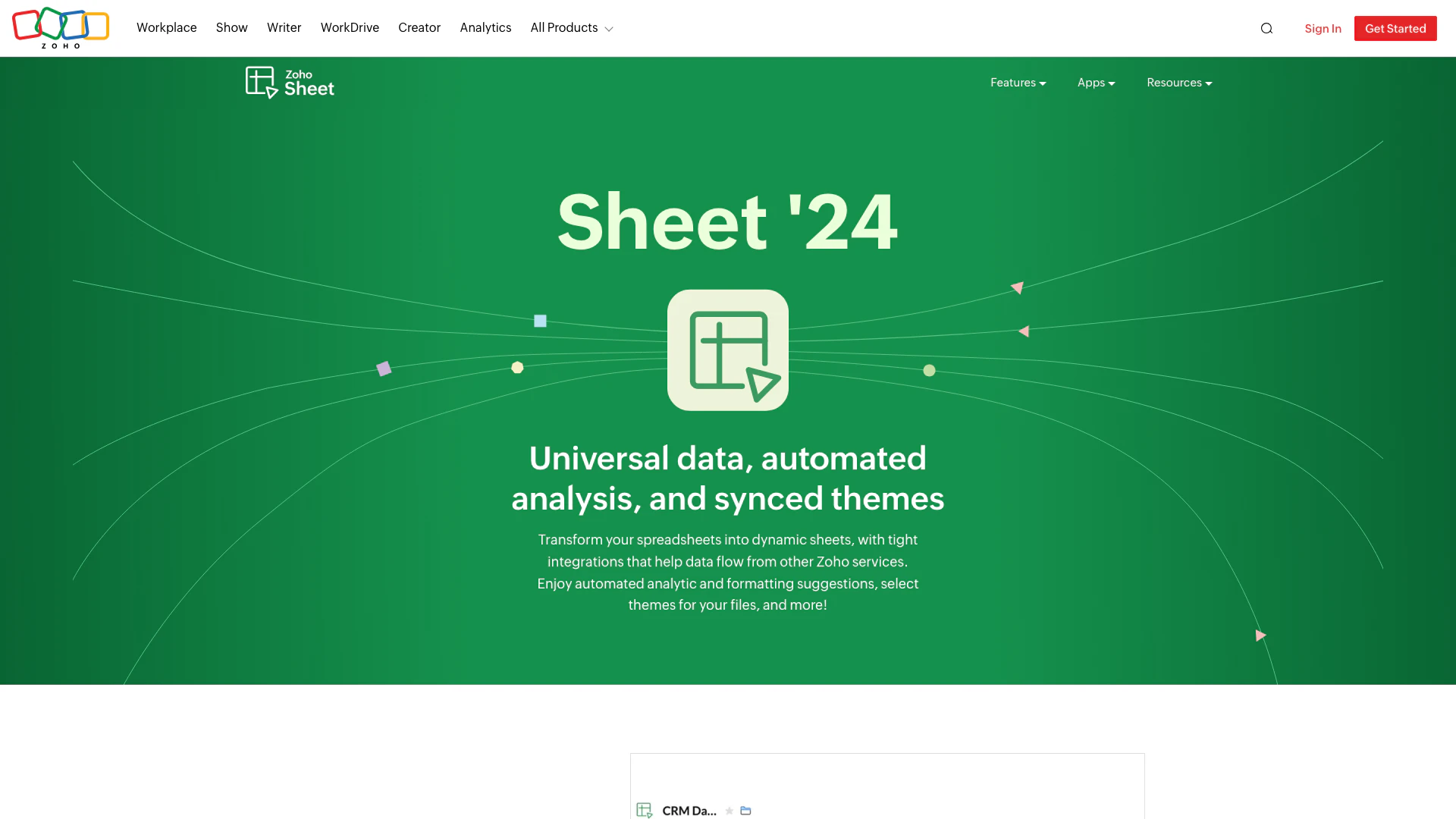
Zoho screenshot

Zoho

Transform your spreadsheets with Zoho Sheet's dynamic features.

Website
Free
💼Work🎨Creativity
Productivity & OfficeAI Spreadsheet ToolsAI Spreadsheet Automation ToolsProductivity Maximization Tools
  • Productivity & Office
  • AI Spreadsheet Tools
  • AI Spreadsheet Automation Tools
  • Productivity Maximization Tools
Use tool
67.5M
Direct74.71%
Search20.24%
Referrals4.33%
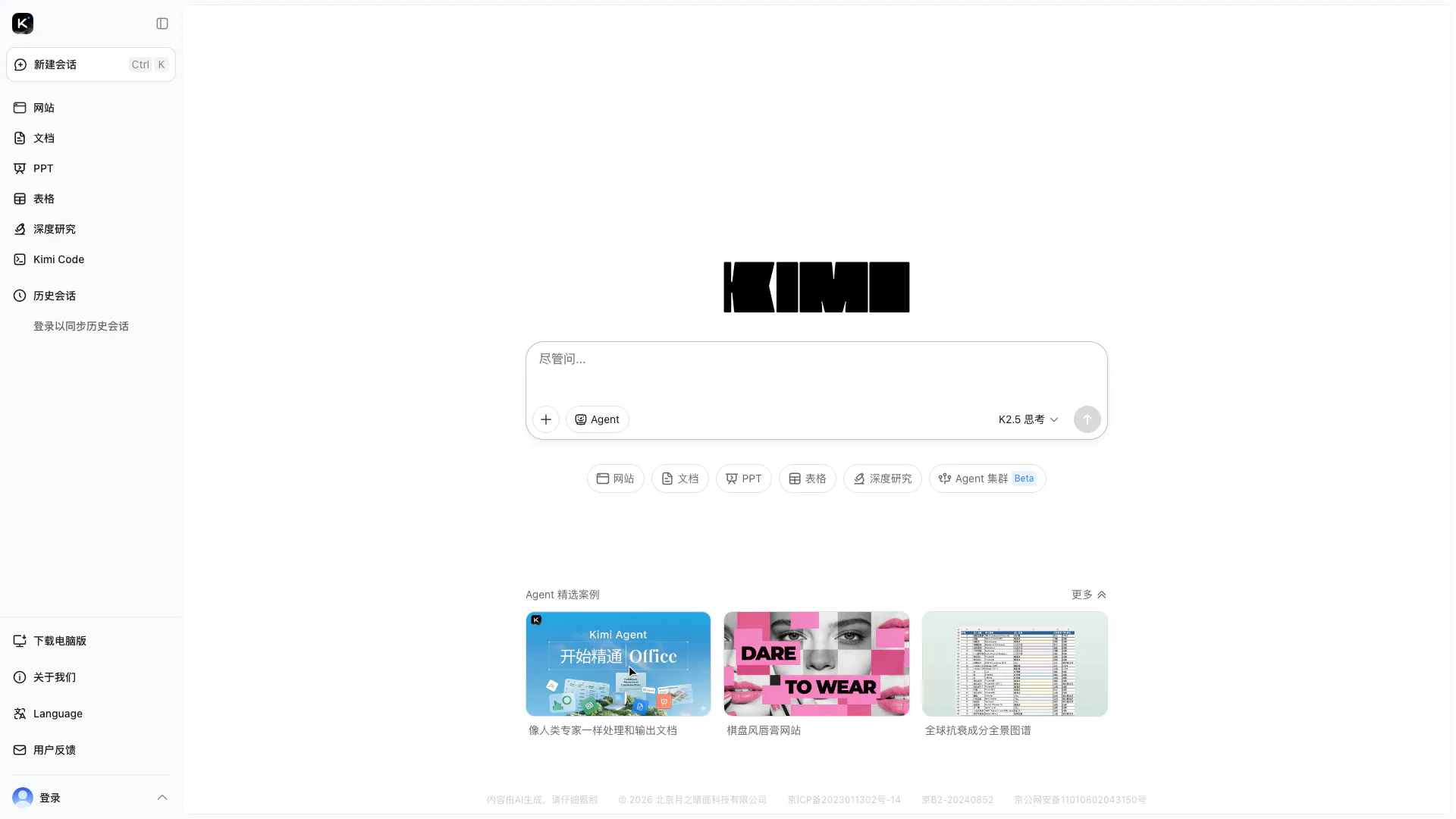
Kimi screenshot

Kimi

Kimi K2.5 offers powerful visual coding and agent swarm capabilities for efficient task management.

Website
Free
💼Work🎨Creativity
Productivity & OfficeAI Productivity ToolsAI Spreadsheet Automation ToolsAI Business Planning Tools
  • Productivity & Office
  • AI Productivity Tools
  • AI Spreadsheet Automation Tools
  • AI Business Planning Tools
Use tool
38.2M
Direct76.89%
Search17.90%
Referrals4.59%

Snapsheet Tags

receipt scanningInvoice Processingdocument conversionAI technologySpreadsheet Automation

Also used for

AI Spreadsheet Tools27AI Spreadsheet Automation Tools29AI Document Processing Tools88AI Identity Protection5AI Security Tools2AI Keyboard Tools6AI Productivity Tools312AI Information Management Tools160AI File Management Tools22AI Business Planning Tools59AI Pitch Deck Generators37AI Branding Tools6AI Knowledge Base Organizers17Visual Coding Tools2AI PDF Interaction Tools27

Sources (4)

Snapsheet logo
SnapsheetFree
Get deal

Snapsheet Comments (0)

Your rating

?
0/2000

No comments yet

Be the first to share your thoughts!

🚀0
🚀0

Snapsheet Prompts (0)

Prompts And Results

Add your own prompts and outputs to help others understand how to use this AI.