

Kimi
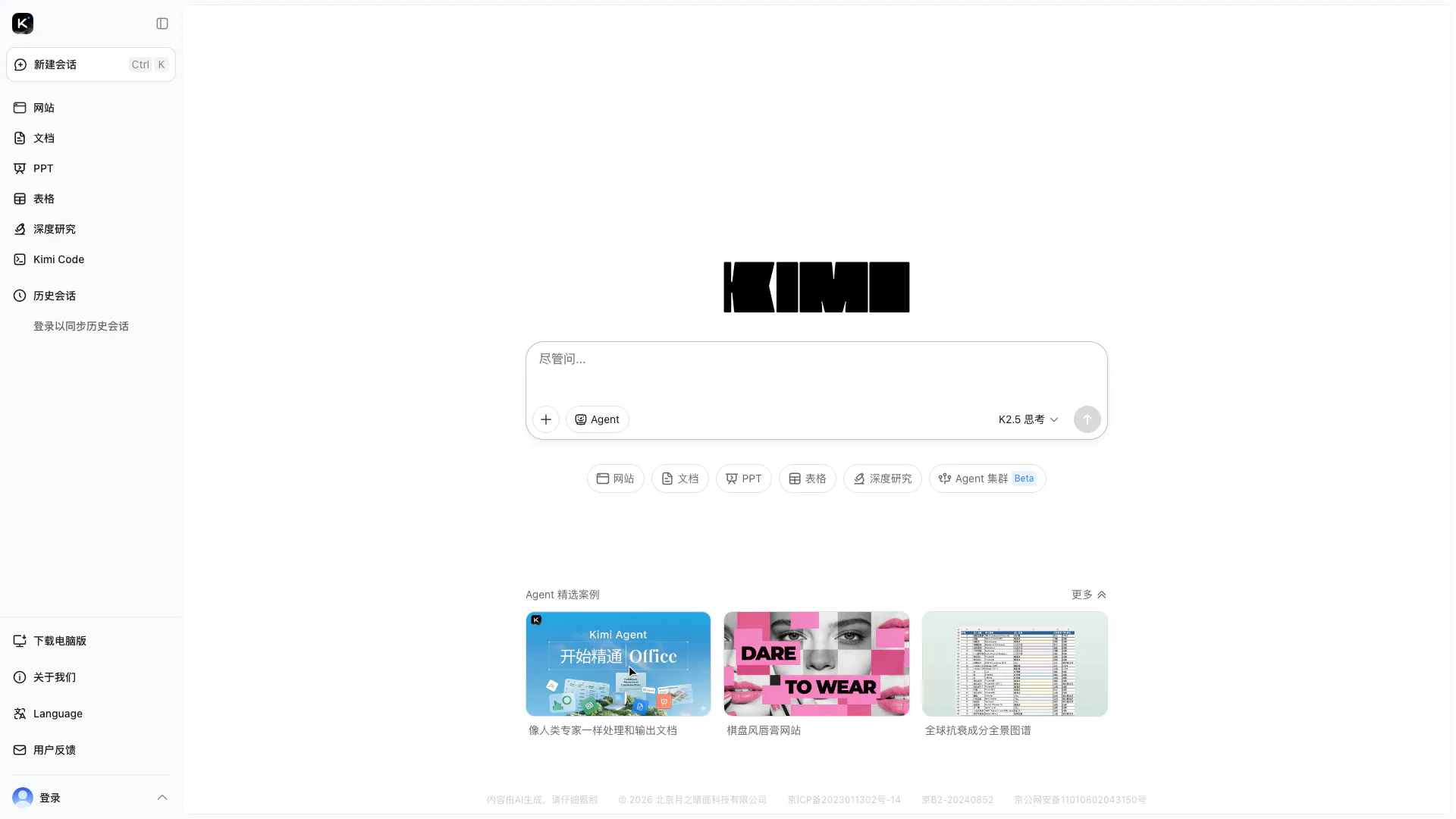





What is Kimi?
Kimi is an advanced open-source visual coding tool designed for simplifying complex tasks, particularly in Office environments. With its latest version, K2.5, Kimi leverages powerful agent swarm technology to handle massive tasks efficiently. The tool is aimed at users looking to streamline their workflow, enhance productivity, and manage intricate projects with precision.
How to use Kimi?
- Visit the Kimi website at https://www.kimi.com/ and sign up or log in.
- Navigate to the K2.5 interface where you can access various tools for visual coding.
- Choose the specific task or project you want to work on, such as creating documents or automating Office tasks.
- Utilize the agent swarm feature to manage and simplify complex tasks by assigning them to multiple agents.
- Follow the prompts to execute tasks, and make adjustments as needed based on the results.
What are the main features of Kimi?
- Visual Coding: Intuitive interface for creating and managing code visually.
- Agent Swarm Technology: Efficiently handles large tasks by distributing them across multiple agents.
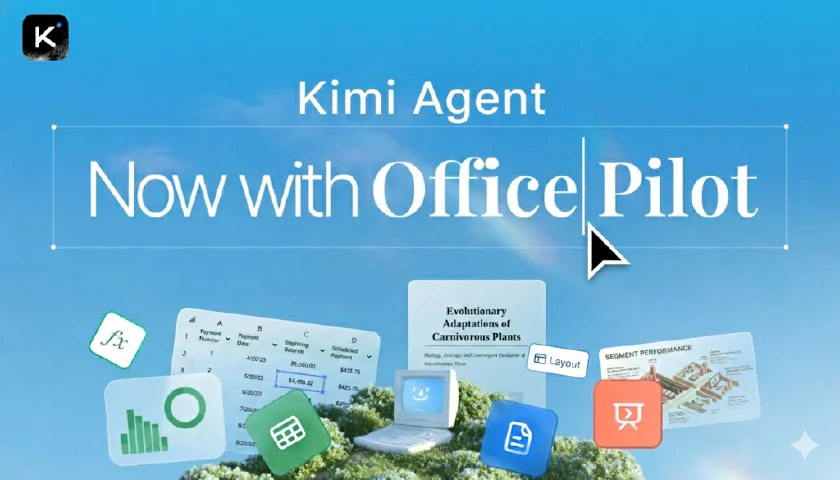
- Office Task Automation: Simplifies and automates complex Office tasks with precision.
- Open-Source Model: Allows customization and community contributions to enhance functionality.
Who is Kimi for?
Kimi is designed for professionals and teams who need to streamline their workflow in complex environments, particularly those who work extensively with Office applications. It is ideal for project managers, developers, and data analysts looking to enhance productivity through automation and efficient task management.
What are the use cases of Kimi?
- Automating repetitive Office tasks such as data entry and report generation.
- Managing large projects by distributing tasks among multiple agents to improve efficiency.
- Creating and editing documents, presentations, and spreadsheets with enhanced visual coding capabilities.
Product Images



Kimi Video

Kimi Pros and Cons
Pros
- Powerful Open-Source Model: Kimi K2.5 is a robust open-source model designed for visual coding, providing flexibility and customization for users.
- Efficient for Large Tasks: The agent swarm preview feature allows users to handle massive tasks efficiently, enhancing productivity.
- Simplifies Office Work: Kimi simplifies complex Office tasks, enabling users to work with precision and ease.
Cons
No cons data detected for this tool
Analytics of Kimi
Kimi Website Traffic Analysis
Visits Over Time
Traffic Sources
Oct 2025 - Dec 2025 Worldwide Desktop Only
- Direct: 76.89%
- Search: 17.90%
- Referrals: 4.59%
- Social: 0.49%
- Paid Referrals: 0.10%
- Mail: 0.02%
Top Keywords
| Keyword | Volume | CPC | Estimated Value |
|---|---|---|---|
| kimi | 629.78K | $1.00 | $1000000.00 |
| kimi k2 | 312.87K | $0.50 | $195640.00 |
| kimi ai | 261.80K | $0.49 | $201770.00 |
| kimi ppt助手 | 2.29K | $0.00 | $21310.00 |
| kimi网页版 | 110 | $0.00 | $78280.00 |




Kimi Social Listening
Kimi K2.5 has arrived! 🥝
Here are 2 things to know: Aes...
How to Run OpenClaw for Free w...
In this tutorial, I’ll show yo...
Kimi K2 is INSANE... (Open-Sou...
Download Humanities Last Promp...
Unlock to view 74 social media results.