

Zoho




What is Zoho Sheet[1]?
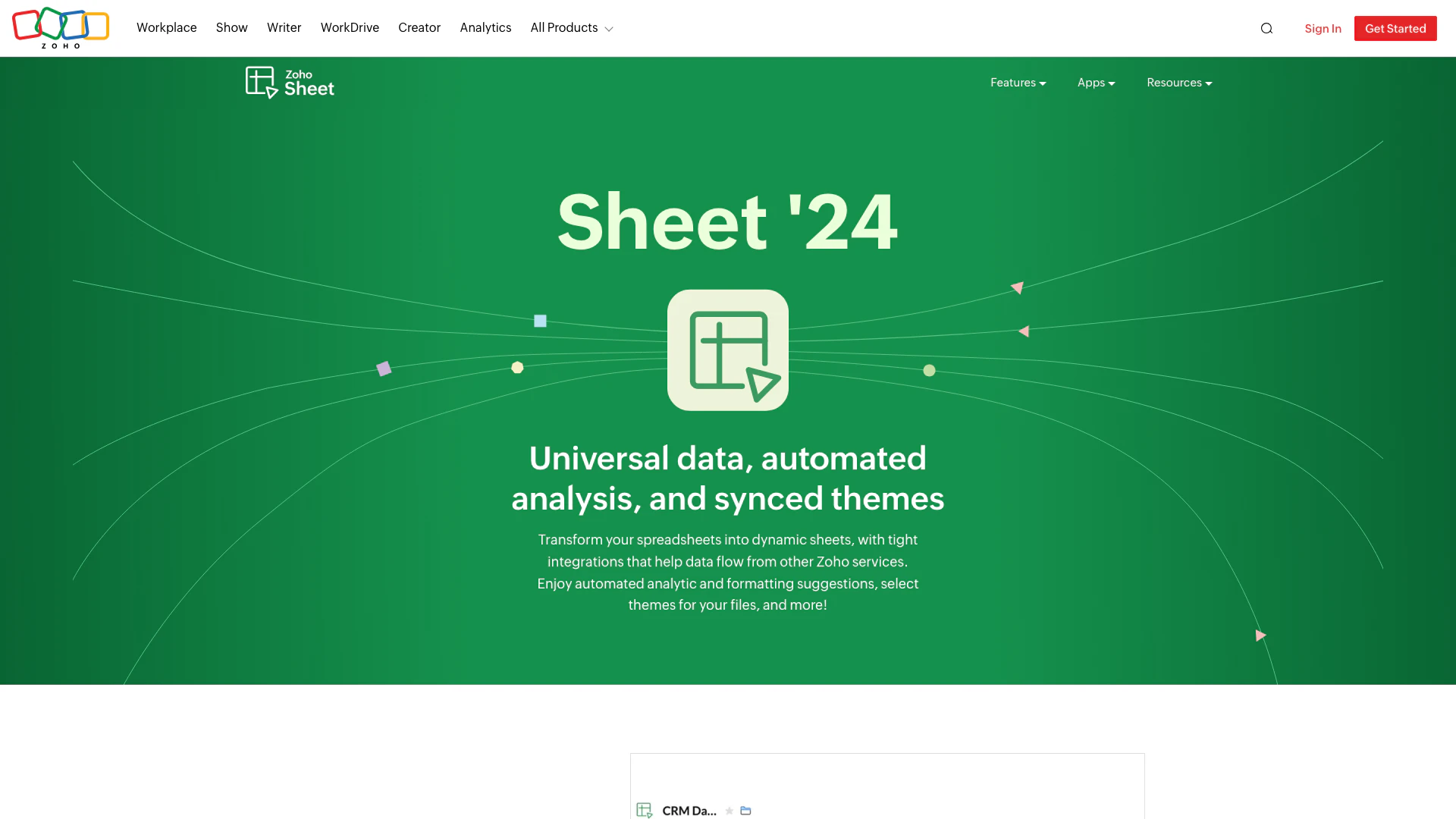
Zoho Sheet is an advanced online spreadsheet tool that integrates seamlessly with other Zoho applications to enhance data management and analysis. With the latest updates in Sheet '24, it offers features like automated analytics, data connections[2], and OpenAI integration[4] through Zia[5], making it a powerful solution for businesses looking to streamline their data processes. Users can create dynamic spreadsheets, utilize data bars for visualization, and access a variety of templates to automate record-keeping. The tool is designed to support collaborative work and improve productivity across teams.
How to use Zoho Sheet?
- Sign up or log in to your Zoho account on the Zoho Sheet website.
- Create a new spreadsheet or open an existing one from your dashboard.
- Use the data connection feature to import live data from Zoho services like CRM or Analytics.
- Utilize the merge templates[3] to automate record creation by mapping fields from other Zoho applications.
- Leverage the OpenAI integration in Zia to get contextual answers, build formulas, and create tables quickly.
- Format your spreadsheet using the new font library and themes for a consistent look.
- Visualize your data with data bars and maintain an edit history for collaborative work.
What are the main features of Zoho Sheet?
- Data Connections: Integrate live data from Zoho CRM, Books, and Analytics directly into your spreadsheets.
- Merge Templates: Create automated records with dynamic fields linked to other Zoho applications.
- OpenAI Integration: Utilize Zia for contextual answers, formula building, and table creation.
- Data Bars: Visualize data differences using conditional formatting with data bars.
- Predefined Tables: Instantly format data using built-in tables for easier analysis.
- Font Library: Access a wide range of fonts to customize the appearance of your spreadsheets.
- Themes: Maintain consistency across your spreadsheets with one-click theme selection.
- Edit History: Track all changes made to your spreadsheets to ensure no data is lost.
Who is Zoho Sheet for?
Zoho Sheet is designed for professionals, businesses, and teams looking for a robust spreadsheet solution that enhances data management and analysis. It caters to users who require seamless integration with other Zoho applications, making it ideal for CRM users, project managers, and data analysts. Additionally, its collaborative features make it suitable for teams that need to work together on data-driven projects, as well as for educators and students who need a versatile tool for organizing and analyzing information.
What are the use cases of Zoho Sheet?
- Data Analysis: Use Zoho Sheet to analyze sales data by integrating it with Zoho CRM for real-time insights.
- Automated Reporting: Generate automated reports by utilizing merge templates linked to Zoho Forms and Creator.
- Collaborative Projects: Work on group projects where team members can edit and track changes in shared spreadsheets.
Product Images
Zoho Pros and Cons
Pros
- Dynamic Data Integration: Zoho Sheet allows seamless integration with other Zoho services like CRM and Analytics, enabling live data connections for enhanced spreadsheet functionality.
- OpenAI Integration: The integration with OpenAI in Zia provides contextual answers, formula building, and quick table creation, enhancing user productivity and data analysis.
- User-Friendly Mobile Apps: Zoho offers powerful mobile applications for iPad and Android, allowing users to work efficiently from anywhere with desktop-equivalent functionality.
Cons
No cons data detected for this tool
Analytics of Zoho
Zoho Website Traffic Analysis
Visits Over Time
Traffic Sources
Nov 2025 - Jan 2026 Worldwide Desktop Only
- Direct: 74.71%
- Search: 20.24%
- Referrals: 4.33%
- Paid Referrals: 0.43%
- Social: 0.24%
- Mail: 0.04%
Top Keywords
| Keyword | Volume | CPC | Estimated Value |
|---|---|---|---|
| zoho mail | 914.08K | $1.00 | $1000000.00 |
| zoho | 842.19K | $2.09 | $756740.00 |
| zoho crm | 304.04K | $4.88 | $301200.00 |
| zoho books | 232.26K | $1.52 | $222950.00 |
| zohomail | 111.61K | $1.00 | $168380.00 |




Zoho Social Listening
Zoho CRM Tutorial for Beginner...
✅ Get started with Zoho's free...
Zoho Books Tutorial For Beginn...
Zoho Books Tutorial For Beginn...
Zoho CRM FULL Training Masterc...
Need Help With Zoho? Book a Fr...
Unlock to view 60 social media results.