
Twitter-color Created with Sketch. Amazon-color Created with Sketch. Facebook-color Created with Sketch. github [#142] Created with Sketch. meta_fill Pinterest-color Created with Sketch. ProductHunt-color Created with Sketch. Spotify-color Created with Sketch. Threads Logo Streamline Icon: https://streamlinehq.com Yelp-color Created with Sketch. Youtube-color Created with Sketch.
TopAIToolsTopAITools
  • Free Tools
  • Category
  • Leaderboard
  • Deals
  • Submit
EN
TopAIToolsTopAITools
TopAI

TopAITools

TopAITools, The Best Top AI Tools

AI Glossary|English简体中文繁體中文한국어日本語PortuguêsEspañolDeutschFrançaisTiếng Việt|Map

© 2026 TopAITools. All rights reserved.

About

  • Privacy Policy
  • Terms of use

Contact Us

business@topaitoolsreview.com
Home
AI Data Analytics Tools
Opapp
Last updated: May 20, 2026
Opapp logo

Opapp

Get deal
5.0|0 Comments|0 Saved
Introduction:
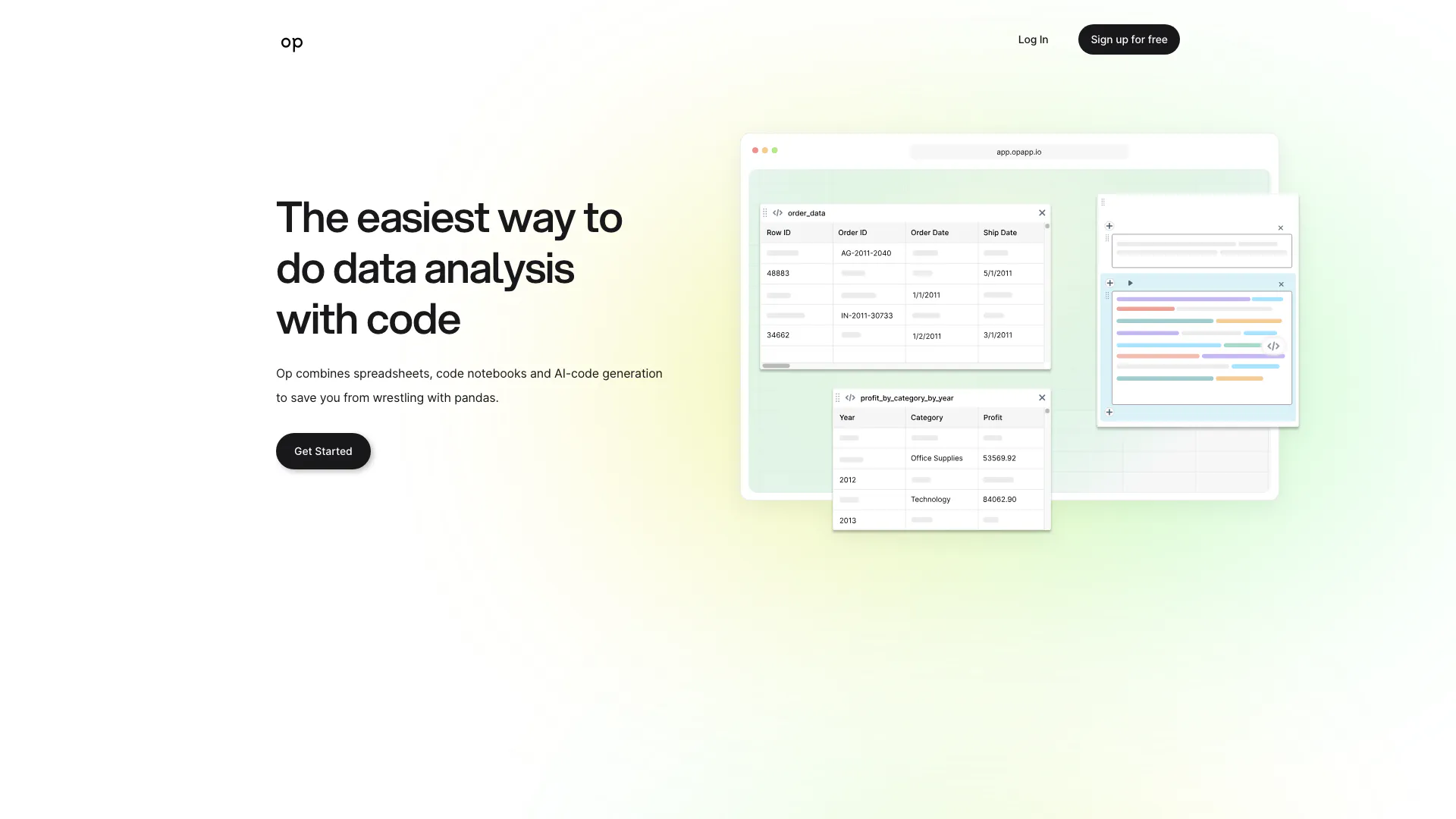
Opapp simplifies data analysis by merging spreadsheets, notebooks, and AI.
Launch Date:
July 29, 2022
Monthly Visits:
--
Inputs:
TabularCode
Outputs:
Code
Supported Languages:
EN
Website
Free Trial
💼Work🎨Creativity
AI Data Analytics Tools355AI Spreadsheet Tools27AI Spreadsheet Automation Tools29
Opapp website screenshot showing Opapp simplifies data analysis by mergin... interface and features
Use tool
Update this tool
Openai Codex logo

Openai Codex

OpenAI Codex enhances coding efficiency with AI-driven task support.

Figma logo

Figma

Automate layer renaming in Figma for better organization.

Workgpt logo

Workgpt

WorkGPT: ChatGPT Gemini AI GPT in Sheets Doc Slide - Google Workspace Marketplace

Emailwhiz For Gmail logo

Emailwhiz For Gmail

EmailWhiz for Gmail™ - Google Workspace Marketplace

Buzz Mail logo

Buzz Mail

Buzz Mail - Google Workspace Marketplace

Opapp Overview

What is Opapp?

Opapp is an innovative tool designed to simplify data analysis by seamlessly integrating spreadsheets, Jupyter notebooks, and AI-powered code generation. It eliminates the complexities of using Python's pandas library, allowing users to generate code simply by asking questions about their data. This makes data analysis more accessible and efficient, catering to both technical and non-technical users.


How to use Opapp?

  1. Sign up for an account on the Opapp website.
  2. Upload your data into the platform using spreadsheets or connect it through Jupyter notebooks.
  3. Use the AI-chat feature to ask questions about your data, such as trends or specific insights.
  4. Receive context-relevant code snippets generated by the AI, which you can execute directly within the platform.
  5. Visualize your data using synced tables and dataframes to enhance your analysis.

What are the main features of Opapp?

  • AI Code Generation: Generate relevant code snippets by simply asking questions about your data.
  • Integration with Spreadsheets and Notebooks: Combine the ease of spreadsheets with the power of Jupyter notebooks for comprehensive data analysis.
  • Real-time Data Visualization: Sync visual tables with dataframes in code to always see your data.
  • Time-Saving: Quickly get answers to your data questions without the hassle of googling Python errors.

Who is Opapp for?

Opapp is designed for a wide range of users, including data analysts, business professionals, and students who need to perform data analysis without deep programming knowledge. It is particularly beneficial for those who find traditional data analysis tools cumbersome and wish to leverage AI to streamline their workflow. Whether you're a beginner looking to explore data or an experienced analyst wanting to save time, Opapp offers a user-friendly solution.


What are the use cases of Opapp?

  1. Business Analytics: Quickly analyze sales data and generate reports without extensive coding.
  2. Academic Research: Simplify data analysis for research projects by using natural language queries to generate necessary code.
  3. Data Visualization: Create visual representations of complex datasets with minimal effort by syncing tables and dataframes.

Opapp Pros and Cons

Pros

  • Simplified Data Analysis: Opapp combines spreadsheets, Jupyter notebooks, and AI to simplify data analysis, making it easier for users to handle complex tasks without deep programming knowledge.
  • AI-Powered Code Generation: Users can generate code by simply asking questions about their data, saving time and reducing the frustration of debugging Python errors.
  • Real-Time Data Visualization: The tool allows users to sync visual tables with dataframes in code, ensuring that data is always visible and up-to-date.

Cons

No cons data detected for this tool

Opapp Pricing

Free Trial

Contact Us

Get any data question answered in 5 minutes. No credit card required.

For the latest pricing, please visit this link: https://opapp.io/

Prices are subject to change. Please visit the official website for the most up-to-date pricing information.


Opapp Compare

Tool NameIntroductionPricing
Type
RatingLaunch DateLearn more
Quillbot Paraphraser logo
Quillbot Paraph...
Paraphrasing Tool (Ad-Free and No Sign-up Required) - QuillBot AI
Free
💼Work🎨Creativity
December 31, 1984
Get deal
Rewind Ai logo
Rewind Ai
Rewind
Free
🙋‍♂️Personal💼Work
February 2, 2018
Get deal
Solidgrids logo
Solidgrids
Configure it once and automate your images forever without intervention—no need to review. Photos are ready to publish. Adjust backgrounds, lighting, banners, and more to fit your company branding.
Free
💼Work🎨Creativity
October 5, 2021
Get deal

Info current as of post date. Offers and availability may vary by location and are subject to change.

Opapp Launch embeds

Use website badges to drive support from your community for your TopAITools Review. They're easy to embed on your homepage or footer.

FEATURED ONTopaitoolsreview.com

Opapp Alternatives

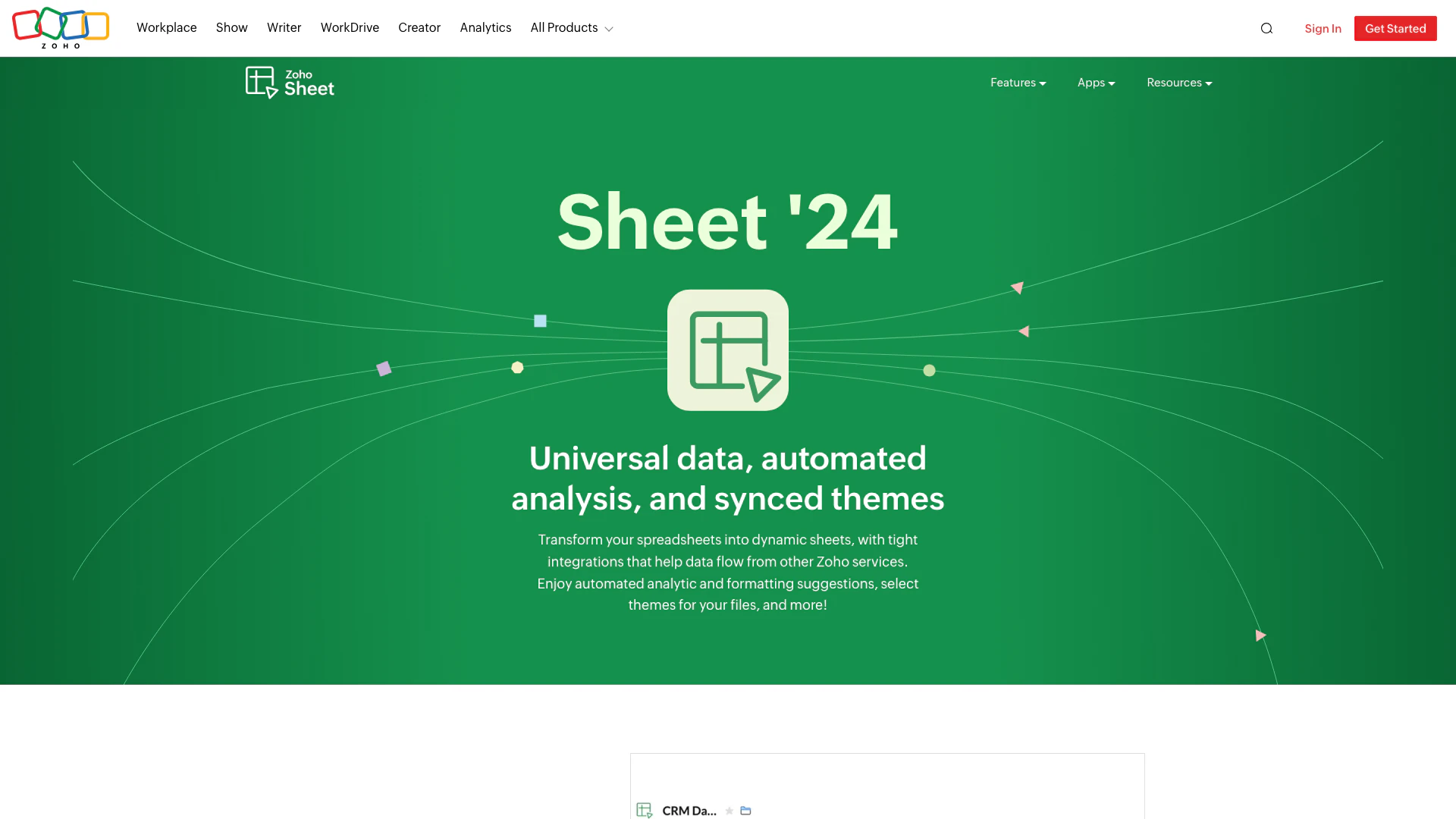
Zoho screenshot

Zoho

Transform your spreadsheets with Zoho Sheet's dynamic features.

Website
Free
💼Work🎨Creativity
Productivity & OfficeAI Spreadsheet ToolsAI Spreadsheet Automation ToolsProductivity Maximization Tools
  • Productivity & Office
  • AI Spreadsheet Tools
  • AI Spreadsheet Automation Tools
  • Productivity Maximization Tools
Use tool
67.5M
Direct74.71%
Search20.24%
Referrals4.33%
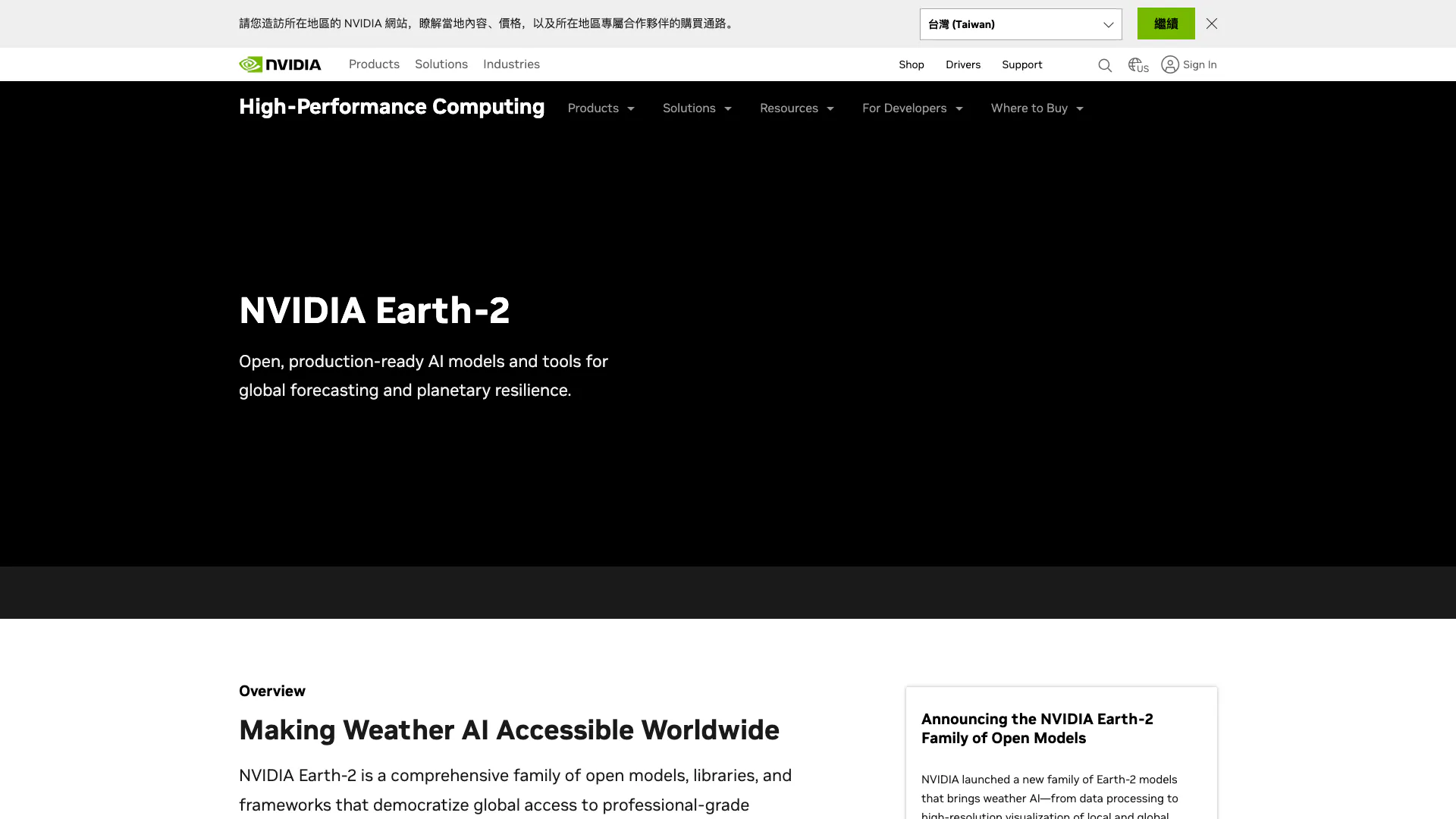
Nvidia screenshot

Nvidia

NVIDIA Earth-2 provides AI-driven climate modeling and weather forecasting.

Website
💼Work🎨Creativity
Data & AnalyticsAI Data Analytics ToolsAI Prediction ToolsAI Research Tools
  • Data & Analytics
  • AI Data Analytics Tools
  • AI Prediction Tools
  • AI Research Tools
Use tool
39.4M
Search47.58%
Direct45.62%
Referrals5.52%
Kimi screenshot

Kimi

Kimi K2.5 offers powerful visual coding and agent swarm capabilities for efficient task management.

Website
Free
💼Work🎨Creativity
Productivity & OfficeAI Productivity ToolsAI Spreadsheet Automation ToolsAI Business Planning Tools
  • Productivity & Office
  • AI Productivity Tools
  • AI Spreadsheet Automation Tools
  • AI Business Planning Tools
Use tool
38.2M
Direct76.89%
Search17.90%
Referrals4.59%

Opapp Tags

data analysisAI Code GenerationspreadsheetsJupyter notebooksData Visualizationcontext-relevant code

Also used for

AI Data Analytics Tools355AI Spreadsheet Tools27AI Spreadsheet Automation Tools29AI Identity Protection5AI Security Tools2AI Keyboard Tools6AI Productivity Tools312AI Information Management Tools160AI File Management Tools22AI Document Processing Tools88AI Business Planning Tools59AI Pitch Deck Generators37AI Branding Tools6AI Knowledge Base Organizers17Interactive Chart Creation Tools50
Opapp logo
OpappFree
Get deal

Opapp Comments (0)

Your rating

?
0/2000

No comments yet

Be the first to share your thoughts!

Opapp Prompts (0)

Prompts And Results

Add your own prompts and outputs to help others understand how to use this AI.

🚀0
🚀0