Rapidscanai
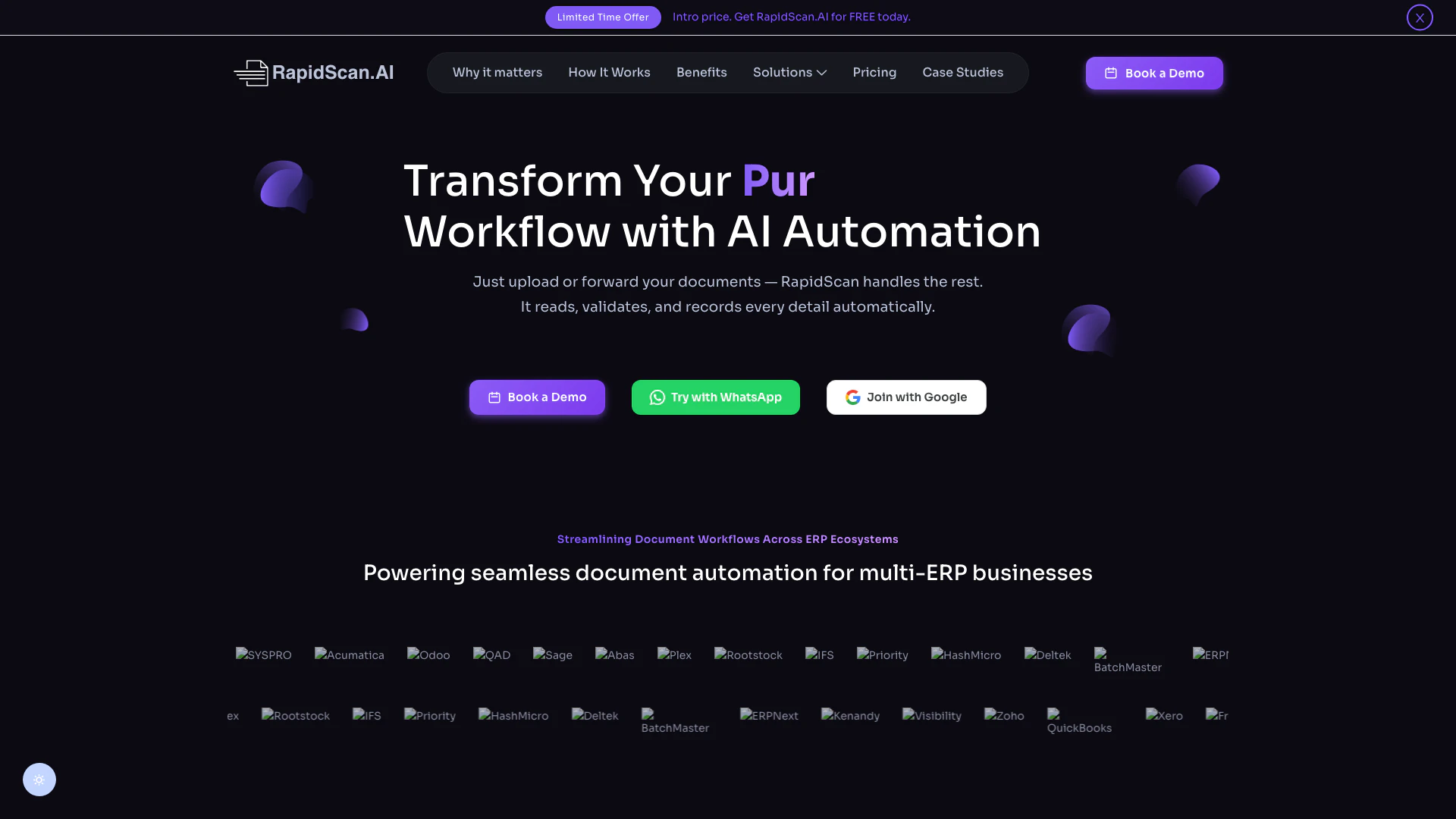





What is RapidScan AI?
RapidScan AI is an innovative document processing[1] tool that leverages advanced artificial intelligence technology to streamline document workflows. It specializes in Optical Character Recognition[2] (OCR[3]), automated data extraction, and intelligent analysis, making it an essential solution for businesses looking to enhance their document management systems. With RapidScan AI, organizations can revolutionize their document handling processes, increasing efficiency and reducing the risk of human error.
How to use RapidScan AI?
- Sign Up: Create an account on the RapidScan AI website to access the platform.
- Choose Your Upload Method: You can upload documents directly through the RapidScan portal, send them via email, or use WhatsApp for quick submissions.
- Document Processing: Once uploaded, RapidScan AI will automatically extract key data from your documents, organizing it for easy access and analysis.
What are the main features of RapidScan AI?
- Advanced OCR Technology: RapidScan AI uses cutting-edge Optical Character Recognition to accurately read and extract data from various document types.
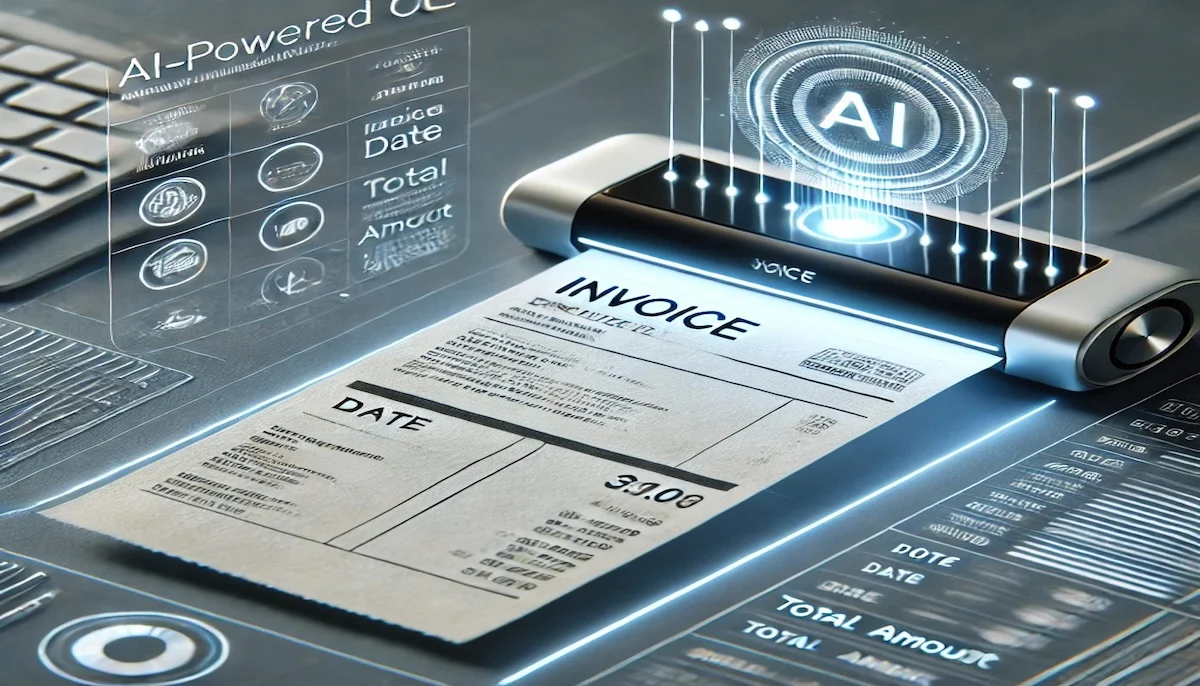
- Automated Data Extraction: The tool automates the process of gathering essential information from invoices, orders, and delivery notes, significantly reducing manual data entry.
- Intelligent Analysis: It provides intelligent data structuring, categorizing and validating extracted information for easy access and analysis.
- Mobile and Web Accessibility: Users can access the platform on multiple devices, ensuring document management is convenient and efficient.
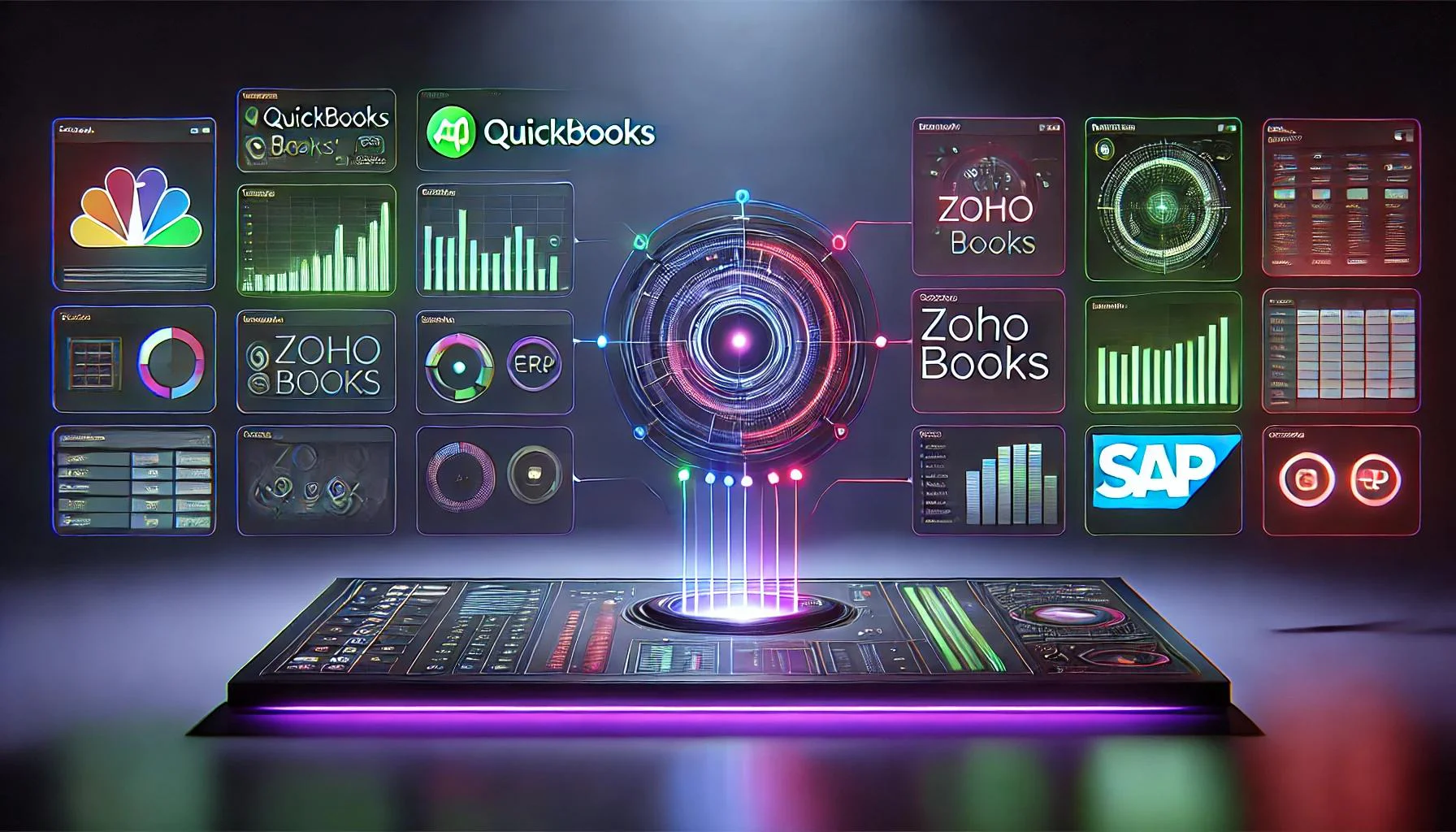
- Seamless ERP Integration: RapidScan AI integrates smoothly with popular ERP systems, facilitating uninterrupted workflows.
Who is RapidScan AI for?
RapidScan AI is designed for businesses of all sizes, particularly those in sectors like manufacturing, accounting, logistics, and finance. It caters to small and medium-sized businesses (SMBs) that require efficient document management solutions to streamline their operations. Additionally, it is suitable for IT and automation teams seeking to enhance productivity through advanced technology. Organizations looking to improve their document processing efficiency and accuracy will find RapidScan AI particularly beneficial.
What are the use cases of RapidScan AI?
- Invoice Processing: RapidScan AI can be used by finance teams to automate invoice data extraction, significantly reducing manual entry time.
- Order Management: Businesses can utilize RapidScan AI to streamline the processing of purchase orders and delivery notes, ensuring accuracy and speed.
- Document Validation: Companies can implement RapidScan AI for validating data against their ERP systems, minimizing errors and enhancing compliance.
Product Images


Rapidscanai Pros and Cons
Pros
- Advanced AI-Powered Data Extraction: RapidScan AI utilizes cutting-edge OCR technology to automatically extract critical data from various documents, ensuring high accuracy and efficiency.
- Seamless ERP Integration: The tool integrates smoothly with over 20 ERP systems, allowing businesses to automate order processing and maintain data synchronization effortlessly.
- Mobile-First Capture Bot: RapidScan AI offers a mobile-friendly capture bot that simplifies document submission through popular platforms like WhatsApp and Gmail.
Cons
No cons data detected for this tool
Rapidscanai Pricing
Free
Perfect for individuals just getting started
Basic
Ideal for small and medium businesses
Pro
For businesses that need scale & automation
For the latest pricing, please visit this link: https://rapidscan.ai/#pricing
Prices are subject to change. Please visit the official website for the most up-to-date pricing information.
Rapidscanai Reviews
Great integration with WhatsApp and Gmail! Works well.
The automation is top-notch! No manual data entry, and the accuracy is impressive.
Absolutely amazing! Saves me hours of manual work. Highly recommended.
For more reviews, visit this link: https://rapidscan.ai#rating