
Pdfchat




What is PDFChat?
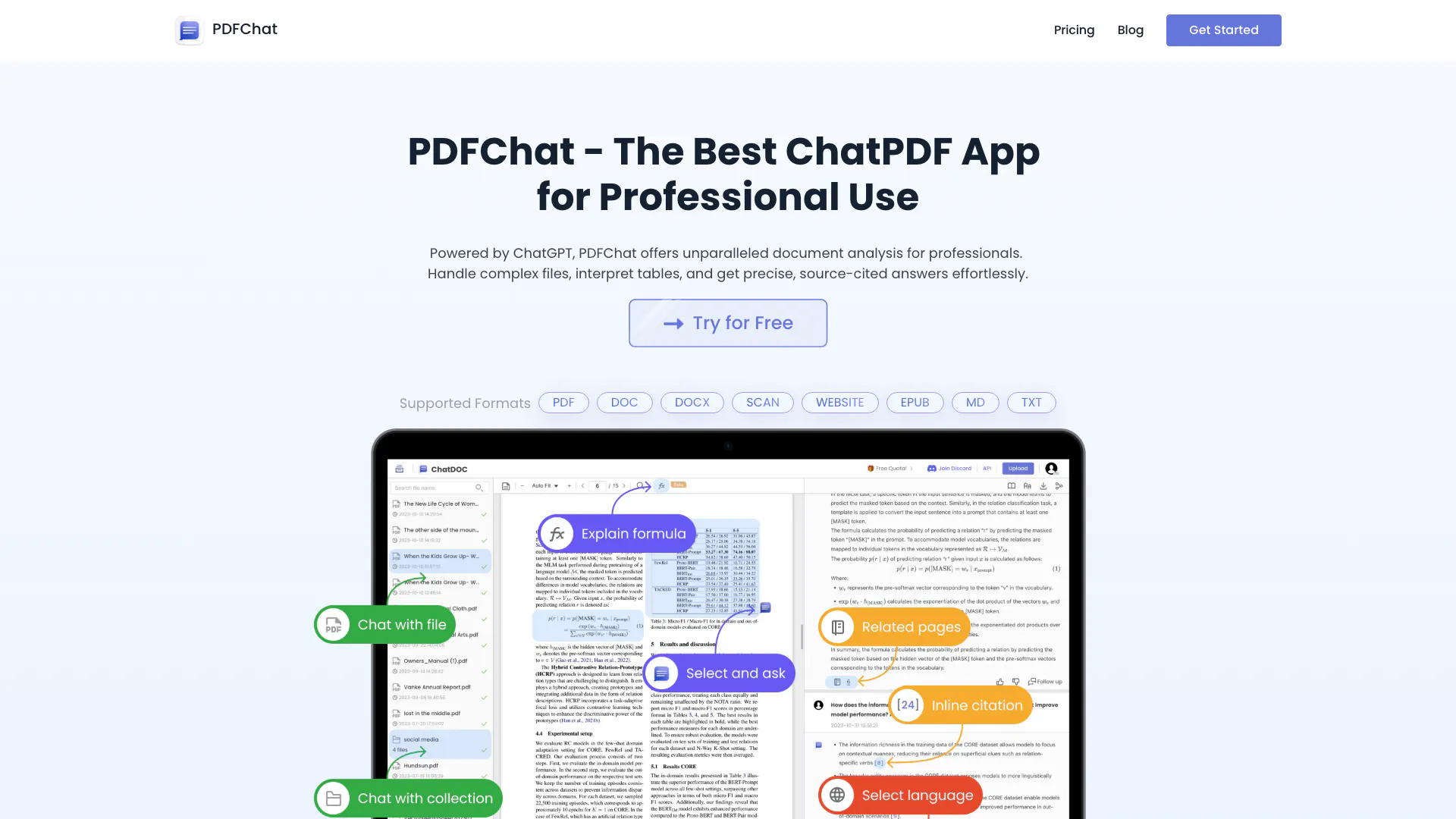
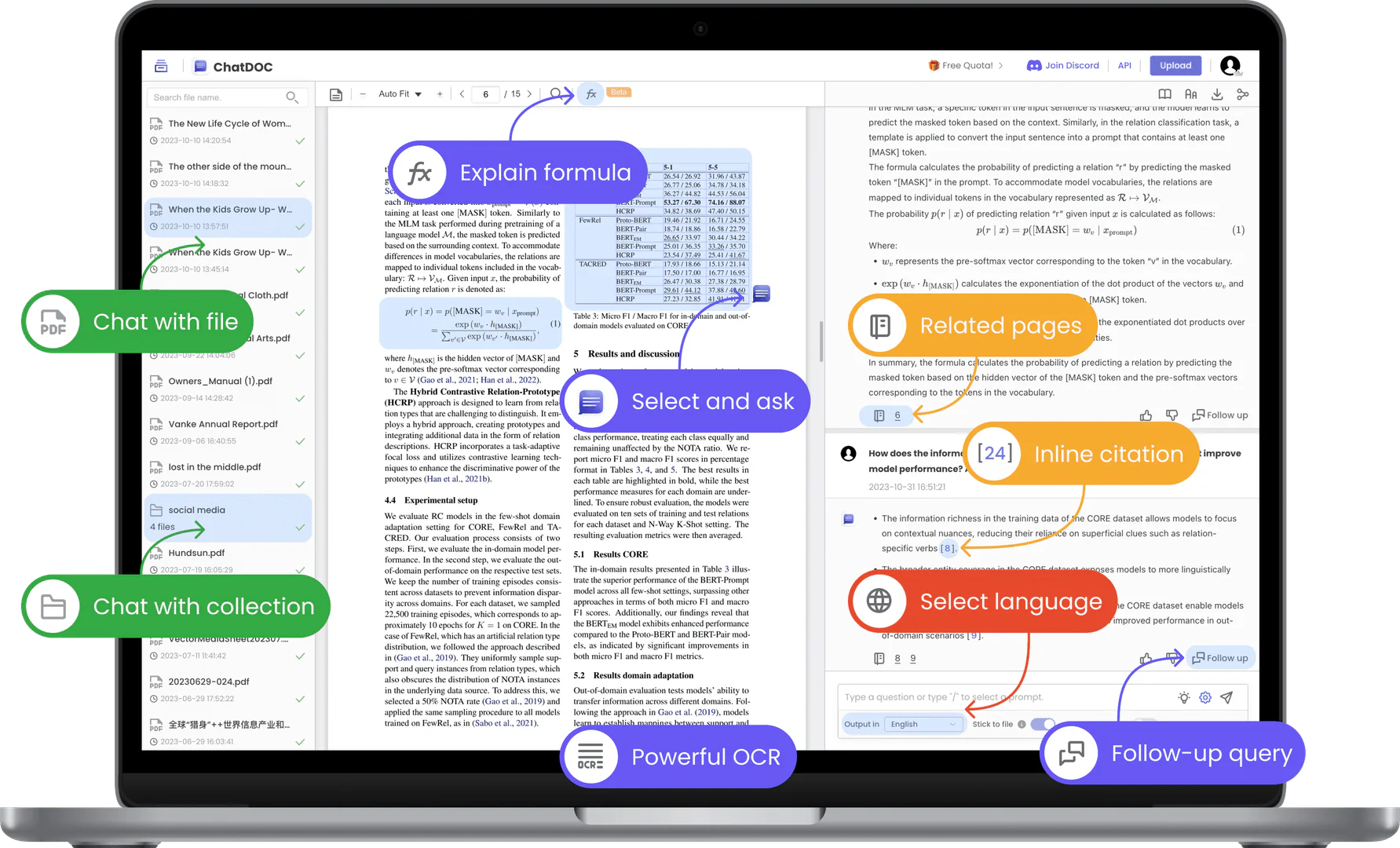
PDFChat is an innovative ChatPDF application designed to facilitate seamless interaction with PDF documents. Unlike traditional tools, PDFChat allows users to upload various file formats, including PDFs, DOCs, and more, enabling them to engage in conversational Q&A with the content. This tool is powered by advanced AI technology, making it highly effective at summarizing information, extracting insights, and providing citations for accuracy. PDFChat stands out in its ability to handle complex documents, interpret tables, and deliver precise answers, offering a superior experience compared to standard chatbots like ChatGPT.
How to use PDFChat?
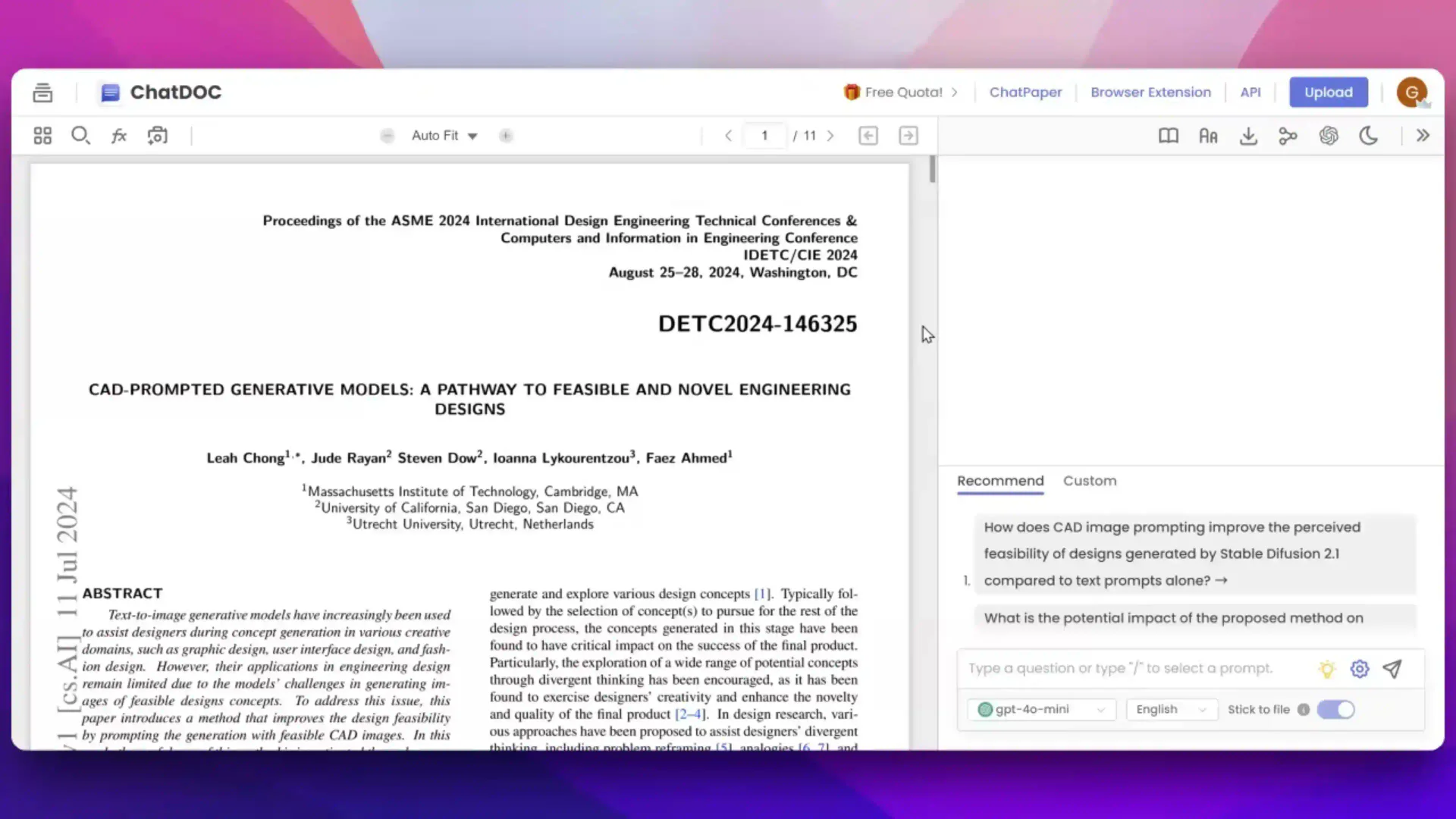
To use PDFChat, follow these steps: 1. Visit the PDFChat website and click on 'Get Started' to access the upload interface. 2. Upload your document by selecting the file from your device. Supported formats include PDF, DOC, DOCX, and more. 3. Once the file is uploaded, you can start asking questions related to the content of the document. Simply type your query into the chat interface. 4. Utilize features such as text selection for specific analysis, image analysis, and document Q&A to enhance your interaction. 5. Review the AI-generated responses, which will include citations for the information provided, ensuring accuracy and traceability.
What are the main features of PDFChat?
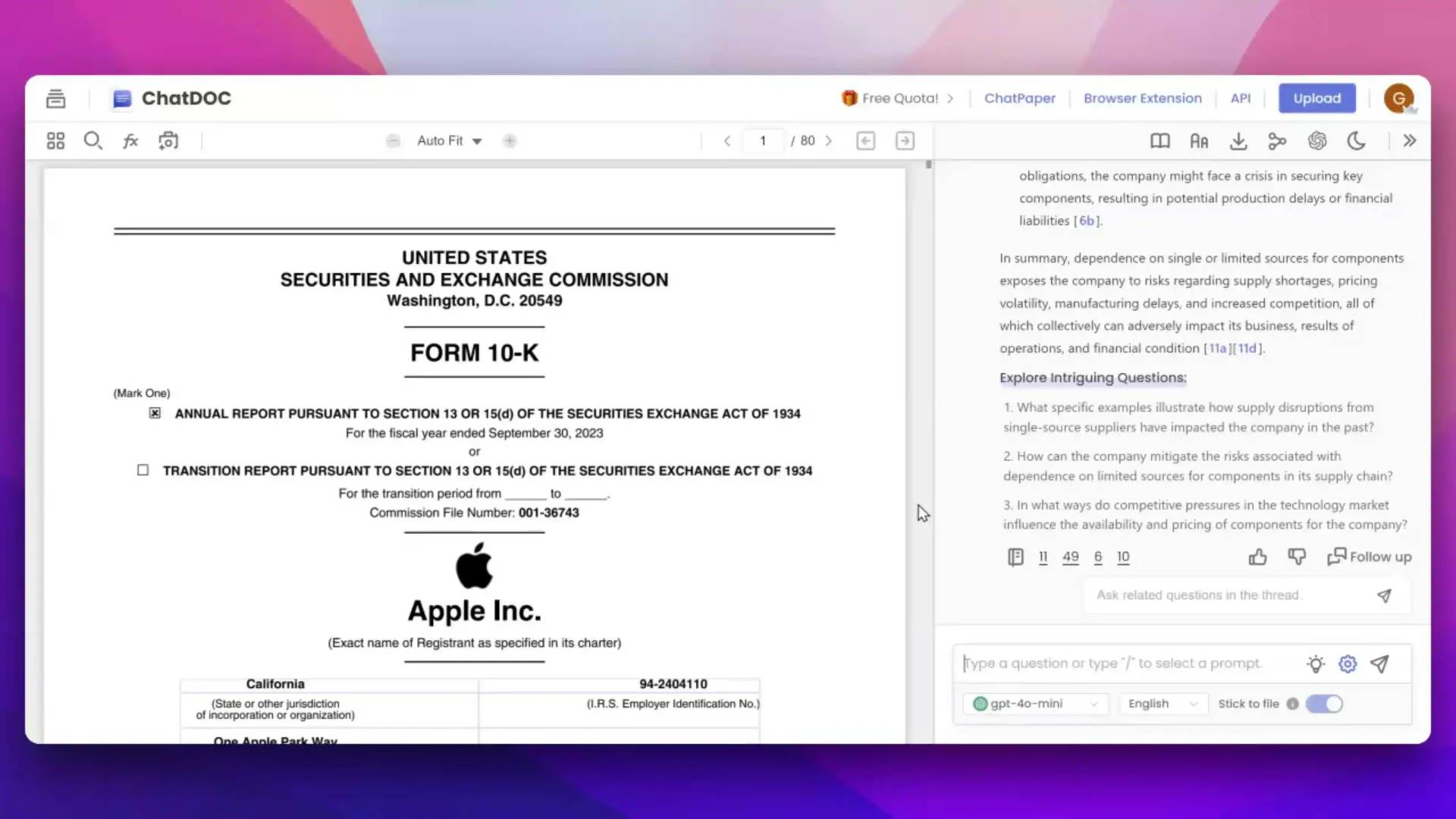
PDFChat offers a range of powerful features designed to enhance document interaction: - Document Upload: Supports various file formats including PDF, DOC, DOCX, SCAN, WEBSITE, EPUB, MD, and TXT. - Interactive Q&A: Users can ask questions directly about the document and receive accurate, source-cited answers. - Text and Table Analysis: Select texts or tables for detailed AI analysis, making it easier to extract relevant information. - Image Analysis: Unlocks advanced image analysis capabilities with GPT-4o, enhancing the understanding of visual data. - Multi-Mode Support: Offers various language models and the ability to switch languages, catering to diverse user needs. - Traceability: Allows users to verify citations and trace responses back to their original sources for increased reliability.
Who is PDFChat for?
PDFChat is ideal for professionals, researchers, and students who frequently work with complex documents. It caters to users who need to extract insights from various file types efficiently, including legal professionals, academics, and business analysts. The tool's capabilities make it suitable for anyone looking to streamline their document analysis process, whether for academic research, corporate presentations, or personal projects. PDFChat is particularly beneficial for those who require precise information retrieval and citation verification.
What are the use cases of PDFChat?
PDFChat can be applied in various scenarios, including: 1. Academic Research: Students and researchers can upload academic papers to extract key insights and summarize findings efficiently. 2. Business Analysis: Professionals can analyze reports and presentations, asking specific questions to gain deeper understanding and insights. 3. Legal Document Review: Lawyers can upload contracts and legal documents to verify information and obtain precise answers regarding clauses and terms.
Product Images

Pdfchat Pros and Cons
Pros
- Advanced Document Analysis: PDFChat provides powerful document analysis capabilities, allowing users to handle complex files and interpret tables with ease.
- Source-Cited Answers: The tool offers precise answers with citations, enhancing the reliability of the information extracted from documents.
- Multiple File Format Support: Supports various file formats including PDF, DOC, DOCX, SCAN, WEBSITE, EPUB, MD, and TXT, making it versatile for different user needs.
Cons
No cons data detected for this tool
Pdfchat Pricing
Free
Start for free, with a limit of 10 questions per day, 100 questions in total, and support for PDF files.
Pro
Upgrade to Pro for unlimited questions, file upload, and support for multiple file types including PDF, DOC, DOCX, SCAN, WEBSITE, EPUB, MD, TXT.
For the latest pricing, please visit this link: https://pdfchat.com/
Prices are subject to change. Please visit the official website for the most up-to-date pricing information.
Analytics of Pdfchat
Pdfchat Website Traffic Analysis
Visits Over Time
Traffic Sources
Oct 2025 - Dec 2025 Worldwide Desktop Only
- Search: 39.71%
- Direct: 33.35%
- Referrals: 13.64%
- Social: 9.95%
- Paid Referrals: 1.75%
- Mail: 0.26%
Top Keywords
| Keyword | Volume | CPC | Estimated Value |
|---|---|---|---|
| chat pdf | 58.33K | $0.26 | $0.00 |
| google translate pdf | 13.63K | $0.42 | $0.00 |
| pdf chat | 1.25K | $0.20 | $0.00 |
| google pdf translate | 1.12K | $0.00 | $0.00 |
| pdfchat | 810 | $0.00 | $20.00 |





