

Red-ai





What is RED?
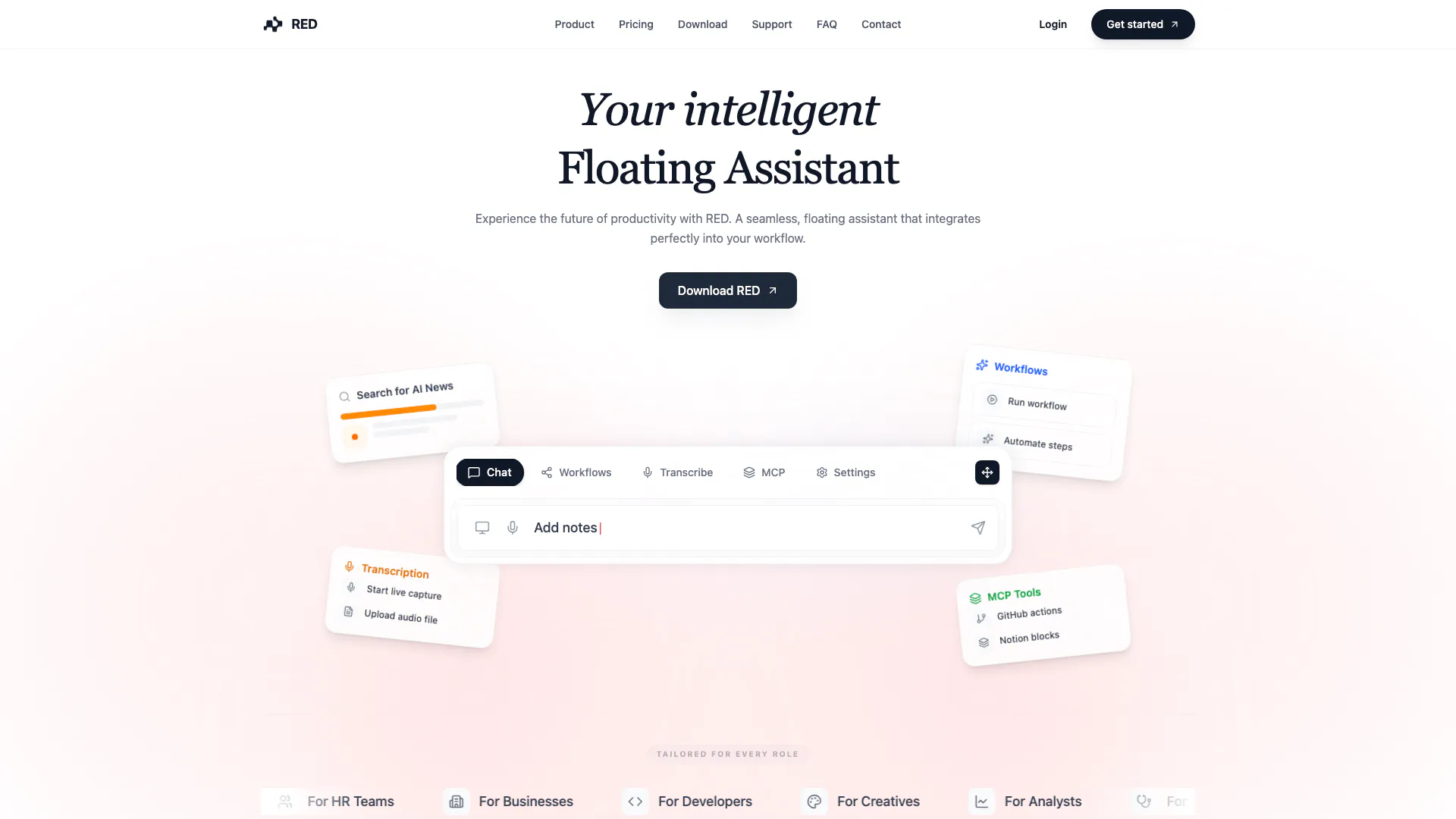
RED is an innovative floating assistant[1] designed to enhance productivity by seamlessly integrating into your workflow. This intelligent tool allows users to automate tasks, manage workflows, and capture real-time information, making it an essential companion for various professional roles. By utilizing advanced features such as live transcription[3] and deep context[4] integration, RED ensures that users can focus on their work without the distraction of manual task management.
How to use RED?
- Download and install RED from the official website.
- Create an account and log in to access the dashboard.
- Familiarize yourself with the interface, where you can find tools for transcription, workflow automation, and more.
- Use the live transcription feature during meetings to capture key points and action items.
- Set up automated workflows[2] by connecting RED to your preferred tools such as GitHub, Notion, and Slack.
What are the main features of RED?
- Automated Workflows: Trigger complex sequences with a single command, allowing RED to orchestrate your tools automatically.
- Live Transcription: Capture meetings in real-time, summarizing and extracting action items while you focus on the discussion.
- Deep Context (MCP): Securely connect to local repositories, documents, and databases, providing read-write access to your environment.
- Screen Context[5]: RED sees what you see, offering instant assistance based on the active windows and applications on your screen.
- Chat with Audio: Ask questions about your meetings and receive instant answers and summaries from the transcription.
Who is RED for?
RED is tailored for a diverse range of users including students, HR teams, businesses, developers, creatives, analysts, healthcare professionals, writers, executives, and marketing teams. Each of these groups can benefit from RED's capabilities, whether it's managing projects, automating repetitive tasks, or enhancing collaboration through integrated tools. The flexibility and adaptability of RED make it suitable for anyone looking to improve their productivity and streamline their workflows.
What are the use cases of RED?
- Transcribing Meetings: Use RED to capture and transcribe live meetings, enabling teams to focus on discussions without worrying about note-taking.
- Automating Development Workflows: Developers can leverage RED to manage GitHub repositories, automate testing, and streamline code reviews directly from the chat interface.
- Collaborating on Projects: Teams can connect RED with tools like Notion and Slack to enhance communication and project management, ensuring everyone stays updated and organized.
Red-ai Pros and Cons
Pros
- Seamless Integration with Tools: RED integrates effortlessly with various tools like GitHub, Notion, and Slack, enhancing productivity by allowing users to manage tasks without switching applications.
- Real-Time Live Transcription: The live transcription feature captures meetings in real-time, enabling users to focus on discussions while automatically summarizing key points and action items.
- Automated Workflows: Users can trigger complex automated workflows with a single command, streamlining repetitive tasks and improving efficiency.
Cons
No cons data detected for this tool
Red-ai Pricing
Free
Perfect for trying RED. Limited access to Red chats, Basic access to screen capture, 2 Agentic workflows, 10 mins transcription/month.
Ultra
For power users & growing teams. Everything in Super, Custom MCP servers, Maximum message limits, Full screen history.
For the latest pricing, please visit this link: https://www.red-ai.app/#pricing
Prices are subject to change. Please visit the official website for the most up-to-date pricing information.





