

Mindmapai





What is Mindmapai?
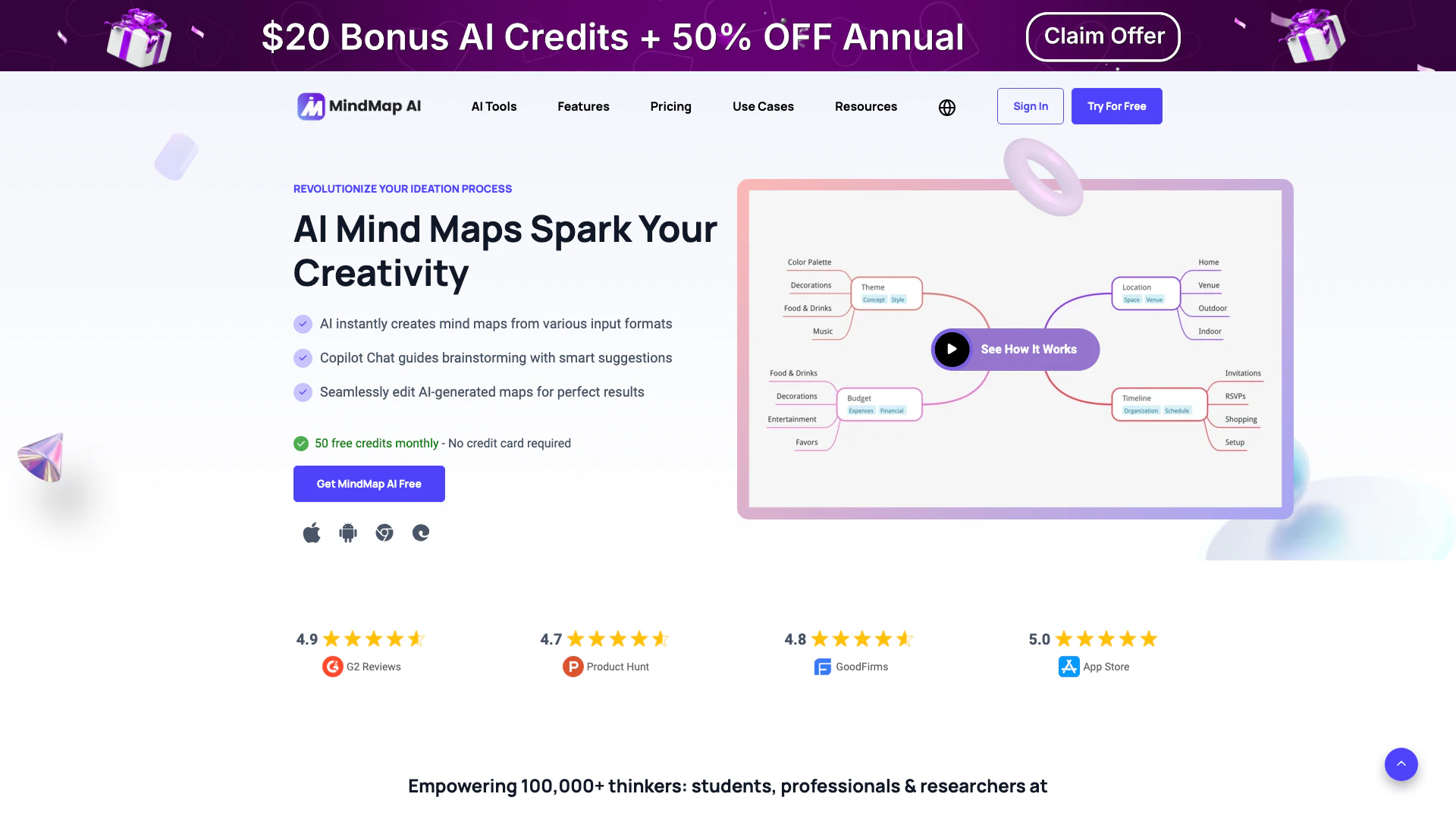
Mindmapai is an innovative AI-powered[1] mind mapping[2] tool designed to streamline the brainstorming[5] process. By leveraging advanced AI technology, Mindmapai allows users to create instant mind maps from a variety of input formats including text, PDFs, images, audio, and video. The tool features a user-friendly interface and includes a unique Copilot Chat[3] feature that guides users through the mind mapping process, offering smart suggestions and co-creation capabilities. This powerful tool is perfect for enhancing creativity and organization, making it an essential resource for students, professionals, and anyone looking to revolutionize their idea generation and planning.
How to use Mindmapai?
- Sign Up or Log In: Create a free account on the Mindmapai website or log in if you already have one.
- Select Input Format: Choose the format of the content you want to convert into a mind map (text, PDF, image, etc.).
- Upload Your Content: Upload your selected file or input text directly into the tool.
- Use Copilot Chat: Engage with the AI Copilot Chat to get suggestions and refine your mind map as it generates.
- Edit and Customize: Once your mind map is created, you can manually edit, add nodes, and customize the layout and design to suit your needs.
- Save and Share: Save your mind map in various formats (PNG, PDF, etc.) or share it via a link with others.
What are the main features of Mindmapai?
- AI-Powered Mind Mapping: Automatically generate mind maps from various input formats.
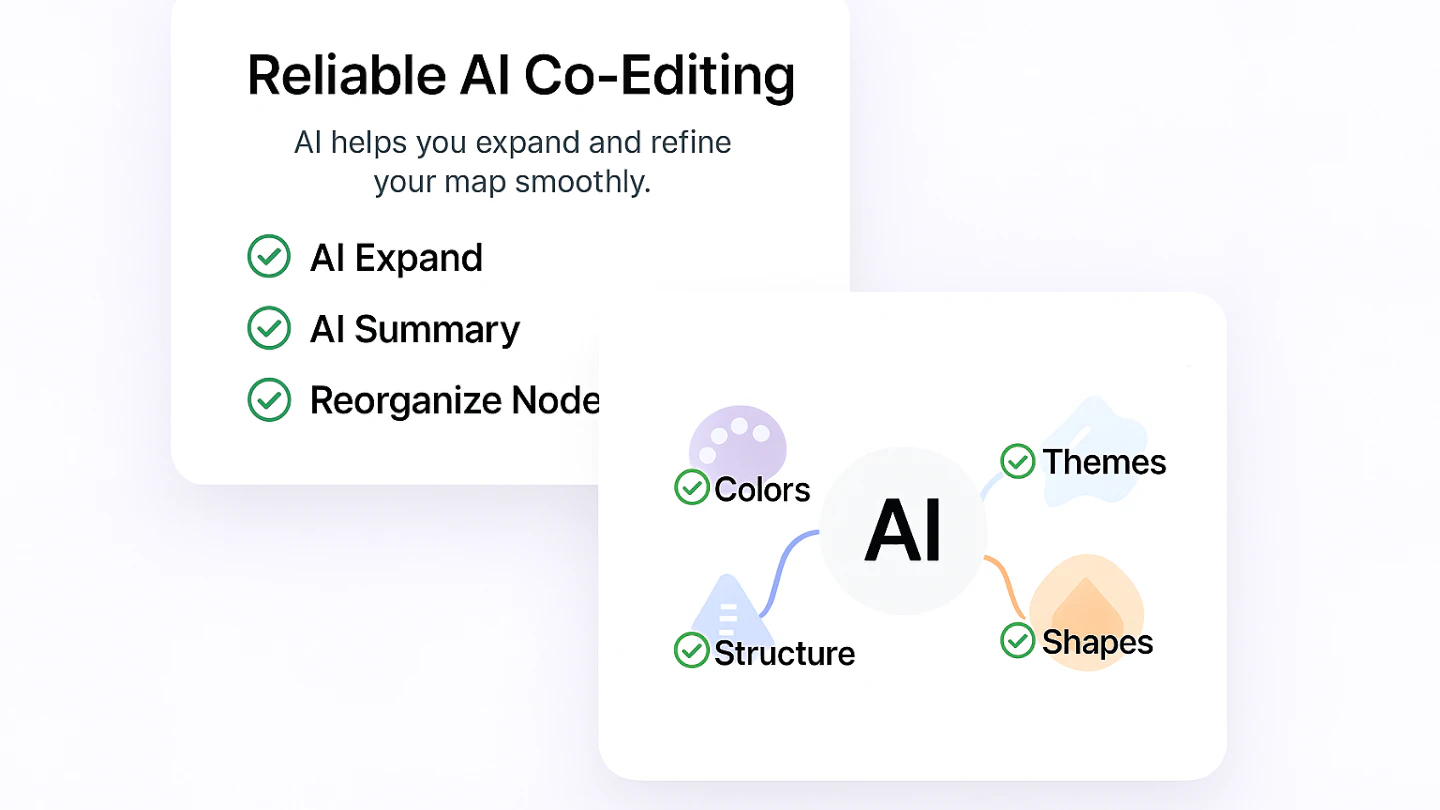
- Copilot Chat: An interactive assistant that provides suggestions and helps expand ideas in real-time.
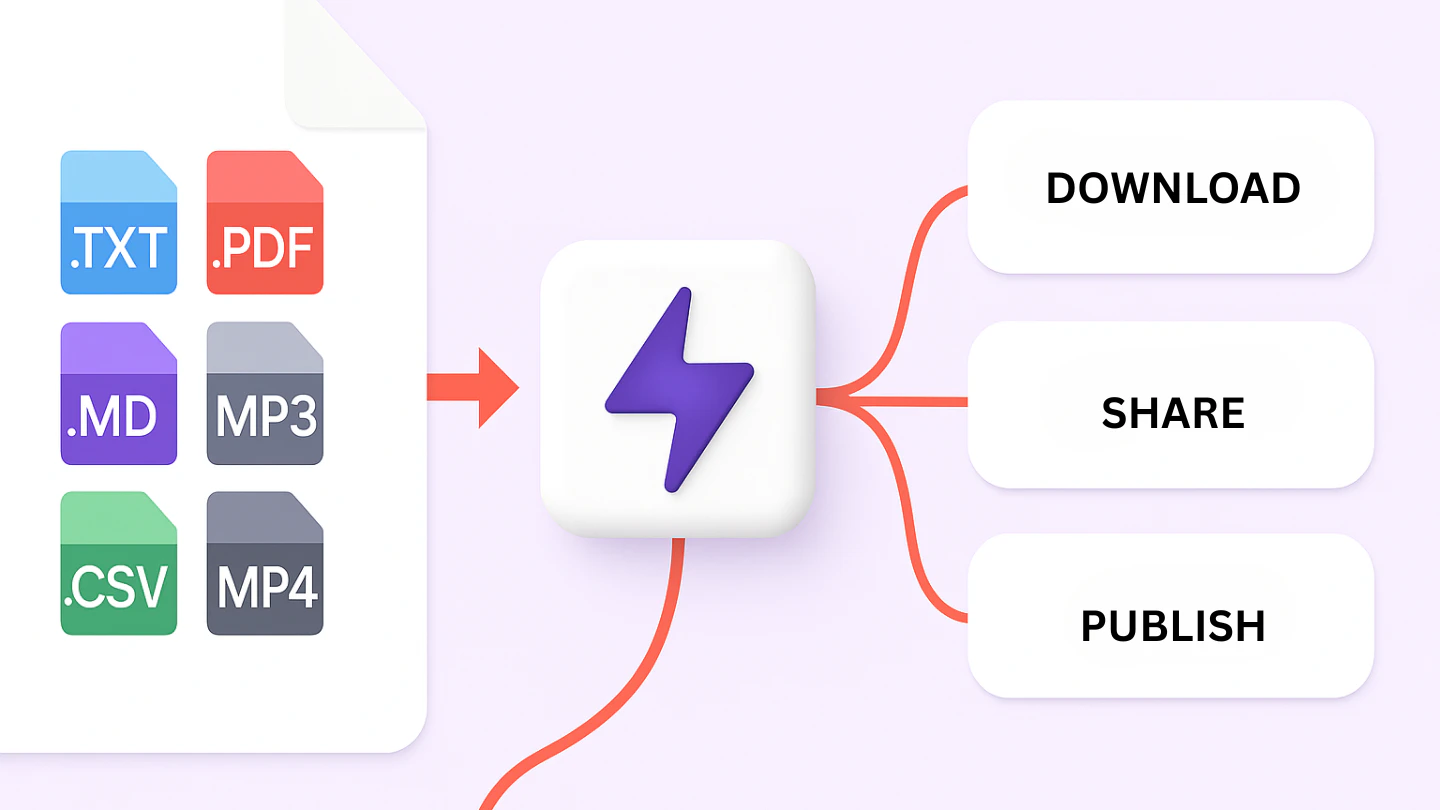
- Multi-Format Input[4]: Supports text, PDFs, images, audio, and video files for mind map creation.
- Flexible Layouts: Switch between Mind Map, Org Chart, and Logic Chart views without losing structure.
- Continuous Editing: Edit AI-generated maps seamlessly with manual control over all aspects.
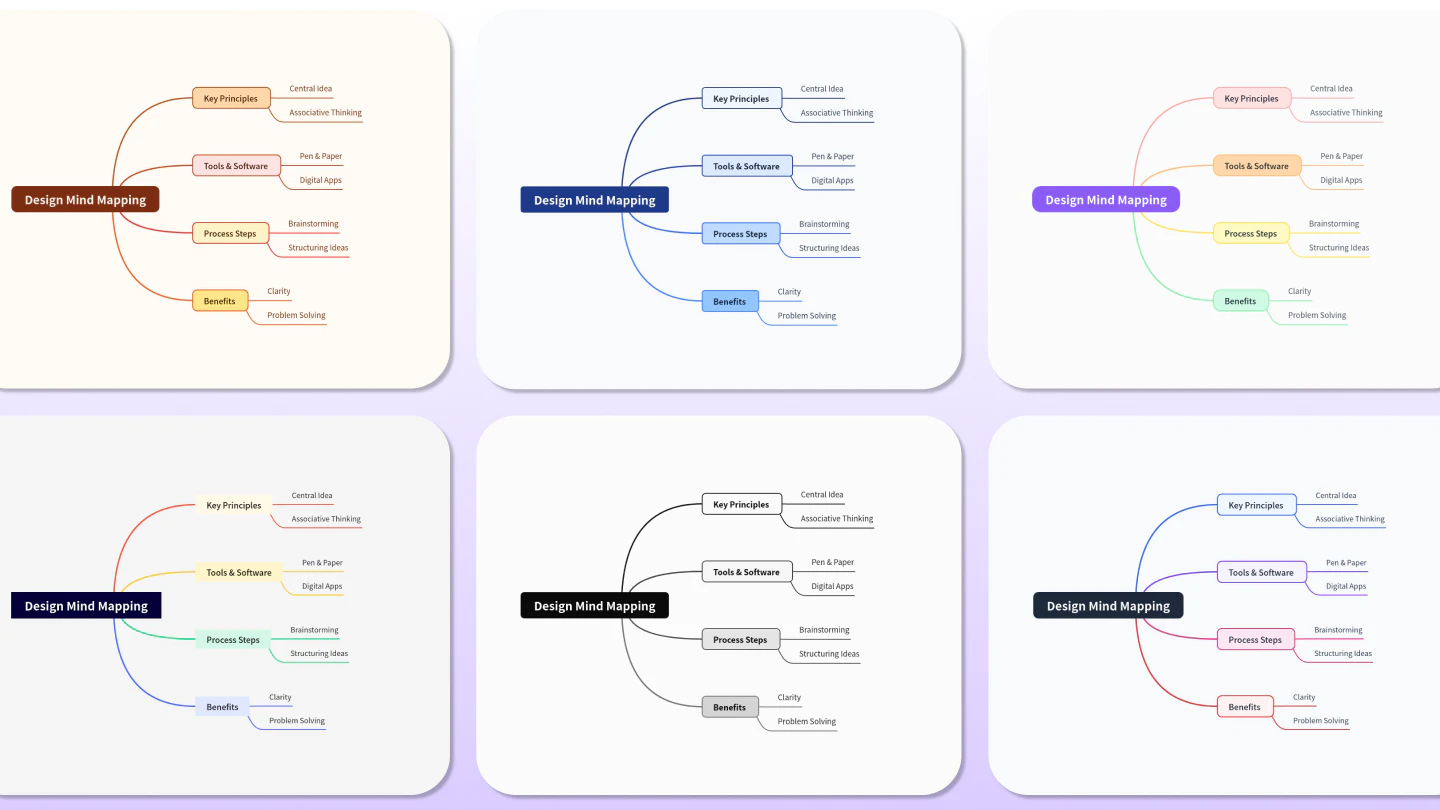
- Customizable Themes: Choose from a variety of themes and styles to personalize your mind maps.
- Export Options: Save your mind maps in multiple formats, including PNG, PDF, and Markdown.
Who is Mindmapai for?
Mindmapai is designed for a diverse audience, including students, professionals, educators, and creative thinkers. It is particularly beneficial for those who need to organize complex ideas, brainstorm effectively, or visually map out projects. Whether you are a student preparing for exams, a business professional strategizing a project, or a creative individual looking to enhance your brainstorming sessions, Mindmapai offers the tools and features to support your needs.
What are the use cases of Mindmapai?
- Brainstorming Sessions: Use Mindmapai to generate and organize ideas quickly during brainstorming meetings.
- Note Taking: Transform lecture notes or reading materials into structured mind maps for easier review and retention.
- Project Planning: Visualize project components, timelines, and responsibilities to enhance clarity and communication among team members.
- Research Organization: Summarize and map out complex research topics or data from various sources for better understanding.
- Creative Workflows: Aid in creative processes by visually connecting ideas and exploring new concepts.
Product Images
Mindmapai Pros and Cons
Pros
- AI-Powered Mind Mapping: MindMap AI allows users to create mind maps instantly using AI, transforming various input formats like text, PDFs, and images into structured mind maps.
- Interactive Copilot Chat: The integrated AI Copilot Chat assists users in brainstorming by providing smart suggestions and helping to refine ideas in real-time.
- Flexible Editing and Customization: Users can manually edit AI-generated mind maps, customize layouts, and choose from various themes to match their personal or brand style.
Cons
No cons data detected for this tool





