

Hootzai





What is Hootzai?
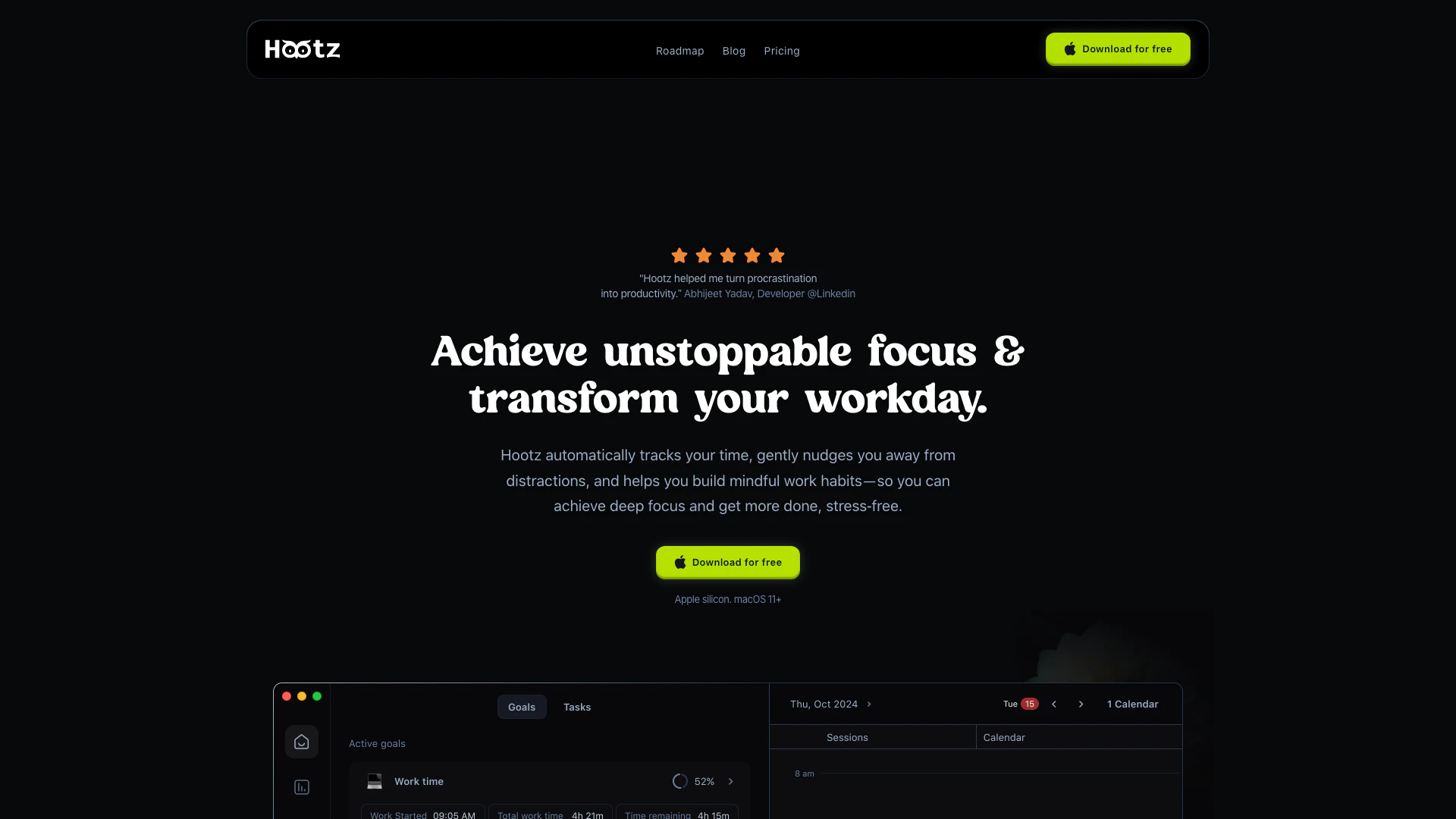
Hootzai is an innovative AI companion[1] designed to enhance focused productivity[2]. It helps users unlock their potential by eliminating distractions and fostering mindful work habits. By automatically tracking time and gently nudging users back to their tasks, Hootzai transforms productivity from a struggle into a rewarding experience, allowing individuals to achieve more every day.
How to use Hootzai?
- Download and install Hootzai on your Mac.
- Open Hootzai and set up your account, customizing your blocklist of distracting apps and websites.
- Initiate a focus session to start automatic time tracking[3] and receive gentle reminders to stay on track.
What are the main features of Hootzai?
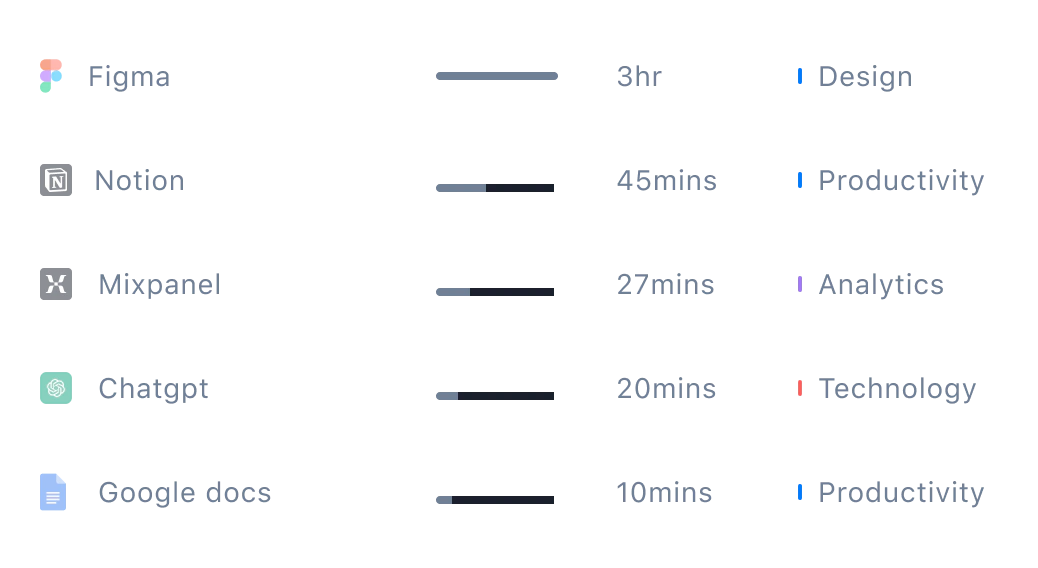
- Automatic Time Tracking: Hootzai tracks your activity second-by-second without needing timers.
- Distraction Nudges[4]: It gently reminds you to refocus if you stray from your tasks.
- Mindful Focus[5] Sessions: Initiate deep work blocks with guided breathing exercises and curated productivity music.
- Real-time Analytics: Get insights into your productivity patterns and time spent on various activities.
- Calendar Integration: Sync your macOS calendar to visualize planned events alongside tracked activities.
Who is Hootzai for?
Hootzai is ideal for anyone looking to enhance their focus and productivity, including students, writers, developers, designers, and entrepreneurs. It caters to individuals who struggle with distractions and seek a more structured approach to managing their time effectively.
What are the use cases of Hootzai?
- Studying: Students can use Hootzai to block distracting websites and focus on their study materials.
- Project Management: Team leaders can utilize Hootzai to schedule focused work sessions, ensuring productivity during critical project phases.
- Creative Work: Designers can initiate deep work blocks with focus music to enhance their creativity and efficiency.
Product Images



Hootzai Pros and Cons
Pros
- Automatic Time Tracking: Hootz automatically tracks your time, providing second-by-second insights into your activities without the need for manual timers.
- Mindful Focus Sessions: The tool offers guided breathing exercises and curated music to enhance focus during deep work blocks.
- Real-Time Distraction Nudges: Hootz gently reminds you to refocus when you drift into distractions, acting as a supportive accountability partner.
- Local Data Privacy: All tracking information is stored locally on your Mac, ensuring your productivity data remains private and secure.
Cons
No cons data detected for this tool
Analytics of Hootzai
Hootzai Website Traffic Analysis
Visits Over Time
Hootzai Reviews
Hootz helped me turn procrastination into productivity. - Abhijeet Yadav, Developer @Linkedin
Running a startup means constant context-switching. Hootz helps me carve out deep work blocks when I need to focus on strategy. It's the closest thing to having a personal productivity coach. - Alex Bauer, Co-founder, Upside.tech
As a Group PM managing multiple teams, staying focused is crucial. Hootz blocks Slack when I'm doing roadmap planning and gently reminds me when I'm getting off track. My productivity has skyrocketed. - Mark Hansen, Group Product Manager, Branch.io
For more reviews, visit this link: https://hootz.ai/#testimonials





