Falconer




What is Falconer?
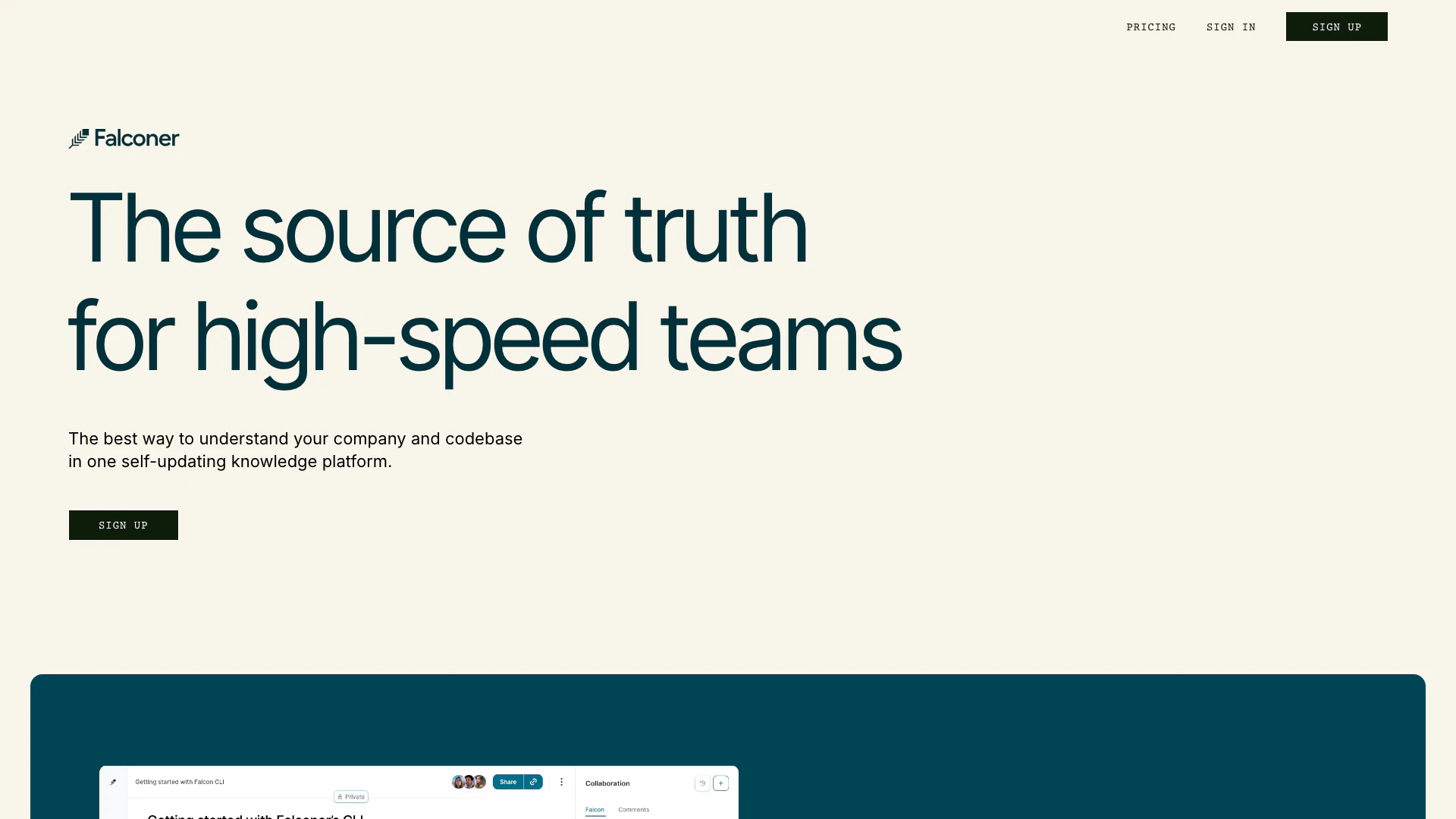
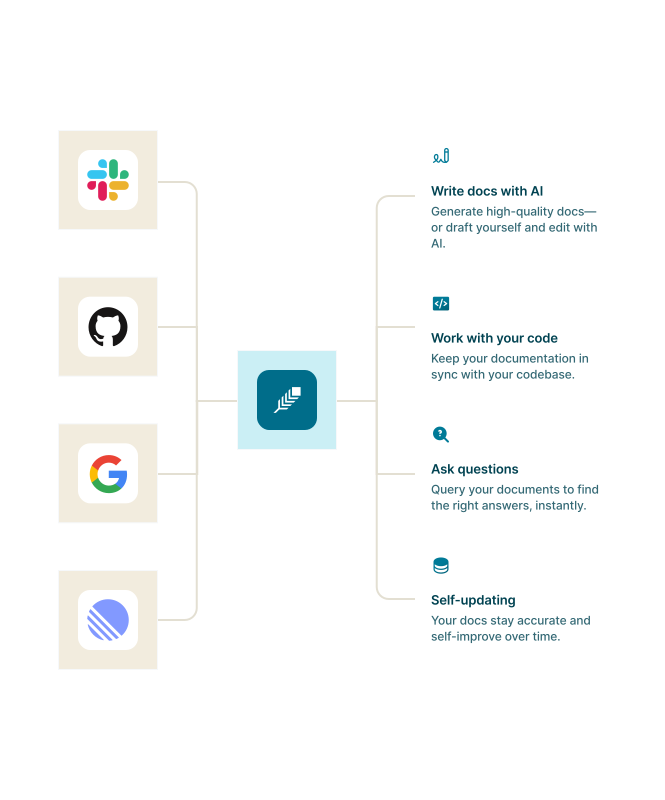
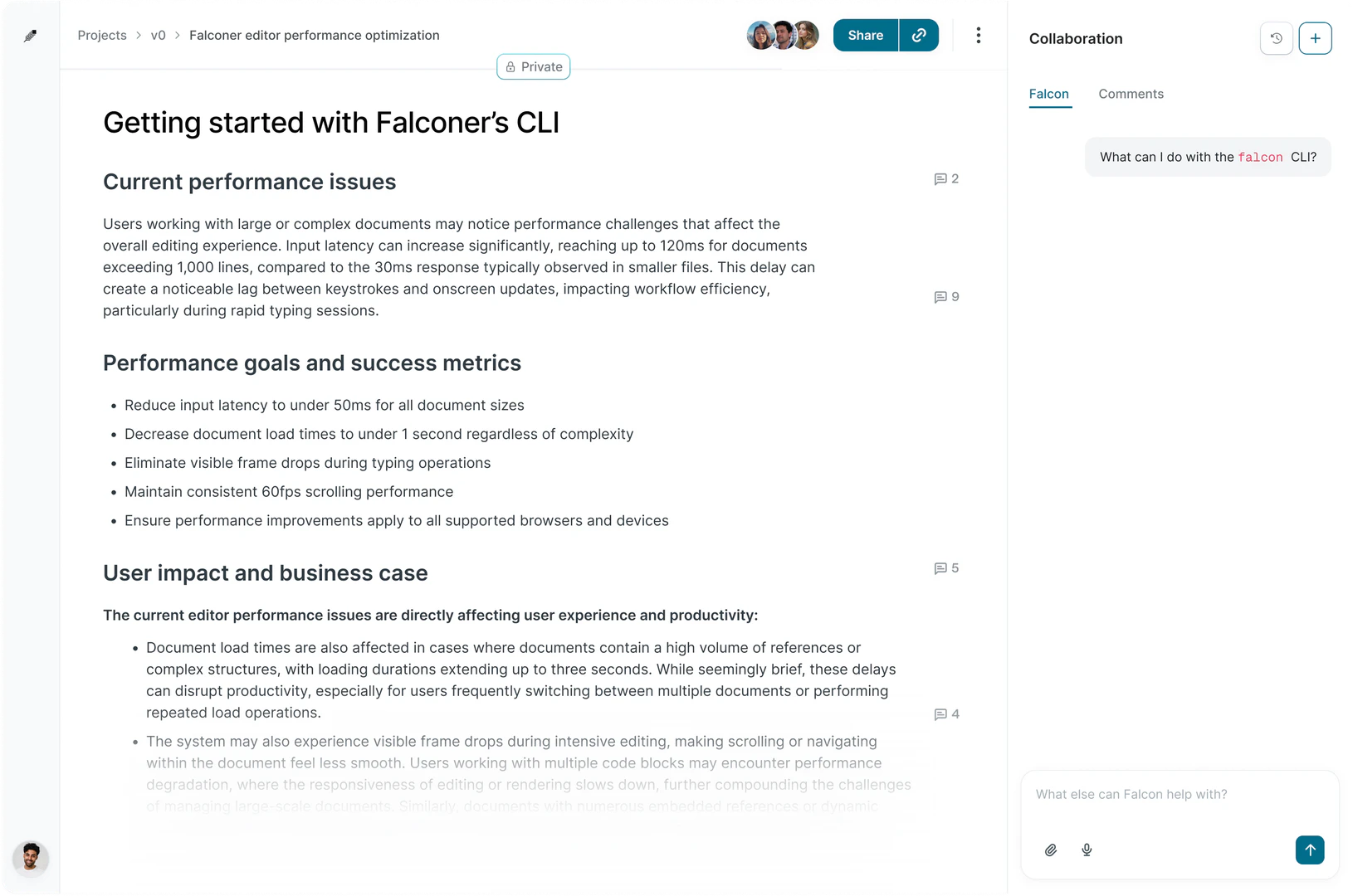
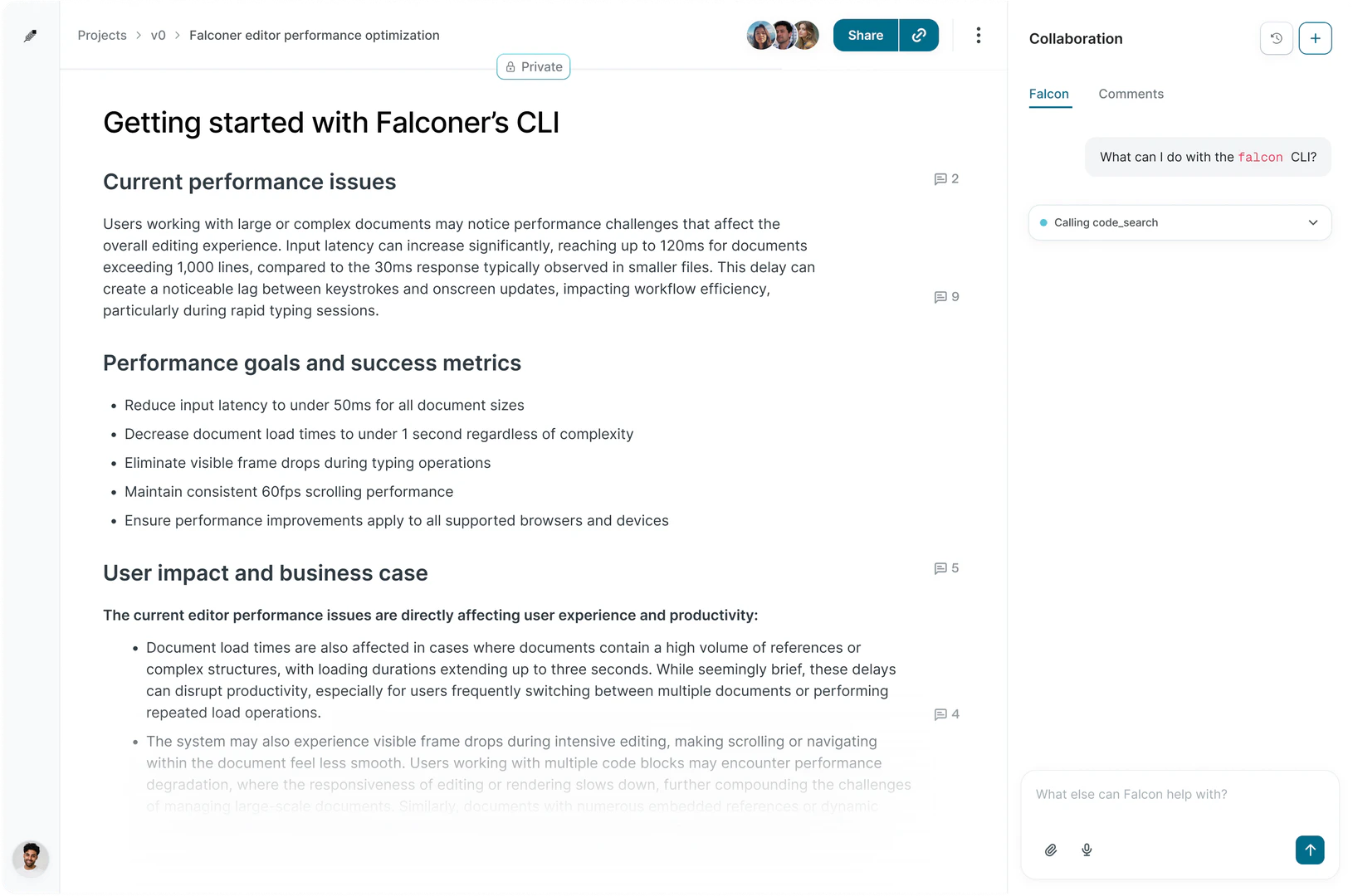
Falconer is a self-updating[1] knowledge platform[2] designed for teams and agents to write, share, and find information efficiently. It serves as a centralized source of truth that enhances productivity by maintaining accurate internal documentation and context. By integrating with tools like GitHub and Slack, Falconer enables seamless collaboration and ensures that the knowledge remains current and accessible, thus streamlining workflows and minimizing the need for repetitive questions.
How to use Falconer?
- Sign up for an account on the Falconer website.
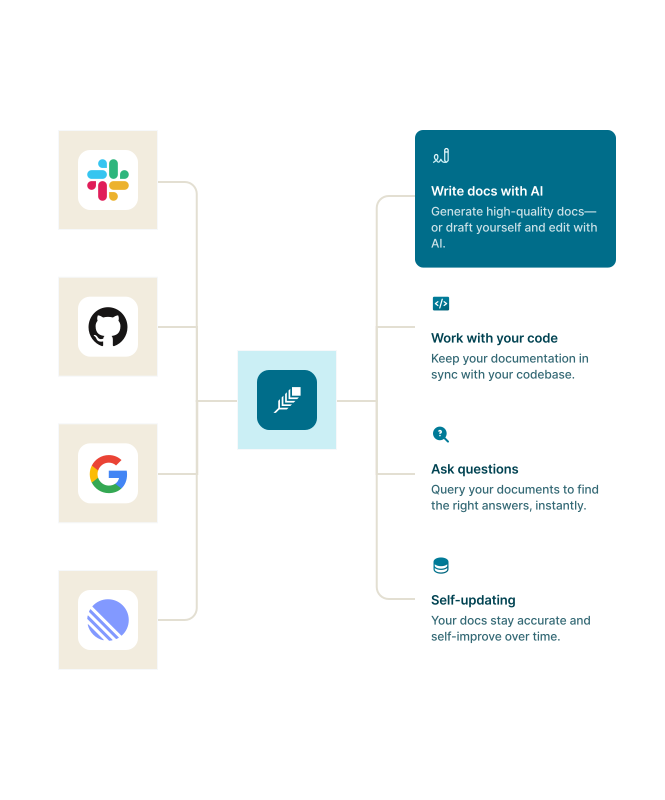
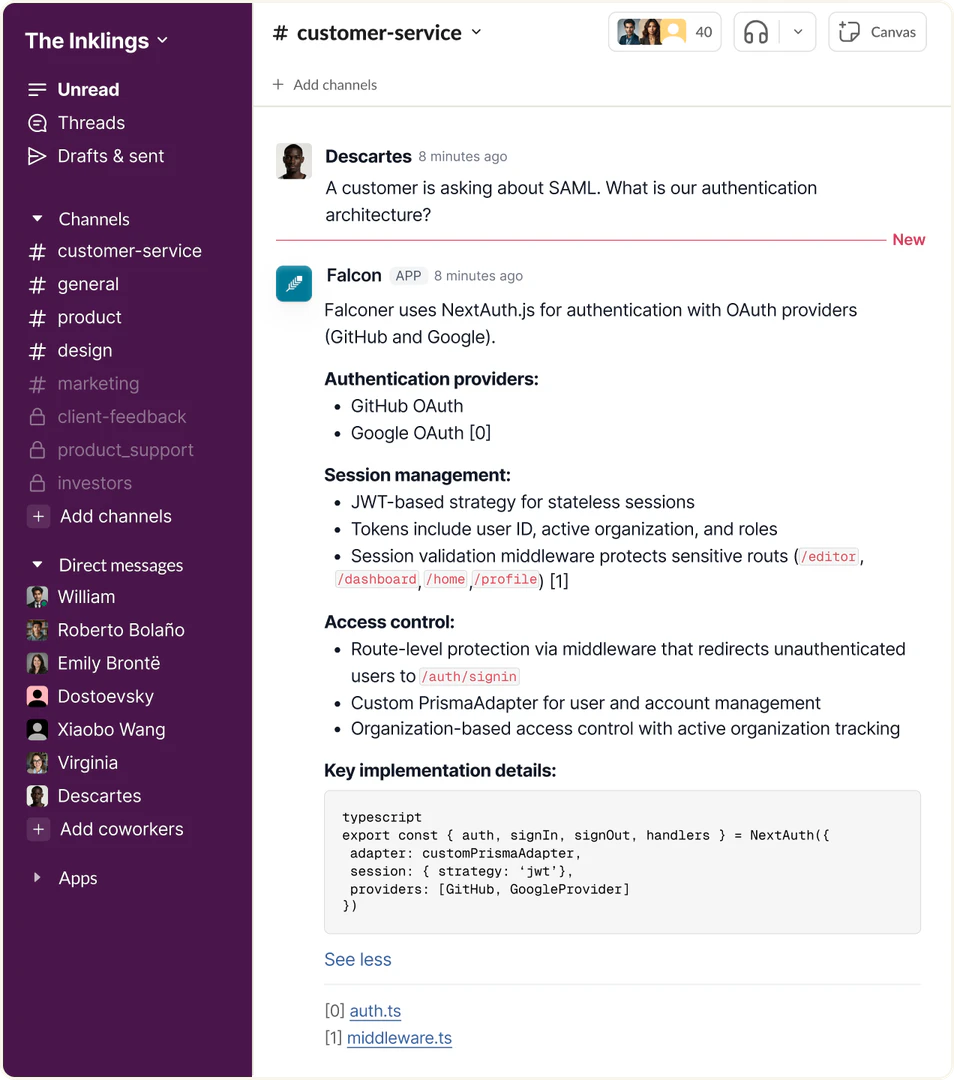
- Connect Falconer to your existing tools such as GitHub, Slack, and Linear to integrate your workflows.
- Begin writing and sharing documentation within Falconer, utilizing its self-updating features to keep information organized and accurate.
- Use the search function to quickly find relevant information and answers, ensuring that your team can access the latest knowledge effortlessly.
What are the main features of Falconer?
- Self-Updating Documentation: Falconer automatically keeps internal documents organized and current, reducing manual updates.
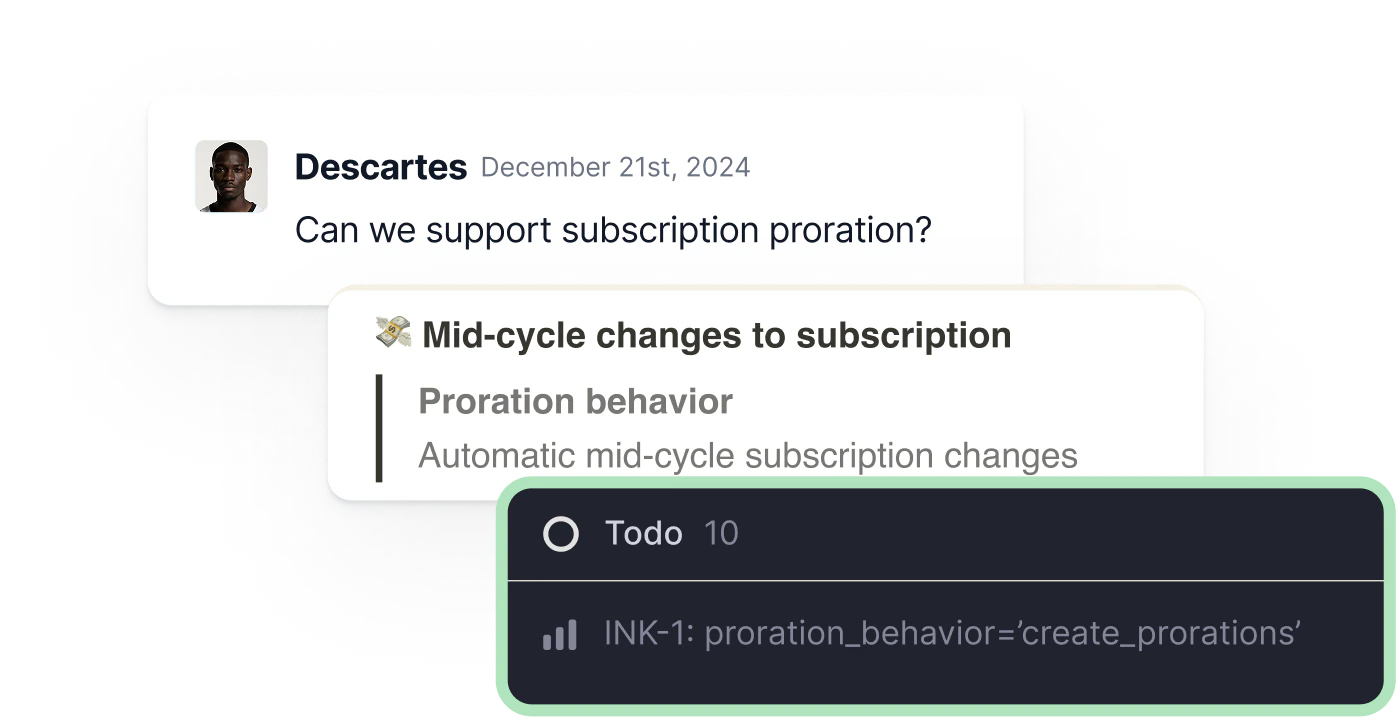
- Integration Capabilities[4]: Easily connect with popular tools like GitHub and Slack for seamless workflow integration.
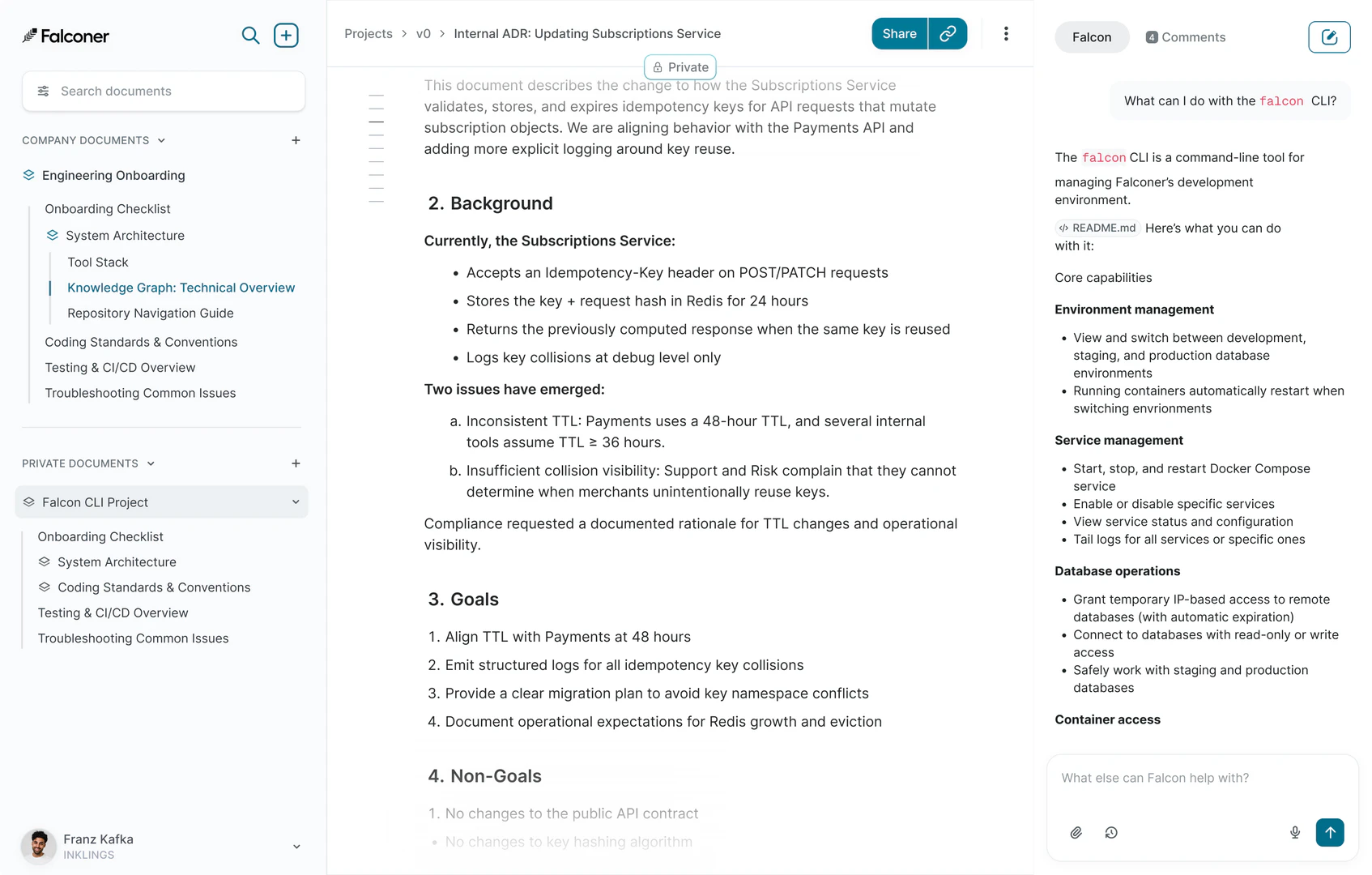
- Unified Knowledge Base: Provides a central repository for all team knowledge, ensuring everyone has access to the same information.
- Reliable Context for Agents: Enhances the effectiveness of coding agents by providing accurate and relevant context.
Who is Falconer for?
Falconer is tailored for high-speed teams, particularly in tech and engineering sectors, who require a reliable knowledge management system. It is ideal for software developers, technical writers, product managers, and anyone involved in collaborative projects that necessitate constant access to up-to-date information. Organizations looking to streamline their documentation processes and enhance team productivity will find Falconer especially beneficial.
What are the use cases of Falconer?
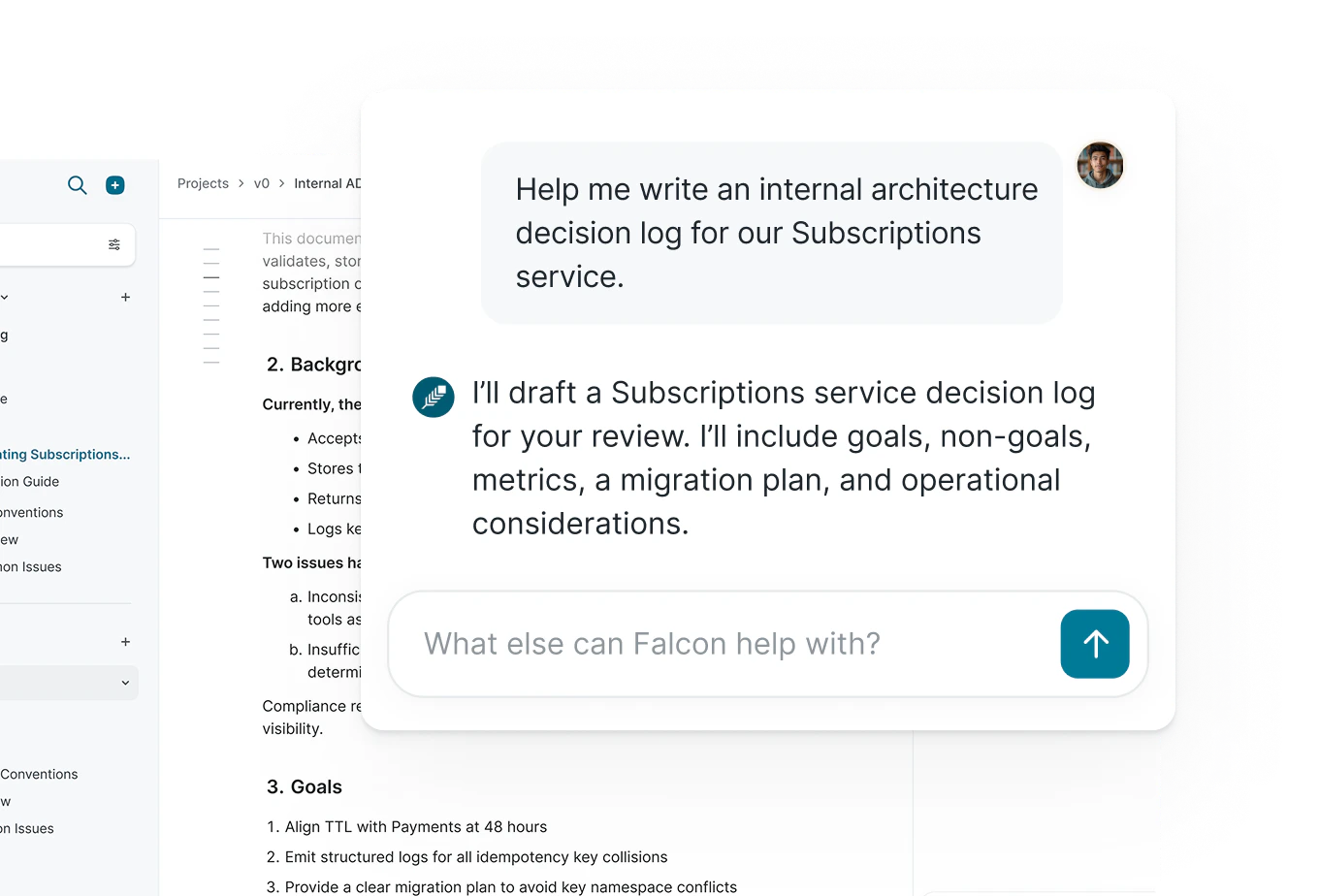
- Documentation Management[3]: Use Falconer to create and maintain technical documentation that evolves alongside your codebase, ensuring alignment between documentation and product features.
- Team Collaboration: Facilitate better communication and knowledge sharing among team members by using Falconer as a central hub for information.
- Onboarding New Employees: Leverage Falconer to provide new hires with immediate access to essential documentation and resources, speeding up their onboarding process.
Product Images
Falconer Pros and Cons
Pros
- Self-Updating Documentation: Falconer provides a self-updating documentation system that keeps internal documents organized and accurate, reducing the need for manual updates.
- Enhanced Team Productivity: Designed for high-speed teams, Falconer helps improve productivity by minimizing repetitive questions and streamlining information access.
- Integration with Key Tools: Falconer seamlessly integrates with popular tools like GitHub, Slack, and Linear, allowing teams to work within their existing workflows without a learning curve.
Cons
No cons data detected for this tool
Falconer Pricing
Starter
Best for those who want to understand and document their codebase. * Code as context with GitHub integration * Ask questions in Slack * Linear integration * Answer engine connected to your code * 1-click doc organization * AI-powered writing editor * Basic usage limits
Pro
Best for those with existing content sources who want better accuracy and tooling. * Everything in Starter tier * Write docs from Slack * Falconer MCP * API and webhooks for automations * Bring your own model provider key * Access to beta features * 5x usage limits
Enterprise
For organizations with large codebases and content sources. * Everything in Pro tier * Google Drive integration * Confluence integration * SSO * Priority support with SLA * SAML * White-glove migration * Self-hosted option * Help center integrations * Custom usage limits
For the latest pricing, please visit this link: https://falconer.com/pricing
Prices are subject to change. Please visit the official website for the most up-to-date pricing information.
Analytics of Falconer
Falconer Website Traffic Analysis
Visits Over Time
Top Keywords
| Keyword | Volume | CPC | Estimated Value |
|---|---|---|---|
| falconer | 3.30K | $1.58 | $20.00 |
| notesllm | 370 | $0.00 | $0.00 |
| falconer, an ai-native internal documentation platform | 10 | $0.00 | $10.00 |
Falconer Reviews
From day one, Falconer has felt like a superpower. It transformed our scattered documentation into a unified, living brain. As we rapidly scale our engineering team at Thatch, it gives me confidence that our velocity won't come at the cost of clarity.
What I love about Falconer is that it does all the boring crap, and does it well enough that I don't have to spend a half day editing AI slop. It's ACTUALLY saving me time on internal docs. It's delivering on that.
Falconer prevents our documentation from drifting out of sync with our codebase as engineers ship new products and features. The result is like giving every team member a senior engineer they can ask questions anytime they need help understanding our product.
For more reviews, visit this link: https://www.falconer.com/#testimonials