

Dokieai





What is DokieAI?
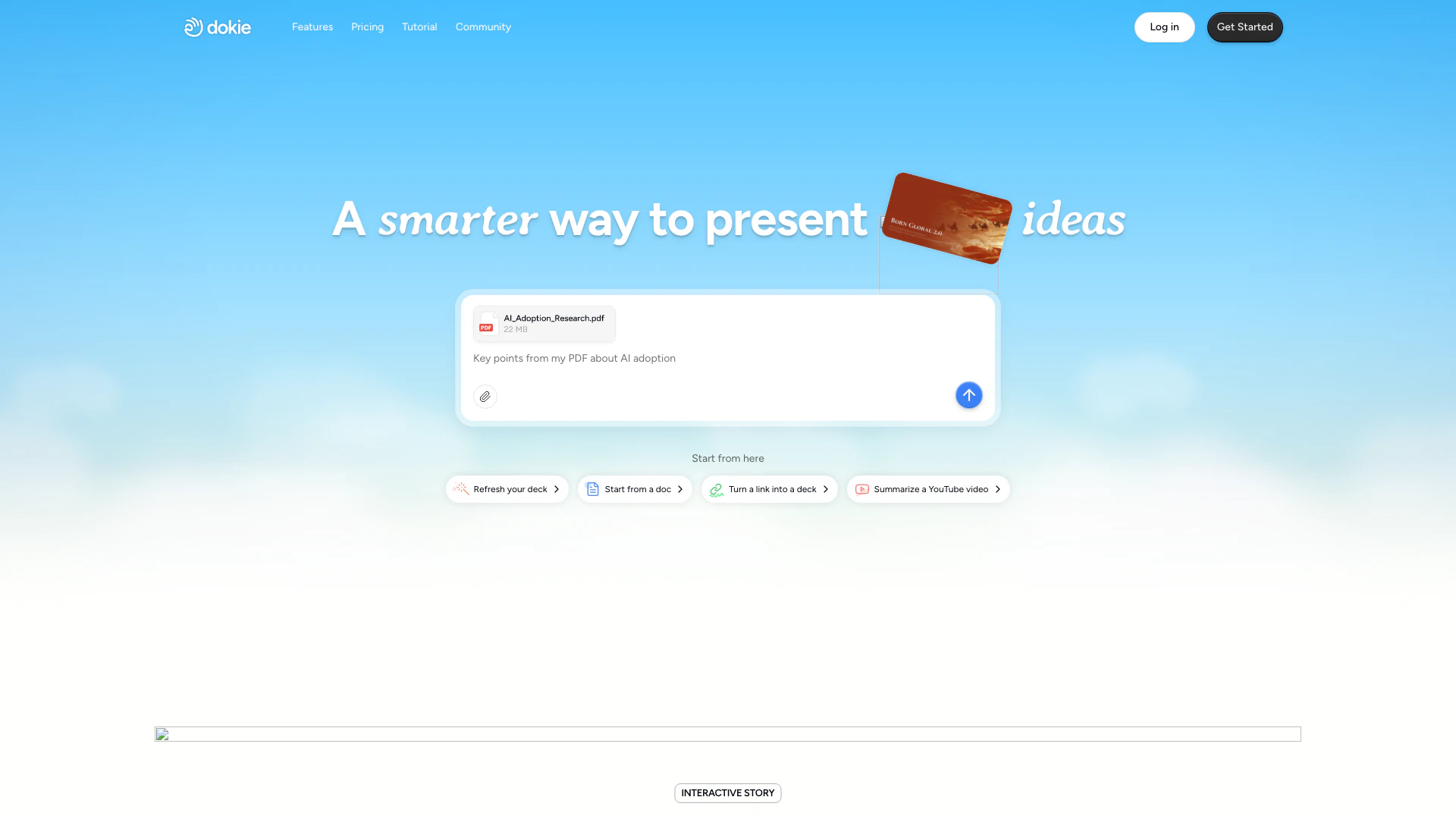
DokieAI is an advanced AI-powered presentation tool designed to help users create professional slides quickly and efficiently. With its intuitive interface, users can generate polished presentations in minutes, customize design styles, and refine content effortlessly. The core value of DokieAI lies in its ability to maintain clean layouts and ensure brand alignment, making it an ideal choice for professionals who need to produce high-quality presentations without the hassle of traditional slide-making processes.
How to use DokieAI?
- Sign up for a free account on the DokieAI website.
- Choose a starting point for your presentation: you can start from a blank slide, upload documents, or even summarize a YouTube video.
- Utilize the AI features to generate content and visuals that align with your presentation goals.
- Customize the design by selecting templates or uploading your own brand elements.
- Refine the content and layout as needed, using the advanced editing tools provided by DokieAI.
What are the main features of DokieAI?
- AI-driven content generation that adapts layouts based on your input.
- Multi-format understanding, allowing uploads of PDFs and Docs for slide creation.
- Interactive story creation that enhances engagement with animated presentations.
- Advanced custom editing features that streamline the refinement process.
- Brand-ready templates that ensure consistency in design across presentations.
Who is DokieAI for?
DokieAI is designed for a wide range of users, including business professionals, educators, marketers, and anyone needing to create impactful presentations. It is particularly beneficial for those who value efficiency and quality in their slide creation process. Whether you are preparing a pitch deck, a business report, or educational materials, DokieAI provides the tools necessary to produce visually appealing and well-structured presentations.
What are the use cases of DokieAI?
- Creating pitch decks for startups and entrepreneurs seeking funding.
- Developing educational presentations for teachers and students to enhance learning experiences.
- Designing corporate reports and proposals that require a professional touch.
Product Images














Dokieai Pros and Cons
Pros
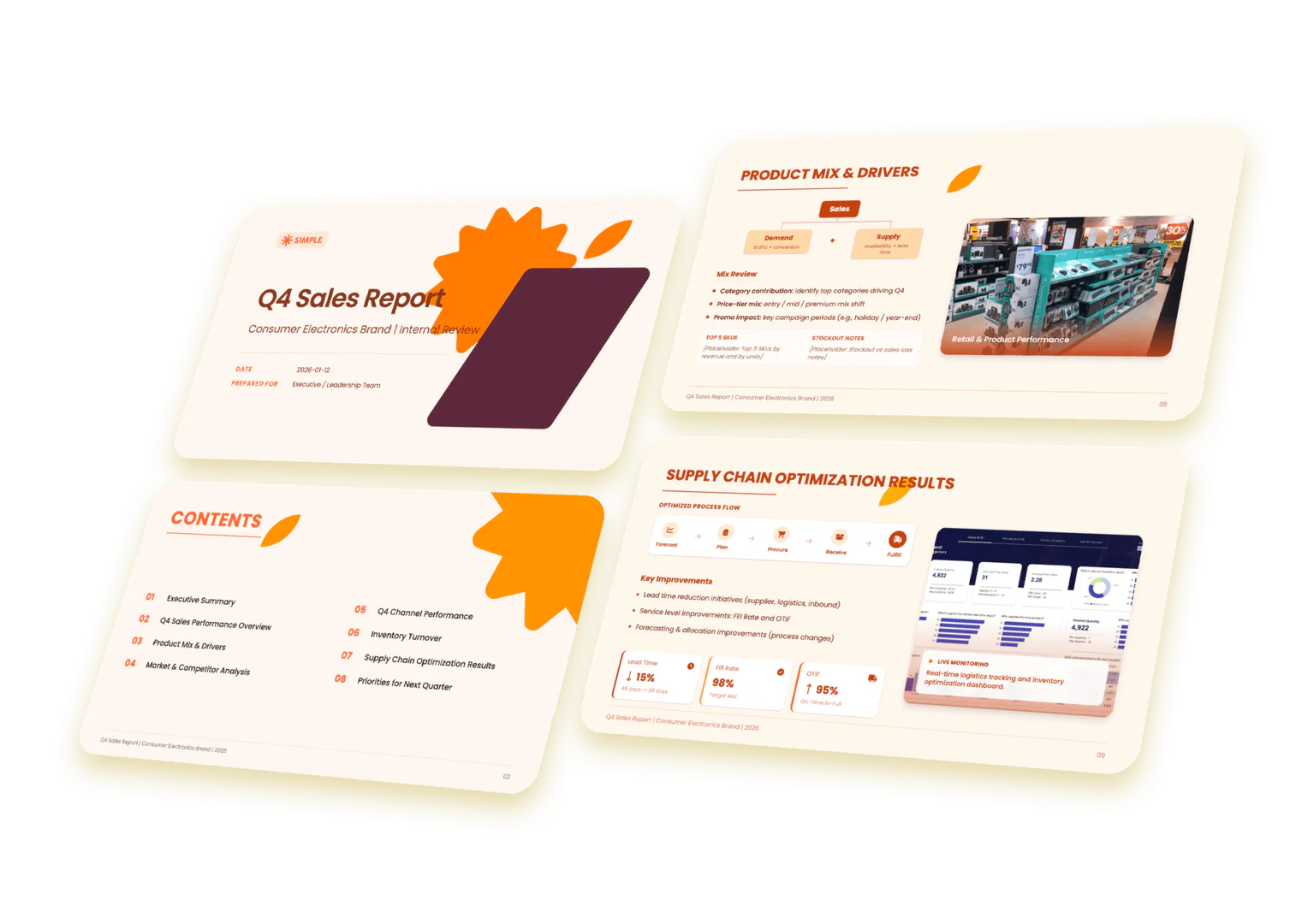
- Instant Slide Generation: Dokie allows users to generate professional slides instantly, saving time and effort in creating presentations.
- Customizable Design Styles: Users can customize design styles to align with their brand, ensuring consistency across presentations.
- AI-Powered Content Structuring: The tool utilizes AI to understand and structure content effectively, making presentations clear and focused.
- Interactive Presentations: Dokie enables the creation of animated and interactive presentations that enhance audience engagement.
Cons
No cons data detected for this tool
Dokieai Pricing
Starter - Free
Get 200 credits per day, plus 300 welcome credits when you sign up. Perfect for new users exploring Dokie's core features.
Plus
Receive 2,000 credits each month. Ideal for regular creators, students, and professionals who need more power and flexibility, with advanced perks like custom templates and export options.
Pro
Unlock 6,000 monthly credits. Designed for high-frequency users who rely on Dokie every day, with expanded access to custom templates, export features, faster support, and opportunities for product co-creation.
Ultra
Receive 20,000 credits per month. Built for high-volume creators and power users who require maximum resources, along with priority support, deeper product collaboration, and early access to trial new features before they're publicly released.
Enterprise
Tailored solutions with custom credit limits and dedicated support—perfect for teams that need advanced capabilities, more resources, and personalized assistance.
For the latest pricing, please visit this link: https://dokie.ai/pricing
Prices are subject to change. Please visit the official website for the most up-to-date pricing information.
Analytics of Dokieai
Dokieai Website Traffic Analysis
Visits Over Time
Traffic Sources
Nov 2025 - Dec 2025 Worldwide Desktop Only
- Direct: 50.18%
- Search: 40.87%
- Social: 5.23%
- Referrals: 2.55%
- Paid Referrals: 0.57%
- Mail: 0.46%
Top Keywords
| Keyword | Volume | CPC | Estimated Value |
|---|---|---|---|
| dokie | 3.33K | $0.00 | $1760.00 |
| dokie ai | 1.50K | $0.00 | $1260.00 |
| doki ai | 390 | $0.00 | $200.00 |
| dockie ai | 290 | $0.00 | $230.00 |
| dokie ai | 50 | $0.00 | $200.00 |
Dokieai Reviews
Loved by a community of professionals. Dokie AI is the tool for creating business decks that retain their polish, even post-revision. It is developed by experts in pitch decks, client proposals, and team reports, it steers clear of superficial fixes in favor of genuine, functional features.
Dokie creates polished, professional presentations, not just demo slides. It’s the AI you’ll actually want to use for slide creation.
I rebuilt the same deck in two ways, one in PowerPoint and one in Dokie. The difference was massive, and Dokie made my manual workflow feel instantly outdated.
For more reviews, visit this link: https://dokie.ai/#reviews






Dokieai Social Listening
This AI Presentation Maker Is ...
🤖📊 Dokie AI: https://dokie.a...
The Future of Presentations Is...
👉 Try DOKIE here: https://dok...
Full Dokie AI Tutorial: AI Pre...
👍 Try Dokie AI: https://dokie...
Unlock to view 23 social media results.