

Deskmodes





What is Deskmodes?
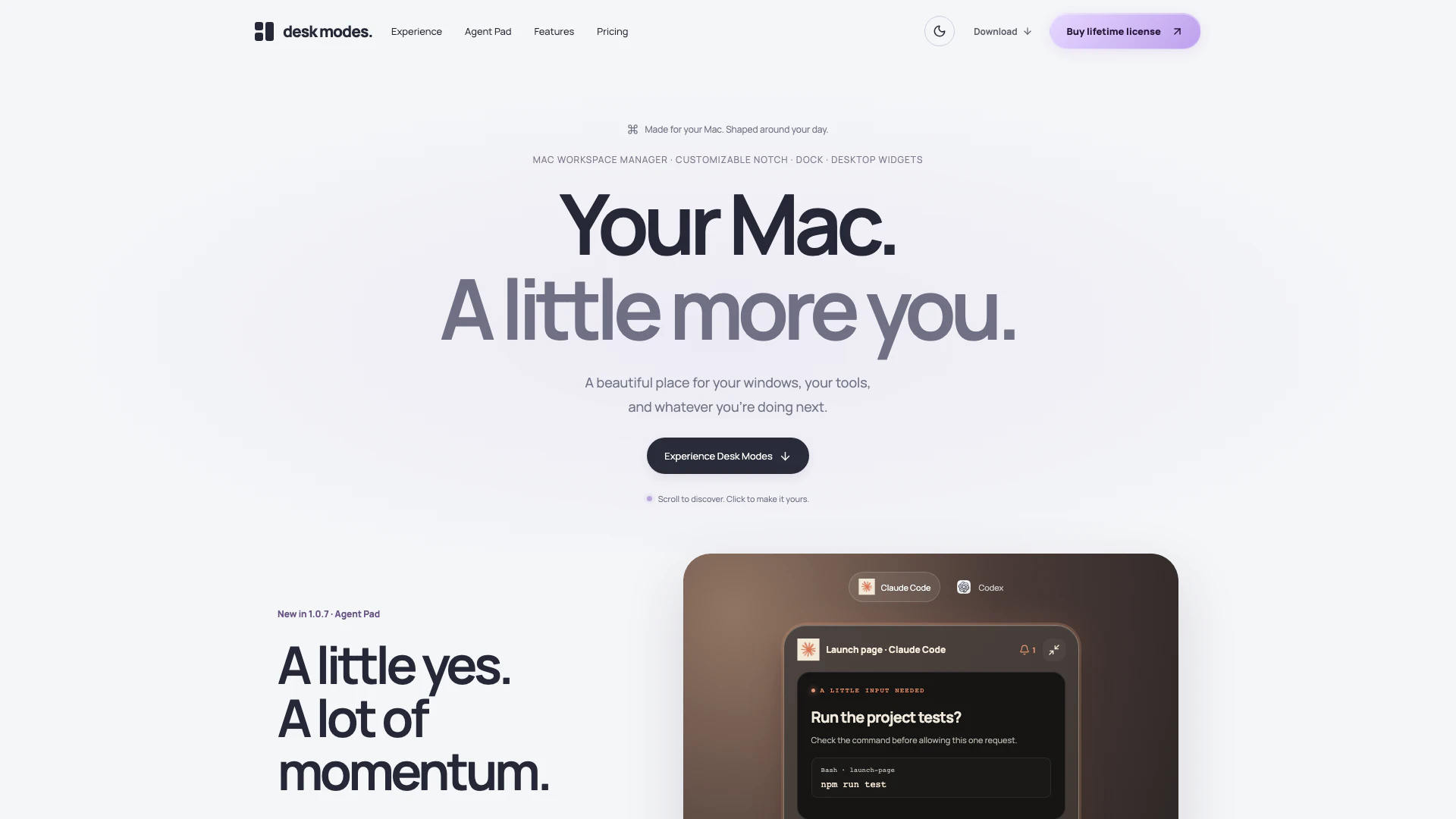
Deskmodes is a native Mac workspace manager designed to enhance productivity by organizing your workspace efficiently. It allows users to save layouts, utilize a customizable notch, access desktop widgets, and manage a personal Dock. With its intuitive features, Deskmodes aims to streamline your workflow, making it easier to switch between tasks and maintain focus.
How to use Deskmodes?
- Download and install Deskmodes from the official website.
- Launch the app and create your preferred workspace layout by arranging windows and tools according to your needs.
- Utilize the Desk Pocket feature to keep important files and notes accessible while you work.
- Customize your Dock and notch settings to suit your personal style and workflow.
- Experiment with desktop widgets to enhance your workspace with additional functionality.
What are the main features of Deskmodes?
- Native Mac workspace management with saved layouts.
- Desk Pocket for quick access to clipboard, files, and notes.
- Customizable notch and personal Dock for easy navigation.
- Desktop widgets for enhanced productivity.
- Interactive features like Smart Arrange and Return & Rewind for efficient task switching.
Who is Deskmodes for?
Deskmodes is tailored for Mac users who seek to optimize their workspace for better productivity. It is ideal for professionals, students, and creatives who juggle multiple tasks and require an organized environment to focus on their work. Whether you are a coder, designer, or anyone who relies on a digital workspace, Deskmodes offers the tools necessary to enhance your workflow.
What are the use cases of Deskmodes?
- Managing multiple projects simultaneously by saving different workspace layouts for each project.
- Quickly accessing frequently used files and notes through the Desk Pocket feature during meetings or brainstorming sessions.
- Customizing the desktop environment with widgets and a personal Dock to streamline daily tasks and improve focus.
Deskmodes Pros and Cons
Pros
- Native Mac Workspace Management: Desk Modes offers a native Mac workspace management experience, allowing users to save and switch between different layouts effortlessly.
- Quick Access with Desk Pocket: The Desk Pocket feature provides quick access to clipboard items, files, and notes, enhancing productivity by keeping essential information readily available.
- Customizable Workspace Features: Desk Modes includes customizable desktop widgets and a personal Dock, allowing users to tailor their workspace to their preferences and needs.
Cons
- Platform Limitations: Desk Modes requires macOS 14.4 or later and is only available for Apple silicon Macs, limiting its accessibility for users with older systems.
- Subscription Requirement: The app includes a 7-day trial, but after that, users must subscribe to a paid plan to continue using its features.
Deskmodes Pricing
Single
One Mac. Your whole day. All Desk Modes features, one year of free updates, keep your purchased version.
Team
A better desk for everyone. All Desk Modes features, one year of free updates, keep your purchased version. Total for 5 Macs is $145.
Believer
Five Macs. One beautiful setup. All Desk Modes features, one year of free updates, keep your purchased version.
For the latest pricing, please visit this link: https://deskmodes.com/purchase-policy.html
Prices are subject to change. Please visit the official website for the most up-to-date pricing information.





