

Vimcal
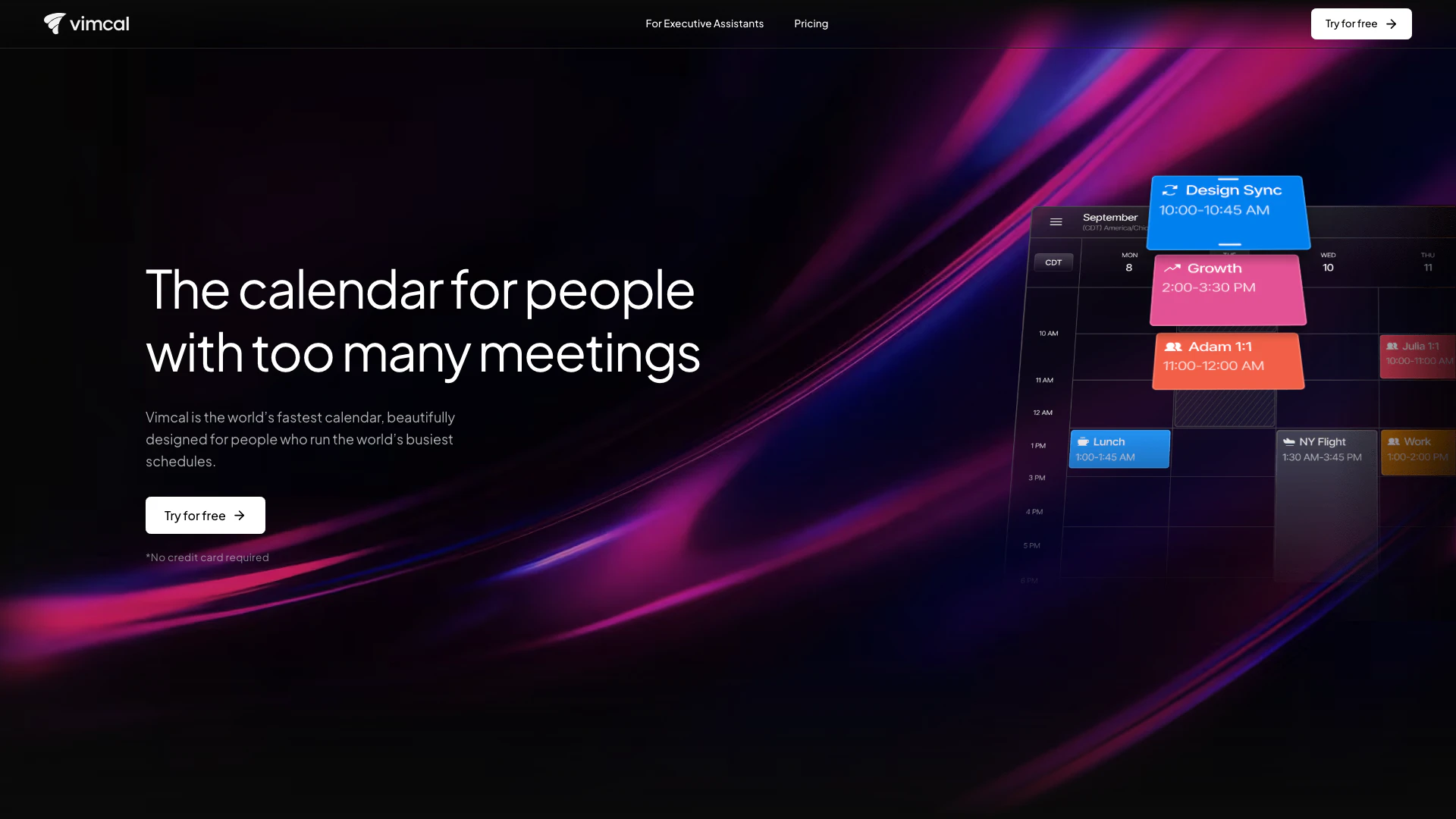




What is Vimcal?
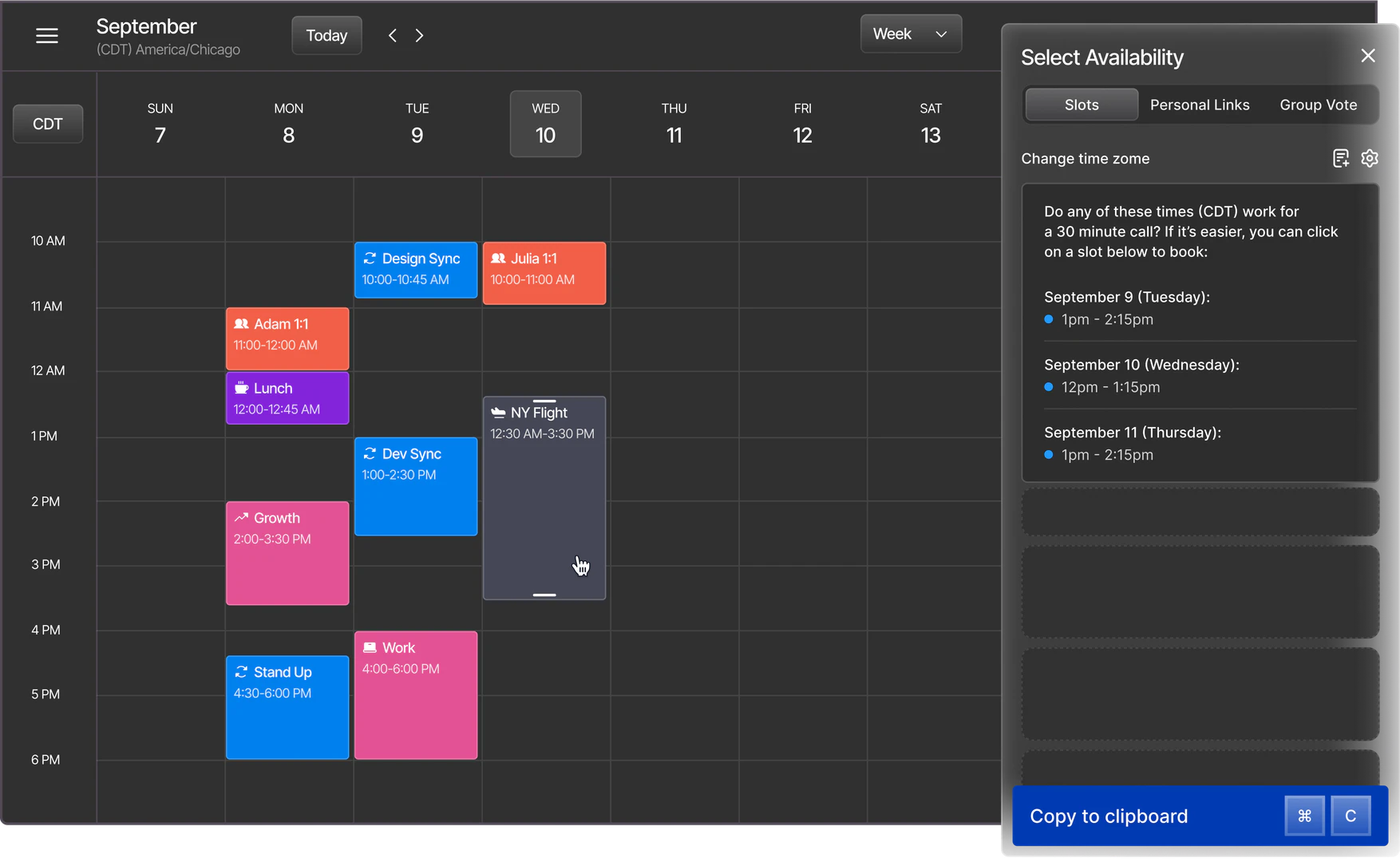
Vimcal is the world’s fastest calendar[1], specifically designed for individuals with busy schedules and numerous meetings. It offers a beautifully crafted interface that enables users to manage their time effectively. With features like drag-and-drop[2] availability sharing, scheduling across different time zones, and the ability to view all your Outlook and Google calendars in one unified interface, Vimcal stands out as a powerful tool for optimizing calendar management.
How to use Vimcal?
- Sign Up: Visit the Vimcal website and sign up for a free trial, no credit card required.
- Connect Calendars: Integrate your Google and Outlook calendars to see all your events in one view.
- Share Availability: Use the drag-and-drop feature to easily share your available time slots with others.
- Schedule Meetings: Click on a time slot to schedule a meeting, and Vimcal will automatically adjust for time zones.
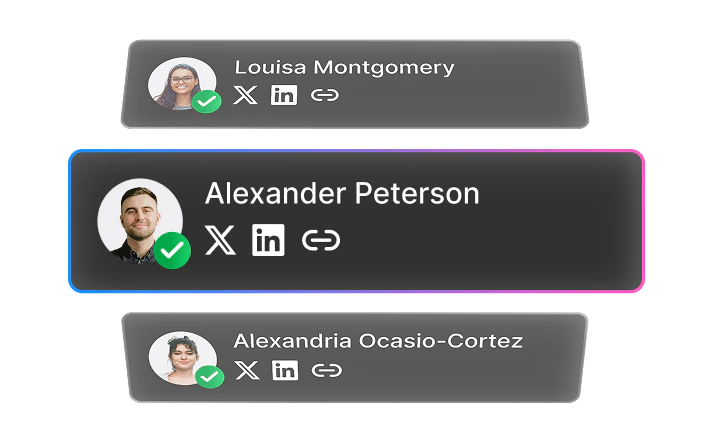
- Utilize Features: Explore additional features like color coding events, using shortcuts, and accessing social profiles of meeting attendees.
What are the main features of Vimcal?
- Instant Scheduling[5]: Type your availability and schedule meetings instantly.
- Time Zone Management[3]: Easily view overlapping work hours with anyone across different time zones.
- Speed and Shortcuts: Experience lightning-fast response times and keyboard shortcuts for efficient navigation.
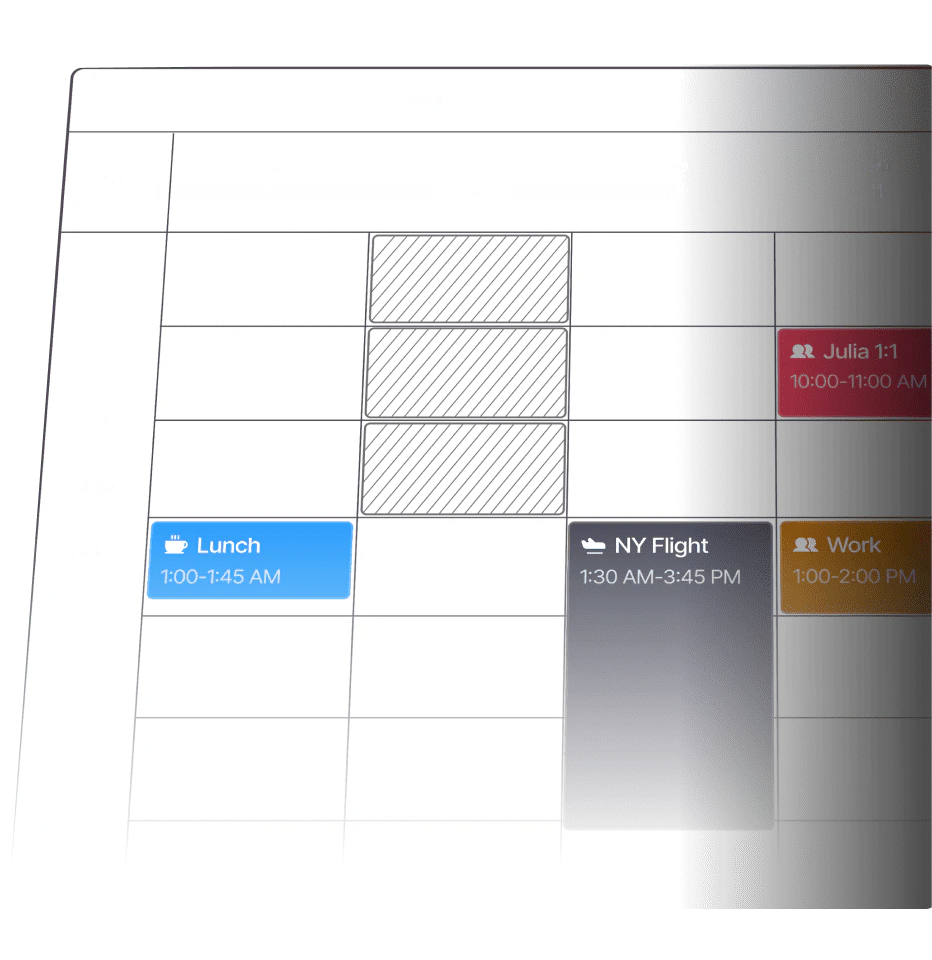
- Unified Calendar View[4]: See all your work and personal calendars in one place to avoid confusion.
- Do Not Disturb Mode[6]: Focus on tasks with a dedicated mode that minimizes distractions.
Who is Vimcal for?
Vimcal is tailored for professionals who frequently manage numerous meetings, including founders, executives, and executive assistants. It is ideal for anyone looking to streamline their scheduling process and enhance productivity, especially those who operate in fast-paced environments and need to coordinate across various time zones.
What are the use cases of Vimcal?
- Executive Scheduling: Perfect for executive assistants managing high volumes of meetings, allowing for quick scheduling and time zone adjustments.
- Team Collaboration: Helps teams coordinate meetings effortlessly by providing a unified view of all calendars.
- Personal Time Management: Individuals can use Vimcal to manage both personal and professional appointments efficiently, reducing the hassle of juggling multiple calendars.
Product Images

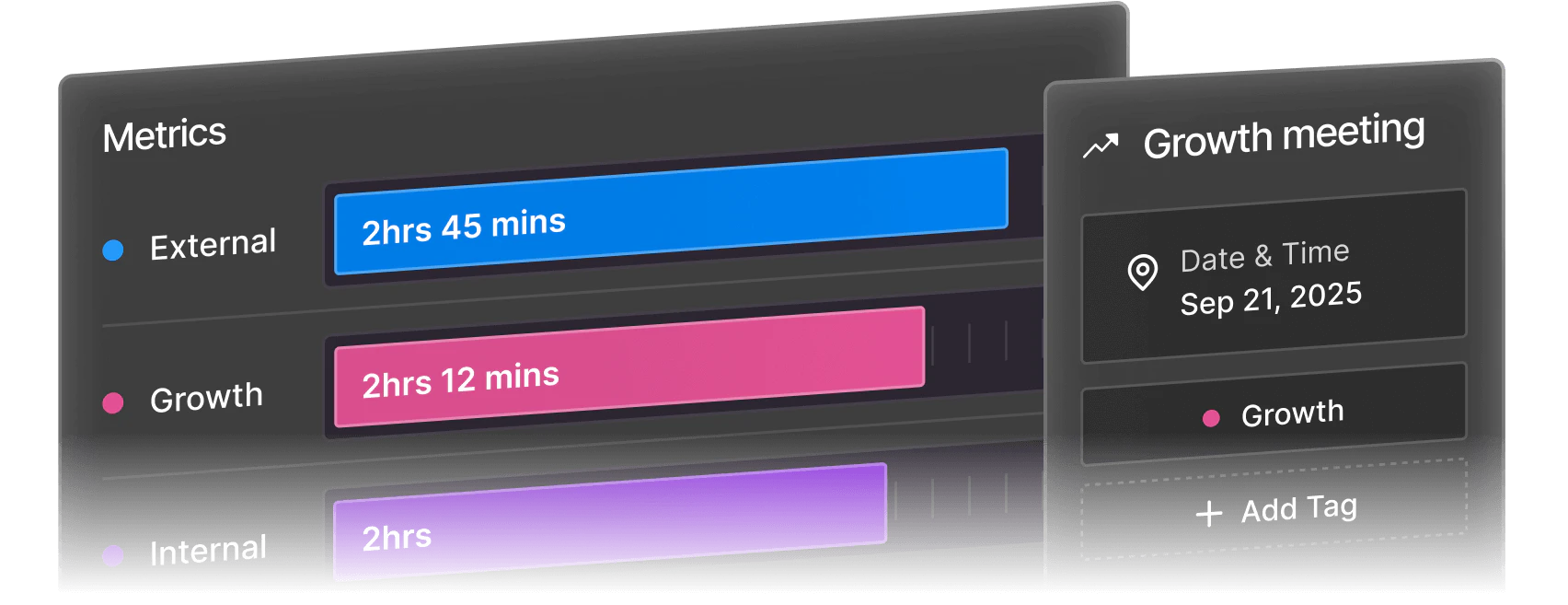
Vimcal Pros and Cons
Pros
- Fast Scheduling Process: Vimcal allows users to schedule meetings quickly with instant response times under 100ms, making it ideal for busy professionals.
- Unified Calendar View: Users can see all their Outlook and Google calendars in one view, eliminating the hassle of switching between different platforms.
- Time Zone Management: Vimcal simplifies scheduling across different time zones by showing overlapping work hours, reducing the need for mental calculations.
Cons
No cons data detected for this tool
Vimcal Pricing
Free
Free forever. Everything in Vimcal iOS & Desktop and: iOS Calendar, Drag and copy availabilities, Multi-time zone conversion, Auto-merge duplicate events, Dark mode.
Vimcal
Everything in Vimcal iOS and: Unlimited Personal Booking Links, Polls for group scheduling, Vimcal Desktop App for Mac and PC, Team scheduling features, Custom Menu Bar App for Mac, Remove 'Created with Vimcal' signature in events.
Vimcal EA
All the power of Vimcal, purpose-built for EAs. Everything in Vimcal iOS & Desktop and: Support for 5 simultaneous time zones, Auto-created and auto-deleted Calendar Holds, Polls and Collaborative Spreadsheets for large meetings, History of previously offered time slots, Calendar Audits and Weekly Calendar Metrics, Customizable preferences for each exec, One-click account handoff to another EA (coming soon), 1-on-1 onboardings.
For the latest pricing, please visit this link: https://www.vimcal.com/pricing
Prices are subject to change. Please visit the official website for the most up-to-date pricing information.
Analytics of Vimcal
Vimcal Website Traffic Analysis
Visits Over Time
Traffic Sources
Nov 2025 - Jan 2026 Worldwide Desktop Only
- Direct: 70.69%
- Search: 20.82%
- Referrals: 6.51%
- Social: 1.38%
- Paid Referrals: 0.52%
- Mail: 0.07%
Top Keywords
| Keyword | Volume | CPC | Estimated Value |
|---|---|---|---|
| vimcal | 2.57K | $2.35 | $3280.00 |
| vimcal download | 380 | $0.00 | $360.00 |
| vimcal download windoes | 220 | $0.00 | $200.00 |
| vimcal windows download | 220 | $0.00 | $200.00 |
| vim calendar | 110 | $0.00 | $110.00 |
Vimcal Reviews
Been using Vimcal for a few months now and love it! This has saved me at least 20 mins a day!
Vimcal, call it Superhuman for calendar, new favorite productivity tool.
I just got onboarded to Vimcal and I'm blown away. Easily the best calendar I've used. They've also solved the awkward calendly link handoff.
For more reviews, visit this link: https://www.vimcal.com/#testimonials



Vimcal Social Listening
Vimcal: Tested for 7 Days
Great software, for less, ever...
Vimcal: The Calendar App You D...
🚀 Check this out: https://saa...
Vimcal Product Demo
Unlock to view 21 social media results.