

Noteforms




What is NoteForms?
NoteForms is a powerful online form builder[1] designed specifically for creating beautiful forms that seamlessly integrate with Notion databases. With its user-friendly interface, users can create forms in less than two minutes, allowing for unlimited fields[2] and submissions without any coding knowledge. This tool is ideal for individuals and teams looking to enhance their data collection processes and streamline submissions directly into their Notion workspaces.
How to use NoteForms?
- Sign Up: Visit the NoteForms website and register for a free account.
- Create a Form: Click on the 'Create Form' button to start building your form.
- Customize Fields: Choose from a wide range of field types (text, numbers, checkboxes, etc.) and customize them to fit your needs.
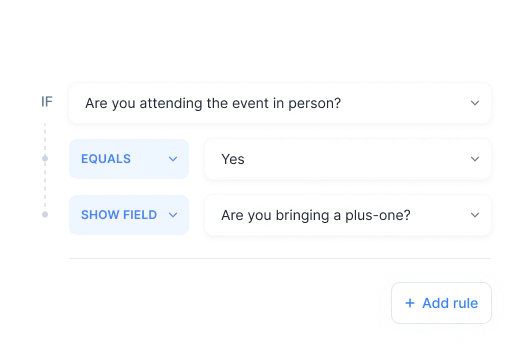
- Apply Logic: Utilize conditional logic[3] to make your forms smarter by controlling the flow based on user inputs.
- Preview and Share: Preview your form to ensure it looks great, then share the form link or embed it into your Notion workspace.
What are the main features of NoteForms?
- Unlimited Fields and Submissions: Create as many fields and accept unlimited submissions without restrictions.
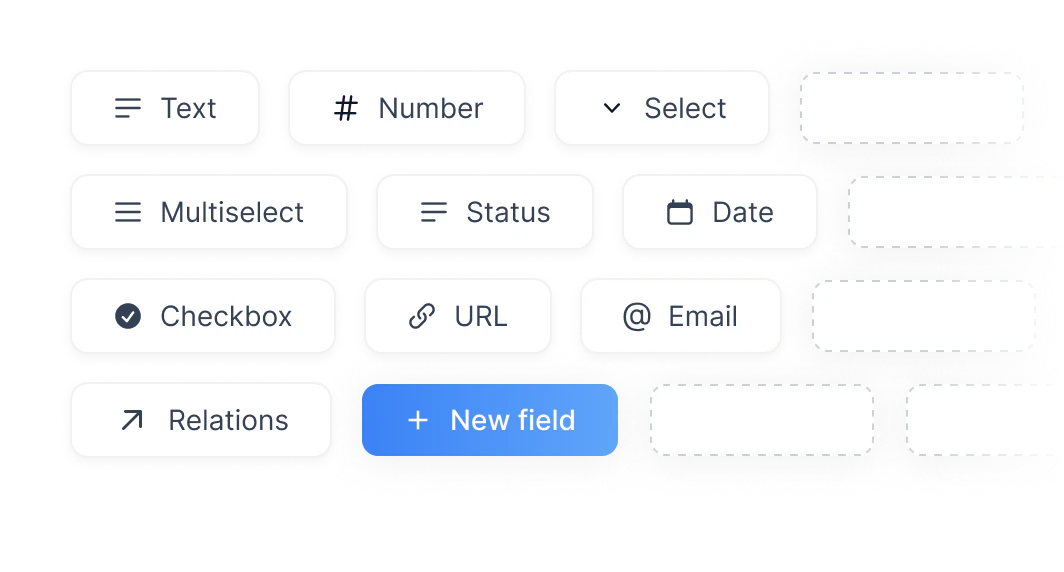
- Wide Selection of Field Types: Utilize various field types including text, numbers, select, date, and more.
- Conditional Logic: Implement logic to show or hide fields based on user responses.
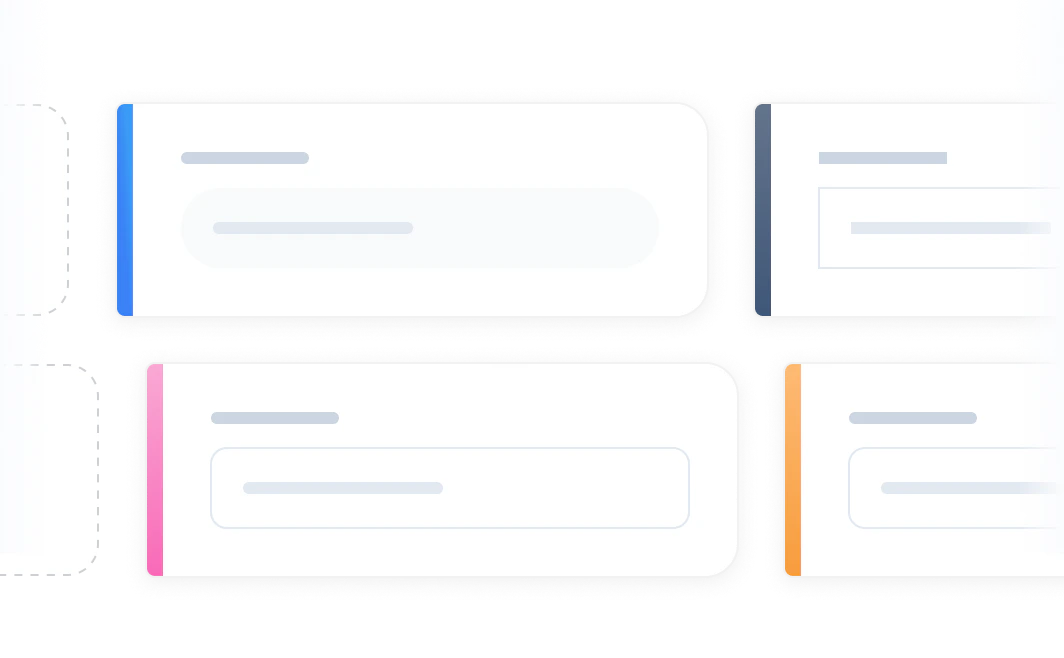
- Customization Options[4]: Tailor the form's appearance with custom colors, fonts, and themes.
- File Uploads[5]: Allow users to upload files that are stored directly in Notion.
- Integration with Notion: Seamlessly connect form submissions to your Notion databases.
Who is NoteForms for?
NoteForms is designed for individuals, teams, and organizations looking to enhance their data collection processes. It is particularly beneficial for project managers, educators, marketers, and any users who rely on Notion for project management or data organization. Whether you need to gather feedback, conduct surveys, or manage registrations, NoteForms provides a simple yet effective solution.
What are the use cases of NoteForms?
- Feedback Collection: Create forms to gather feedback from users or clients about products and services.
- Event Registrations: Set up registration forms for events, workshops, or webinars, directly linking responses to Notion.
- Surveys and Polls: Conduct surveys to understand customer preferences or employee satisfaction.
Product Images




Noteforms Pros and Cons
Pros
- Unlimited Form Fields: Create forms with unlimited fields, allowing for extensive data collection tailored to your needs.
- Easy Integration with Notion: Submissions go directly into your Notion databases, streamlining your workflow.
- Customizable Forms: Fully customize the style, content, and logic of your forms to match your brand and requirements.
- Advanced Logic Features: Utilize conditional logic, validation rules, and notifications to create smarter forms.
Cons
No cons data detected for this tool
Noteforms Pricing
Basic
The basic toolset to create an unlimited number of forms with Notion.
Pro
Everything you need to create beautiful and professional forms.
Team
For companies that need to collaborate on their forms.
For the latest pricing, please visit this link: https://noteforms.com/pricing
Prices are subject to change. Please visit the official website for the most up-to-date pricing information.
Analytics of Noteforms
Noteforms Website Traffic Analysis
Visits Over Time
Traffic Sources
Nov 2025 - Jan 2026 Worldwide Desktop Only
- Direct: 48.78%
- Search: 36.21%
- Referrals: 10.38%
- Social: 3.81%
- Paid Referrals: 0.72%
- Mail: 0.09%
Top Keywords
| Keyword | Volume | CPC | Estimated Value |
|---|---|---|---|
| notion notify when new form submission | 0 | $0.00 | $190.00 |
| notion forms | 2.87K | $2.45 | $250.00 |
| noteforms | 260 | $1.01 | $140.00 |
| qualtrics survey vs google forms | 240 | $0.00 | $210.00 |
| split divider notion horizontal | 210 | $0.00 | $180.00 |




Noteforms Social Listening
强到离谱,Notion Agent 实测!附模板 & 教程
7 天重构信息秩序 视频同款 Notion 模板 ⬇️ 限时...
Create a Product Feedback Surv...
Welcome to a NotionForms tutor...
Notion AI终极指南 | 别再手写函数了,Notion...
#Notion #Notion AI #Notion教程 #...
Unlock to view 32 social media results.