

Pullsy





What is Pullsy?
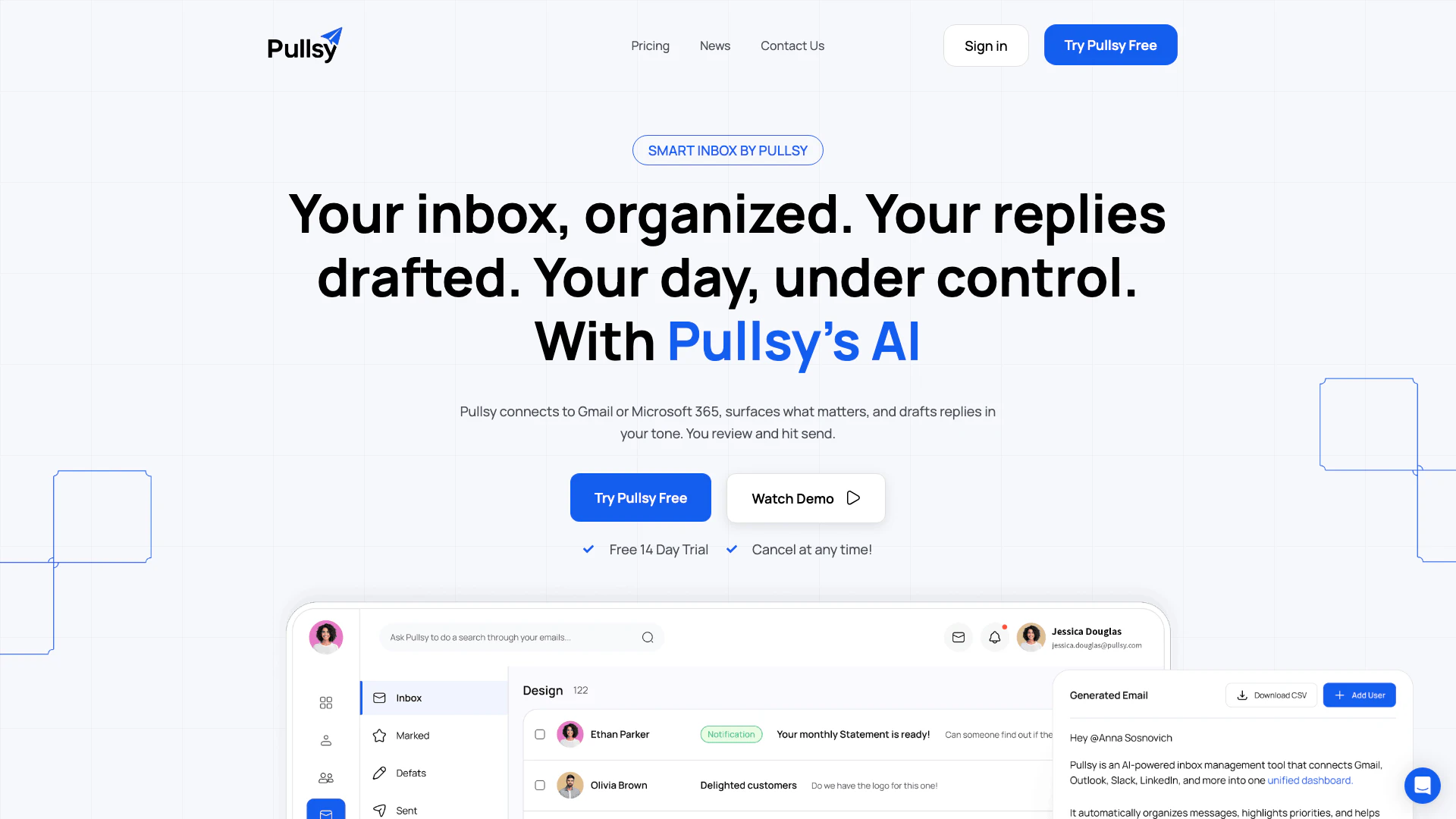
Pullsy is an innovative AI email assistant[1] designed to streamline your inbox management[2] by labeling[3], sorting[4], and drafting replies for popular email platforms like Gmail and Outlook. Its primary goal is to help users clear their inboxes in minutes rather than hours, significantly reducing the time and mental effort required to manage emails. By utilizing advanced AI technology, Pullsy intelligently identifies important messages, drafts context-aware responses in your preferred tone, and organizes your inbox to enhance productivity. This tool is perfect for busy professionals looking to optimize their email communication and maintain focus on critical tasks.
How to use Pullsy?
- Sign up for a Pullsy account and connect your email services such as Gmail or Outlook.
- Allow Pullsy to access your inbox, which enables it to label, sort, and identify important messages automatically.
- Review the organized inbox where Pullsy highlights crucial emails and drafts replies based on the context of the conversations.
- Choose your preferred tone for replies, such as Professional or Friendly, and edit the AI-generated drafts if necessary.
- Send your replies with a single click after reviewing the drafts.
What are the main features of Pullsy?
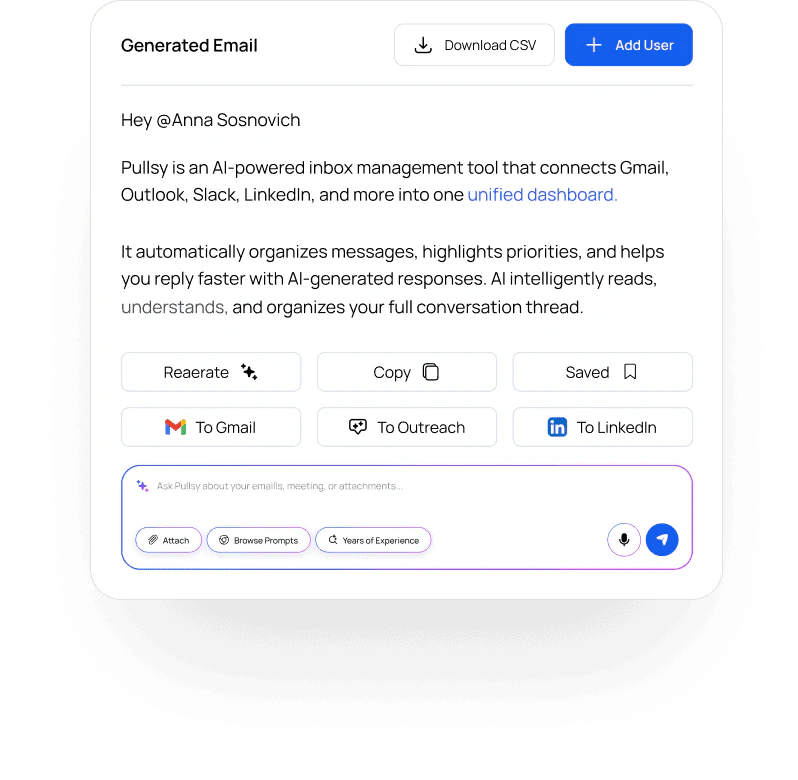
- AI-Powered Drafting: Pullsy drafts replies in your tone by analyzing the email context and conversation threads.
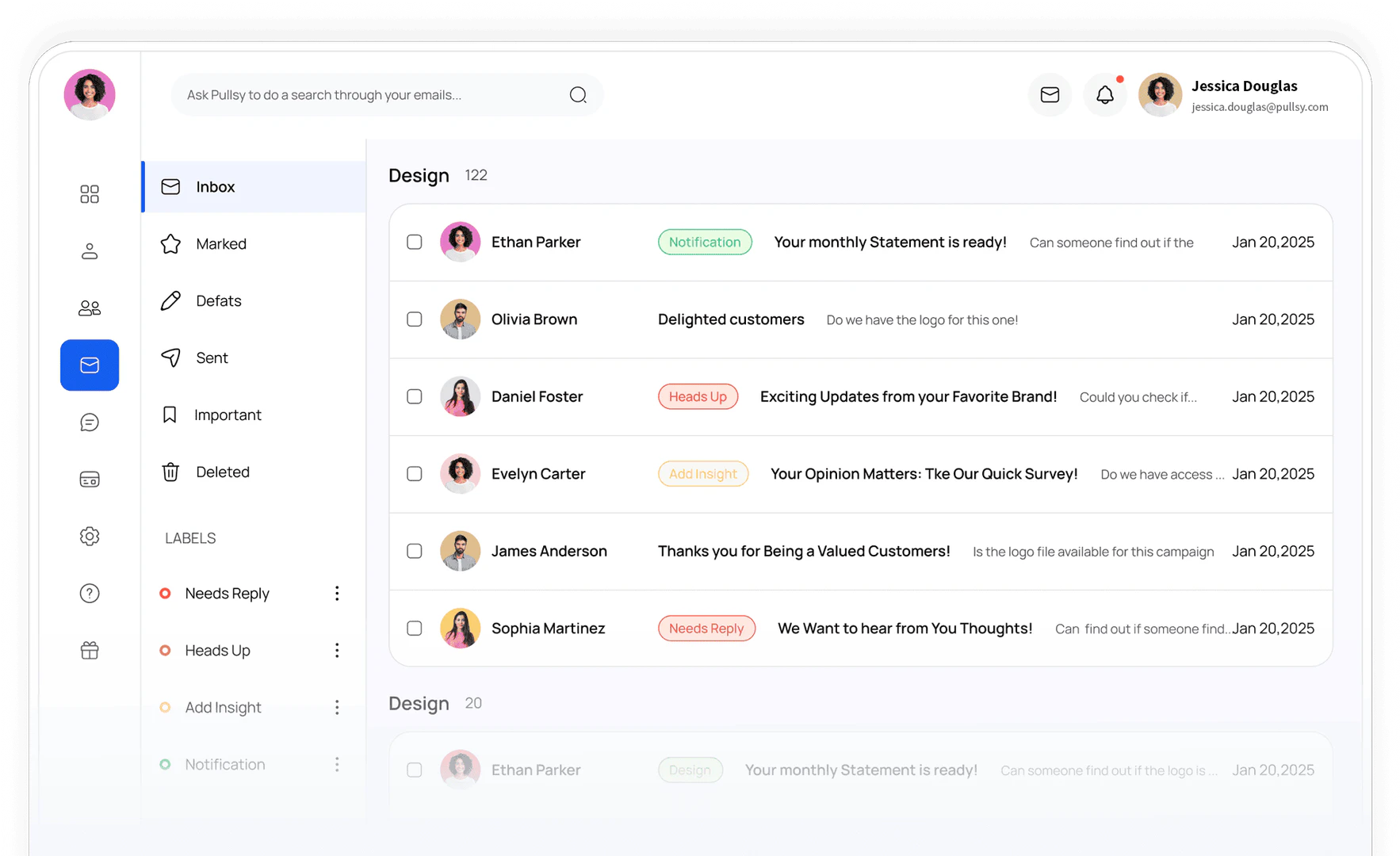
- Inbox Organization: The tool automatically sorts and highlights important messages, helping users focus on what matters.
- Multiple Tone Options: Users can select from various tones such as Professional, Friendly, or Direct for their email replies.
- Adaptive Learning: Pullsy learns your writing style over time, adapting to your preferences in sentence length, word choice, and formality.
- One-Click Sending: Review AI-generated drafts and send replies effortlessly with just one click.
Who is Pullsy for?
Pullsy is designed for busy professionals, including business executives, realtors, consultants, and anyone who relies heavily on email communication. It is particularly useful for individuals who struggle to manage their inbox efficiently and are looking for ways to enhance productivity and reduce email-related stress. Pullsy is suitable for users who want to maintain clear communication while minimizing the time spent on email management.
What are the use cases of Pullsy?
- Email Management: Quickly sort and prioritize emails to focus on urgent matters, allowing users to clear their inbox efficiently.
- Reply Drafting: Generate context-aware email replies in various tones, making it easy to respond to inquiries without starting from scratch.
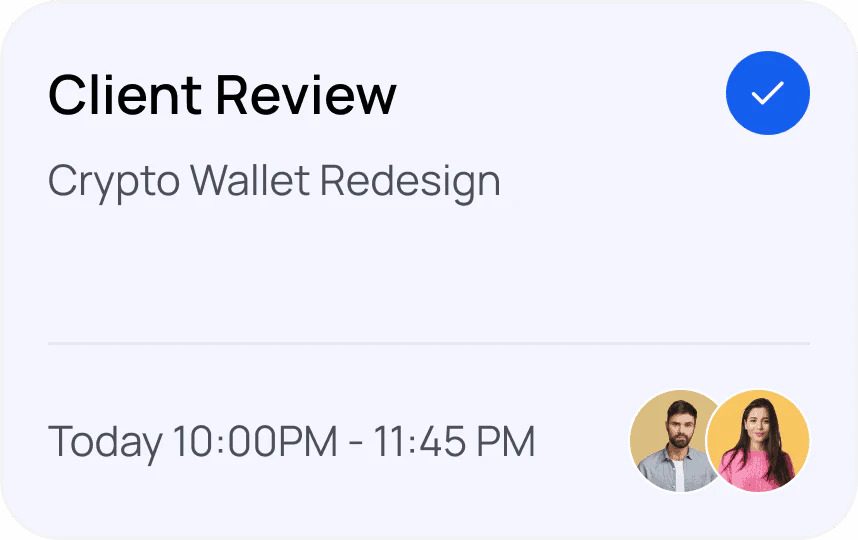
- Meeting Preparation: Pullsy can summarize important threads and pull relevant attachments, ensuring users are well-prepared for meetings.
Product Images

Pullsy Pros and Cons
Pros
- AI-Powered Email Management: Pullsy utilizes AI to automatically label, sort, and draft replies for your emails, making inbox management efficient.
- Context-Aware Drafting: The tool drafts replies based on the context of the conversation, ensuring relevant responses that address specific needs.
- Multiple Tone Options: Users can select from various tones such as professional, friendly, or direct, allowing for personalized communication.
- One-Click Sending: Pullsy simplifies the email sending process with a one-click feature, allowing users to send drafts quickly after review.
Cons
No cons data detected for this tool
Pullsy Pricing
Starter
Subscription paid annually, AI summaries + priority detection, Draft replies in your voice, AI inbox categorization, 1 email inbox connection, 1 calendar connection, Advanced AI features, Custom categories, Priority support, Advanced analytics.
Pro
Subscription paid annually, Everything in Starter, 3 email inbox connections, 3 calendar connections, AI-powered replies, Advanced meeting prep, Custom filters & rules, Real-time sync, Priority support.
Enterprise
Subscription paid annually, Everything in Pro, 4 email inbox connections, 4 calendar connections, Admin dashboard, Team analytics, Centralized account management, SSO & security controls, Dedicated onboarding.
For the latest pricing, please visit this link: https://pullsy.com/pricing/
Prices are subject to change. Please visit the official website for the most up-to-date pricing information.



