

Notexapp




What is NoteX?
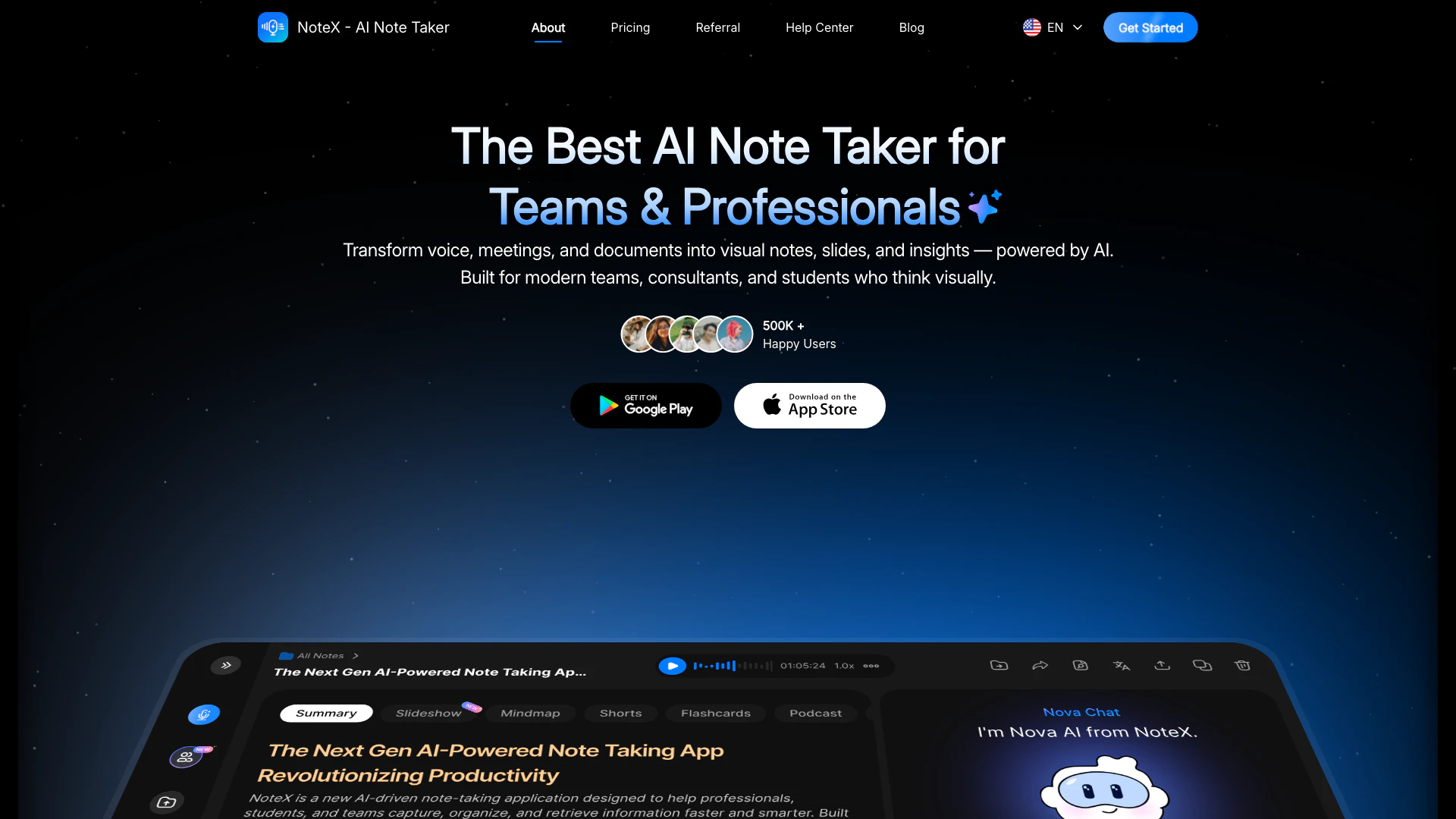
NoteX is an advanced AI meeting assistant[1] designed to help teams efficiently record, transcribe, summarize, and organize meetings across various platforms. This tool transforms voice, meetings, and documents into visual notes, slides, and insights, making it an essential resource for modern teams, consultants, and students. With its powerful AI capabilities, NoteX simplifies the note-taking process, allowing users to focus on content rather than logistics, thus enhancing productivity and collaboration.
How to use NoteX?
- Sign Up: Create an account on the NoteX website to access the tool.
- Select Meeting Type: Choose the type of meeting or content you want to record, such as a lecture, team meeting, or video.
- Record or Upload Content: Use the built-in recording feature or upload existing audio, video, or text documents to NoteX.
- Real-Time Transcription[2]: Allow NoteX to transcribe the audio or video content into editable text in real-time.
- Generate Summaries: Utilize the AI to create concise summaries of the recorded content for easy reference.
- Visualize Ideas: Use the mind mapping[4] feature to organize thoughts and ideas visually.
- Create Study Materials: Convert notes into flashcards, quizzes, or slides for effective studying and presentations.
What are the main features of NoteX?
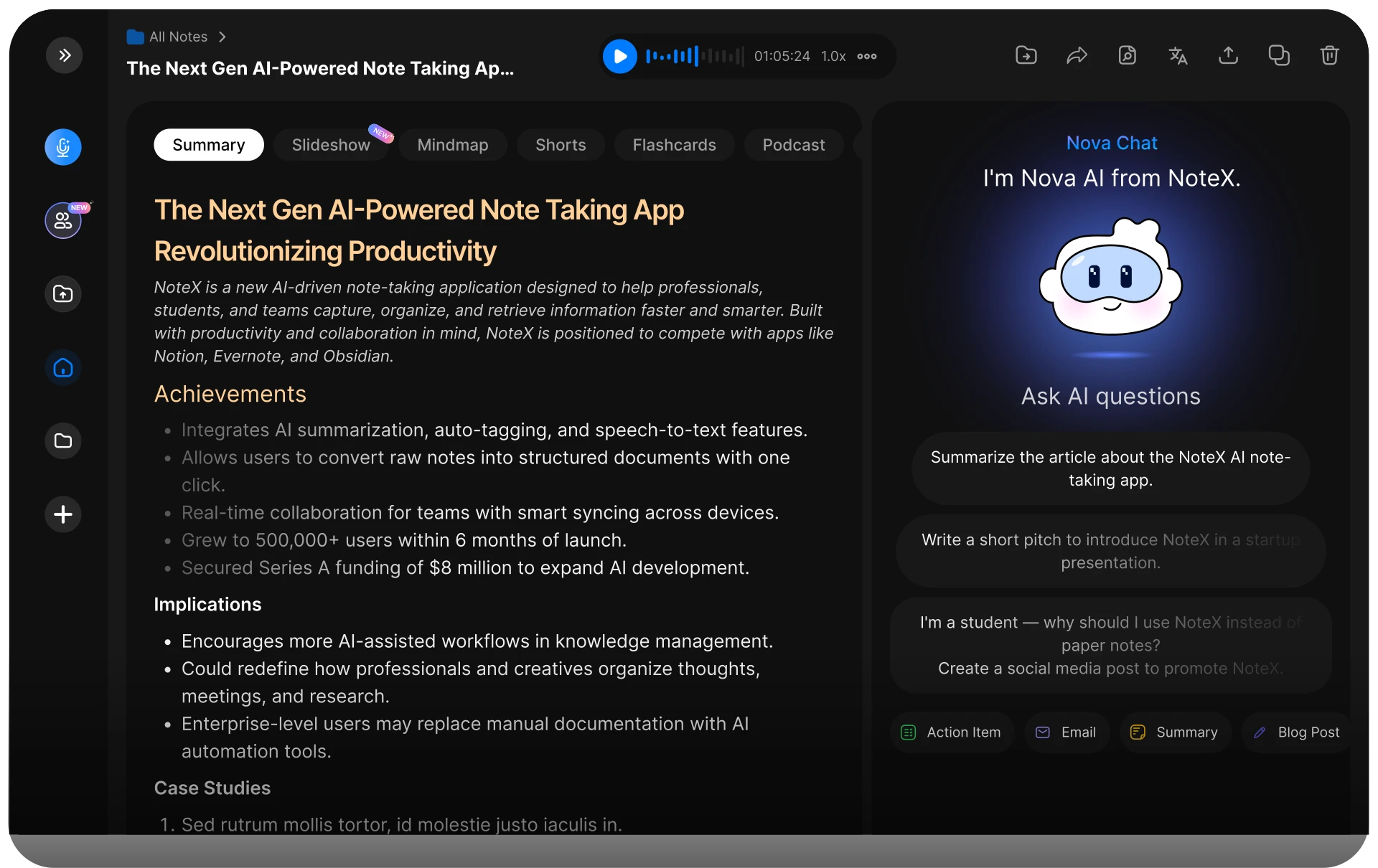
- Real-Time Transcription: Convert audio, video, or documents into clear, editable text instantly.
- AI-Generated Summaries[3]: Get key points summarized automatically, saving time on manual note-taking.
- Mind Mapping: Visualize ideas with automatically generated mind maps to enhance understanding.
- Multi-modal Input[5]: Store, read, and annotate various document types in one place for convenience.
- Slideshow Creation: Transform notes into ready-to-present slides in seconds.
- Flashcards and Quizzes: Generate instant flashcards and quizzes to facilitate smarter studying.
- Podcast Feature: Listen to your notes anytime, making review sessions more flexible.
Who is NoteX for?
NoteX is tailored for a diverse range of users including professionals, students, educators, and teams who require efficient note-taking and organization. It is particularly beneficial for individuals involved in university lectures, research projects, team meetings, language learning, exam preparation, and client calls. Its versatile features make it ideal for anyone looking to streamline their workflow and enhance productivity through effective note management.
What are the use cases of NoteX?
- University Lectures: Capture and transcribe lectures for easy review and study.
- Team Meetings: Record and summarize meetings to ensure all team members stay informed.
- Research Projects: Organize notes and insights from various sources to synthesize research findings.
Product Images
Notexapp Pros and Cons
Pros
- AI-Powered Summaries: NoteX provides instant AI-generated summaries, allowing users to quickly grasp key points from meetings and lectures.
- Real-Time Transcription: The tool offers real-time transcription of audio and video, converting them into clear, editable text for easy reference.
- Multi-Modal Input: Users can store, read, and annotate various document types in one place, enhancing organization and accessibility.
- Visual Learning Tools: NoteX includes features like mind maps, flashcards, and quizzes, which support different learning styles and enhance retention.
Cons
No cons data detected for this tool
Notexapp Pricing
Basic
Start Your AI Note-Taking Journey. Includes 1 AI Transcription per day and 1 Web Link to AI Note per day.
Pro
For individual professionals. Unlimited Note Creation, AI Visualizations, Organize Note, Nova AI, Live Meeting, NoteX Extension, and Create Public Note.
Business
For teams & organizations. Everything in Pro plus Team Collaboration, Meeting Automation, Real-time translation in 60+ languages, Integrations, Enterprise Security, and Unlimited Custom Templates.
Enterprise
Custom Solutions for Enterprise-Scale Success. Everything in Business plus Custom AI outputs and workflows, Custom integrations.
For the latest pricing, please visit this link: https://notexapp.com/home
Prices are subject to change. Please visit the official website for the most up-to-date pricing information.
Notexapp Reviews
This app is truly amazing, and it's only getting better. Thanks to the developers for their hard work and dedication. I recommend it over any other AI note-taking app on the App Store.
My Human Anatomy and Physiology experience was completely transformed. Just by using this app, my test score jumped from 45% to 81%. It's a game-changer for challenging courses. Highly recommend!
I tried this for the first time today by entering a YouTube presentation. Within seconds it gave me a complete transcription, a well-designed brain chart, and a series of flash cards on the subject. This was far beyond anything I had anticipated. It is efficient, sophisticated, and wonderfully useful. This is the app I will be using daily for notes and learning.
For more reviews, visit this link: https://notexapp.com/home#testimonials




