Menusquared





What is Menusquared?
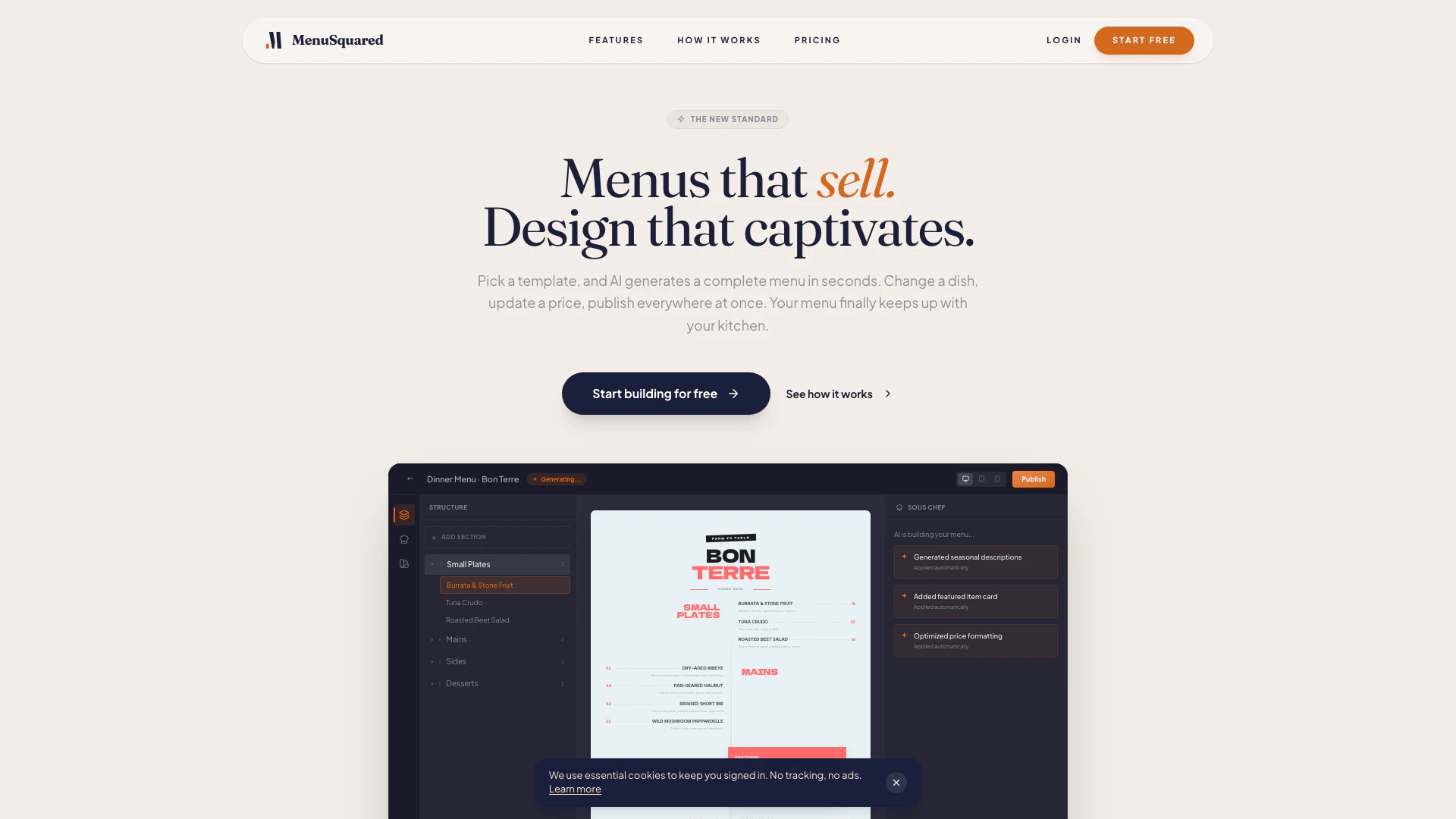
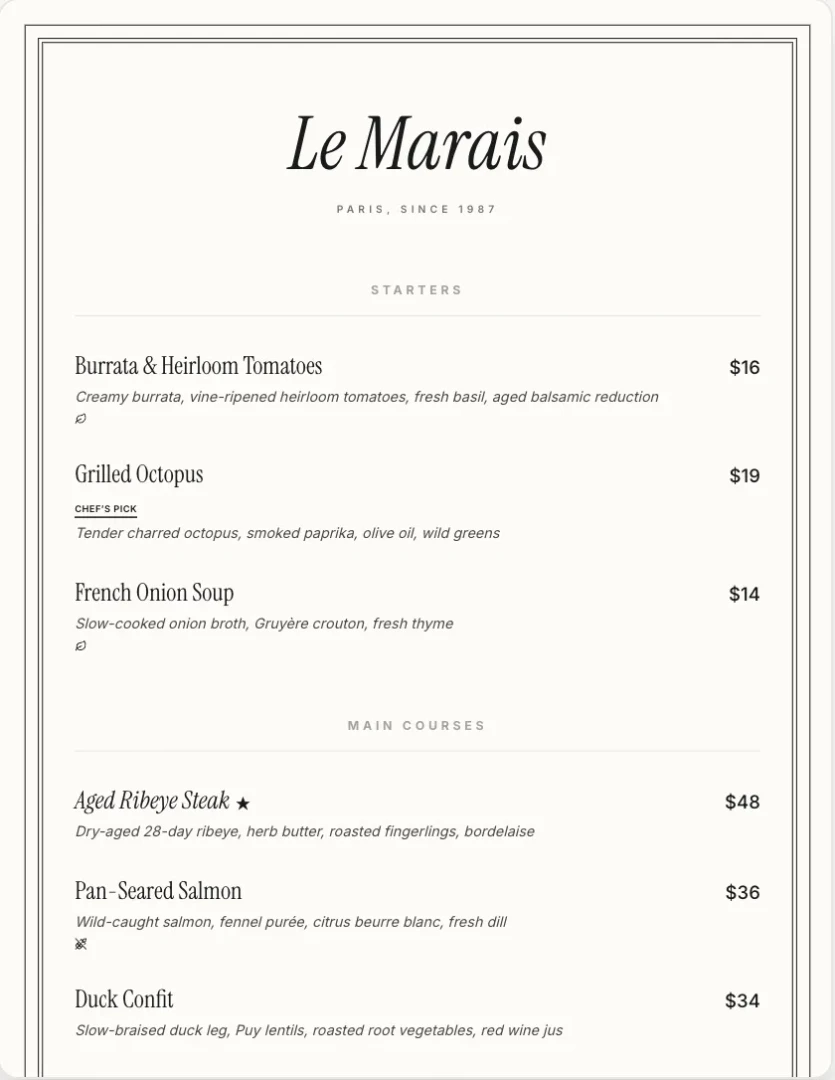
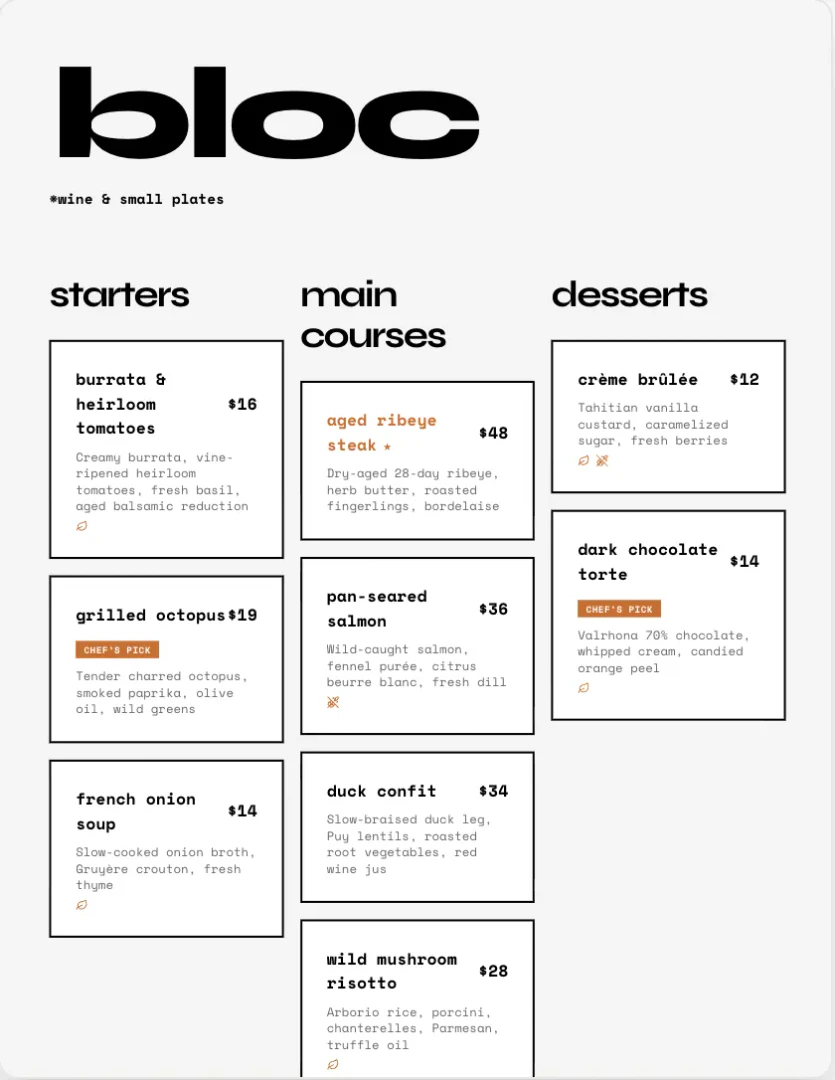
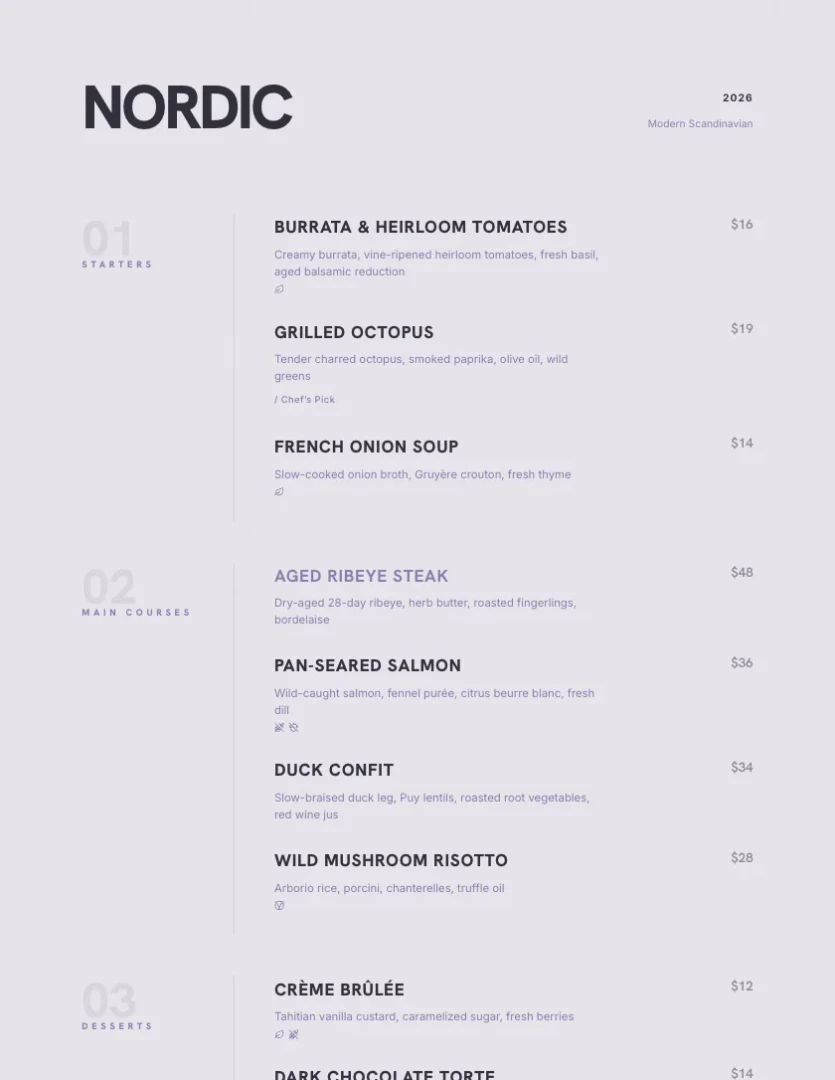
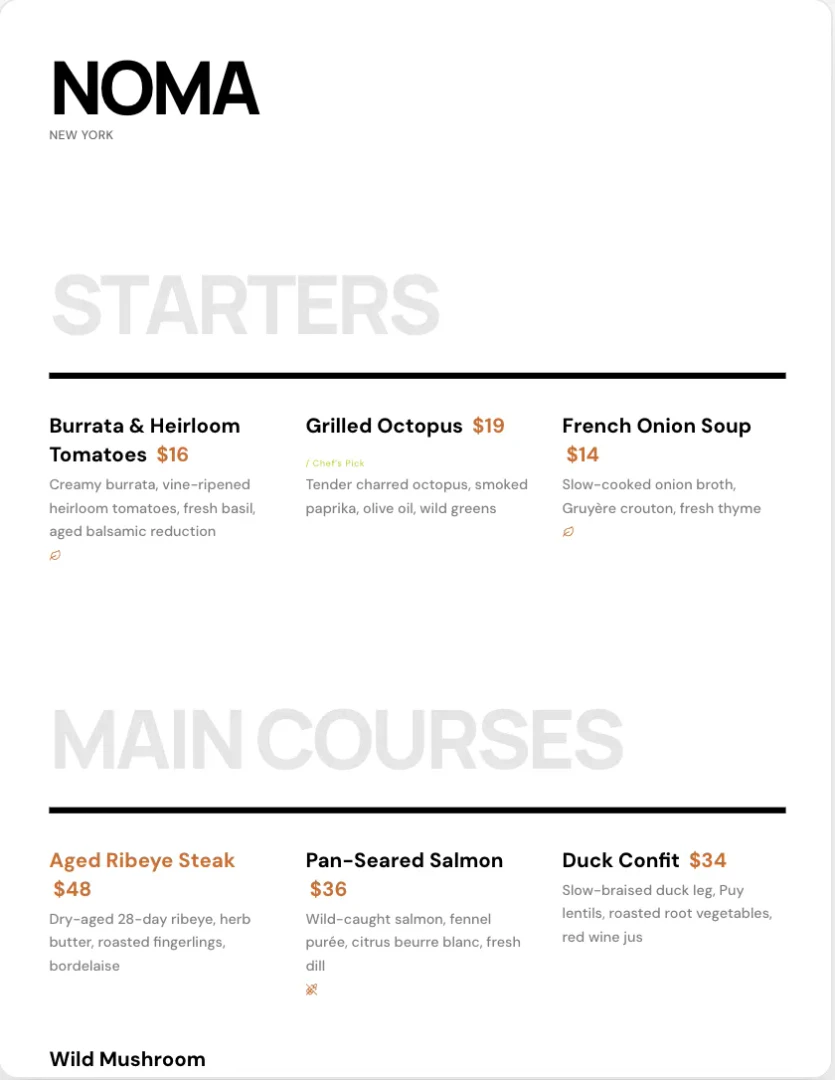
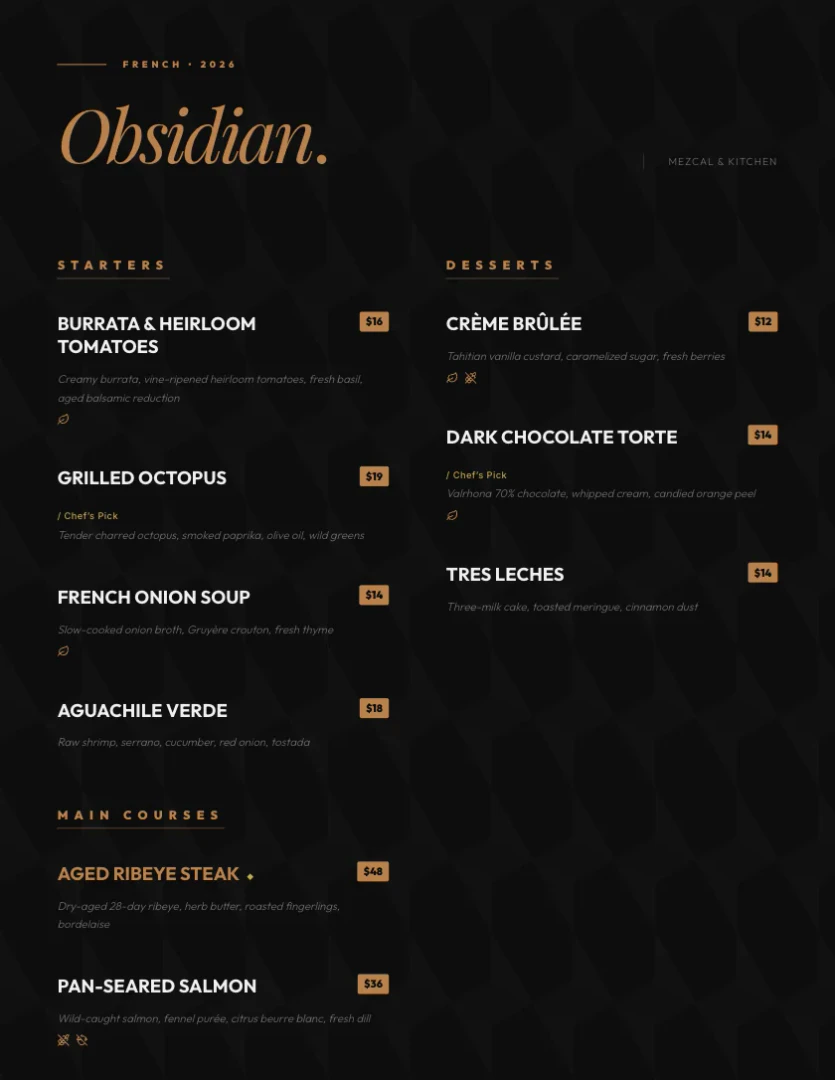
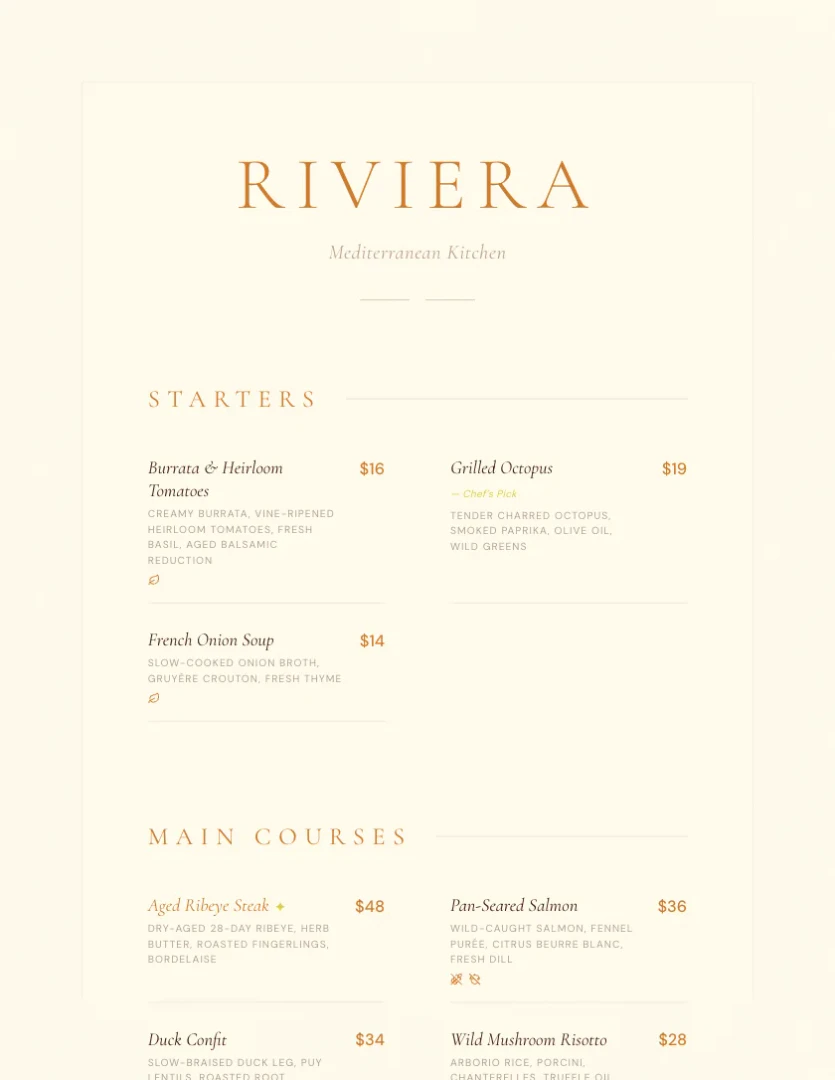
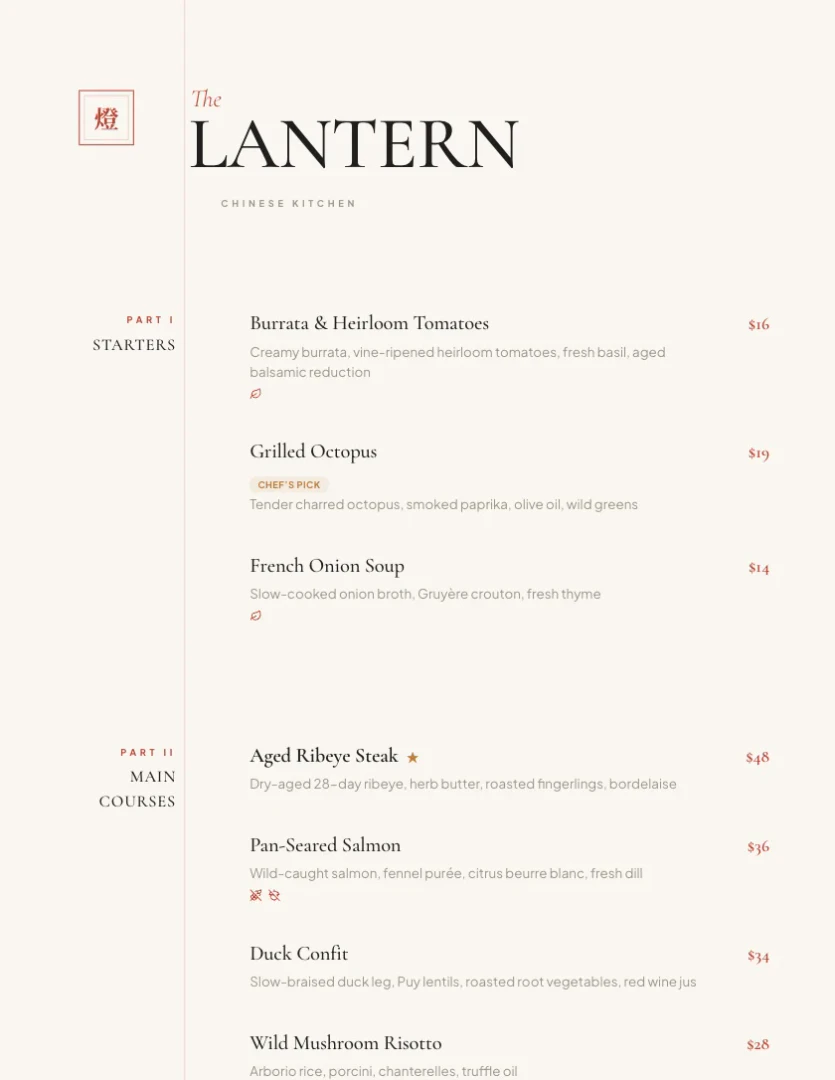
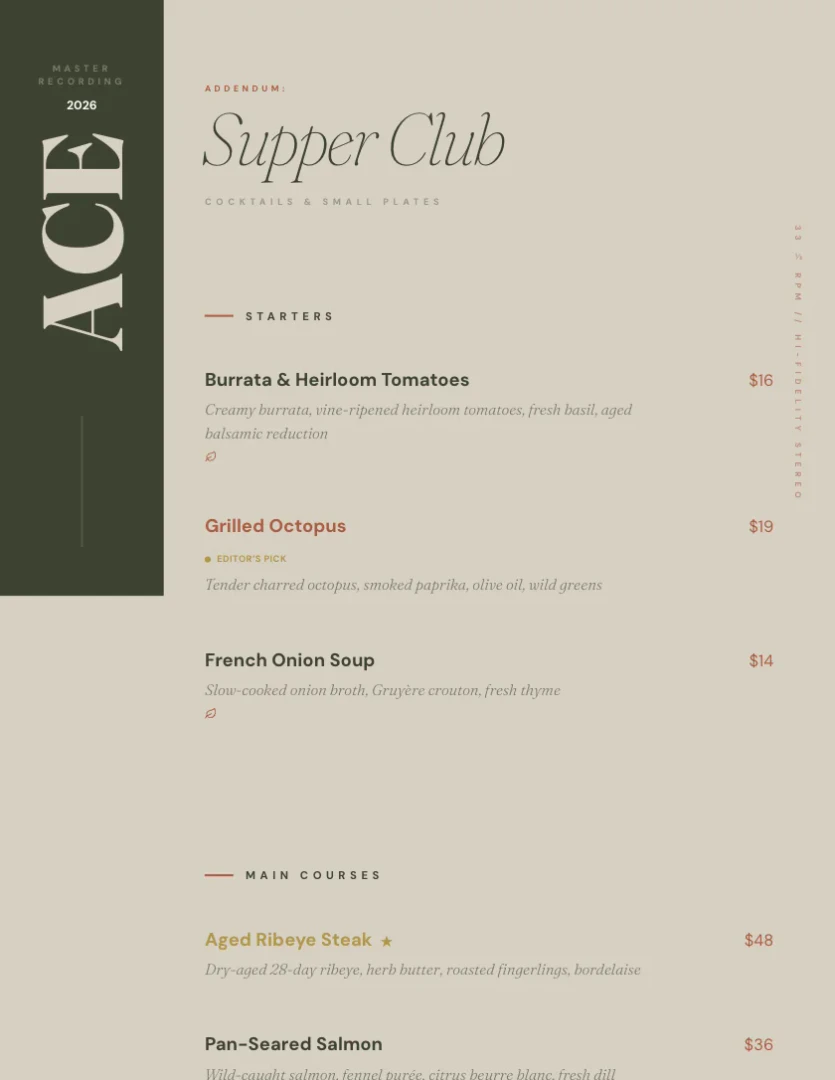
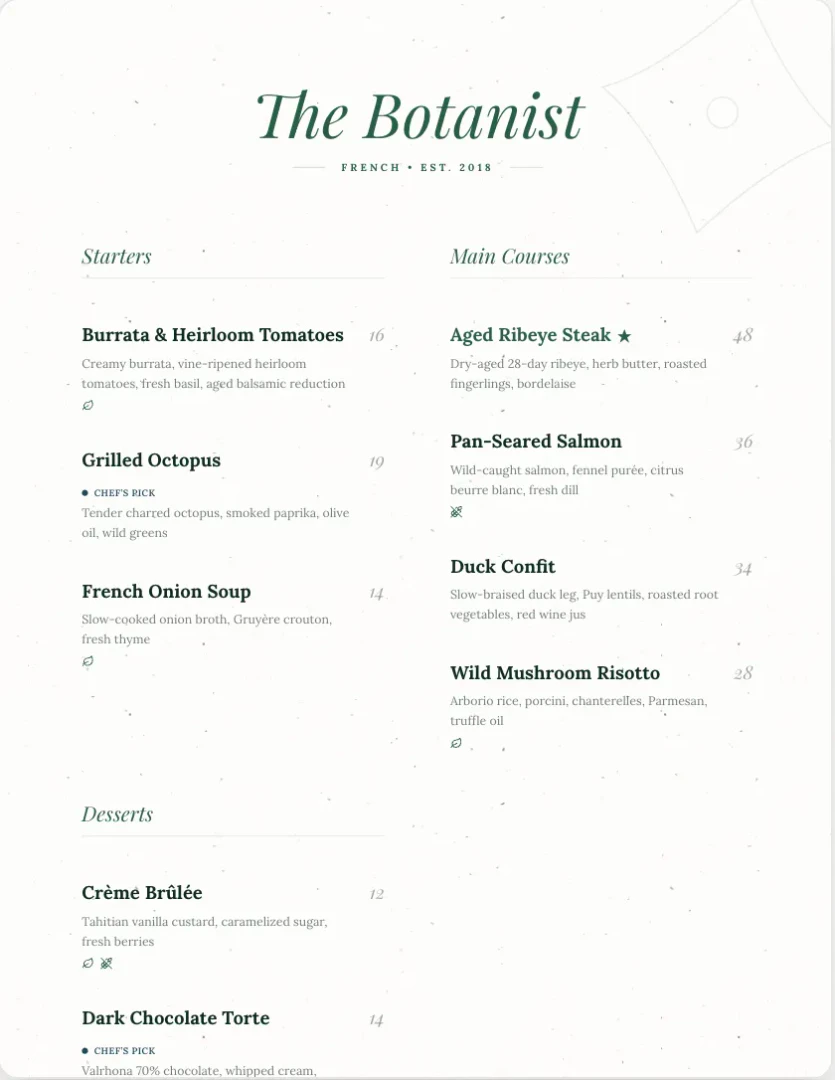
Menusquared is an innovative online tool designed to help restaurants create beautiful and functional menus effortlessly. With access to 40 professionally designed templates, it allows users to generate menus quickly using AI-generated descriptions and features like QR codes[2] and instant PDF export[3]. Menusquared simplifies the process of menu creation, enabling restaurant owners to keep their offerings up-to-date and visually appealing without the need for extensive design skills. The platform is free to start, making it accessible for various dining establishments, from fine dining to casual eateries.
How to use Menusquared?
- Visit the Menusquared website and create a free account to get started.
- Choose from one of the 40 available templates that suit your restaurant's style.
- Use the AI menu generator[1] to automatically create menu items, descriptions, and pricing.
- Customize your menu by adding or editing dishes, prices, and sections as needed.
- Generate a QR code for your menu and export it as a PDF to print or share online.
What are the main features of Menusquared?
- AI Menu Generator: Instantly create a complete menu with sections, items, descriptions, and prices.
- Custom QR Codes: Generate personalized QR codes for easy access to your menu.
- Seasonal Scheduling[4]: Automatically manage seasonal menus that go live and expire based on set dates.
- Menu Health Scores: Track the completeness and pricing balance of your menu, with actionable tips for improvement.
- Instant PDF Export: Quickly export your menu in PDF format for printing and distribution.
Who is Menusquared for?
Menusquared is ideal for a wide range of restaurant owners and food service professionals, including fine dining establishments, casual cafes, bars, and bakeries. It caters to those who want to create visually appealing and functional menus without the need for extensive design expertise. The tool is particularly beneficial for new restaurant concepts looking to establish their brand identity, as well as for established businesses aiming to streamline their menu management and keep offerings current.
What are the use cases of Menusquared?
- Creating Seasonal Menus: Easily update menus for different seasons or special events with automated scheduling.
- Menu Redesign: Quickly revamp existing menus by importing content and utilizing AI-generated descriptions for enhanced appeal.
- Streamlining Menu Management: Maintain consistent pricing and descriptions across all platforms with instant updates and synchronization.
Product Images


Menusquared Pros and Cons
Pros
- AI-Powered Menu Generation: Menusquared uses AI to generate complete restaurant menus in seconds, allowing for quick updates and changes.
- Variety of Templates: Offers 40 professionally designed templates suitable for various restaurant styles, from fine dining to casual.
- Instant PDF Export: Users can instantly export their menus as PDFs, making it easy to print and share.
Cons
No cons data detected for this tool
Menusquared Pricing
Starter
For new concepts - 1 published menu - All 50 templates - QR code generation - Unlimited AI features - Standard PDF export
Chef's Table
For restaurants ready to grow - Unlimited published menus - Custom QR styling and print sizes - Hi-res print exports - Seasonal scheduling - Remove MenuSquared branding
Business
For growing teams - Up to 5 restaurant brands - Up to 10 team members - Role-based permissions (owner, admin, editor, viewer) - Priority support - Advanced analytics
For the latest pricing, please visit this link: https://menusquared.com/pricing
Prices are subject to change. Please visit the official website for the most up-to-date pricing information.