Template


What is Template?
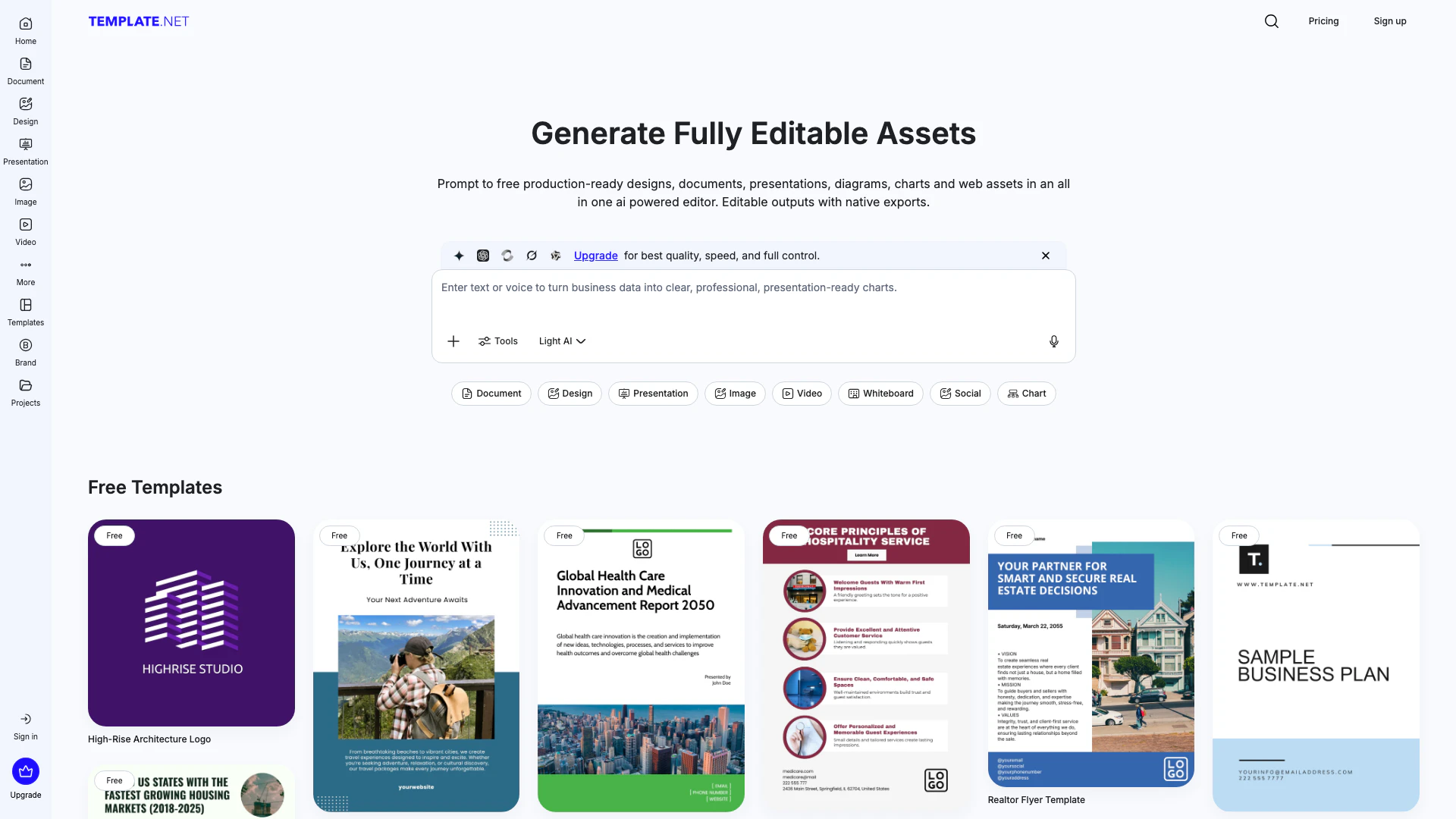
Template is an innovative AI-powered platform designed to help users generate a wide range of fully editable templates[2], designs, documents, presentations, charts, and more. This all-in-one editor allows users to transform simple prompts into branded assets instantly, making it a valuable tool for individuals and businesses alike. With no signup required, users can quickly access and create production-ready outputs that are customizable and ready for immediate use.
How to use Template?
- Visit the Template website at https://www.template.net/.
- Enter your prompt in the AI editor to generate the desired asset, such as a document or presentation.
- Customize the generated output using the editor's tools to adjust text, layout, and visuals.
- Utilize the brand kit to apply your brand’s colors and logos automatically.
- Export your finished asset in various formats like PDF, PNG, or PPTX for immediate use.
What are the main features of Template?
- AI-Powered Editing[1]: Generate production-ready templates and designs from simple prompts.
- Fully Editable Outputs: All generated assets are customizable and can be modified as needed.
- Brand Kit Integration[3]: Automatically apply your brand's logos, colors, and fonts to maintain consistency.
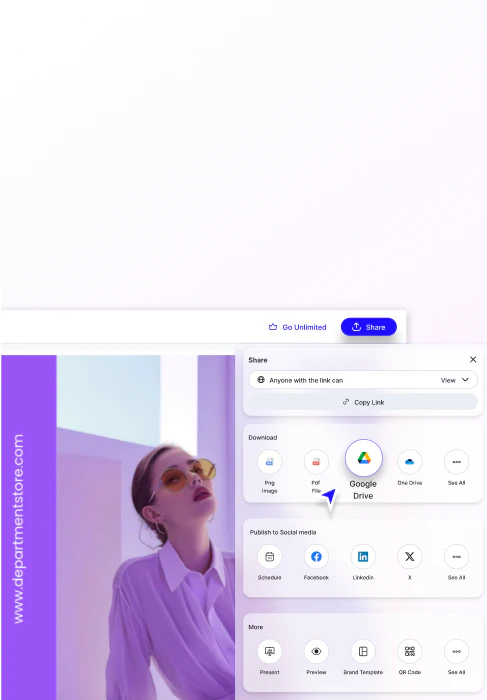
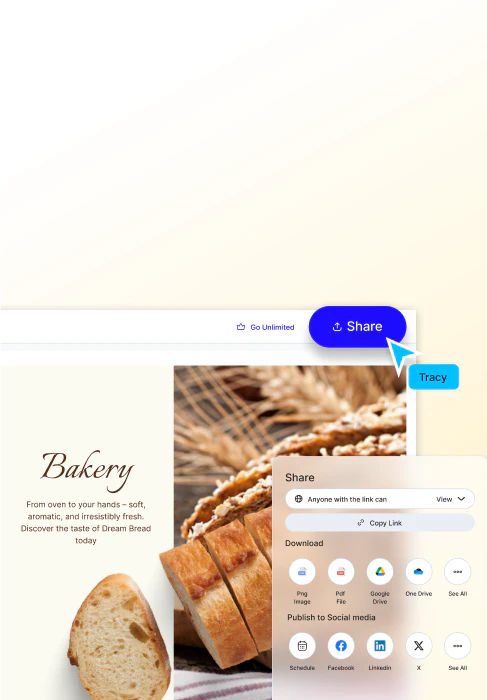
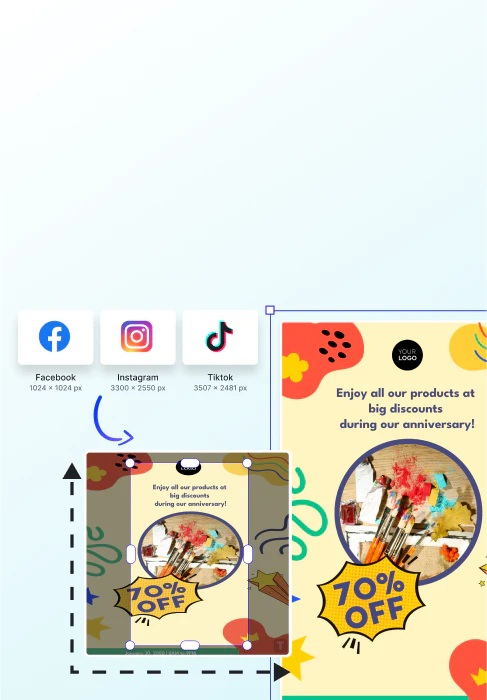
- Smart Export Options[4]: Export designs directly to various formats and platforms, including Google Drive and social media.
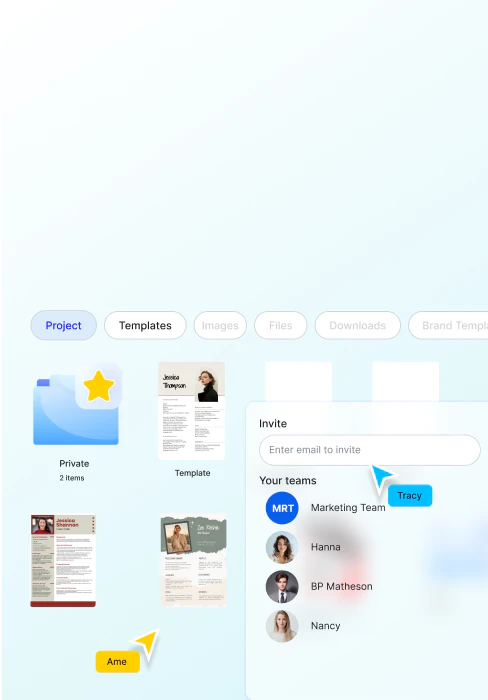
- Collaboration Tools: Invite team members to co-edit designs and manage projects in real-time.
Who is Template for?
Template is ideal for a wide range of users including business professionals, marketers, educators, and creative individuals who require quick and efficient solutions for creating branded materials. It caters to startup founders needing pitch decks, HR professionals looking for policy documents, and educators who want to produce teaching materials swiftly. The platform is designed for anyone who values efficiency and quality in their document and design creation process.
What are the use cases of Template?
- Business Presentations: Create engaging pitch decks and presentations for meetings and conferences.
- Marketing Materials: Generate promotional flyers, social media posts, and email newsletters quickly.
- Educational Resources: Develop lesson plans, worksheets, and academic presentations tailored for students.
Product Images
Template Pros and Cons
Pros
- AI-Powered Template Generation: Utilizes AI to generate fully editable templates, designs, and documents quickly from prompts, enhancing productivity.
- No Signup Required: Users can generate and customize templates without needing to sign up, allowing for immediate access to features.
- Wide Range of Outputs: Supports various outputs including presentations, documents, charts, and web assets, making it versatile for different needs.
Cons
No cons data detected for this tool
Template Pricing
Max
Most Popular - Create Much Faster & 10X more AI. Full team access with collaboration and scale. Everything in Plus, Up to 10 free users (just per user/month), 50,000 Credits a month, 1 TB Cloud Storage, Unlimited Text & Chat Generation, Unlimited Image Generation, Unlimited Video generation, Access to all latest video models, 24/7 support via chat, email & phone.
For the latest pricing, please visit this link: https://www.template.net/pricing
Prices are subject to change. Please visit the official website for the most up-to-date pricing information.
Template Reviews
I just type what I need — pitch decks, proposals, invoices — and it’s ready to edit in seconds.
Everything we generate stays on-brand automatically. It’s like having our design team on standby.
My templates have reached thousands of users. It’s the best platform for professionals to get visibility and leads.
For more reviews, visit this link: https://www.template.net/#reviews