

Make





What is Make?
Make is a powerful no-code automation platform that allows users to visually build, scale, and automate workflows. It combines AI capabilities with user-friendly features, enabling businesses to streamline their operations and enhance productivity without the need for extensive coding knowledge. With Make, users can create complex automations and integrate over 3,000 pre-built apps to adapt to their specific business needs, making it an ideal solution for organizations looking to improve efficiency and innovate.
How to use Make?
- Sign up for a free account on the Make website.
- Log in to your Make dashboard to access the automation builder.
- Use the visual interface to drag and drop components to create your desired workflow, integrating apps and AI functionalities as needed.
- Customize your automation by setting triggers and actions that fit your business processes.
- Test your automation to ensure it works as expected, and then activate it to start streamlining your tasks.
What are the main features of Make?
- Visual workflow builder for no-code automation.
- Integration with over 3,000 pre-built applications.
- AI-driven automation capabilities for smarter workflows.
- Real-time visual mapping for managing automations.
- Customizable triggers and actions for tailored solutions.
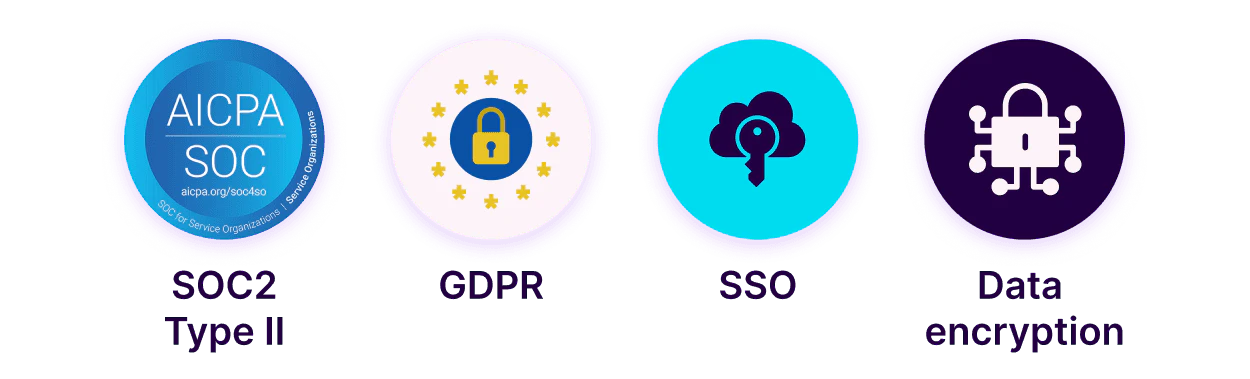
- Support for enterprise-level automation with enhanced security features.
Who is Make for?
Make is designed for businesses of all sizes looking to automate their workflows and improve operational efficiency. It is particularly beneficial for teams in marketing, sales, IT, finance, and customer service sectors that require seamless integration and automation of repetitive tasks. Additionally, it caters to users with no coding experience, making it accessible for professionals who want to leverage automation without technical barriers.
What are the use cases of Make?
- Automating social media posting to enhance engagement with minimal effort.
- Streamlining lead management processes to increase conversion rates.
- Simplifying invoicing and billing tasks to save time and reduce errors.
Product Images




Make Pros and Cons
Pros
- User-Friendly No-Code Automation: Make offers a visually intuitive platform that allows users to build and automate workflows without any coding skills, making it accessible for everyone.
- Extensive App Integrations: With over 3,000 pre-built apps, Make provides extensive integration capabilities, allowing users to connect various tools and services seamlessly.
- AI-Powered Automation: Make incorporates AI agents that adapt in real-time, enhancing automation efficiency and enabling smarter workflows.
Cons
No cons data detected for this tool
Analytics of Make
Make Website Traffic Analysis
Visits Over Time
Traffic Sources
Oct 2025 - Dec 2025 Worldwide Desktop Only
- Direct: 70.67%
- Search: 25.19%
- Referrals: 3.34%
- Social: 0.49%
- Paid Referrals: 0.27%
- Mail: 0.04%
Top Keywords
| Keyword | Volume | CPC | Estimated Value |
|---|---|---|---|
| n8n | 3.02M | $0.55 | $51960.00 |
| zapier | 836.38K | $3.49 | $21110.00 |
| make | 465.11K | $0.71 | $374620.00 |
| make ai | 21.60K | $1.36 | $15120.00 |
| make.com | 19.65K | $0.00 | $12210.00 |




Make Social Listening
From Zero to Your First AI Age...
🖥️ Download the free AI Agent...
Make.com Automation Tutorial f...
Are you tired of boring and re...
What is Make?
Make is a visual platform for ...
Unlock to view 39 social media results.