

Krispai




What is Krispai?
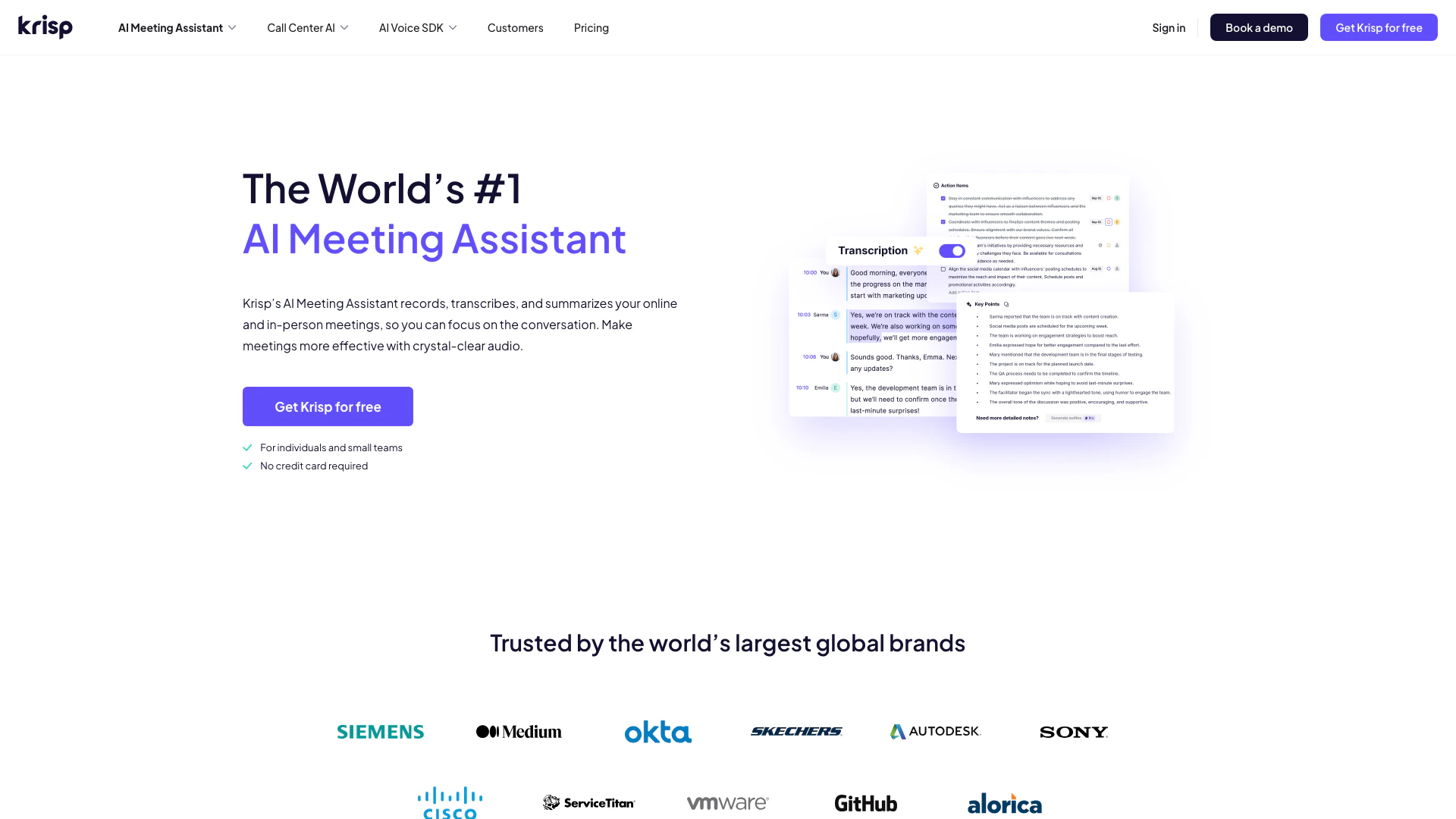
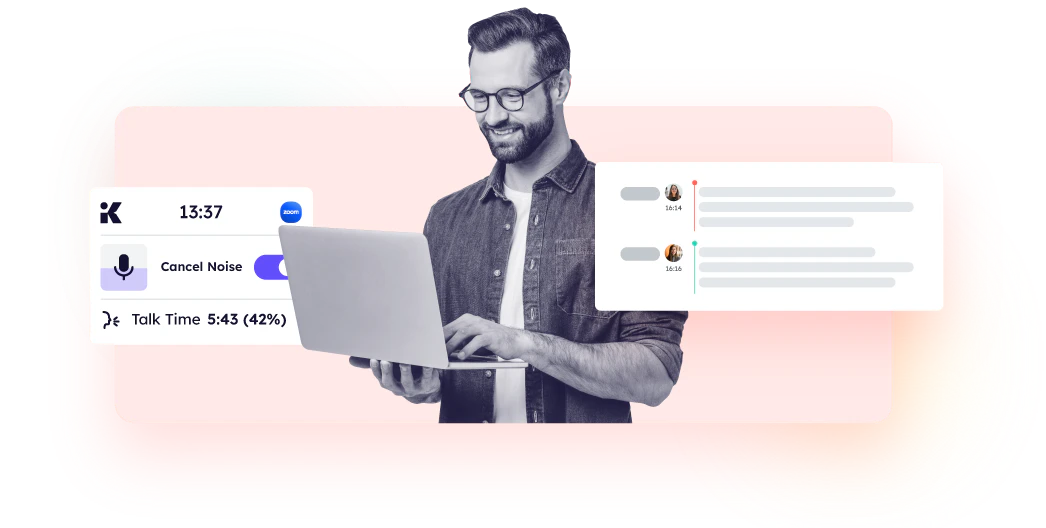
Krispai is an innovative AI Meeting Assistant[1] designed to enhance collaboration and efficiency during meetings. It transcribes notes, records tasks, and provides summaries, allowing users to focus on the conversation rather than manual note-taking. By leveraging advanced AI technology, Krispai offers features like real-time transcription[2], noise cancellation[4], and accent conversion[5], making it an essential tool for individuals and teams seeking to improve their meeting productivity.
How to use Krispai?
- Download and install the Krispai app from the official website or app store.
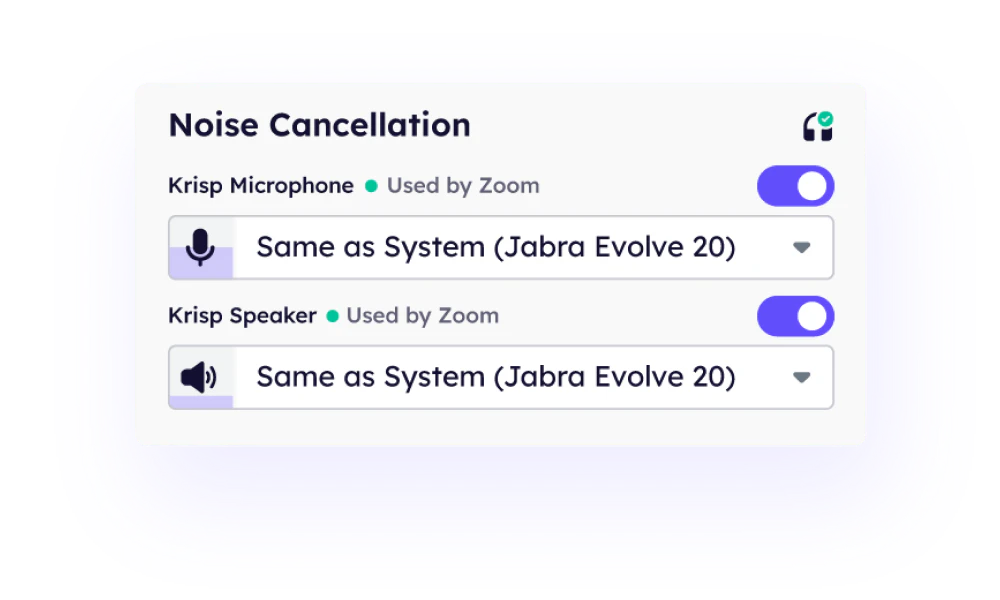
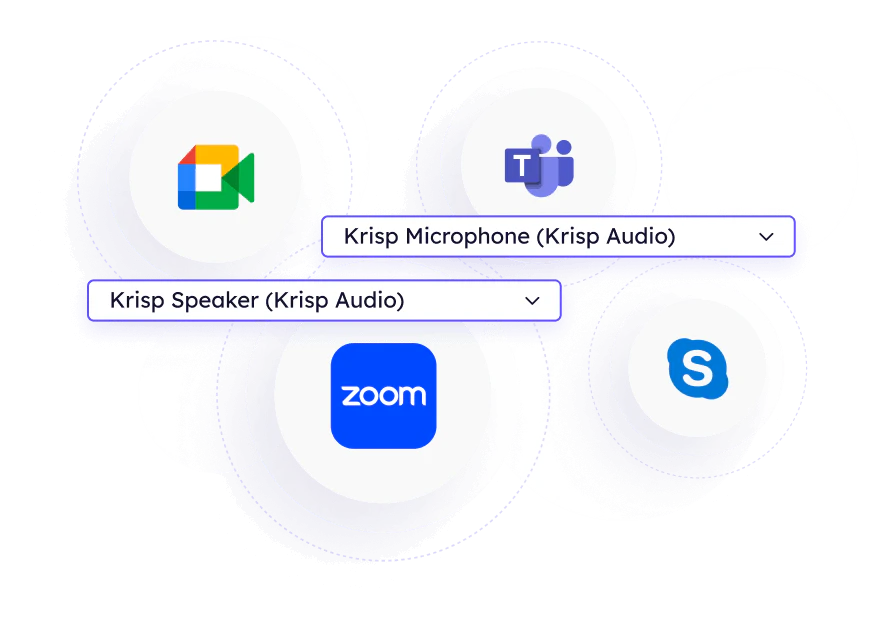
- Configure the app by selecting Krisp Speaker and Krisp Microphone in your communication application. Toggle the Note Taker feature ON in the Krispai app.
- Start a meeting by selecting to Transcribe or Transcribe and Record directly from the app. You can also connect your calendar for easy access to scheduled meetings.
What are the main features of Krispai?
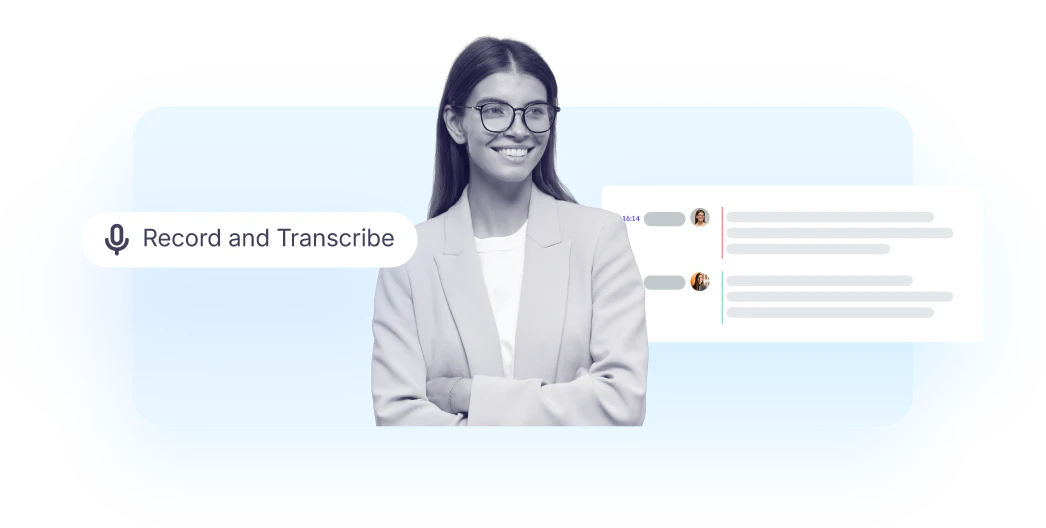
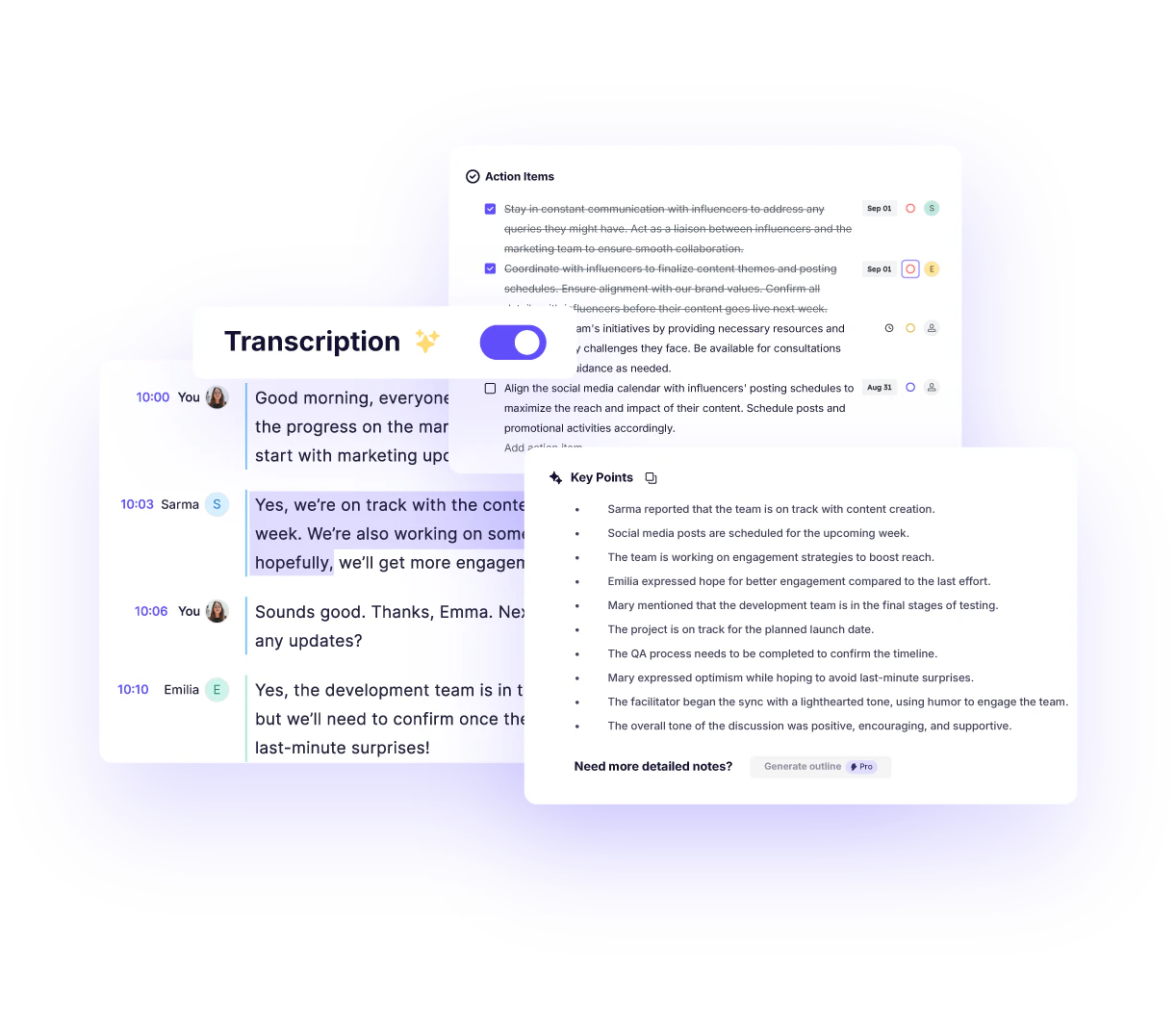
- AI-powered meeting transcription in real-time with 96% accuracy.
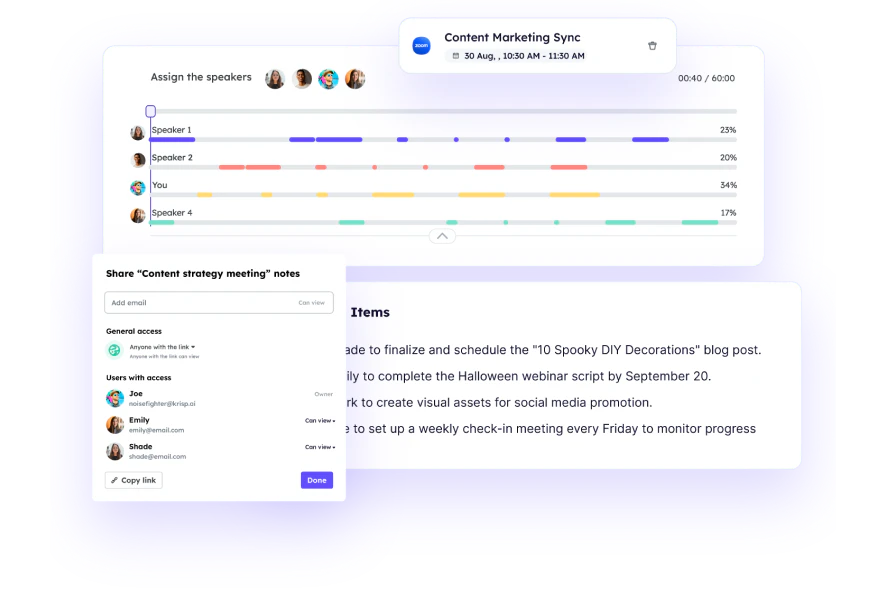
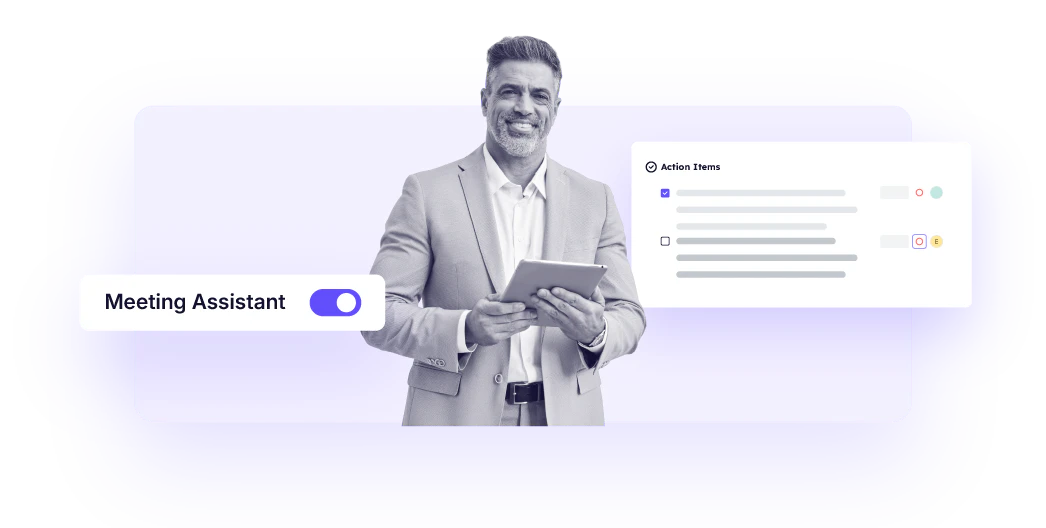
- Automated note-taking[3] that generates summaries and action items.
- Noise cancellation technology to eliminate background distractions.
- Accent conversion for clearer communication.
- Seamless integration with popular conferencing apps like Zoom, Microsoft Teams, and Google Meet.
Who is Krispai for?
Krispai is designed for a diverse range of users including meeting owners, consultants, remote teams, sales teams, and recruiting professionals. It is particularly beneficial for those who frequently participate in meetings and require effective note-taking and task management. By automating the process of capturing discussions and action items, Krispai helps enhance focus and productivity across various professional settings.
What are the use cases of Krispai?
- Streamlining client meetings for consultants by capturing key decisions and action items.
- Enhancing communication for remote teams by providing accurate meeting summaries and ensuring everyone is aligned.
- Supporting sales teams in focusing on customer interactions while automatically recording commitments and follow-ups.
Product Images



Krispai Pricing
Free Trial
Free for 7 days with unlimited transcription, noise cancellation, audio & video recording, AI notes & action items, and limited AI accent conversion.
Core
$16/month or $8/month per user, billed annually. Includes unlimited transcription, noise cancellation, AI chat, in-person meeting support, and 5 GB storage.
Advanced
$30/month or $15/month per user, billed annually. Includes everything in Core, plus advanced security features, manager view, and 30 GB storage.
CC Advanced
Custom pricing for advanced agent productivity solutions designed for enterprises.
CC Core
Starts at $10 per agent/month, billed annually. Includes agent noise cancellation, customer noise cancellation, and after-call summary.
For the latest pricing, please visit this link: https://krisp.ai/pricing/
Prices are subject to change. Please visit the official website for the most up-to-date pricing information.



