

Kanshareban





What is KanShareBan?
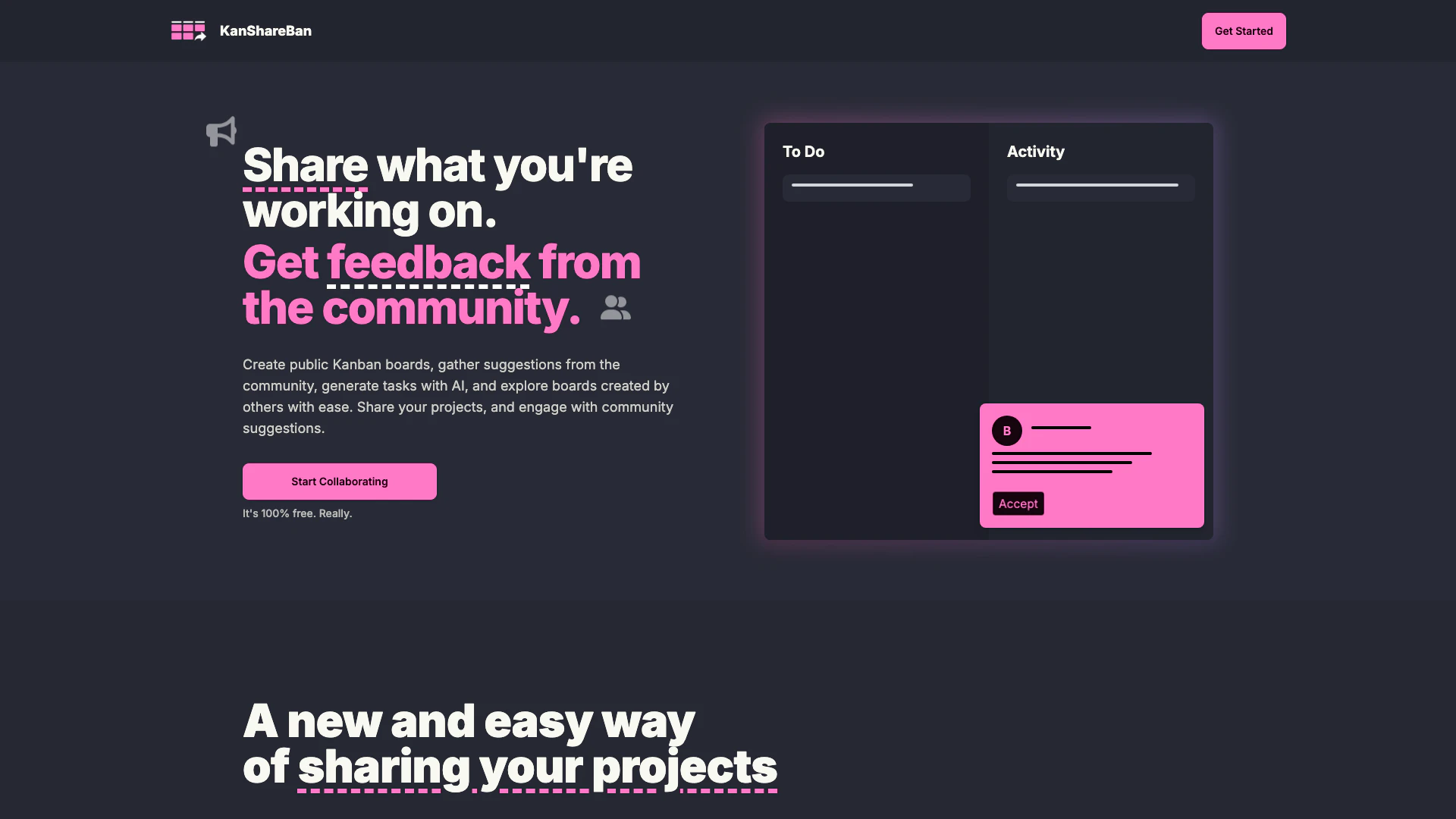
KanShareBan is an innovative project management tool that allows users to easily share their ongoing projects and receive feedback from the community in a Kanban-style format. It enables users to create public Kanban boards, gather suggestions, and explore the work of others. With its AI-powered task generation feature, users can streamline their project planning by automatically generating tasks based on their project descriptions. This platform is designed to foster collaboration and creativity among users, making project management more interactive and engaging.
How to use KanShareBan?
- Sign Up: Visit the KanShareBan website and create a free account to start using the platform.
- Create a Kanban Board: Once logged in, create a new public Kanban board to showcase your project.
- Add Tasks: Use the AI task generation feature to input your project goals, and the system will automatically populate your board with relevant tasks.
- Share and Collaborate: Share your board with the community and invite suggestions or feedback from other users.
- Explore Others' Work: Browse through various public boards created by other users to gain inspiration and connect with creative individuals.
What are the main features of KanShareBan?
- Public Kanban Boards: Create and share your projects in a Kanban format to engage with the community.
- AI Task Generation: Automatically generate tasks based on your project descriptions to streamline planning.
- Community Feedback: Receive suggestions and feedback from other users on your projects.
- Intuitive Task Management: Easily add, organize, and track tasks across your Kanban board.
- Explore Projects: Discover and engage with a variety of projects created by other users.
Who is KanShareBan for?
KanShareBan is ideal for project managers, developers, designers, and anyone involved in creative work who seeks an interactive way to manage their projects. It caters to individuals and teams looking for a collaborative platform to share ideas, gather feedback, and enhance their project planning process. Whether you are a freelancer, a part of a startup, or a member of a larger organization, KanShareBan provides the tools necessary to facilitate collaboration and improve productivity.
What are the use cases of KanShareBan?
- Project Planning: Use KanShareBan to outline and manage tasks for developing software applications or websites.
- Collaborative Design: Designers can share their design projects and receive input from peers to refine their work.
- Community Engagement: Creators can gather suggestions from the community to enhance their projects and foster collaboration.
Kanshareban Pros and Cons
Pros
- User-Friendly Kanban Boards: Kanshareban offers an intuitive Kanban board interface that makes it easy for users to organize and manage their projects visually.
- Community Engagement: Users can share their projects and receive feedback from the community, fostering collaboration and idea exchange.
- AI-Powered Task Generation: The tool features AI capabilities that help users generate tailored tasks based on project descriptions, enhancing productivity.
Cons
No cons data detected for this tool
Kanshareban Reviews
Add a dark mode option - Alex Johnson
Add a progress bar - Brooke Carter
For more reviews, visit this link: https://www.kanshareban.com/#feedback





