
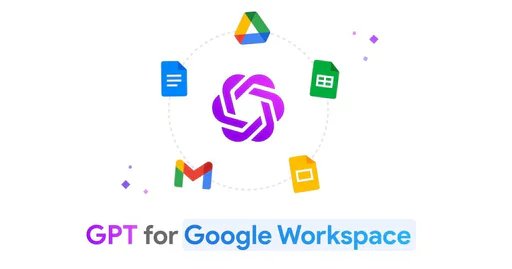
Gpt
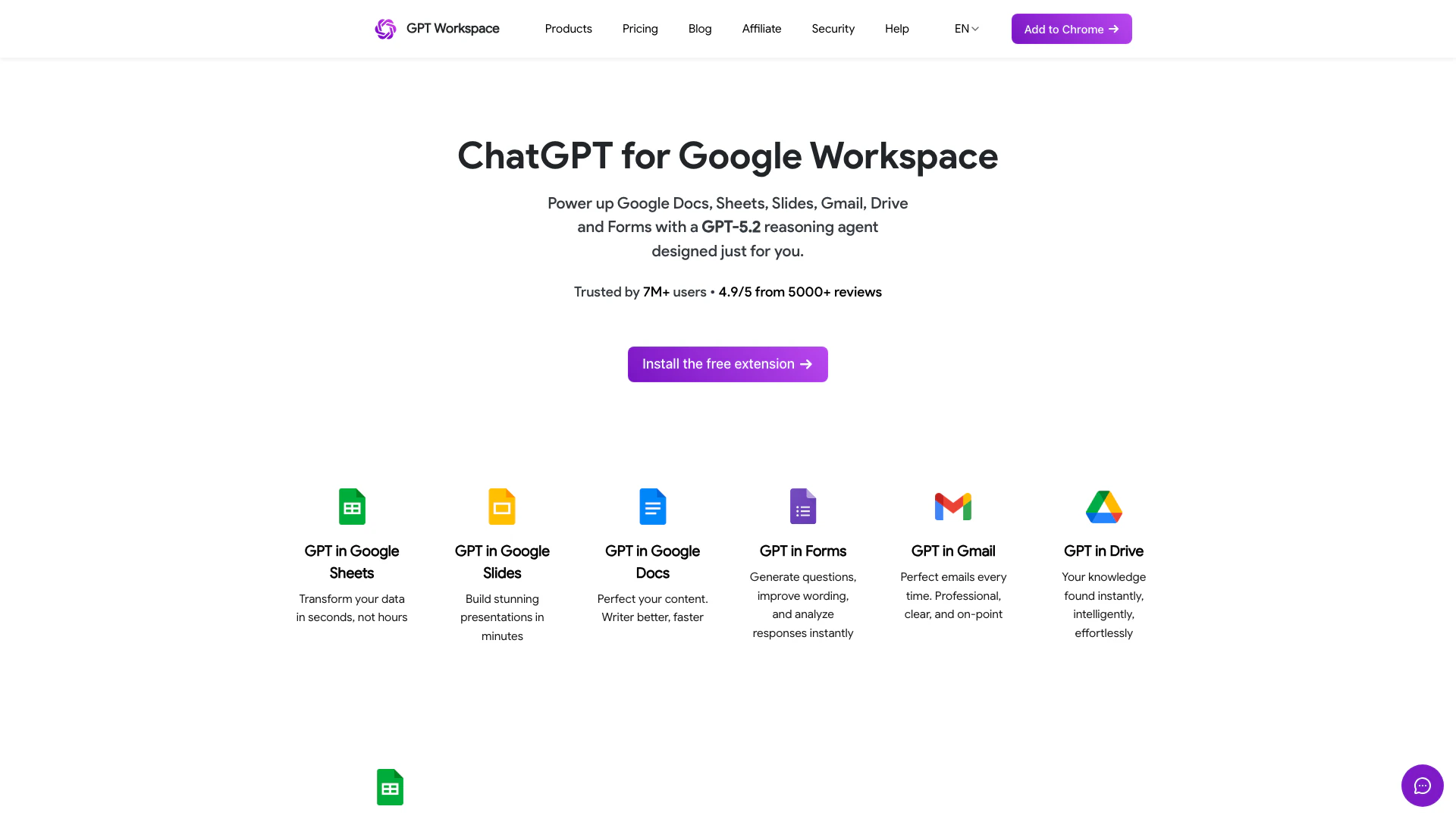




What is Gpt?
Gpt is a powerful GPT-5[1] reasoning agent[2] designed to enhance productivity within Google Workspace[3] applications such as Google Sheets, Docs, Slides, Gmail, and Drive. This innovative tool allows users to leverage advanced AI capabilities directly in their familiar work environment, making tasks like data analysis[4], content creation[5], and email management[6] faster and more efficient. By integrating Gpt into Google Workspace, users can transform their workflow and achieve exceptional results effortlessly.
How to use Gpt?
- Install the Extension: Begin by adding the Gpt extension to your Google Chrome browser from the Chrome Web Store.
- Open Google Workspace: Launch any Google Workspace application such as Sheets, Docs, or Gmail.
- Access Gpt Features: Use the Gpt functionalities by selecting the appropriate option within the application, such as generating text in Docs or analyzing data in Sheets.
- Interact with Gpt: Type your queries or commands directly, and Gpt will provide suggestions or generate content based on your input.
What are the main features of Gpt?
- Integration with Google Workspace: Seamlessly integrates with Google Sheets, Docs, Slides, Gmail, and Drive.
- Advanced AI Capabilities: Utilizes GPT-5.2 to enhance reasoning and content generation.
- Smart Cells in Sheets: Enables users to perform complex data analysis and generate marketing copy easily.
- Content Creation in Docs: Assists in writing, editing, and improving documents in over 30 languages.
- Presentation Tools in Slides: Facilitates the creation of visually appealing presentations in minutes.
- Email Management in Gmail: Helps craft professional emails quickly with contextual suggestions.
Who is Gpt for?
Gpt is designed for professionals, students, and organizations that rely on Google Workspace for their daily tasks. It is particularly beneficial for content creators, data analysts, marketers, and anyone looking to enhance productivity and streamline their workflows within Google applications. Whether you are drafting documents, managing emails, or creating presentations, Gpt provides tailored solutions to meet your specific needs.
What are the use cases of Gpt?
- Content Creation: Generate articles, reports, and essays in Google Docs with improved speed and quality.
- Data Analysis: Utilize Gpt in Google Sheets to analyze large datasets and create marketing strategies.
- Email Drafting: Compose and optimize professional emails in Gmail using contextual suggestions from Gpt.
Gpt Pros and Cons
Pros
- Powerful Integration with Google Workspace: Seamlessly integrates with Google Docs, Sheets, Slides, Gmail, and Drive, enhancing productivity across multiple platforms.
- Advanced AI Capabilities: Utilizes GPT-5.2 technology for advanced reasoning, enabling users to generate content quickly and accurately.
- User-Friendly and Accessible: No credit card or registration required for the free version, making it easy for users to start using the tool immediately.
Cons
No cons data detected for this tool
Gpt Pricing
Starter
The essentials to boost your productivity in your daily tasks. Includes 5M credits per month, Advanced Model (GPT-5) in Chat, Standard Model (GPT-4o mini) in Sheets, and Standard support.
Standard
Most popular plan for professionals with high performance needs. Includes Unlimited credits in Chat, Unlimited usage in Sheets with Pay-per-usage, 25M credits per month in Sheets Formulas, Advanced Model (GPT-5) in Chat and in Sheets, Team billing, and Standard support.
Pro
Dedicated support and infrastructure to boost your team productivity. Includes Unlimited credits in Chat, Unlimited usage in Sheets with Pay-per-usage, 100M credits per month in Sheets Formulas, Priority support, Priority access to new models, Advanced Model (GPT-5) in Chat and in Sheets, and Team billing.
For the latest pricing, please visit this link: https://app.gpt.space/pricing
Prices are subject to change. Please visit the official website for the most up-to-date pricing information.




