

Goelo




What is Goelo?
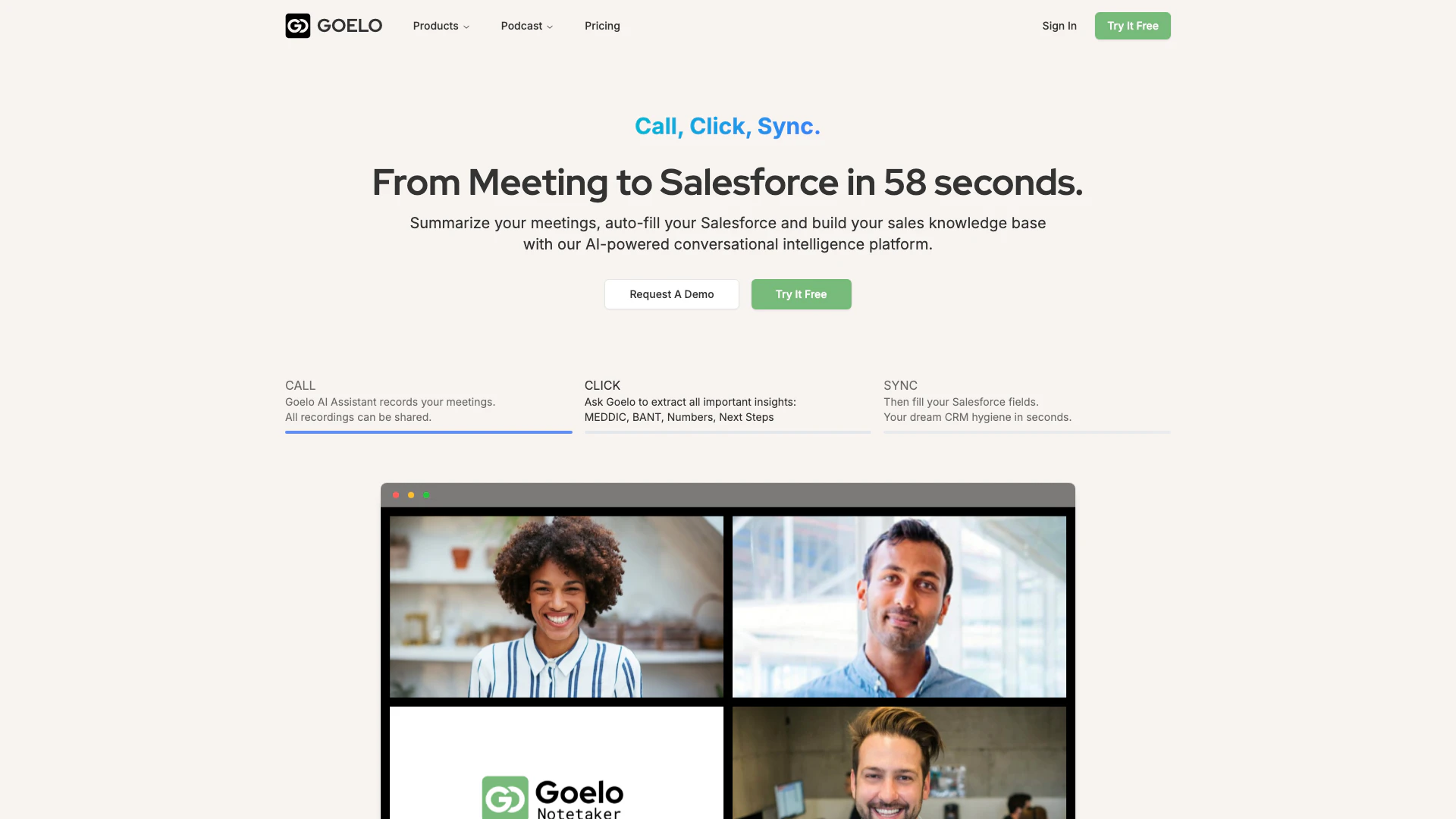
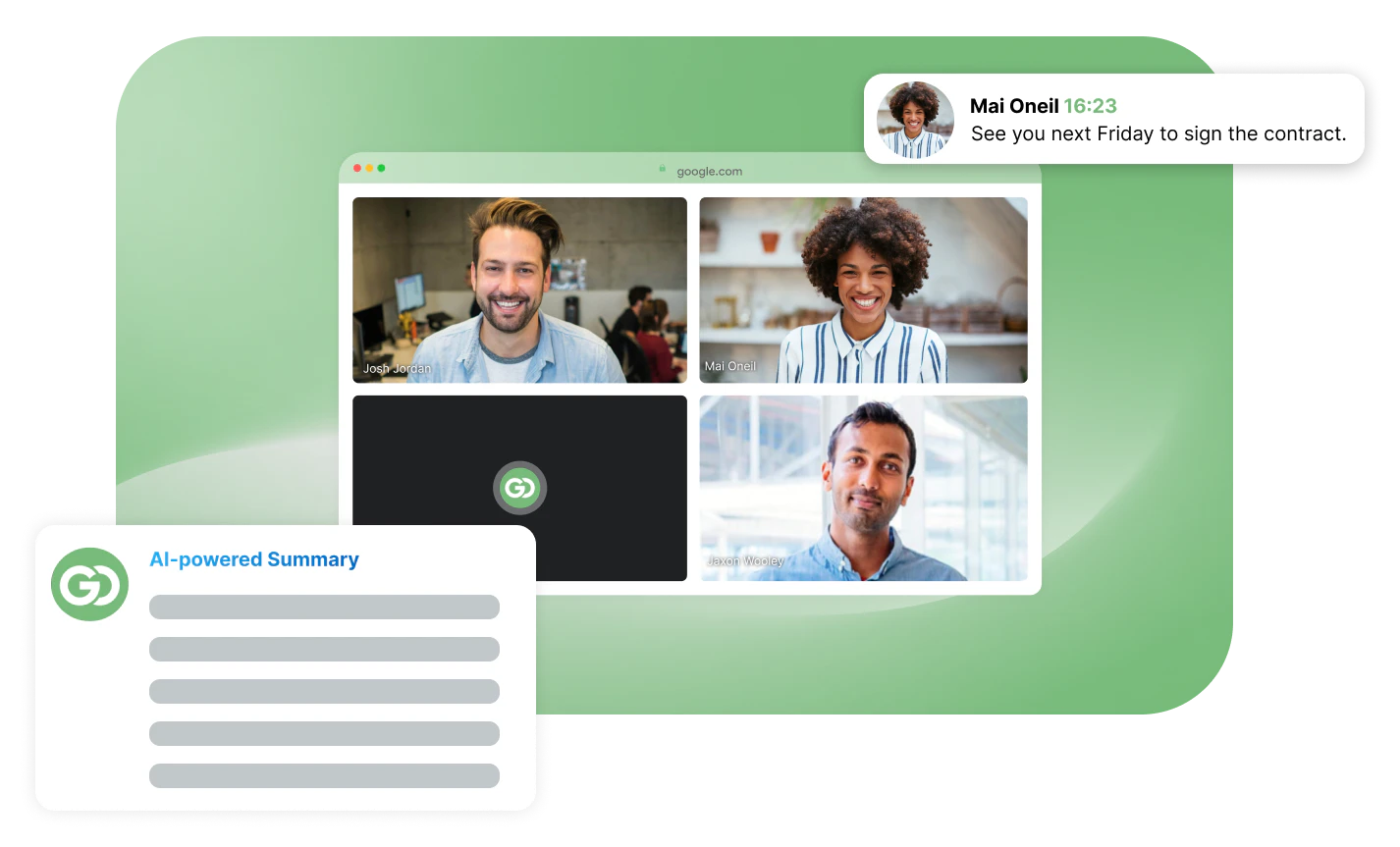
Goelo is an AI-powered meeting recording[3] and conversation intelligence[4] platform designed to streamline the sales process. It enables users to automatically record meetings, generate accurate summaries, and extract crucial insights, such as MEDDIC[5] and BANT, within seconds. By integrating seamlessly with Salesforce, Goelo helps sales teams maintain accurate CRM data, ultimately improving efficiency and reducing lost deals. This tool is ideal for sales professionals seeking to enhance their productivity and client interactions.
How to use Goelo?
- Sign up for Goelo and log into your account.
- Schedule a meeting and use the Goelo AI Assistant to record the session.
- After the meeting, Goelo will automatically generate a summary and extract key insights.
- Review the AI-generated notes, including important metrics and next steps.
- Allow Goelo to auto-fill relevant fields in your Salesforce CRM, ensuring your data is always up-to-date.
What are the main features of Goelo?
- AI Meeting Assistant[1]: Automatically records and transcribes meetings, generating summaries and insights.
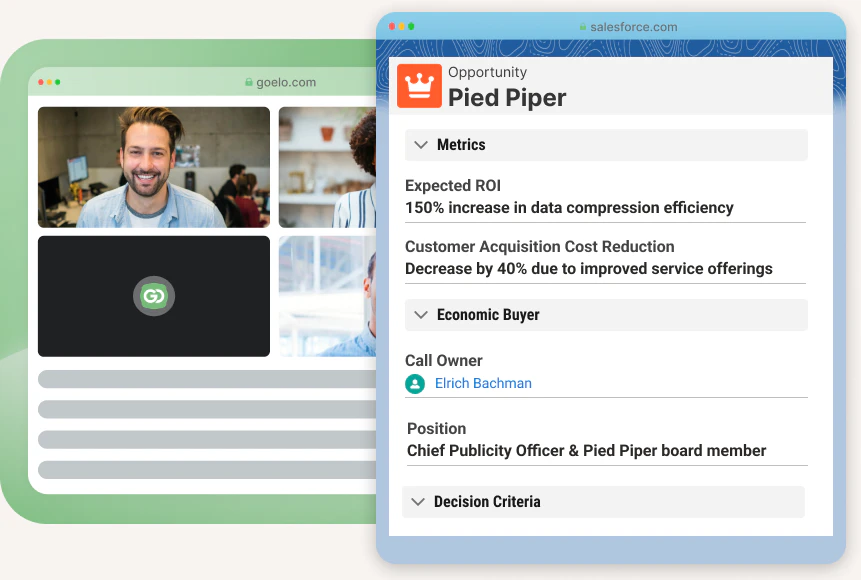
- Salesforce Auto-fill[2]: Syncs with Salesforce to automatically populate CRM data based on meeting conversations.
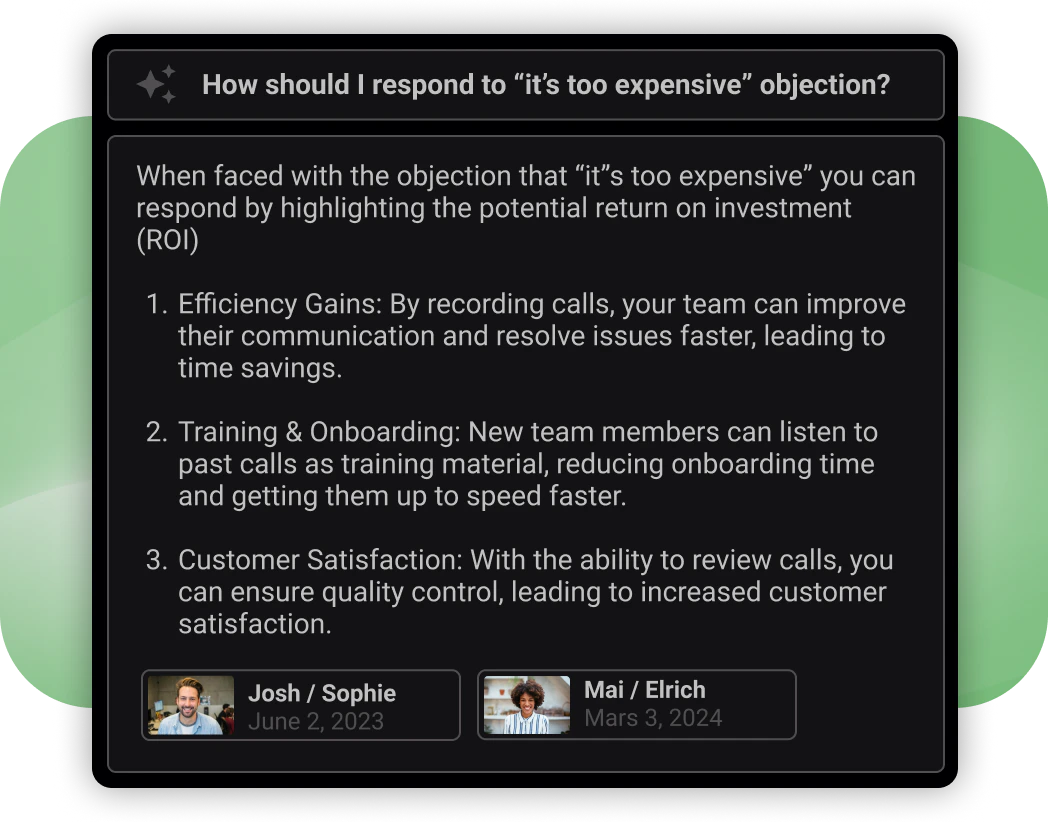
- Sales Second Brain: Provides an infinite memory feature to retain important details about prospects, enhancing the buyer experience.
- Integration: Connects with popular platforms like Google Workspace and Microsoft 365, as well as video conferencing tools like Zoom and Microsoft Teams.
Who is Goelo for?
Goelo is primarily designed for sales professionals and teams who are looking to optimize their sales processes and improve CRM data accuracy. It is suitable for businesses of all sizes that want to enhance their productivity by automating meeting notes and insights. Additionally, it benefits organizations that rely heavily on Salesforce for customer relationship management and need a tool that integrates seamlessly with their existing workflows.
What are the use cases of Goelo?
- Sales Meetings: Record and summarize sales meetings to ensure all critical points and next steps are documented.
- CRM Data Management: Automatically fill in Salesforce fields with accurate data extracted from meetings, reducing manual entry errors.
- Training and Development: Utilize the Sales Second Brain feature to help new sales representatives learn from previous interactions and improve their skills.
Product Images
Goelo Pros and Cons
Pros
- AI-Powered Meeting Summaries: Goelo automatically generates accurate summaries of meetings, allowing users to focus on discussions rather than note-taking.
- Seamless Salesforce Integration: The tool auto-fills Salesforce fields, ensuring that CRM data is always up-to-date and reducing manual entry time.
- Enhanced Sales Methodologies: Goelo supports various sales methodologies like MEDDIC and BANT, helping sales teams adhere to best practices and improve efficiency.
Cons
No cons data detected for this tool
Goelo Pricing
Pro
Best option for small teams who want to automate meeting notes. Free trial: 5 recordings, Goelo Bot Notetaker, AI Summary GPT4, AI Second Brain, Salesforce Integration, Salesforce Autofill, Collaborative Workspace, 1 hour setup consulting for free (value: $200).
Business
To unlock the full power of AI and Salesforce synchronization. Free trial: 5 recordings, Goelo Bot Notetaker, AI Summary GPT4, AI Second Brain, Salesforce Integration, Salesforce Autofill, Collaborative Workspace, 1 hour setup consulting for free (value: $200).
Enterprise
Best for large scale uses and personalised support. Free trial: 5 recordings, Goelo Bot Notetaker, AI Summary GPT4, AI Second Brain, Salesforce Integration, Salesforce Autofill, Collaborative Workspace, Dedicated Customer Success Manager.
For the latest pricing, please visit this link: https://www.goelo.com/
Prices are subject to change. Please visit the official website for the most up-to-date pricing information.





