

Doclime





What is Doclime?
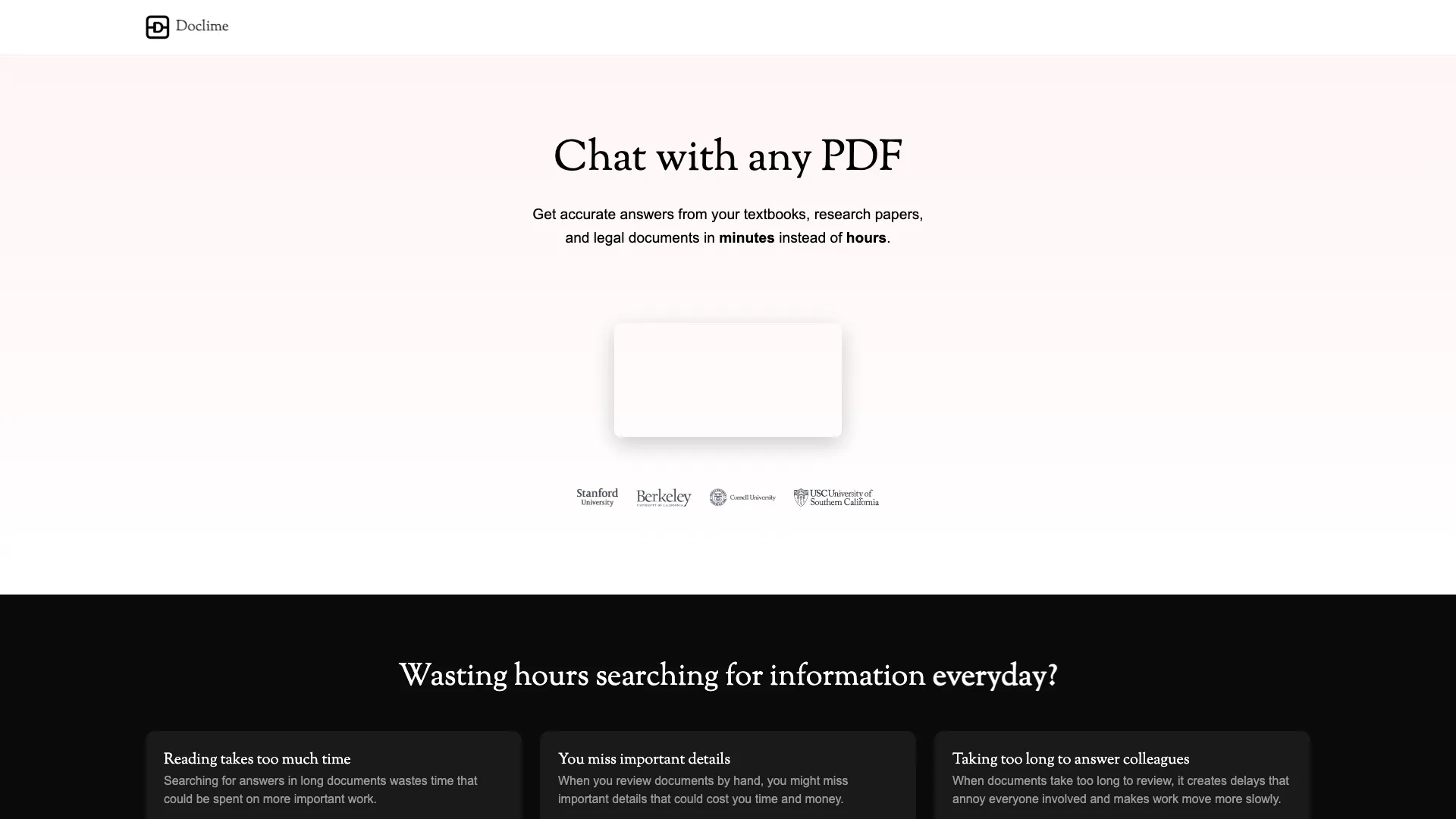
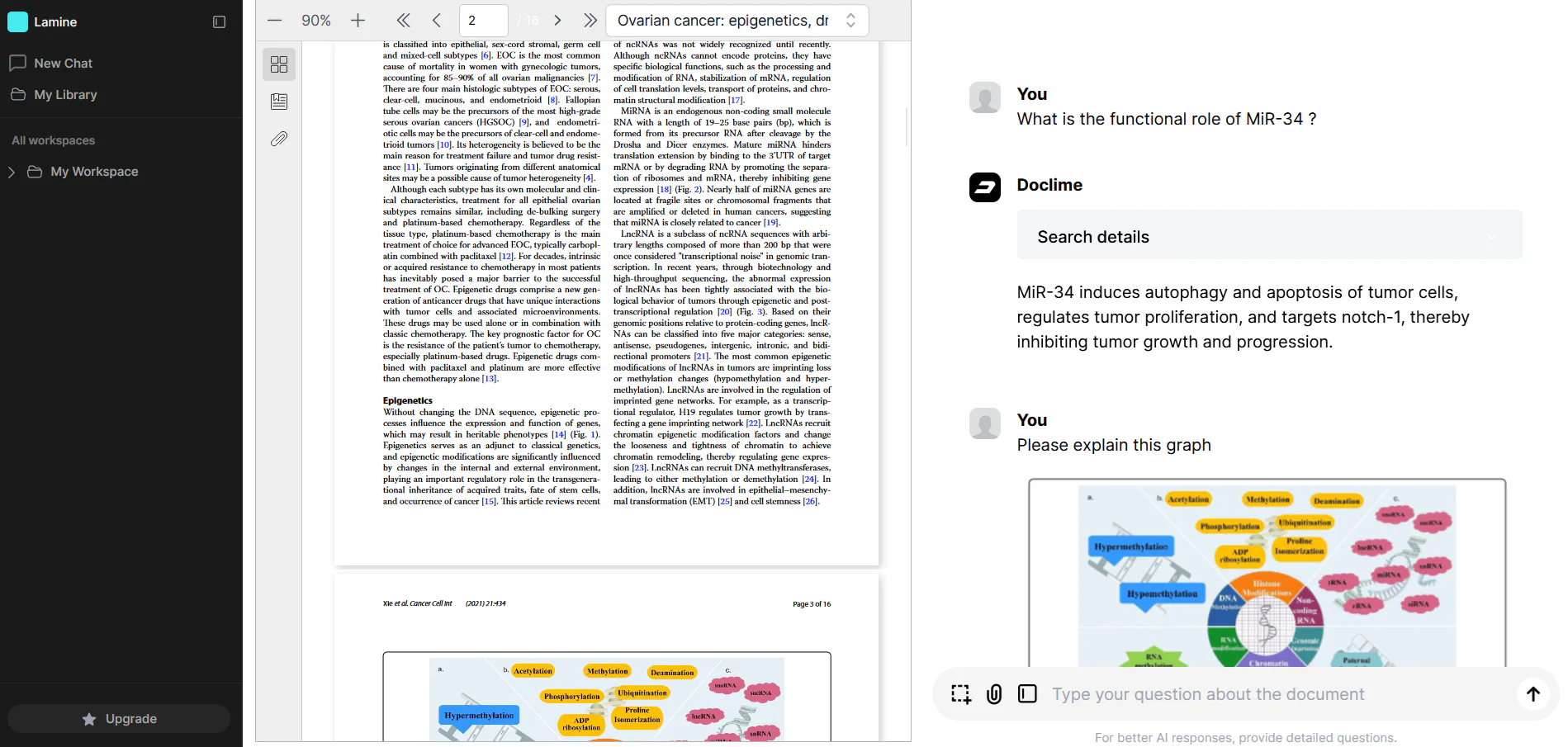
Doclime is an innovative AI-powered tool designed to facilitate interaction with PDF documents. It allows users to import files and engage in a contextual chat with the content, providing accurate answers to questions sourced directly from the documents. By leveraging advanced AI models, Doclime transforms how users access and analyze information, significantly reducing the time spent searching through lengthy texts. This tool is particularly beneficial for students, researchers, and professionals who require quick and efficient retrieval of information from textbooks, research papers, and legal documents.
How to use Doclime?
- Visit the Doclime website and create an account or log in.
- Import your PDF files by clicking on the upload button in the interface.
- Once the files are uploaded, use the chat interface to ask specific questions about the content of the documents.
- Review the answers provided by Doclime, which will include citations from the original documents for reference.
- Utilize additional features such as note-taking, split-screen views, and context-aware search to enhance your document management and analysis.
What are the main features of Doclime?
- AI Chat Interface: Engage in contextual chats that reference and analyze uploaded documents.
- PDF Viewer & Management: Advanced viewing capabilities with search, zoom, and navigation features.
- Note-Taking: A rich text editor for creating and editing notes with real-time saving and version history.
- Split Screen View: Open multiple documents simultaneously in a split-screen layout for easier comparison.
- File Organization System: Hierarchical structure for managing notes and uploaded files efficiently.
- Context-Aware Search: Smart search functionality that allows for context-specific queries across documents.
Who is Doclime for?
Doclime is designed for a wide range of users including students, researchers, legal professionals, and anyone who frequently interacts with extensive PDF documents. Its ability to provide quick, accurate answers makes it ideal for those who need to extract information from textbooks, research papers, and legal texts efficiently. Additionally, educators and corporate professionals who require detailed analysis and note-taking capabilities will find Doclime to be an invaluable tool in their workflow.
What are the use cases of Doclime?
- Academic Research: Students and researchers can use Doclime to quickly extract relevant information from research papers and textbooks for their studies.
- Legal Document Analysis: Legal professionals can upload contracts and legal texts to find specific clauses or obligations without sifting through pages of text.
- Corporate Report Review: Business analysts can utilize Doclime to analyze financial reports and technical manuals, ensuring that important details are not overlooked during reviews.
Product Images

Doclime Pros and Cons
Pros
- Fast Document Analysis: Doclime enables quick extraction of information from documents, providing answers in minutes instead of hours, enhancing productivity.
- Contextual AI Chat: The AI chat interface allows users to ask specific questions about their documents, receiving context-aware answers with citations.
- Multi-Document Support: Users can chat with multiple PDF files simultaneously, saving time and improving efficiency in information retrieval.
Cons
No cons data detected for this tool
Analytics of Doclime
Doclime Website Traffic Analysis
Visits Over Time
Traffic Sources
Oct 2025 - Dec 2025 Worldwide Desktop Only
- Search: 40.77%
- Direct: 38.57%
- Referrals: 13.96%
- Social: 3.67%
- Paid Referrals: 2.11%
- Mail: 0.17%
Top Keywords
| Keyword | Volume | CPC | Estimated Value |
|---|---|---|---|
| answers pdf | 340 | $0.00 | $0.00 |
| pdf answerer | 200 | $0.00 | $0.00 |
| where can i submit a pdf to make keyterms | 200 | $0.00 | $0.00 |
| solve questions and make solved pdf file | 120 | $0.00 | $0.00 |
| doclime | 20 | $0.00 | $100.00 |



