
Chat2sheet
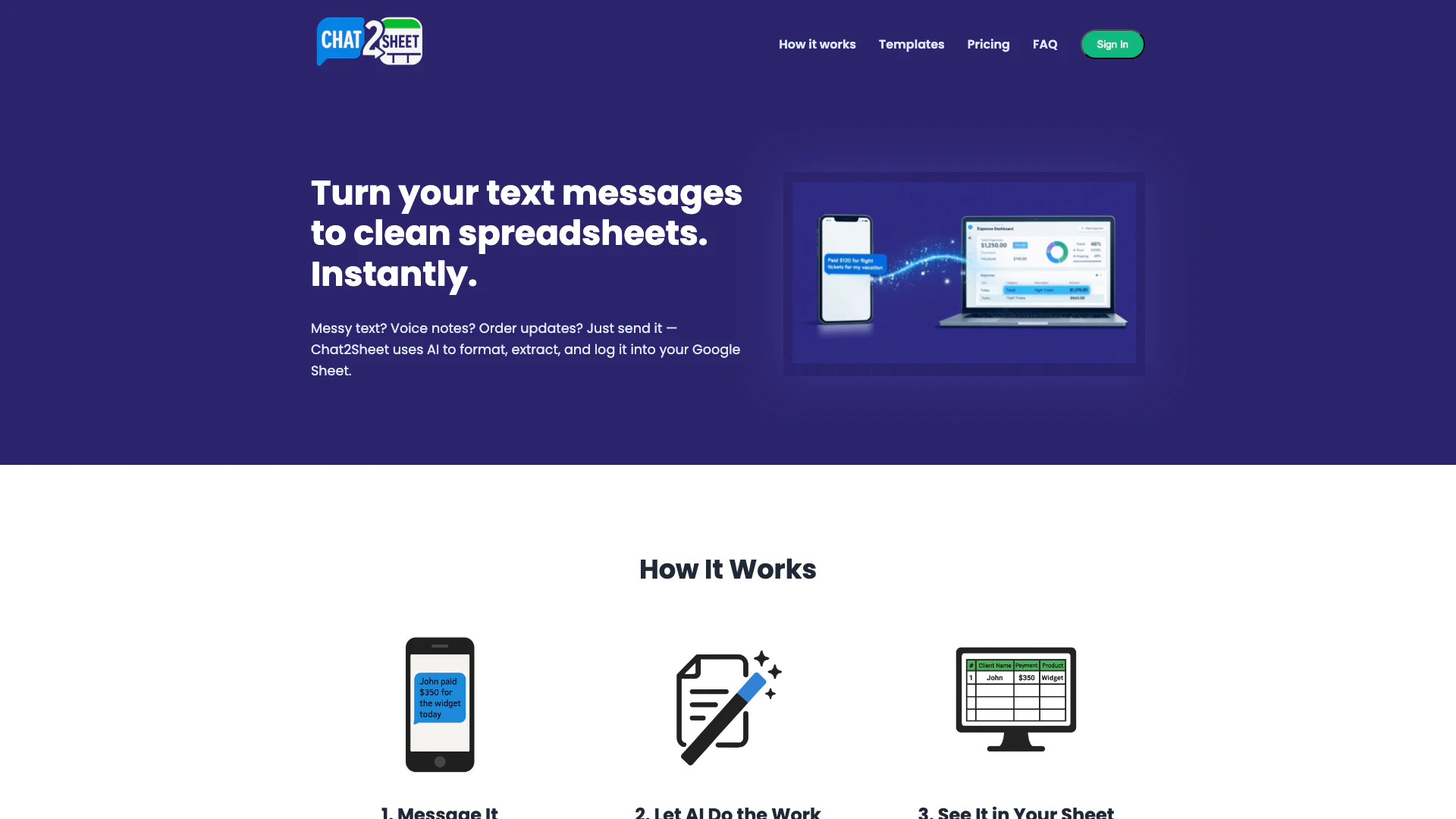





What is Chat2Sheet?
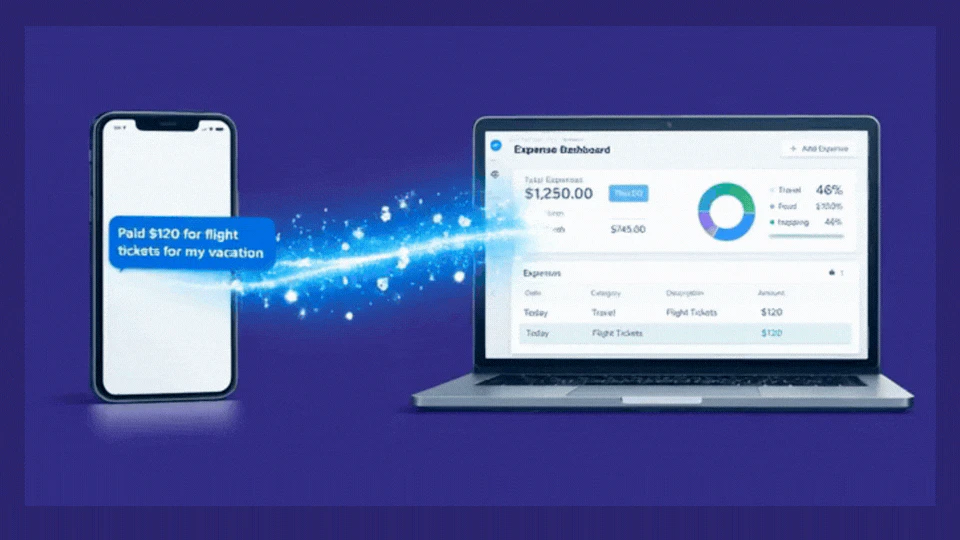
Chat2Sheet is an innovative tool designed to simplify data logging by transforming messy text, voice notes, and order updates into neatly formatted entries in Google Sheets. Utilizing advanced AI technology, Chat2Sheet can automatically format and extract key information, such as dates and amounts, from messages sent via popular messaging platforms like WhatsApp and Telegram. This tool is perfect for individuals and businesses looking to streamline their data entry processes without the hassle of manual formatting.
How to use Chat2Sheet?
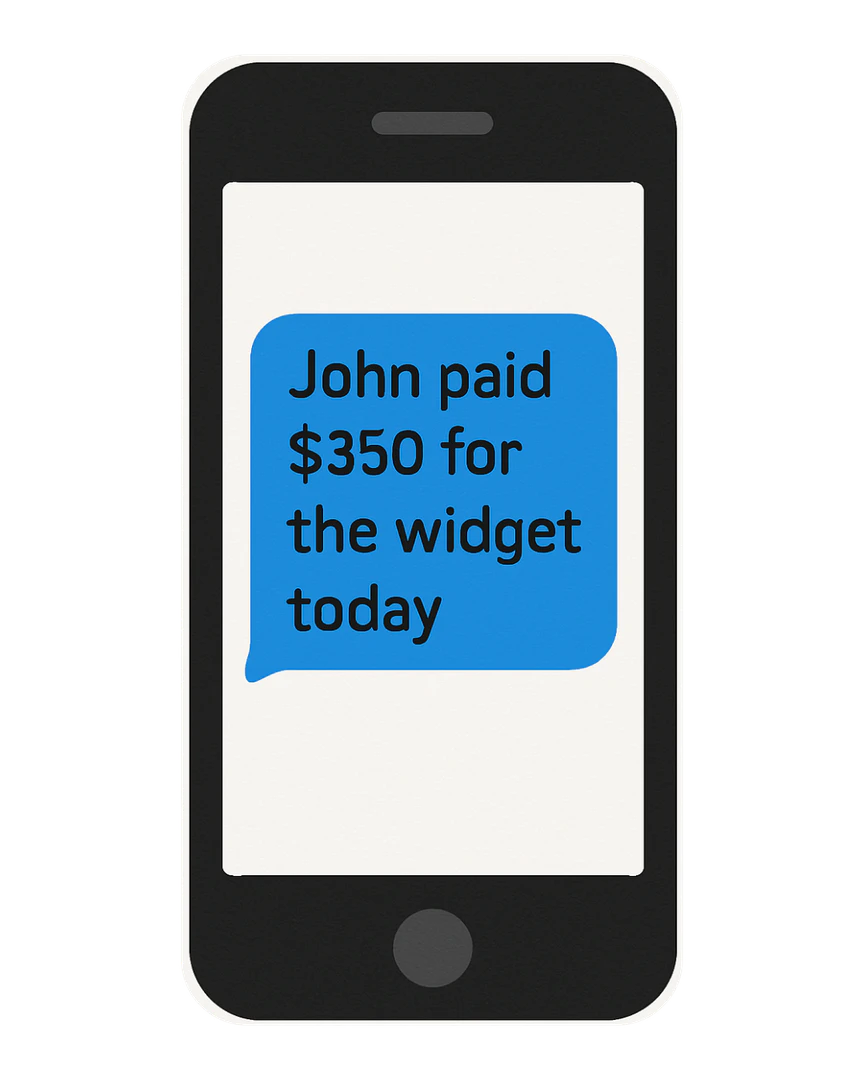
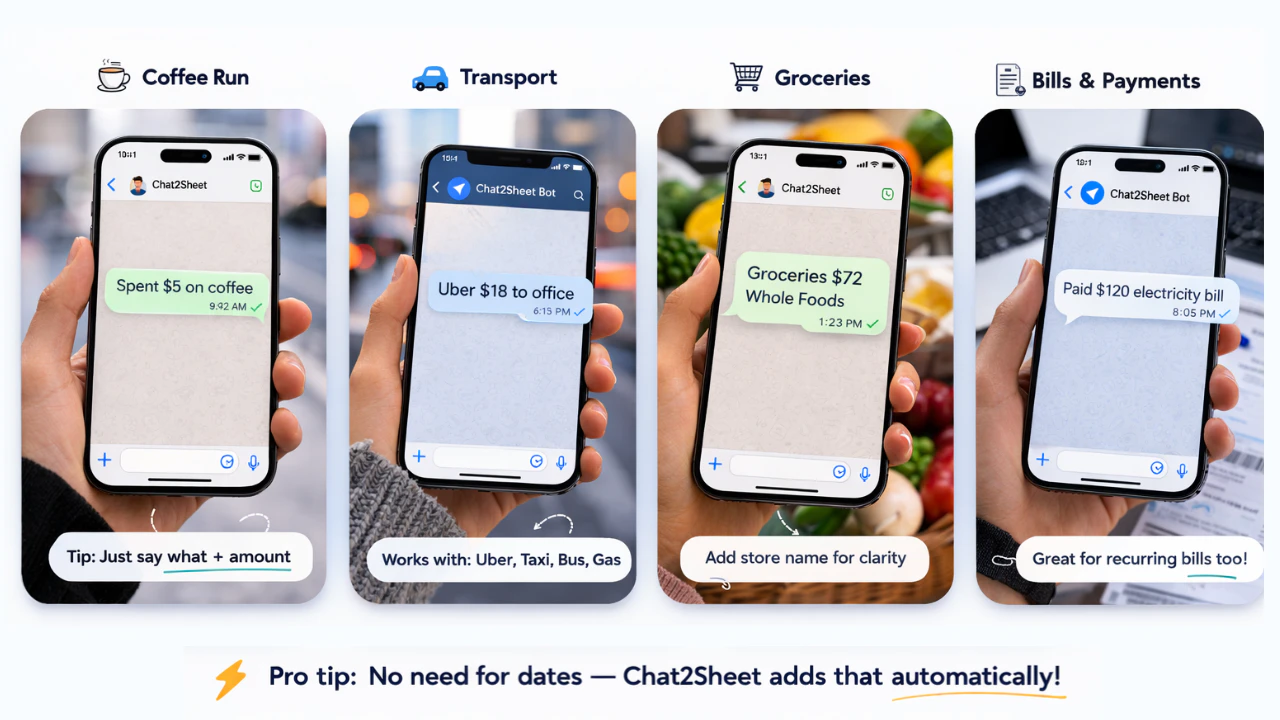
- Message It: Start by sending any message through WhatsApp or Telegram. There's no need to follow strict formatting rules.
- Let AI Do the Work: Chat2Sheet's AI will clean, structure, and extract essential fields such as dates, amounts, and names from your message.
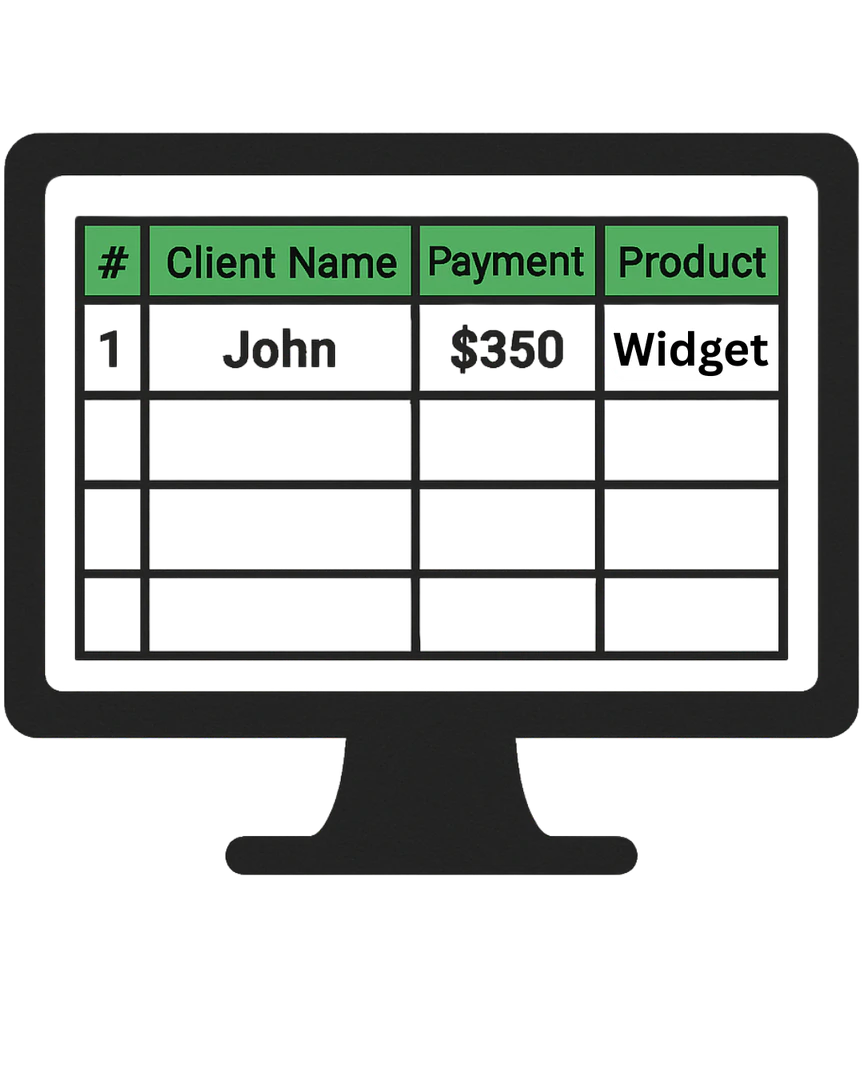
- See It in Your Sheet: The information is automatically logged in real-time into your connected Google Sheet, ensuring your data is organized and accessible.
What are the main features of Chat2Sheet?
- Natural Language Processing: Chat2Sheet understands and processes messages in natural language, allowing users to send quick notes without specific formatting.
- Real-Time Logging: Data is instantly logged into Google Sheets as messages are sent, ensuring up-to-date information.
- Multi-Platform Support: Users can send messages via WhatsApp, Telegram, or SMS without needing to download a new app.
- Pre-Built Templates: Choose from a library of templates for various needs, including expense tracking, sales logging, and fitness tracking.
Who is Chat2Sheet for?
Chat2Sheet is designed for busy professionals and individuals who require efficient data logging without the hassle of manual entry. It caters to market vendors needing to track daily sales, freelancers managing business expenses, and anyone looking to organize random ideas or tasks on the go. This tool is ideal for those who prefer using familiar messaging platforms for quick and easy data entry.
What are the use cases of Chat2Sheet?
- Daily Sales Tracking: Market vendors can send messages after each sale to keep accurate records of their transactions.
- Business Expense Logging: Freelancers can forward confirmation emails or text expenses directly to Chat2Sheet, simplifying financial management.
- Fitness Tracking: Users can log workout details by texting their sets and reps, allowing them to monitor progress effortlessly.
Product Images

Chat2sheet Pros and Cons
Pros
- AI-Powered Data Extraction: Chat2Sheet uses AI to automatically format and extract key information from messages, making data entry seamless and efficient.
- Natural Language Processing: The tool understands natural language, allowing users to send messages in a conversational tone without needing specific commands.
- Integration with Popular Messaging Apps: Chat2Sheet integrates with WhatsApp and Telegram, enabling users to log data directly from apps they already use without additional downloads.
Cons
No cons data detected for this tool
Chat2sheet Pricing
Free (Hobby)
Up to 15 messages per month, 1 Google Sheet, AI-Powered Parsing, WhatsApp & Telegram Sync, Community Support.
Pro (Freelancer)
Up to 200 messages per month, 1 User, 3 Google Sheets, AI-Powered Parsing, WhatsApp & Telegram Sync, Voice Note Transcription, Image & Receipt Scanning, Correction & Edit Commands, Email Support.
Business (Team)
Up to 600 messages per month, Includes 3 Users ($8/mo per additional user), 20 Google Sheets, AI-Powered Parsing, WhatsApp & Telegram Sync, Voice Note Transcription, Image & Receipt Scanning, Correction & Edit Commands, Priority Email & Chat Support.
For the latest pricing, please visit this link: https://www.chat2sheet.com/pricing
Prices are subject to change. Please visit the official website for the most up-to-date pricing information.





