

Cal





What is Cal?
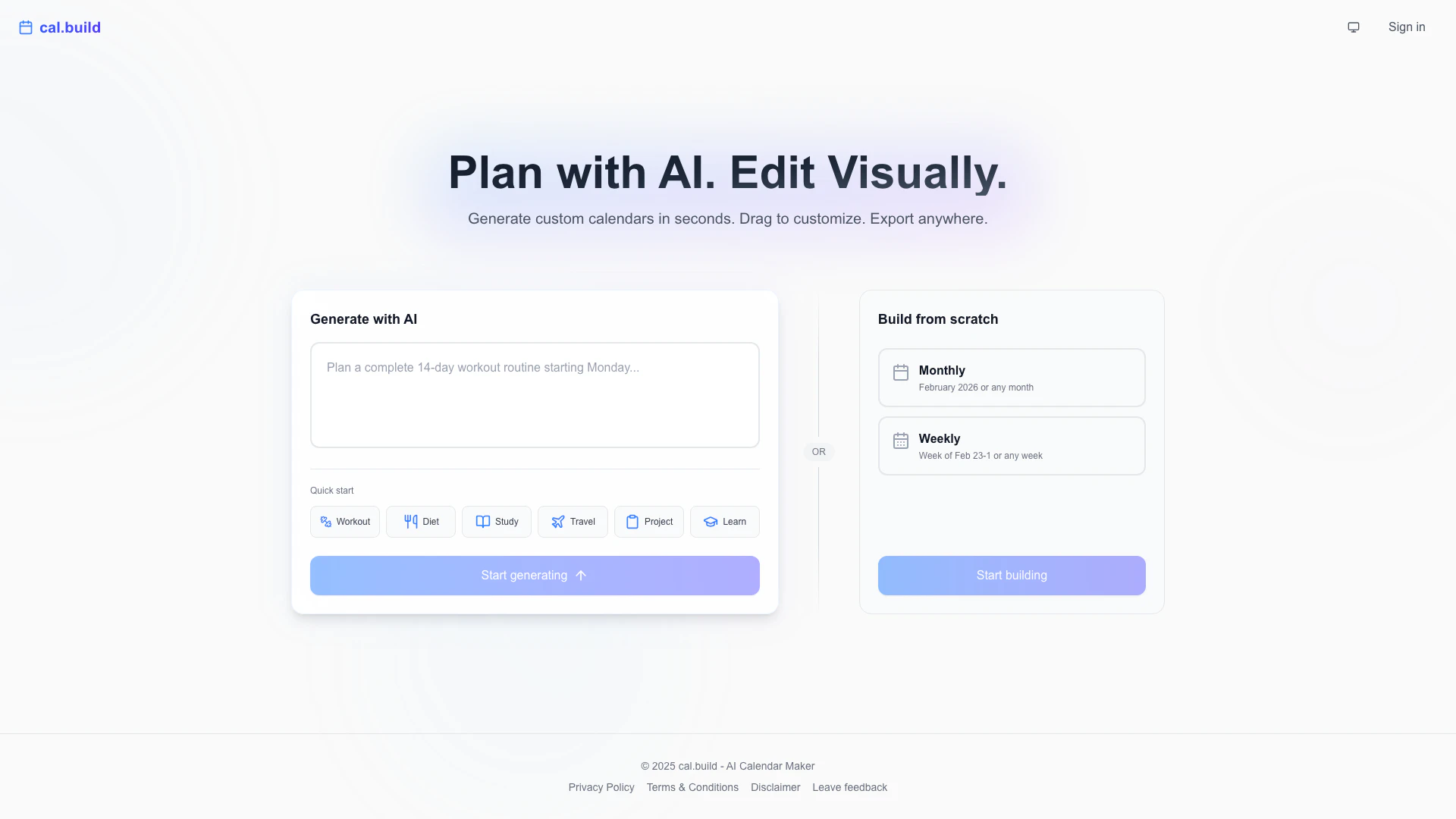
Cal is an innovative AI-powered[1] tool designed to generate custom calendars in seconds. With its user-friendly interface, users can easily drag and drop to customize events according to their needs. Cal allows seamless exporting to platforms like Google Calendar, Notion, or as a PDF, making it an ideal solution for anyone looking to organize their schedules efficiently. Whether you need a weekly or monthly planner, Cal optimizes the design for printing, ensuring that your calendar is not only functional but also visually appealing.
How to use Cal?
- Visit the Cal website at https://www.cal.build/ and sign in or start generating a calendar.
- Choose whether to generate a calendar using AI or build one from scratch by selecting monthly or weekly options.
- Customize your calendar by dragging and dropping events into the desired dates.
- Once you are satisfied with your calendar, export it to Google Calendar, Notion, or download it as a PDF for printing.
What are the main features of Cal?
- AI-powered calendar generation[2] for quick and easy creation.
- Drag-and-drop[3] functionality for easy event customization[4].
- Options to export calendars to Google Calendar, Notion, or as a PDF.
- Weekly and monthly planner formats optimized for printing.
- User-friendly interface that caters to both novice and experienced users.
Who is Cal for?
Cal is designed for individuals and professionals who need to organize their time efficiently. This includes students managing their study schedules, busy professionals planning projects, and anyone looking to maintain a balanced lifestyle with workout, diet, and travel plans. The tool is ideal for those who appreciate the convenience of AI technology and require visually appealing, customizable calendars.
What are the use cases of Cal?
- Creating a personalized study schedule for students to manage their classes and assignments.
- Planning workouts and diet schedules for fitness enthusiasts.
- Organizing travel itineraries and project timelines for professionals.
- Designing printable monthly planners for home or office use.
- Customizing event calendars for special occasions or family activities.
Cal Pros and Cons
Pros
- AI-Powered Calendar Generation: Quickly create custom calendars using AI technology, saving time and effort in planning.
- Visual Customization: Easily drag and drop to customize events, allowing for a user-friendly experience in calendar creation.
- Multiple Export Options: Export your calendars to Google Calendar, Notion, or as PDFs, providing flexibility in how you use your calendars.
Cons
No cons data detected for this tool
Analytics of Cal
Cal Website Traffic Analysis
Visits Over Time
Top Keywords
| Keyword | Volume | CPC | Estimated Value |
|---|---|---|---|
| cal$ | 170 | $0.00 | $0.00 |
| is there notion ai in notion calendar | 170 | $0.00 | $0.00 |
| cale3 | 150 | $0.32 | $0.00 |





