

Asksteve





What is Asksteve?
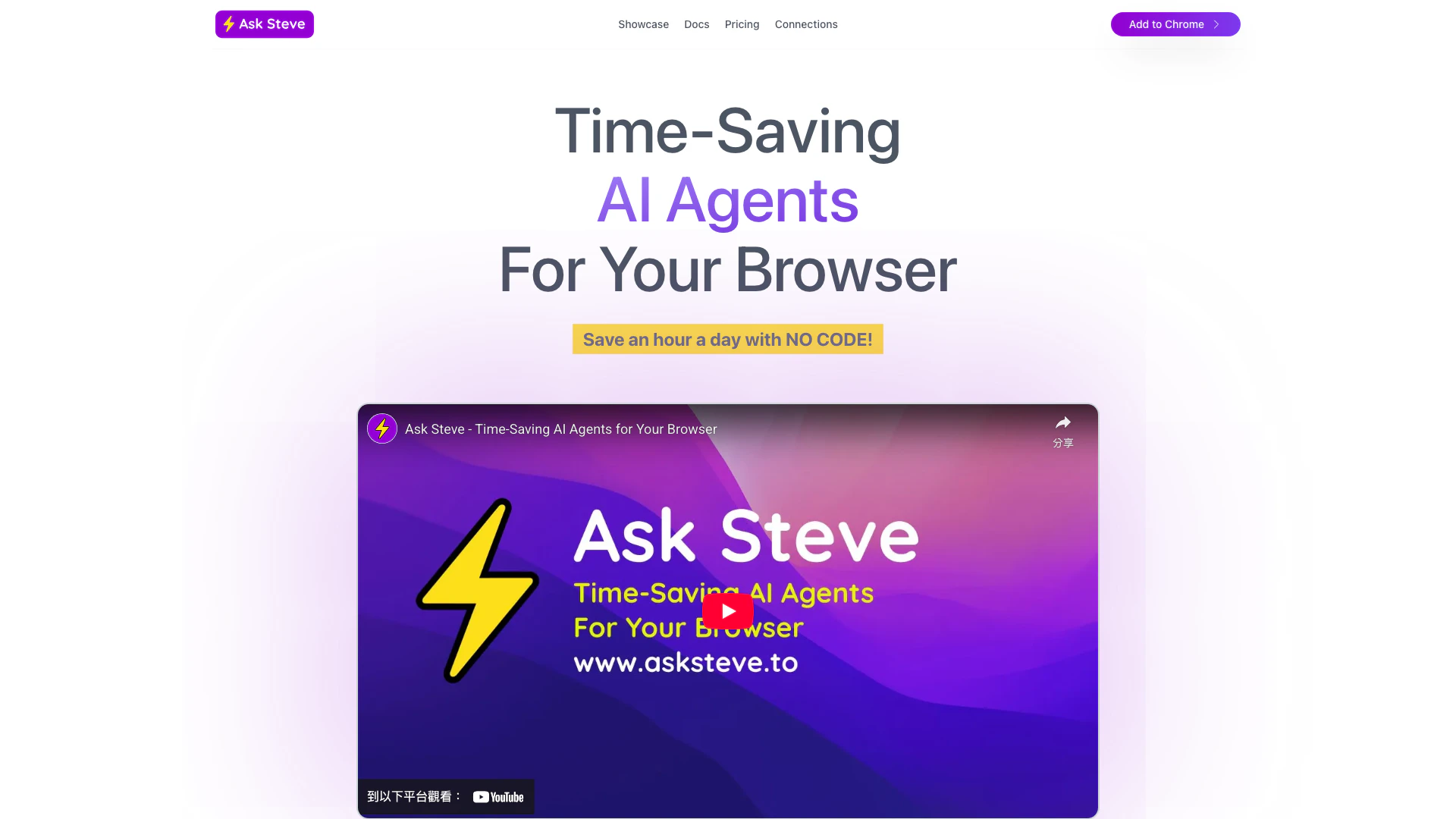
Asksteve is an innovative browser extension[1] designed to enhance productivity by providing time-saving AI agents[2] directly within your web browser. Unlike traditional chatbots that operate in separate windows, Asksteve integrates seamlessly with any website or web application, allowing users to access AI assistance right where they are working. This tool aims to eliminate tedious tasks, streamline workflows, and improve efficiency by automating various tasks with no coding required. With its contextual capabilities, Asksteve can understand the content of the current webpage, making it a powerful assistant for both personal and professional use.
How to use Asksteve?
- Install the Asksteve extension from the Chrome Web Store or Microsoft Edge Add-ons.
- Once installed, open your browser and navigate to any website where you want to use the AI agents.
- Click on the Asksteve icon in your browser toolbar to access the AI features.
- Select the task you want assistance with, such as summarizing a webpage or extracting data.
- Follow the on-screen prompts to interact with the AI agents and customize their functionality to suit your needs.
What are the main features of Asksteve?
- Contextual Assistance[3]: Asksteve agents can read and understand the content of the current webpage, providing relevant assistance based on context.
- No-Code Customization[4]: Users can create and customize AI agents without any coding knowledge, making it accessible for everyone.
- Integration with Other Tools: Easily connect to popular services like Google Sheets, Salesforce, and Microsoft Office applications for seamless data management.
- Voice Interaction: Users can communicate with their AI agents using voice commands, enhancing the interactive experience.
- Email Management: Draft replies, summarize email threads, and organize your inbox efficiently using AI agents.
Who is Asksteve for?
Asksteve is designed for a diverse range of users including professionals, students, and businesses looking to enhance their productivity. It is particularly beneficial for those who frequently work with data across multiple web applications and require assistance in managing information efficiently. Additionally, marketers and sales professionals can leverage Asksteve to streamline their outreach efforts and manage customer interactions effectively. Its user-friendly interface makes it suitable for individuals with varying levels of technical expertise.
What are the use cases of Asksteve?
- Data Extraction[5]: Quickly extract relevant information from web pages, PDFs, or spreadsheets without manual copying.
- Email Management: Use AI agents to draft replies, summarize long email threads, and create calendar events directly from emails.
- Research Assistance: Summarize articles, gather insights from various sources, and manage research data efficiently.
Asksteve Pros and Cons
Pros
- Time-Saving AI Agents: Ask Steve's AI Agents help save an hour a day by automating repetitive tasks directly in your browser, eliminating tedious grunt work.
- Contextual Assistance: The AI Agents can read the current webpage or text selection, providing contextual help and saving time on copying and pasting.
- No-Code Customization: Users can create and customize AI Agents without any coding skills, allowing for quick setup and integration with various services.
Cons
No cons data detected for this tool
Asksteve Pricing
Enterprise
"Level up" your entire company with AI Agents! Team capabilities, extension customization, create custom Tool Packs for employees or customers, tool sharing library, integration services, on-premise deployment, email support.
Pay As You Go
Buy AI Credits as you need them, pay only for what you use. Free Credits to try things out, no subscription required, no messing around with developer API keys, pay for only what you need, your data NOT used for training, credits last 1 year, email support.
For the latest pricing, please visit this link: https://www.asksteve.to/pricing
Prices are subject to change. Please visit the official website for the most up-to-date pricing information.




