

Accomplish





What is accomplish?
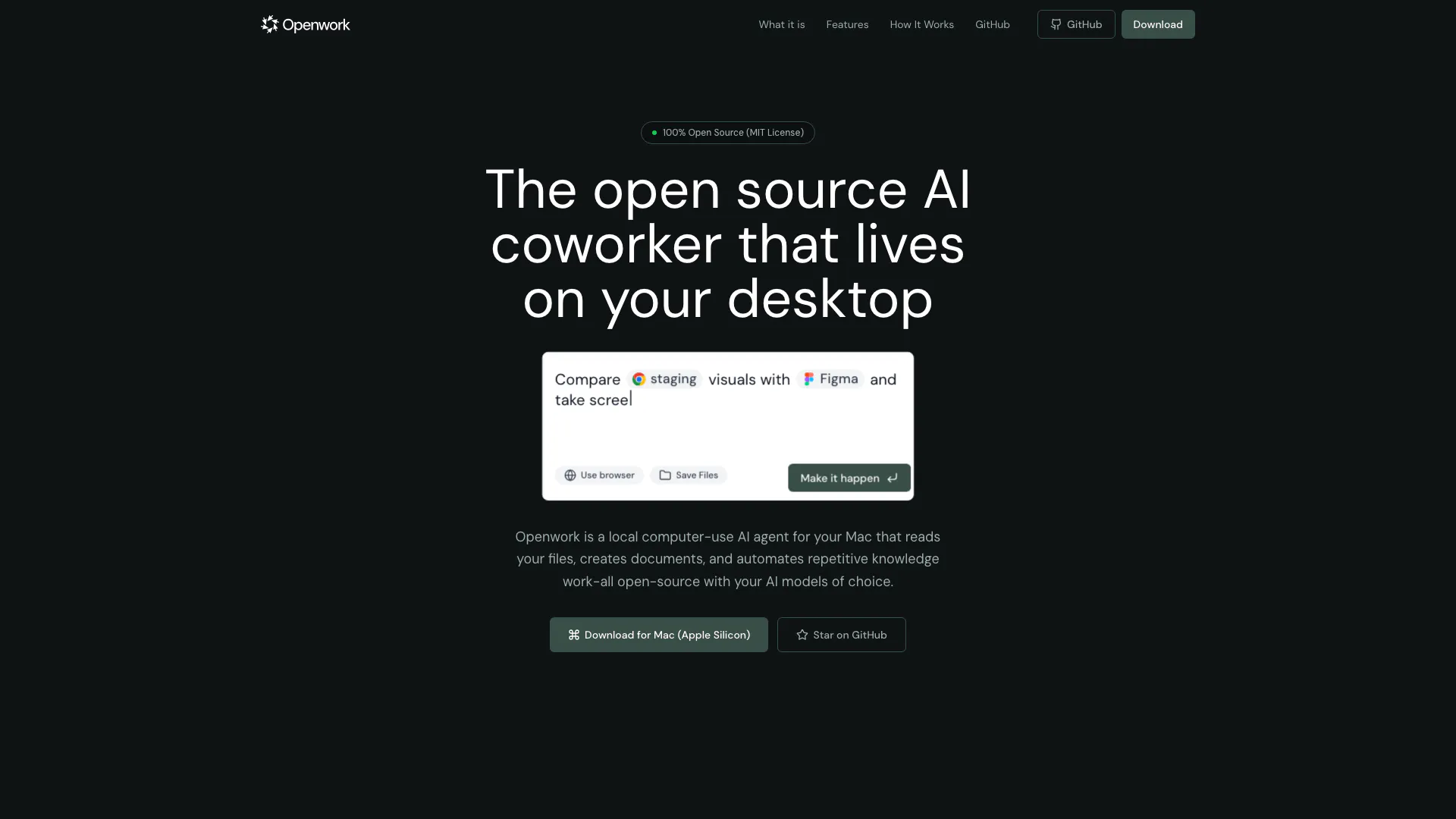
Accomplish, through its Openwork platform, is an open-source[1] AI agent[2] designed to enhance productivity[3] by automating repetitive knowledge work directly on your desktop. This powerful tool allows users to access their files, enabling the AI to organize, create, and edit documents while keeping all actions local. Unlike traditional cloud-based services, Openwork ensures that your files remain on your machine, providing you with complete control over your data. With the ability to integrate your preferred AI models, such as OpenAI or Anthropic, it serves as a versatile assistant for various tasks, making it an invaluable resource for users looking to streamline their workflow.
How to use accomplish?
To start using Accomplish, follow these simple steps: 1. Install the App: Download the DMG file from the website and drag it into your Applications folder. 2. Connect Your AI: Input your OpenAI or Anthropic API key to enable AI functionalities without any subscription fees. 3. Give It Access: Select which folders the AI can access, ensuring you maintain control over your files. 4. Start Working: Begin utilizing Openwork by asking it to summarize documents, organize folders, or generate reports, with all actions requiring your approval.
What are the main features of accomplish?
Accomplish offers a range of powerful features designed to enhance your productivity: - File Management[4]: Automatically sort, rename, and move files based on their content or custom rules. - Document Writing[5]: Generate, summarize, or rewrite documents with ease. - Tool Connections: Seamlessly integrates with popular platforms like Notion, Google Drive, and Dropbox through local APIs. - Custom Skills: Create and save repeatable workflows as custom skills for future use. - Full Control: Users approve every action, with the ability to view logs and halt operations at any time.
Who is accomplish for?
Accomplish is designed for anyone seeking to improve their productivity through AI assistance. It is particularly beneficial for professionals, students, and creatives who frequently manage documents and files and require a reliable tool to automate repetitive tasks. Whether you are a busy executive, a researcher, or a content creator, Openwork provides the necessary tools to streamline your workflow and enhance efficiency.
What are the use cases of accomplish?
Accomplish can be utilized in various scenarios, including: 1. Document Management: Automatically organizing and summarizing large sets of documents for easy access. 2. Project Preparation: Setting up project folders with required files and structures to kickstart new projects efficiently. 3. Meeting Notes: Transforming meeting notes into actionable calendar entries or follow-up documents to ensure nothing is overlooked.
Accomplish Pros and Cons
Pros
- Local File Management: Openwork allows users to manage files locally on their Mac, ensuring that sensitive data remains on the user's machine.
- Custom AI Integration: Users can integrate their own AI models, such as OpenAI or Anthropic, without any subscription fees, providing flexibility and control.
- Open Source Flexibility: Being fully open source, users can modify, fork, or improve the code as needed, promoting community-driven development.
Cons
No cons data detected for this tool




