Slaidapp
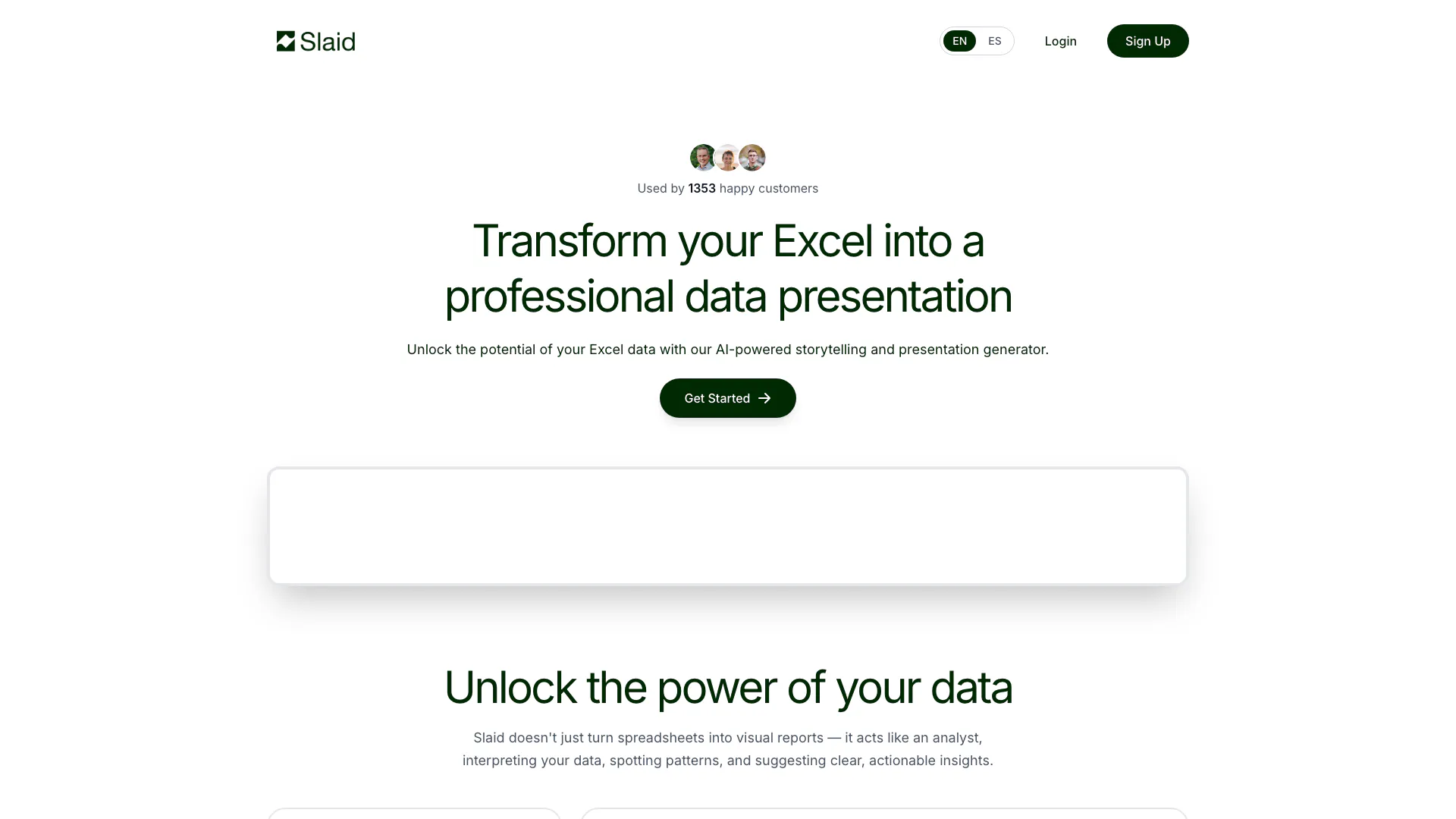





What is Slaidapp?
Slaidapp is an innovative tool designed to transform your Excel data into professional presentations instantly using AI technology. It provides smart analysis, interactive charts, and generates PowerPoint-ready reports, making it easier for users to create visually appealing presentations without needing extensive design skills. With Slaidapp, users can unlock the potential of their data by interpreting it, spotting patterns, and deriving actionable insights quickly and efficiently.
How to use Slaidapp?
- Sign up or log in to your Slaidapp account.
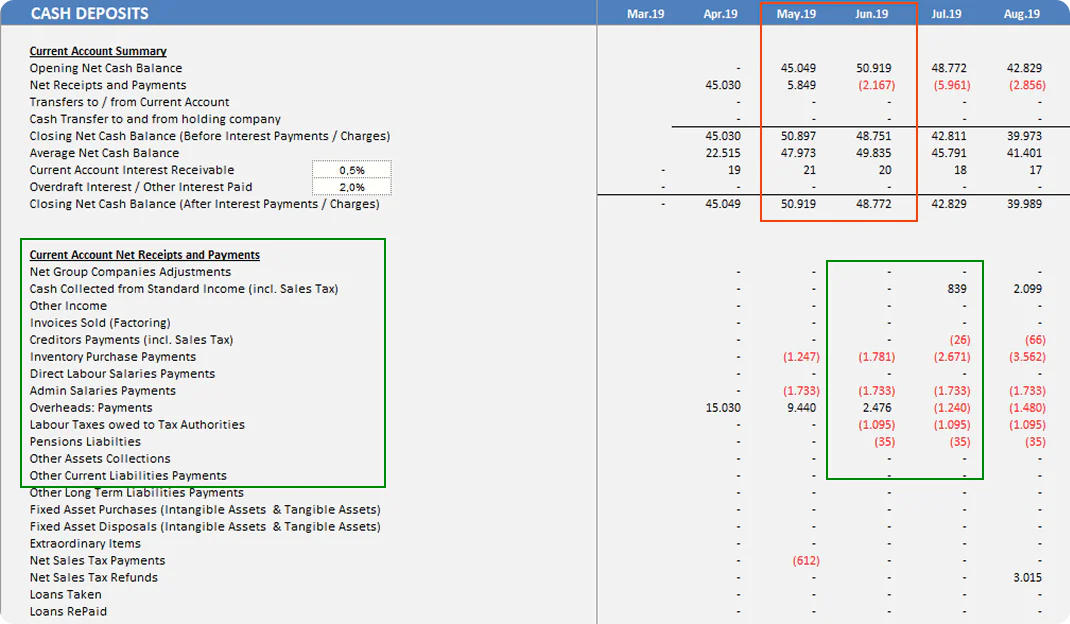
- Upload your Excel file in .xlsx, .xls, or .csv format.
- Allow Slaidapp to analyze your data automatically, identifying key metrics and trends.
- Review the generated structured presentation, which includes titles, charts, and summaries.
- Export the presentation to PowerPoint or your preferred editor for further customization.
What are the main features of Slaidapp?
- Smart Excel Analysis: Automatically analyzes uploaded spreadsheets to detect patterns and insights without manual setup.
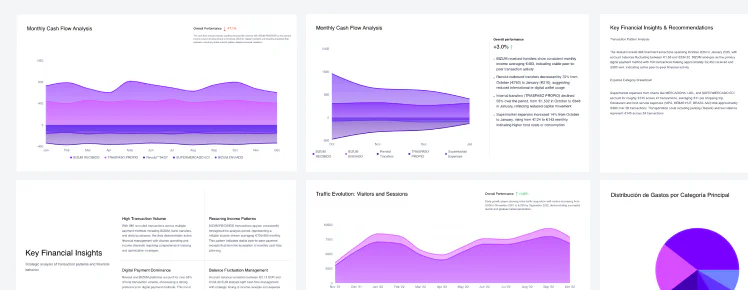
- Slide-Ready Reports: Converts raw data into structured presentations with clear titles, charts, and key takeaways.
- Interactive Charts: Allows users to explore and filter data dynamically for deeper insights.
- Export to PowerPoint: Enables users to edit and customize their presentations in PowerPoint or other editing tools.
Who is Slaidapp for?
Slaidapp is ideal for professionals, data analysts, and anyone who needs to create presentations from Excel data quickly and efficiently. It's particularly useful for business analysts, marketers, educators, and project managers who want to convey data-driven insights clearly and engagingly without requiring advanced design skills.
What are the use cases of Slaidapp?
- Creating business reports that visually represent sales trends and forecasts.
- Generating educational presentations that simplify complex data for classroom settings.
- Producing marketing presentations that highlight key performance metrics and campaign results.
Product Images

Slaidapp Pros and Cons
Pros
- AI-Powered Data Analysis: Slaidapp utilizes advanced AI to automatically analyze Excel data, detecting patterns and trends without manual setup.
- Interactive Chart Features: Users can explore and interact with charts, allowing for deeper insights and customization before exporting.
- PowerPoint Integration: Presentations can be exported to PowerPoint, enabling full editing capabilities and seamless integration into existing workflows.
Cons
No cons data detected for this tool