

Useanything




What is Useanything?
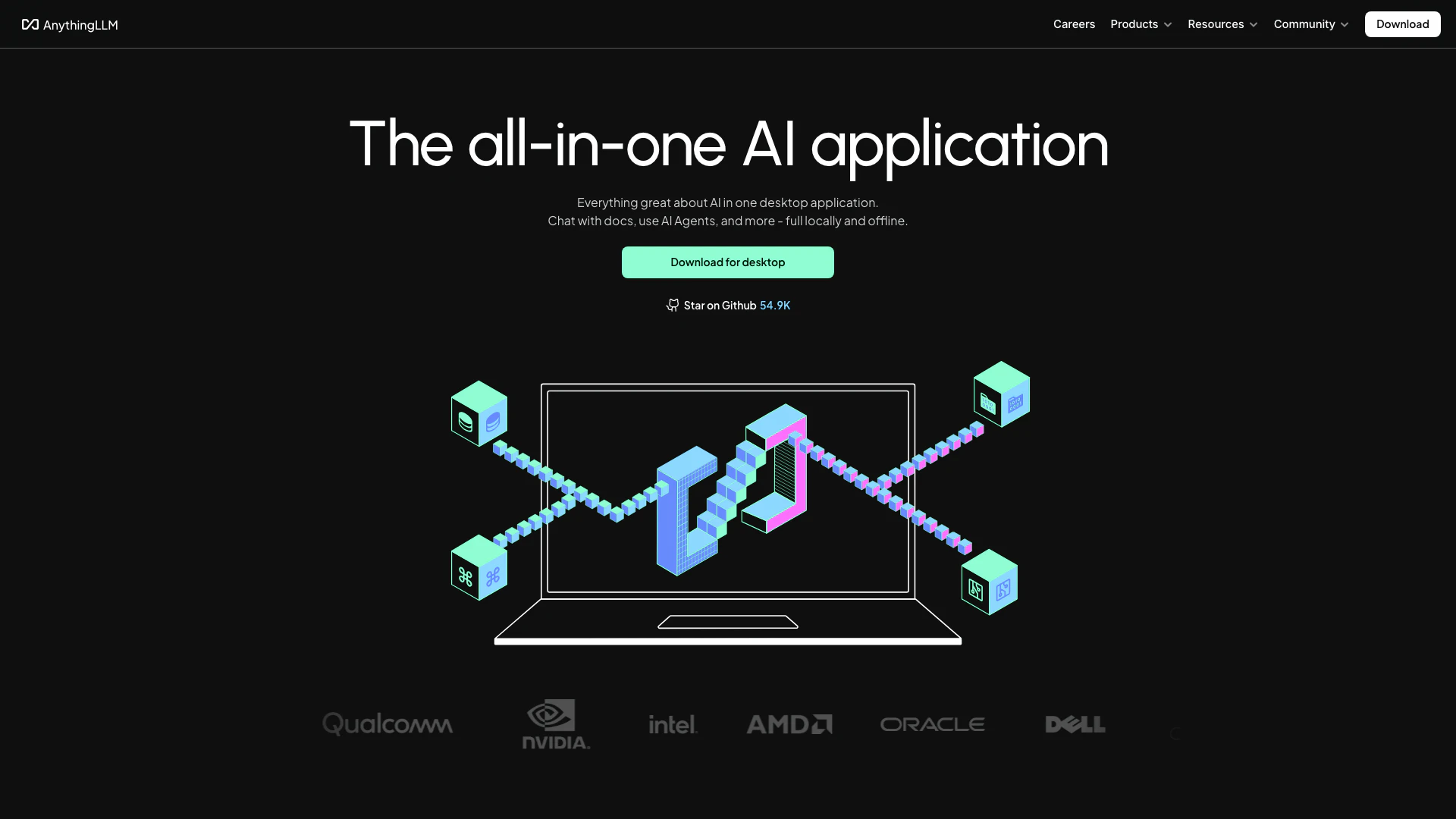
Useanything is an innovative AI application that allows users to interact with various language models[2] (LLMs) seamlessly. It enables you to chat with your documents, enhancing productivity and facilitating the use of state-of-the-art LLMs without the need for technical setup. This all-in-one desktop application supports a wide range of document types and operates fully offline, ensuring your data remains private. With Useanything, you can leverage powerful AI tools locally, making it a versatile solution for both personal and professional use.
How to use Useanything?
- Download the AnythingLLM[1] desktop application from the official website.
- Install the application on your operating system (Windows, MacOS, or Linux).
- Open the application and select the desired LLM you wish to use.
- Import documents in various formats (PDFs, Word documents, etc.) to interact with.
- Utilize the intuitive user interface[4] to chat with your documents and enhance your productivity.
What are the main features of Useanything?
- Supports any LLM for document interaction[3].
- Allows chatting with various document types including PDFs, Word documents, and CSV files.
- Operates fully offline to ensure privacy.
- One-click installation with no technical setup required.
- Simple user interface designed for non-developers.
- Open-source and customizable to fit specific needs.
- Compatible with multi-modal LLMs, supporting text, images, and audio.
Who is Useanything for?
Useanything is designed for a broad range of users, including professionals, students, and businesses looking to enhance their productivity through AI. It's particularly suitable for individuals who require document management and interaction without the complexities of technical setups. Additionally, teams and organizations that prioritize data privacy and need a powerful tool for collaboration can benefit greatly from the features offered by Useanything.
What are the use cases of Useanything?
- Enhancing productivity by allowing users to interact with documents using AI chat capabilities.
- Assisting researchers and students in analyzing and extracting information from academic papers and reports.
- Supporting businesses in managing and querying large datasets and documents securely and privately.
Product Images





Useanything Pros and Cons
Pros
- All-in-One AI Application: AnythingLLM is a comprehensive AI tool that allows users to chat with documents, enhancing productivity without the need for technical setup.
- Full Privacy: The application ensures that all data is stored and processed locally, providing users with complete privacy and control over their information.
- Supports Multiple Document Types: AnythingLLM can handle various document formats including PDFs, Word documents, and CSVs, allowing users to work with diverse data sources.
Cons
No cons data detected for this tool
Useanything Pricing
Self-Hosted & Cloud
AnythingLLM Hosted and self-hosted brings the power of AI to your entire team with multi-user access and privacy.
For the latest pricing, please visit this link: https://anythingllm.com/cloud
Prices are subject to change. Please visit the official website for the most up-to-date pricing information.
Analytics of Useanything
Useanything Website Traffic Analysis
Visits Over Time
Traffic Sources
Nov 2025 - Jan 2026 Worldwide Desktop Only
- Search: 47.97%
- Direct: 35.38%
- Referrals: 10.87%
- Social: 4.63%
- Paid Referrals: 0.91%
- Mail: 0.11%
Top Keywords
| Keyword | Volume | CPC | Estimated Value |
|---|---|---|---|
| ollama | 733.68K | $1.91 | $460.00 |
| anythingllm | 65.75K | $2.70 | $2440.00 |
| lmstudio | 63.82K | $2.28 | $190.00 |
| anything llm | 15.88K | $3.22 | $330.00 |
| anything llm api | 300 | $0.00 | $190.00 |




Useanything Social Listening
Unlimited AI Agents running lo...
Hey everyone, Recently in Any...
通过RAG给本地AI大模型投喂数据创建私有AI知识库
使用RAG工具Anything LLM䢎本地部署AI大模型投...
Creating no-code AI AGENTS tha...
In this video, I am exicited t...
Unlock to view 41 social media results.