

Trimbox





What is Trimbox?
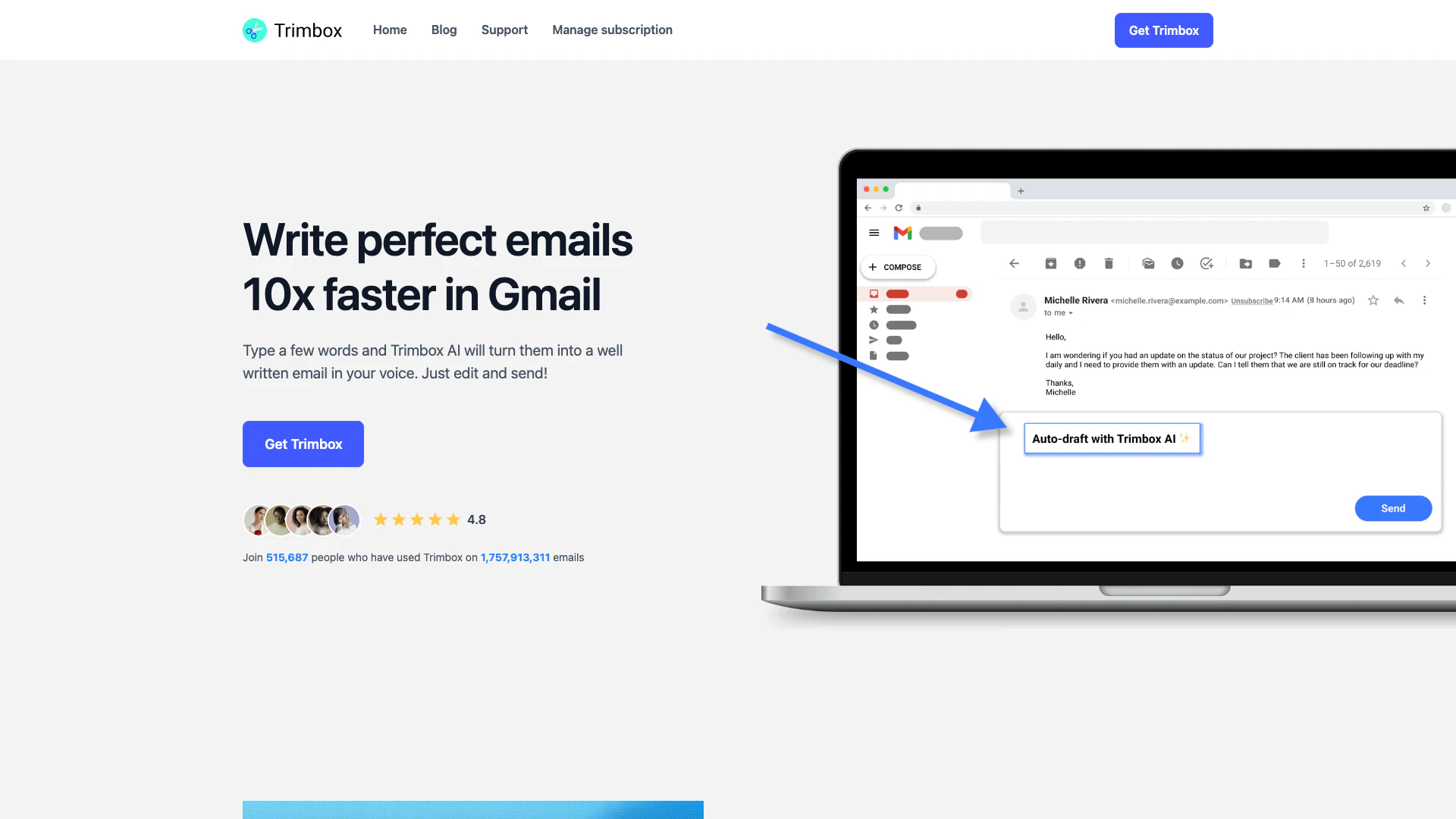
Trimbox is an innovative AI tool[2] designed to automatically draft email replies[1] directly within Gmail. By utilizing advanced artificial intelligence, Trimbox helps users save time and regain control over their inboxes. Instead of spending hours writing emails, users can simply type a few words, and Trimbox will generate a well-crafted email in their voice. This tool aims to streamline email communication, making it quicker and more efficient for individuals and professionals alike.
How to use Trimbox?
- Install Trimbox from the official website and connect it to your Gmail account.
- Open your Gmail inbox and start composing an email or replying to an existing one.
- Type a few keywords or phrases related to the email you want to send.
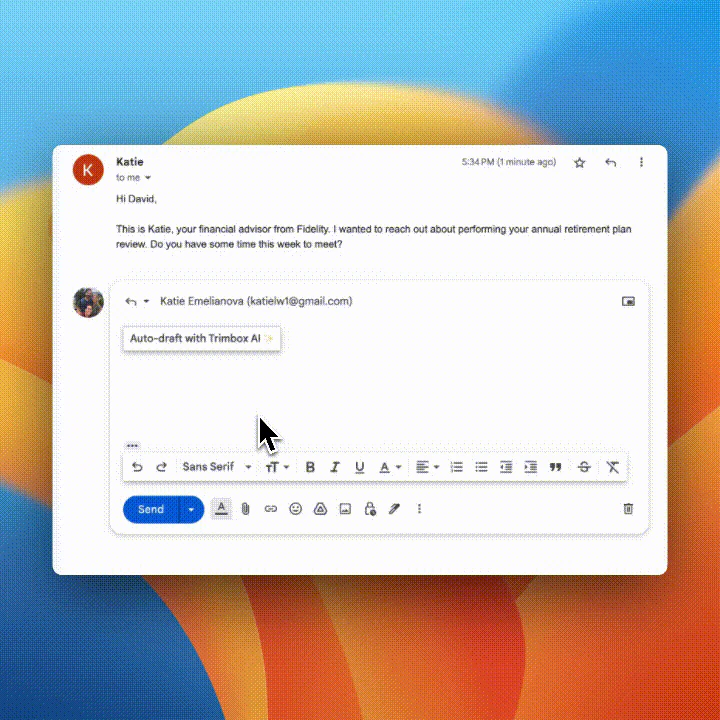
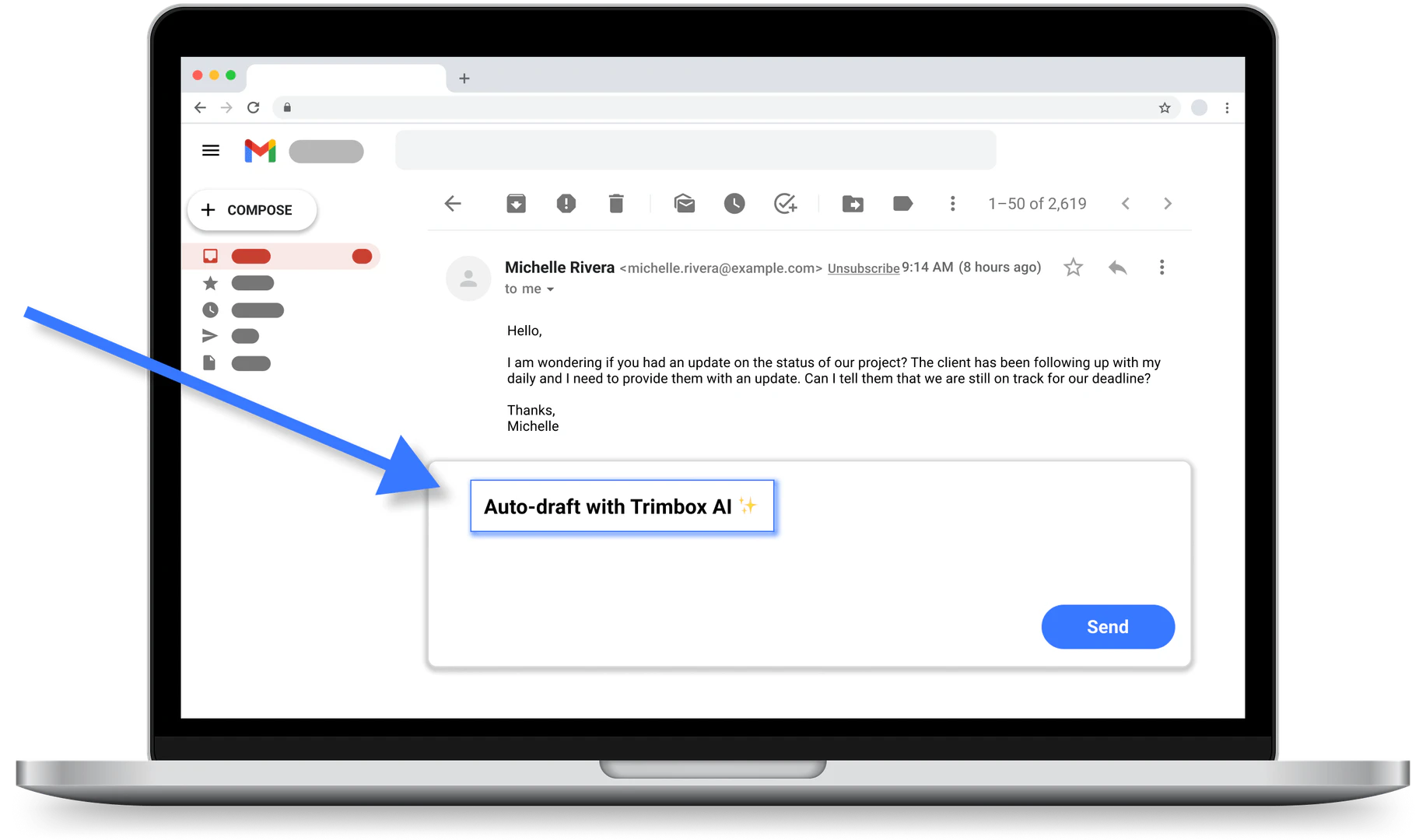
- Let Trimbox automatically generate a draft email based on your input.
- Review the generated email, make any necessary edits, and click 'Send'.
What are the main features of Trimbox?
- Automatically drafts email replies in Gmail.
- Generates professional emails[4] quickly based on user input[5].
- Allows users to edit drafts before sending.
- One-click unsubscribe from mailing lists.
- Mass delete old emails from a sender with just one click.
- Integrates seamlessly within the Gmail interface.
Who is Trimbox for?
Trimbox is designed for anyone who uses Gmail and wants to improve their email efficiency. This includes busy professionals, entrepreneurs, and individuals overwhelmed by email management[3]. It is particularly beneficial for those who receive a high volume of emails daily and need a solution to streamline their communication process while maintaining a personal touch.
What are the use cases of Trimbox?
- Quickly responding to customer inquiries in a professional manner.
- Drafting follow-up emails after meetings or events.
- Managing subscription emails by unsubscribing from unwanted lists effortlessly.
- Cleaning up an overloaded inbox by deleting old emails from specific senders.
- Creating templates for recurring email responses to save time.
Product Images
Trimbox Pros and Cons
Pros
- Quick Email Drafting: Trimbox allows users to draft professional emails quickly by typing just a few words, saving significant time in email communication.
- Seamless Gmail Integration: The tool integrates directly with Gmail, enabling users to draft and manage emails without leaving their inbox.
- Unsubscribe and Clean Up: With a single click, users can unsubscribe from unwanted email lists and mass delete old emails, helping to maintain a clutter-free inbox.
Cons
No cons data detected for this tool
Trimbox Reviews
Most useful extension EVER! Fantastic!
My email had become a trashcan over the last 20 years. Excellent tool and incredibly cathartic.
This makes it so easy to clean up your inbox and unsubscribe from mailing lists.
For more reviews, visit this link: https://www.trimbox.io/trimbox-ai#reviews




