
Last updated:

Tamemyinbox
Introduction:
AI email assistant that organizes your inbox.
Launch Date:
Monthly Visits:
--
Inputs:
Outputs:
Supported Languages:
EN
AI Models:
IRIS
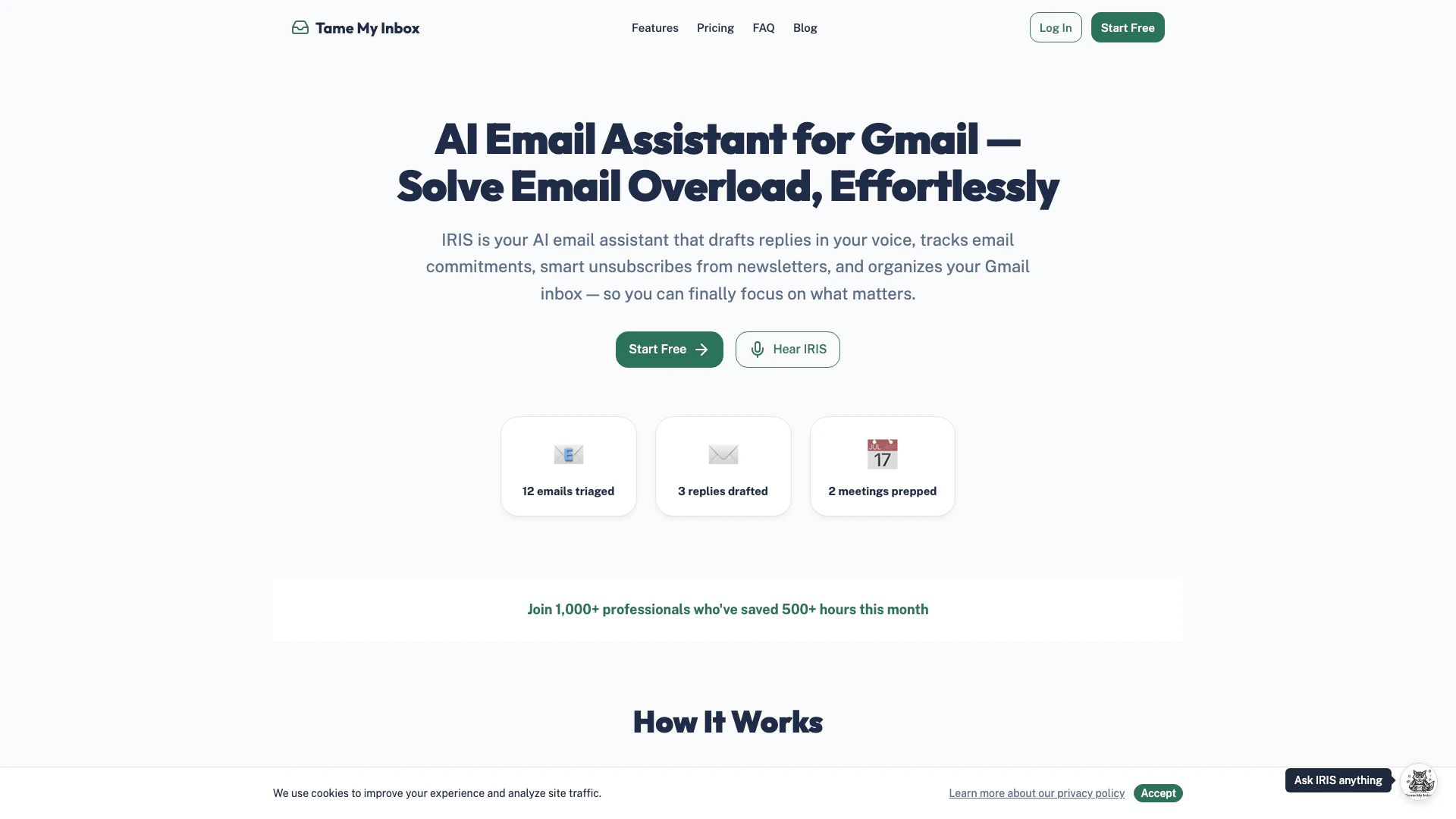





Tamemyinbox Overview
What is Tamemyinbox?
Tamemyinbox is an AI email assistant[1] designed specifically for Gmail users. It streamlines email management by sorting your inbox, drafting replies in your voice, tracking commitments, managing subscriptions, and alleviating email overload[3]. With Tamemyinbox, users can focus on important tasks while the AI handles routine email processes, ensuring a more organized and efficient inbox experience.
How to use Tamemyinbox?
- Sign up for a free account on the Tamemyinbox website.
- Connect your Gmail account to allow the AI to access your inbox.
- Customize your preferences for how you want emails sorted and responses drafted.
- Let the AI assistant manage your emails by sorting, drafting replies, and tracking commitments.
What are the main features of Tamemyinbox?
- AI-driven inbox sorting[2] to prioritize important emails.
- Drafts replies in your voice, making email communication seamless.
- Tracks commitments and reminders for meetings and deadlines.
- Smart unsubscribe[4] feature to manage unwanted newsletters.
- Provides analytics on email management efficiency.
Who is Tamemyinbox for?
Tamemyinbox is ideal for busy professionals[5], entrepreneurs[6], and anyone who uses Gmail and struggles with email overload. It caters to individuals who want to enhance their productivity by automating email management, thus allowing them to focus on more critical tasks and communications.
What are the use cases of Tamemyinbox?
- Professionals can streamline their daily email correspondence, saving time and reducing stress.
- Entrepreneurs can manage client communications efficiently, ensuring timely responses and follow-ups.
- Teams can collaborate more effectively by tracking commitments and organizing shared inboxes.
Tamemyinbox Pros and Cons
Pros
- AI-Powered Email Management: IRIS efficiently manages your Gmail inbox by sorting emails, drafting replies, and tracking commitments, helping you focus on important tasks.
- Time-Saving Features: Users have reported saving over 500 hours in a month, thanks to automated email triaging and smart unsubscribing from newsletters.
- User-Friendly Interface: The tool is designed to be intuitive, allowing users to easily navigate and utilize its features without a steep learning curve.
Cons
No cons data detected for this tool





