Superscribe





What is Superscribe?
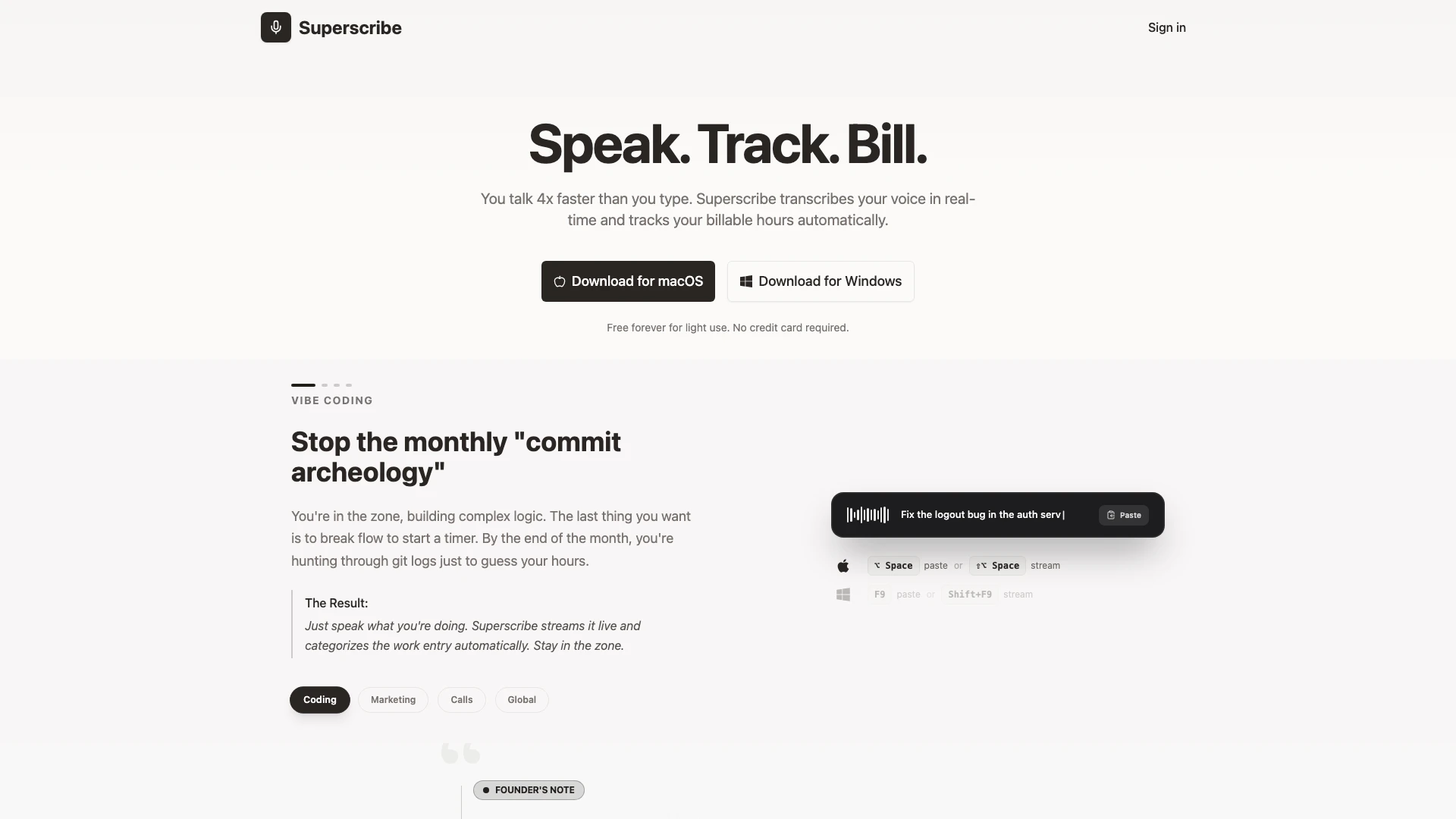
Superscribe is an innovative voice-to-text[1] dictation tool that allows users to transcribe their voice in real-time while automatically tracking billable hours. Designed for both macOS and Windows, Superscribe enables users to speak four times faster than they can type, ensuring that important ideas and thoughts are captured instantly. The tool is particularly beneficial for professionals in various fields, including developers, lawyers, and consultants, who need to maintain their workflow without the interruption of manual time tracking.
How to use Superscribe?
- Download and install Superscribe on your macOS or Windows device.
- Open the application and sign in or start using it for free without an account.
- Select your preferred language and set up your project.
- Begin dictating your thoughts or notes; Superscribe will transcribe your voice in real-time.
- Review and edit the transcriptions as needed, and let Superscribe automatically track your billable hours.
What are the main features of Superscribe?
- Real-time voice-to-text transcription.
- Automatic time tracking[2] for billable hours.
- Multi-language transcription support.
- AI-powered summaries[3] for quick insights.
- PDF invoice and report generation.
- Unlimited transcription and project management in the Pro plan.
Who is Superscribe for?
Superscribe is ideal for professionals who require efficient documentation and time tracking. This includes developers, lawyers, consultants, and creators who often need to capture ideas and notes quickly while maintaining their workflow. The tool is designed for anyone looking to enhance productivity by eliminating the need for manual typing and time logging.
What are the use cases of Superscribe?
- Dictating project strategies during brainstorming sessions to capture ideas instantly.
- Transcribing phone calls or meetings on the fly for accurate record-keeping.
- Logging billable hours automatically while working on various projects without manual entry.
Product Images


Superscribe Pros and Cons
Pros
- Real-Time Voice Transcription: Superscribe transcribes your voice in real-time, allowing users to capture thoughts and ideas instantly without typing.
- Automatic Time Tracking: The tool automatically tracks billable hours, reducing the need for manual logging and ensuring accurate billing.
- Multi-Language Support: Superscribe supports multi-language transcription, making it versatile for users who work in different languages.
Cons
No cons data detected for this tool
Superscribe Pricing
Free
Try it out - 30 min transcription/month, 1 project, Automatic time tracking, Multi-language transcription, Reports in any language.
Pro
For professionals - Unlimited transcription, Unlimited projects & clients, AI-powered summaries, PDF invoices & reports.
Lifetime
Pay once, use forever - Everything in Pro, forever, All future updates included, Founding member badge.
For the latest pricing, please visit this link: https://superscribe.io/
Prices are subject to change. Please visit the official website for the most up-to-date pricing information.