Slatebox Text To Mindmaps And More
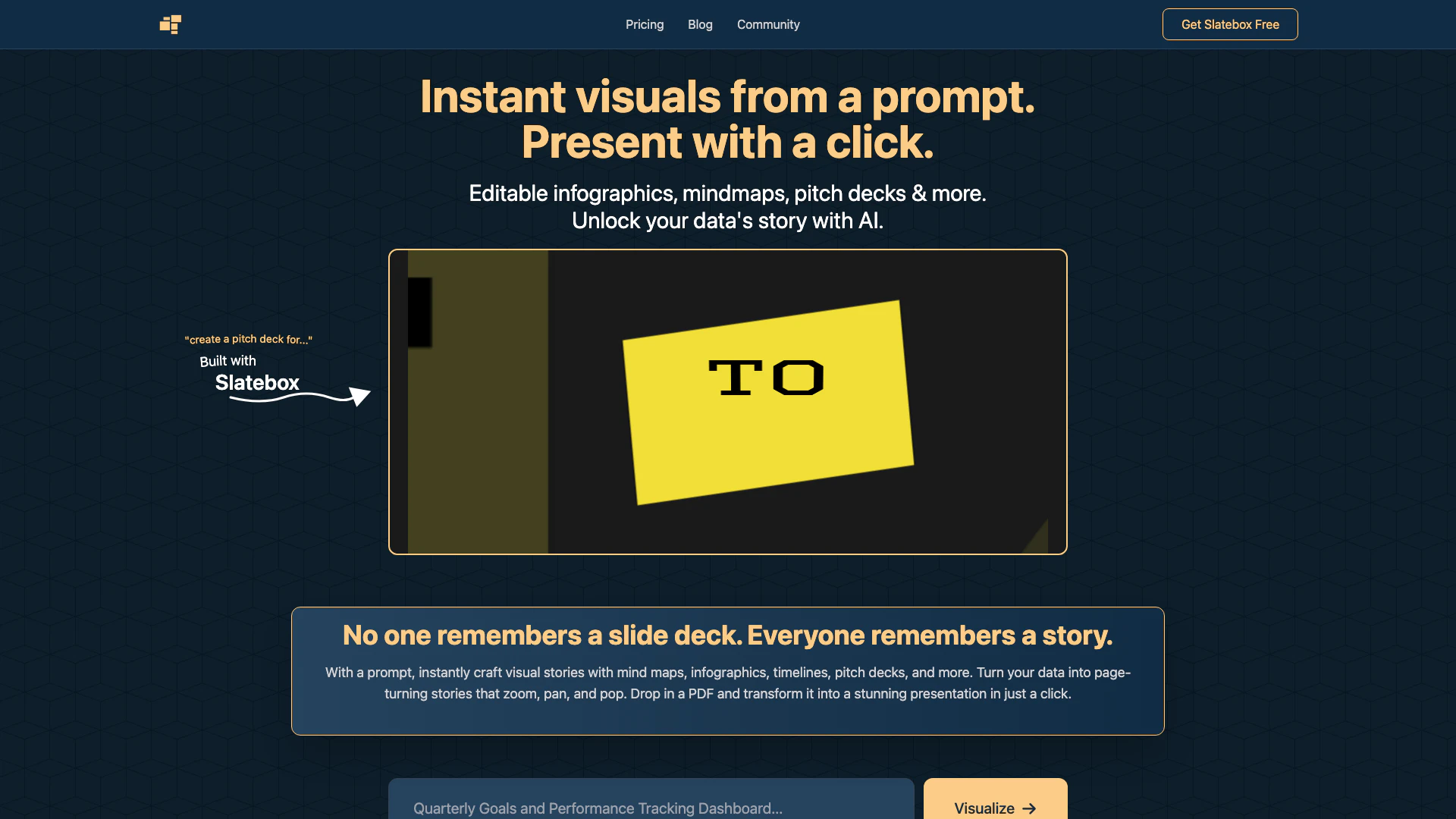




What is Slatebox Text To Mindmaps And More?
Slatebox Text To Mindmaps And More is an innovative AI-powered tool designed to transform textual prompts into engaging visual content such as infographics, mind maps, timelines, and pitch decks. It allows users to present complex data in a visually appealing manner with just a single click. By leveraging AI, Slatebox simplifies the process of creating visually dynamic presentations, making it easier for users to tell their data's story effectively.
How to use Slatebox Text To Mindmaps And More?
- Start by typing a prompt in the Slatebox interface to create a new slate.
- Once the slate is loaded, click the present button to generate your visual presentation.
- Edit the created slate as needed to customize your infographic or mind map before presenting.
What are the main features of Slatebox Text To Mindmaps And More?
- AI-Powered Insights: Automatically receive suggestions on the best ways to visualize your content.
- Editable Infographics and Mind Maps: All visuals created can be fully edited to suit your needs.
- Dynamic Presentations: Create engaging presentations that can zoom, pan, and pop with just one click.
- Real-time Collaboration: Work simultaneously with others on an infinite canvas using multi-cursor support.
- Extensive Template Library: Access hundreds of templates including SWOT analyses and Venn diagrams.
Who is Slatebox Text To Mindmaps And More for?
Slatebox is ideal for professionals, educators, and students who need to present information visually. It caters to individuals who want to create impactful presentations without extensive design skills. Whether you are a business leader looking to pitch ideas, a teacher wanting to create engaging lesson materials, or a student preparing for a project, Slatebox provides the tools necessary to turn data into compelling visual stories.
What are the use cases of Slatebox Text To Mindmaps And More?
- Creating Pitch Decks: Quickly transform ideas into professional pitch presentations for meetings or investor discussions.
- Educational Materials: Develop interactive mind maps and infographics for teaching complex subjects in classrooms.
- Project Management: Visualize project timelines and workflows to improve team collaboration and project tracking.
Product Images

Slatebox Text To Mindmaps And More Pros and Cons
Pros
- Instant Visual Content Creation: Users can instantly create visual stories such as mind maps, infographics, and pitch decks with just a prompt.
- Real-time Collaboration: The platform supports real-time collaboration with multi-cursor support on an infinite canvas.
- Affordable Pricing Options: The service offers a free tier, monthly, and annual pricing with significant savings for annual subscriptions.
- AI-Powered Insights: AI suggestions help users visualize and present their content effectively.
- Wide Range of Templates: Users can choose from hundreds of templates, including SWOT analyses and Venn diagrams, to start their projects.
Cons
- Mobile Creation Not Available Yet: While presentations are viewable on mobile, the full slate creation feature is still pending in the mobile app.
Slatebox Text To Mindmaps And More Pricing
Forever Free
Get started instantly with 10 AI Slates/Month, Audio Huddles, 3 Private Slates, 10 Magic Links/Month, and Public Collaboration.
Solo-Pro
Everything in Free, plus 200 AI Slates/Month, Video Huddles, Unlimited Private Slates, Google Image Search, and 25 Guest Passes/Month.
Team-Pro
Everything in Pro, plus 500 AI Slates/Month, Custom AI Personas, API Access, and Private Team Collaboration.
For the latest pricing, please visit this link: https://slatebox.com/#pricing
Prices are subject to change. Please visit the official website for the most up-to-date pricing information.
Analytics of Slatebox Text To Mindmaps And More
Slatebox Text To Mindmaps And More Website Traffic Analysis
Visits Over Time
Traffic Sources
Nov 2025 - Dec 2025 Worldwide Desktop Only
- Search: 43.05%
- Direct: 35.73%
- Referrals: 13.64%
- Social: 4.47%
- Paid Referrals: 1.54%
- Mail: 0.22%
Top Keywords
| Keyword | Volume | CPC | Estimated Value |
|---|---|---|---|
| pixabay_api_key | 460 | $0.00 | $0.00 |
| slatebox | 120 | $0.00 | $110.00 |