Frontender





What is Frontender?
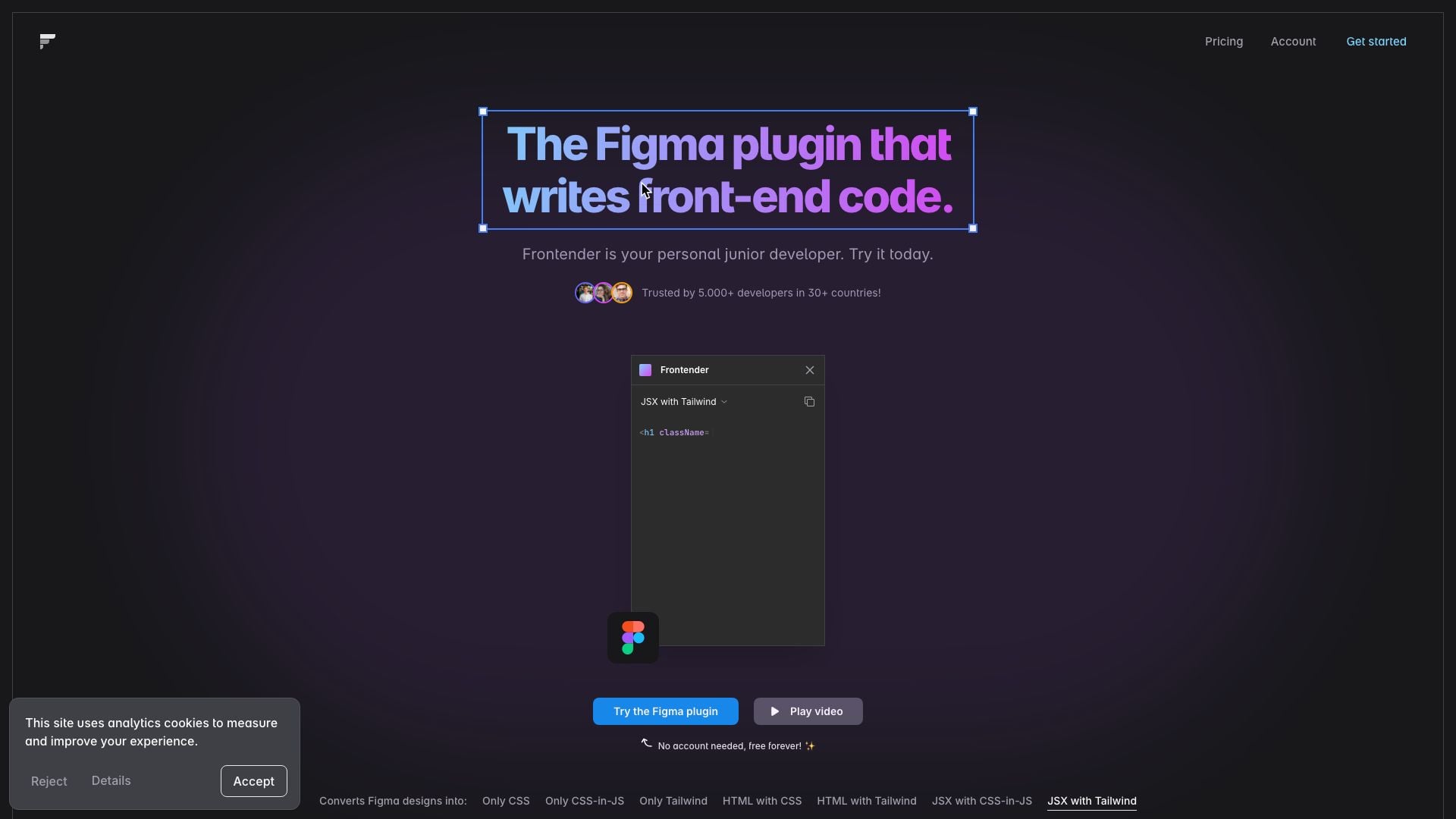
Frontender is a powerful Figma plugin designed to streamline the front-end development workflow by converting Figma designs directly into front-end code. Acting as a personal junior developer, Frontender simplifies the process of transforming design elements into usable code, supporting various frameworks such as React, Vue, and Svelte. With its ability to generate CSS, Tailwind, and JSX code, Frontender significantly enhances productivity for developers and designers alike.
How to use Frontender?
- Install the Frontender plugin from the Figma community.
- Open a Figma file containing the design you wish to convert.
- Select any layer or element in the design.
- Activate the Frontender plugin and choose the desired output format (CSS, Tailwind, JSX, etc.).
- Review and copy the generated front-end code for use in your project.
What are the main features of Frontender?
- Converts Figma designs into various code formats including CSS, Tailwind, HTML, and JSX.
- Supports multiple frameworks such as React, Vue, and Svelte.
- Does not rely on autolayout or organized layers, making it effective even with messy Figma files.
- Understands CSS and Tailwind deeply, including support for custom configurations.
- Offers 15 free conversions each month with no account required.
Who is Frontender for?
Frontender is ideal for front-end developers, UI/UX designers, and anyone involved in web development who uses Figma for design. It caters to those looking to enhance their workflow efficiency by automating the coding process from design to development. Whether you're a freelance developer, part of a design team, or a startup looking to speed up your project delivery, Frontender provides a valuable tool to simplify and accelerate front-end coding.
What are the use cases of Frontender?
- Quickly converting design prototypes from Figma into functional front-end code for faster development cycles.
- Assisting designers who want to understand how their designs translate into code, facilitating better collaboration with developers.
- Supporting developers in projects where rapid prototyping is needed, allowing for swift iterations based on design feedback.
Frontender Pros and Cons
Pros
- Free forever with no account needed: Users can try Frontender for free without the need for an account, allowing easy access to its features.
- Versatile conversion options: Frontender can convert Figma designs into multiple formats including CSS, JSX, and Tailwind, making it flexible for various development needs.
- Works with any Figma file: Frontender can handle Figma files without requiring them to be well-organized, making it user-friendly for designers with messy files.
- Custom Tailwind configuration support: Users can input their custom Tailwind configurations, allowing Frontender to generate production-ready code that fits their specific needs.
Cons
No cons data detected for this tool