

Figma
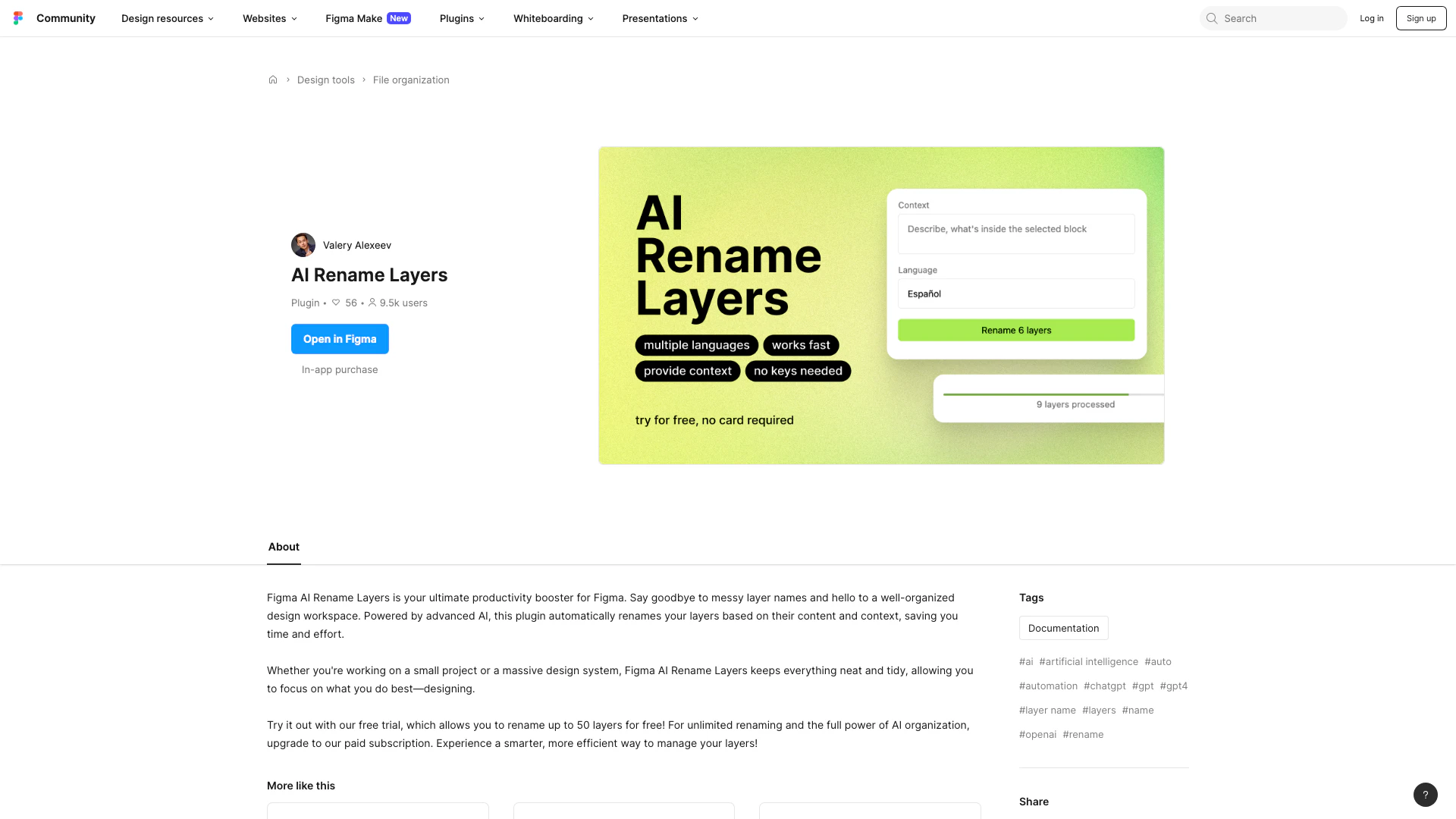





What is Figma AI Rename Layers?
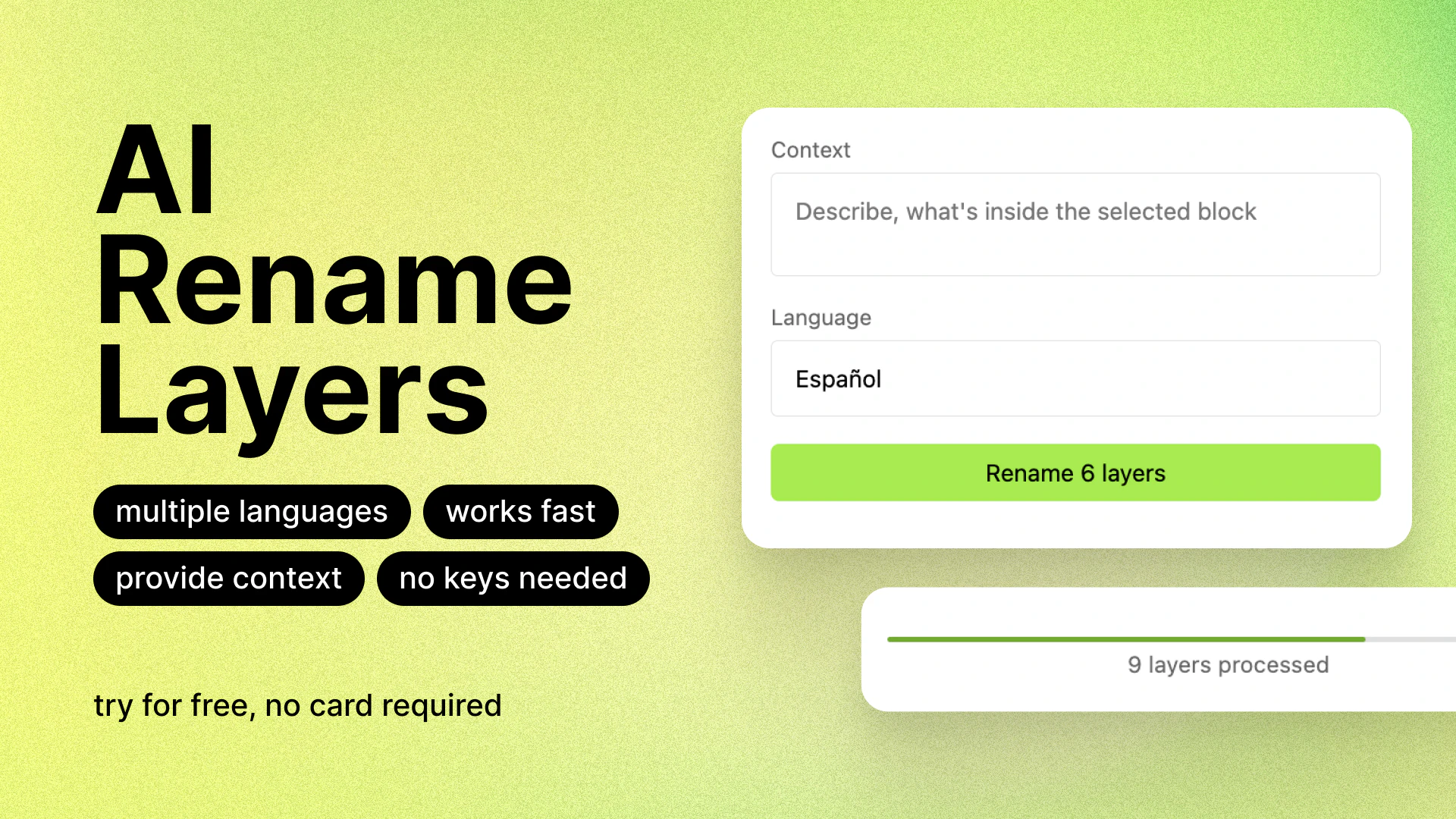
Figma AI Rename Layers is a powerful productivity plugin designed for Figma users. This tool automatically renames design layers based on their content and context, helping to organize your workspace efficiently. By utilizing advanced AI technology, it eliminates the hassle of manually renaming layers, thus saving valuable time and effort. Whether you're working on simple projects or complex design systems, this plugin ensures that your layers are consistently named, allowing you to focus on your design work without distractions.
How to use Figma AI Rename Layers?
- Install the Figma AI Rename Layers plugin from the Figma community.
- Open your design file in Figma where you want to rename layers.
- Launch the plugin by selecting it from the plugins menu.
- Choose the layers you want to rename, or select all layers in the document.
- Click the 'Rename Layers' button to automatically rename the selected layers based on their content and context.
- Review the renamed layers in your layers panel to ensure they are organized as desired.
What are the main features of Figma AI Rename Layers?
- Automatic Layer Renaming: The plugin intelligently renames layers based on their content and context.
- Time-Saving: Reduces the manual effort required to organize layers, boosting productivity.
- User-Friendly Interface: Easy to use with a straightforward setup process.
- Supports Multiple Layers: Allows renaming of multiple layers simultaneously, perfect for large projects.
- Free Trial Available: Users can try renaming up to 50 layers for free before subscribing.
Who is Figma AI Rename Layers for?
Figma AI Rename Layers is designed for designers, UI/UX professionals, and anyone who uses Figma for their design projects. It's particularly beneficial for teams working on large design systems where layer organization is crucial for collaboration and efficiency. This tool is ideal for both novice and experienced designers looking to streamline their workflow and maintain a clean and organized workspace.
What are the use cases of Figma AI Rename Layers?
- Organizing Complex Design Systems: Automatically rename layers in large design systems to maintain clarity and structure.
- Streamlining Team Collaboration: Ensure all team members have a consistent naming convention for layers, enhancing communication.
- Speeding Up Design Processes: Quickly rename layers in bulk, allowing designers to focus more on creativity rather than administrative tasks.
Product Images

Figma Pros and Cons
Pros
- Automated Layer Renaming: The plugin automatically renames layers based on their content and context, enhancing organization and saving time.
- Productivity Enhancement: Figma AI Rename Layers boosts productivity by eliminating messy layer names, allowing designers to focus on their work.
- Free Trial Available: Users can try the plugin with a free trial that allows renaming up to 50 layers, making it accessible for initial testing.
Cons
No cons data detected for this tool
Analytics of Figma
Figma Website Traffic Analysis
Visits Over Time
Traffic Sources
Nov 2025 - Jan 2026 Worldwide Desktop Only
- Direct: 74.83%
- Search: 18.36%
- Referrals: 5.84%
- Paid Referrals: 0.48%
- Social: 0.44%
- Mail: 0.05%
Top Keywords
| Keyword | Volume | CPC | Estimated Value |
|---|---|---|---|
| figma | 4.11M | $0.58 | $1000000.00 |
| figma make | 212.59K | $0.92 | $174480.00 |
| 피그마 | 153.82K | $0.00 | $169430.00 |
| фигма | 140.74K | $0.35 | $188410.00 |
| figma download | 129.49K | $1.13 | $115950.00 |





Figma Social Listening
Figma UI Design Tutorial: Get ...
✅ Check out our FREE FACILITAT...
Figma tutorial for Beginners: ...
FREE TRAINING: 3 Steps to Buil...
Figma Tutorial: Variants
Figma is free to use. Sign up ...
Unlock to view 76 social media results.